ORICO Offline Clone Hard Drive Docking Station USB3.0 & Type-C 5Gbps Dual-bay Hard Disk Enclosure 2.5/3.5 Inch HDD/SSD
SPECIFICATIONS
Brand Name: Orico
Case Material: Plastic
External Interface: USB
Feature 1: SATA to Type-C
Feature 2: SATA to USB3.0
Feature 3: 2.5" 3.5" SATA to USB3.0
Feature 4: Offline Clone HDD Docking Station
For Seagate / Toshiba: For Westem Digital / Samsung/ Hitachi
Heat Dissipation: Yes
High-concerned chemical: none
Item: Clone 3.5 Inch HDD Station
LED indicator: Yes
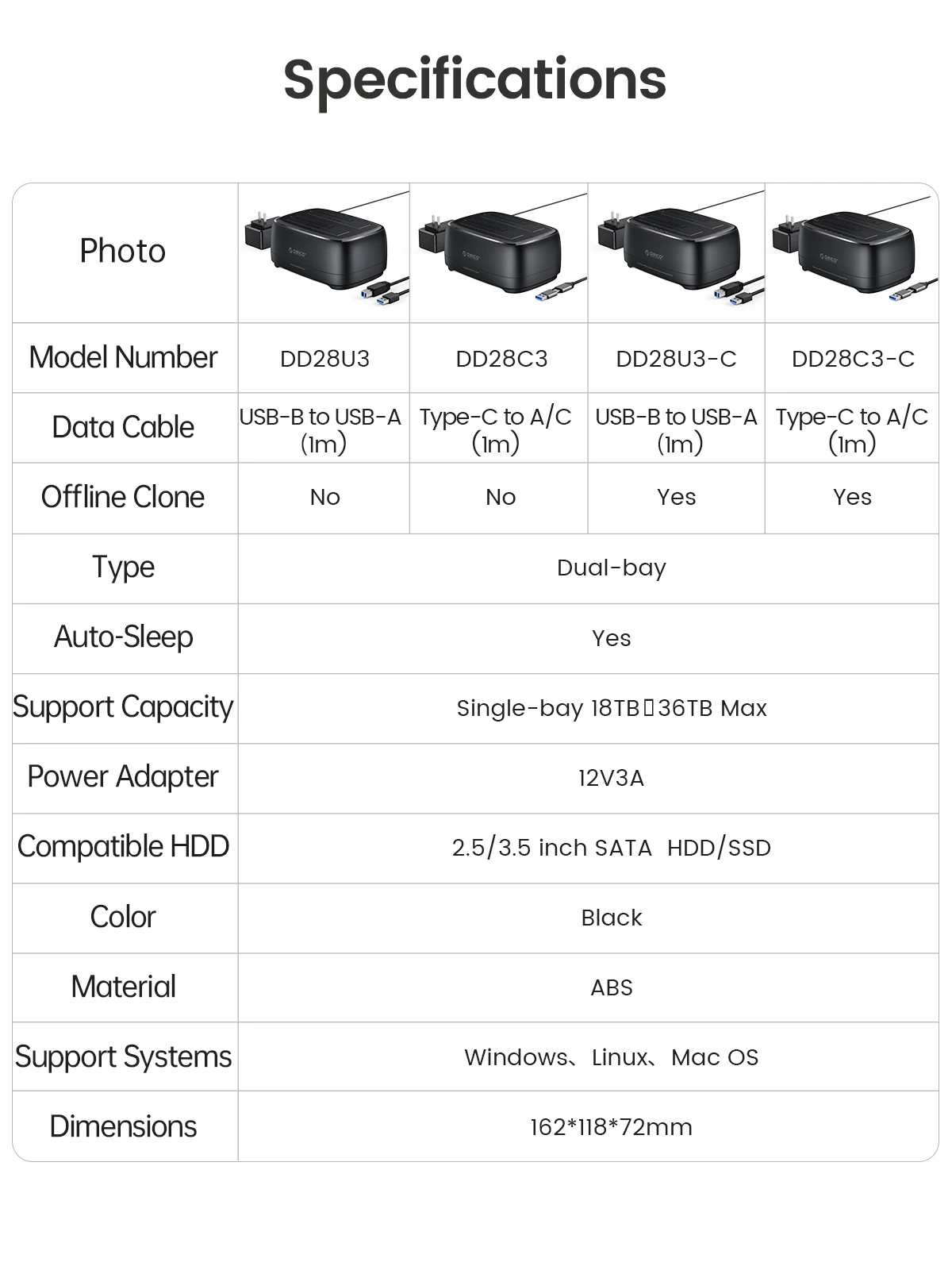
Model Number: DD28U3-C/DD28C3-C
Origin: Mainland China
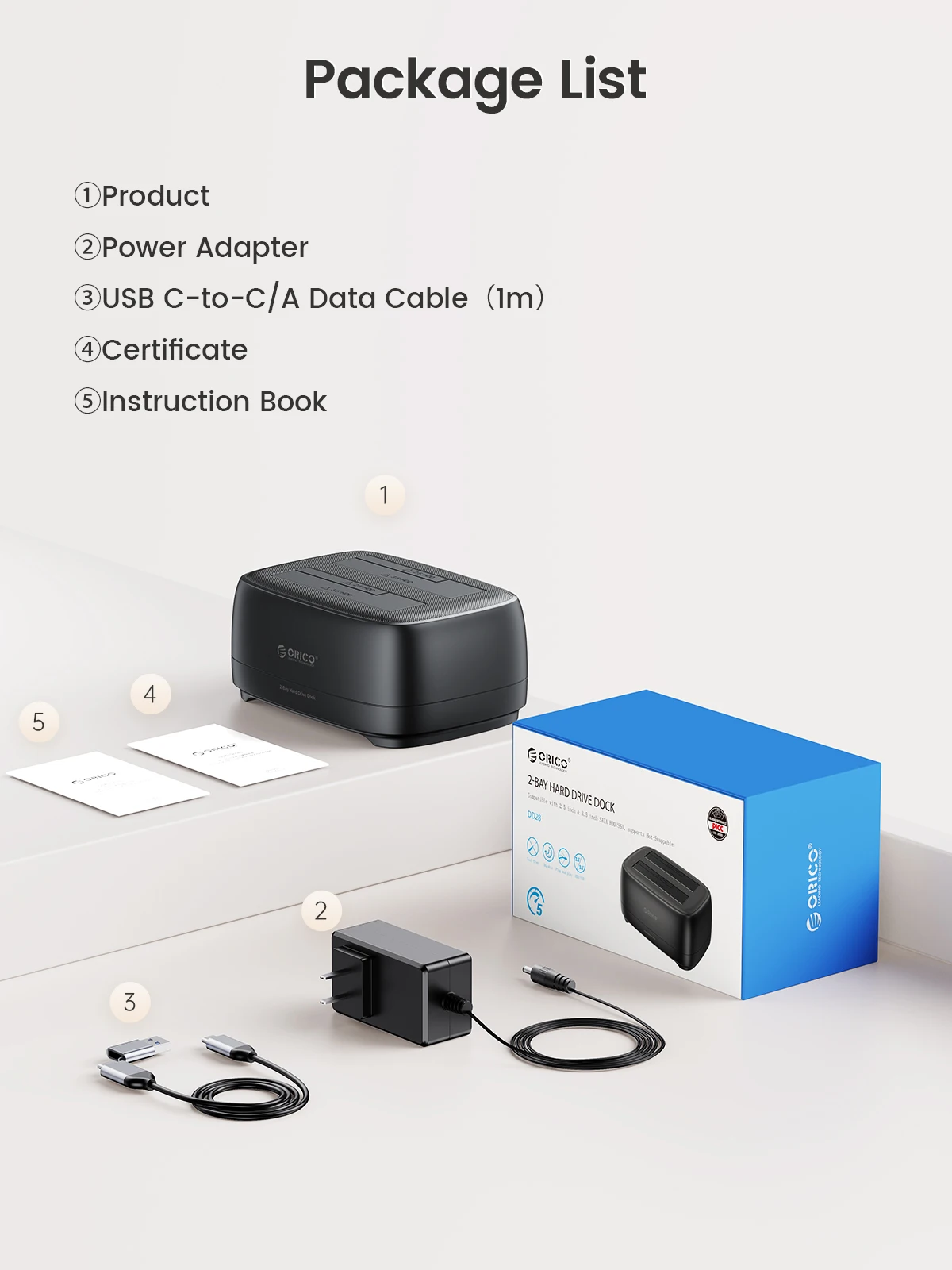
Package: Yes
Plug Type: EU Plug,US Plug,AU Plug,UK Plug
Size: 2.5",3.5",162*118*72mm
Support Offline Clone: Yes
Supporting Hard Drive Capacity: 36TB
Transmission Interface: USB3.0/TYPE-C
Transmission rate: 5Gbps
Type-C Cable: 100 CM C to C/A
USB3.0 Cable: 100 CM A T B
Use for PC, Laptop, Smart TV: Smart Router, PS4
Use for Window: Mac OS/ Linux system
DD28U3/C3-C Product Description
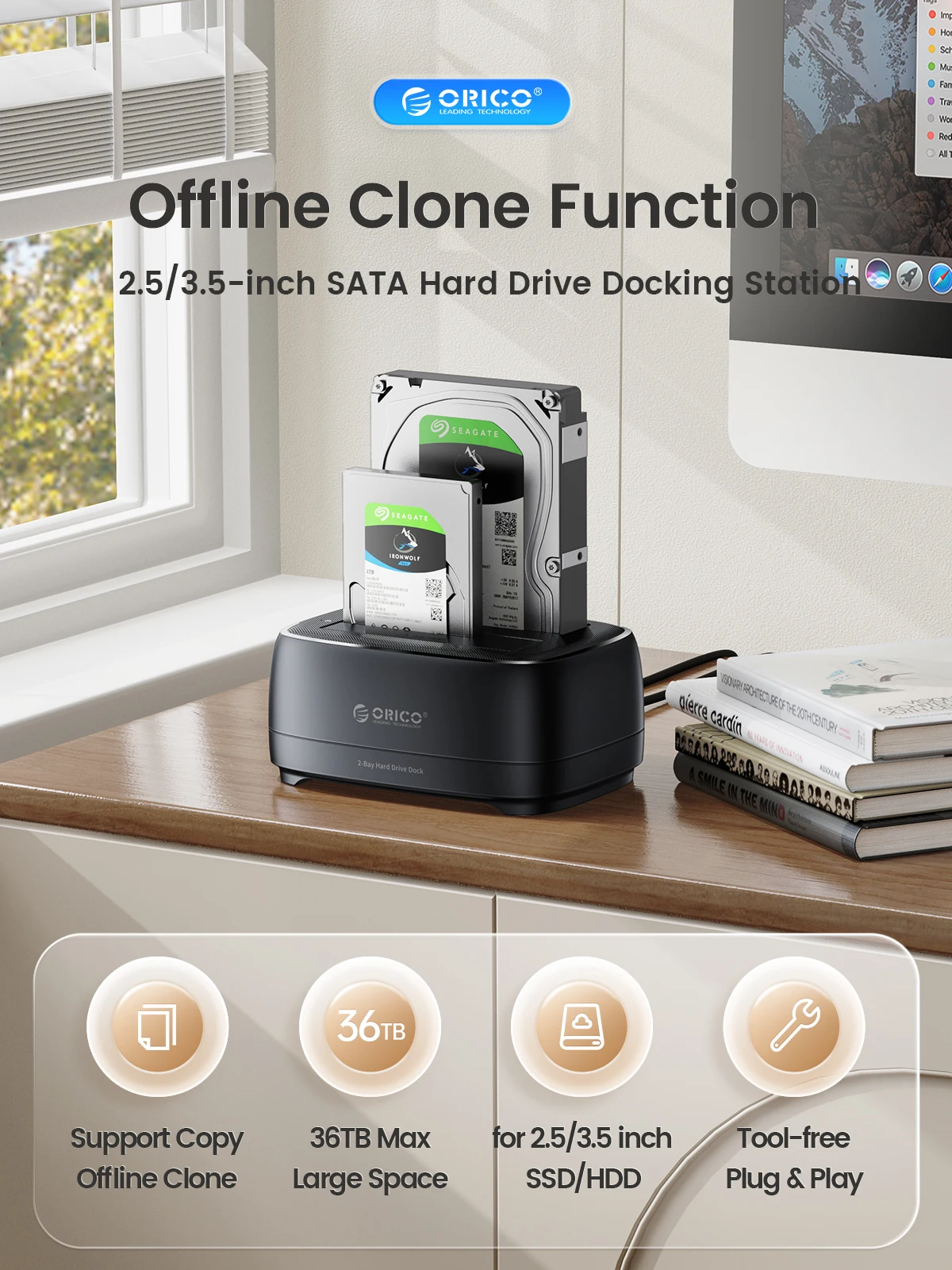
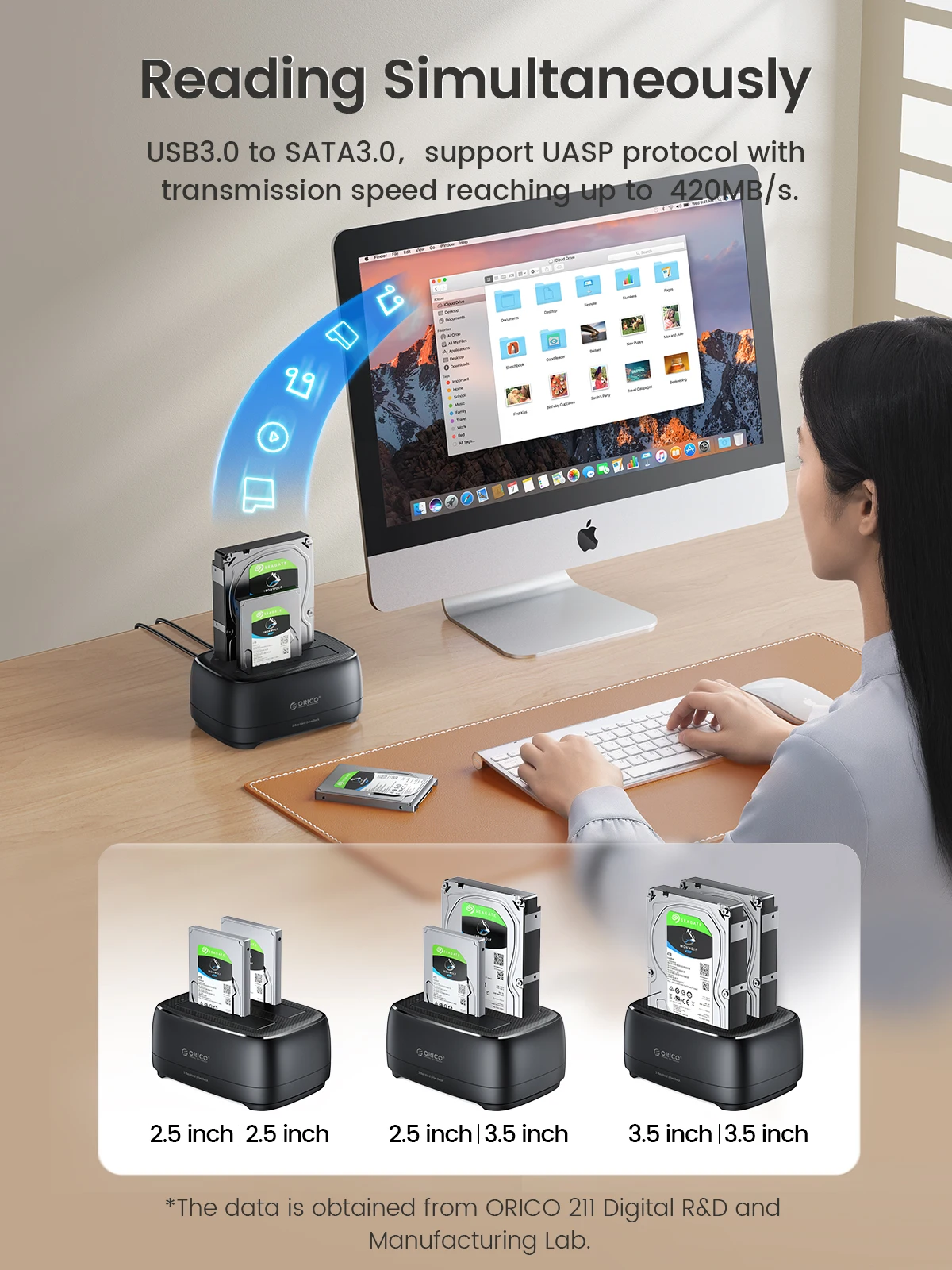
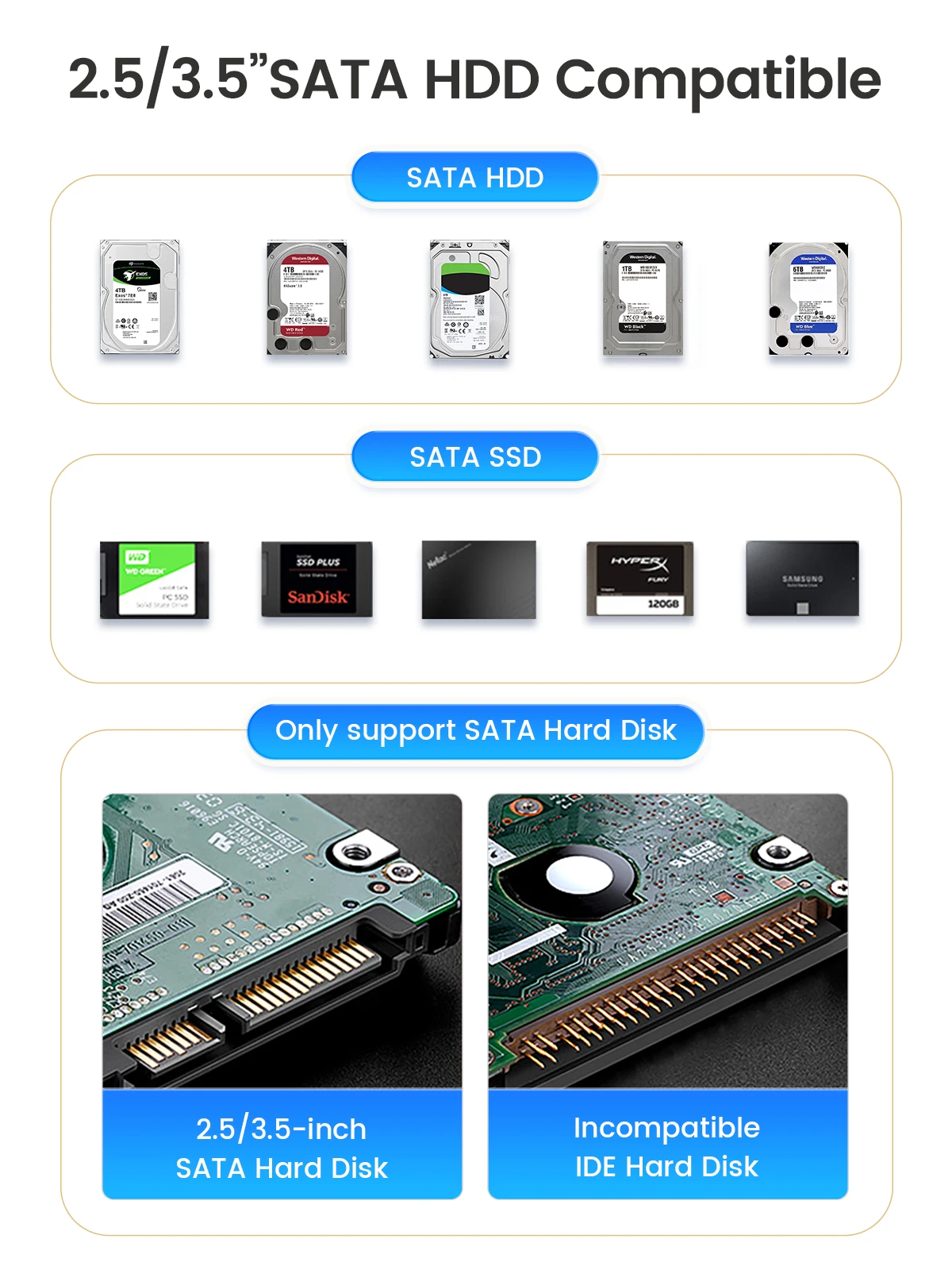
>2.5/3.5-inch SATA Hard Drive Docking Station
>USB3.0 & Type-C 5Gbps Speed
>High Quality ABS ,Strong Heat Dissipation With Clone Function
>Support Windows /Mac /Linux/iPad OS/Android system.
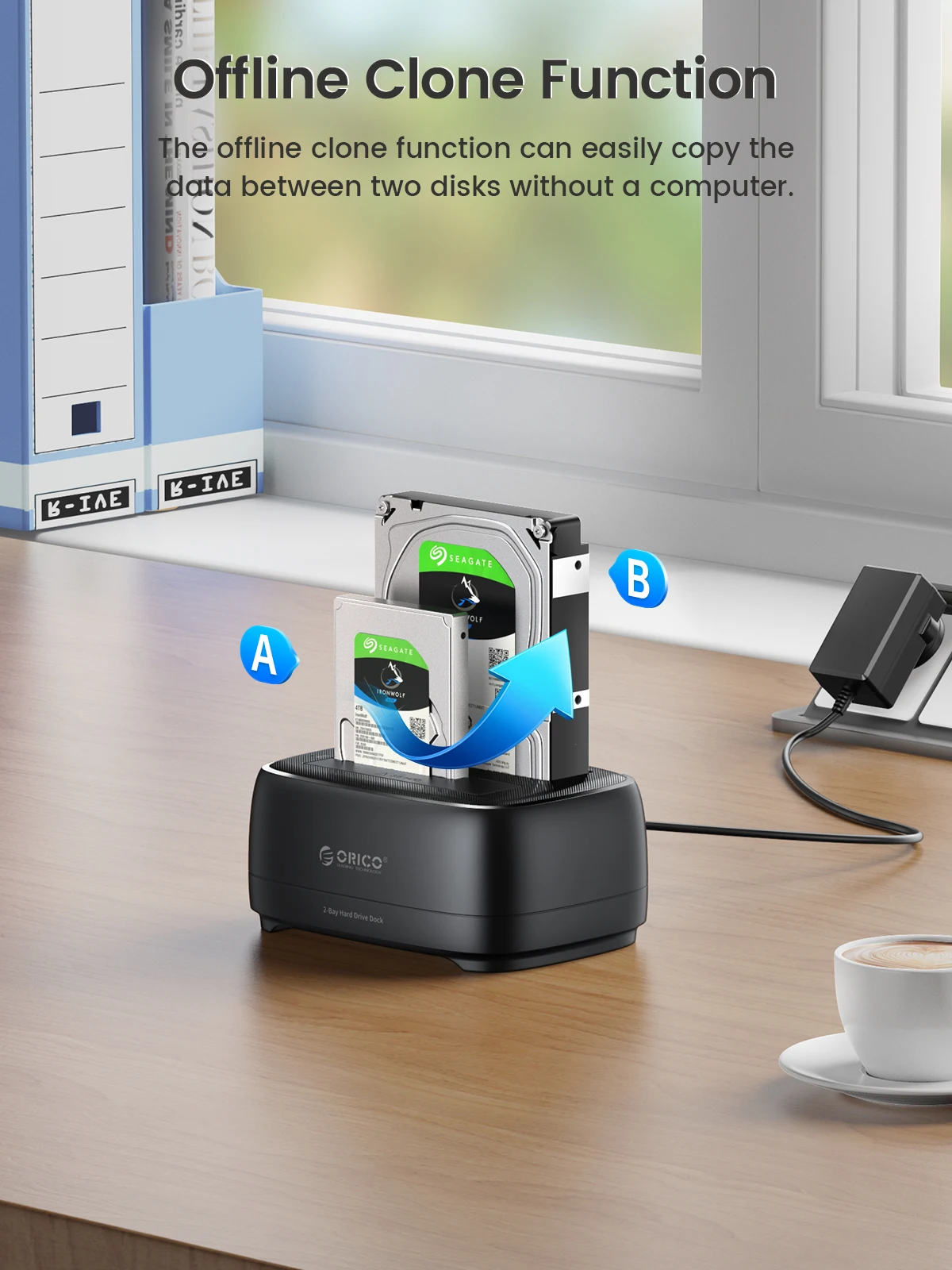
Offline Clone Function
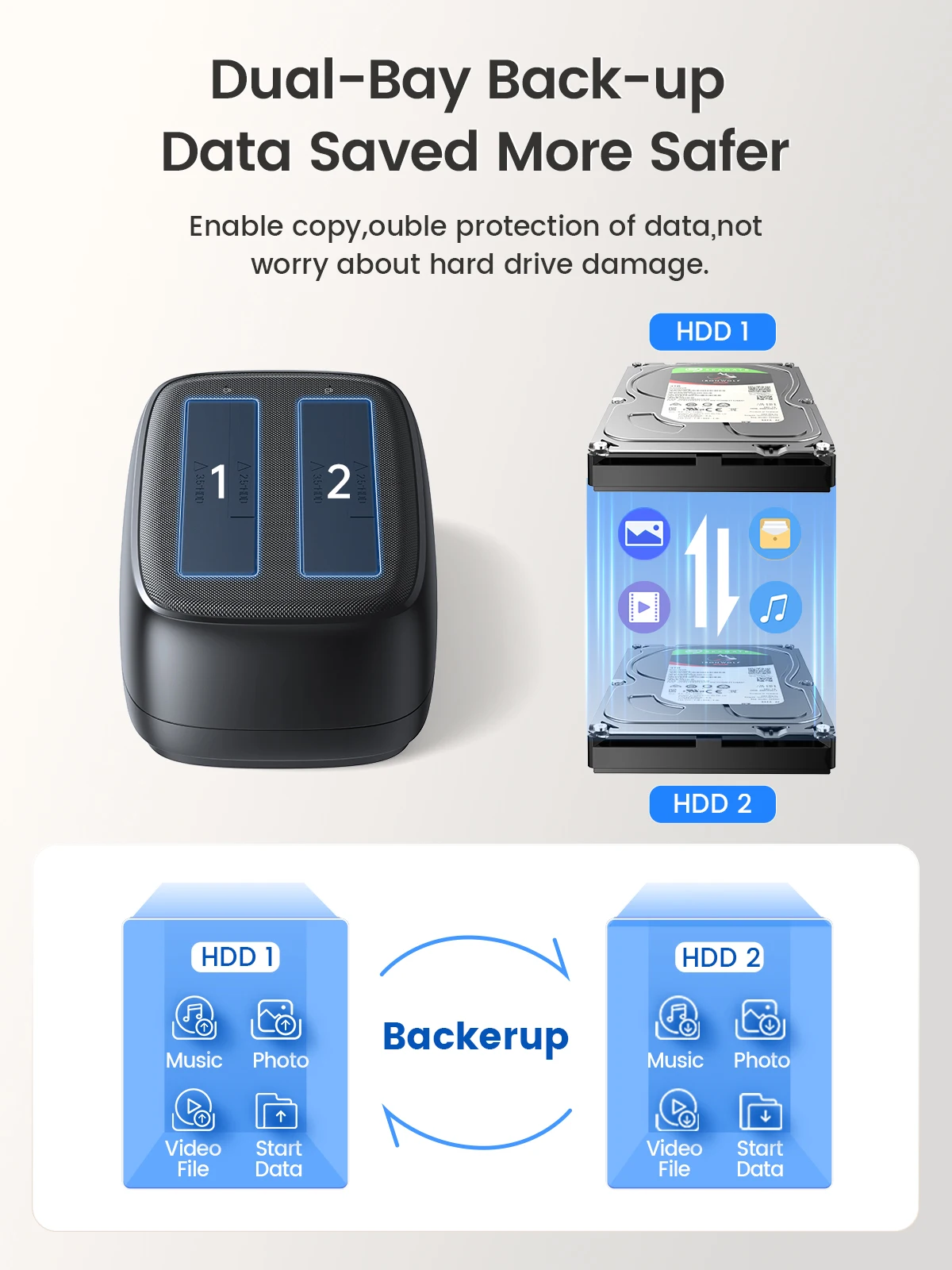
> Supports the function of offline copying and cloning of hard disks (that is, when the device is only powered on and not connected to a computer or other online host, the one-to-one operation of copying the original disk to the target disk is performed)
> Note: The disk cannot be reversed
More To Use
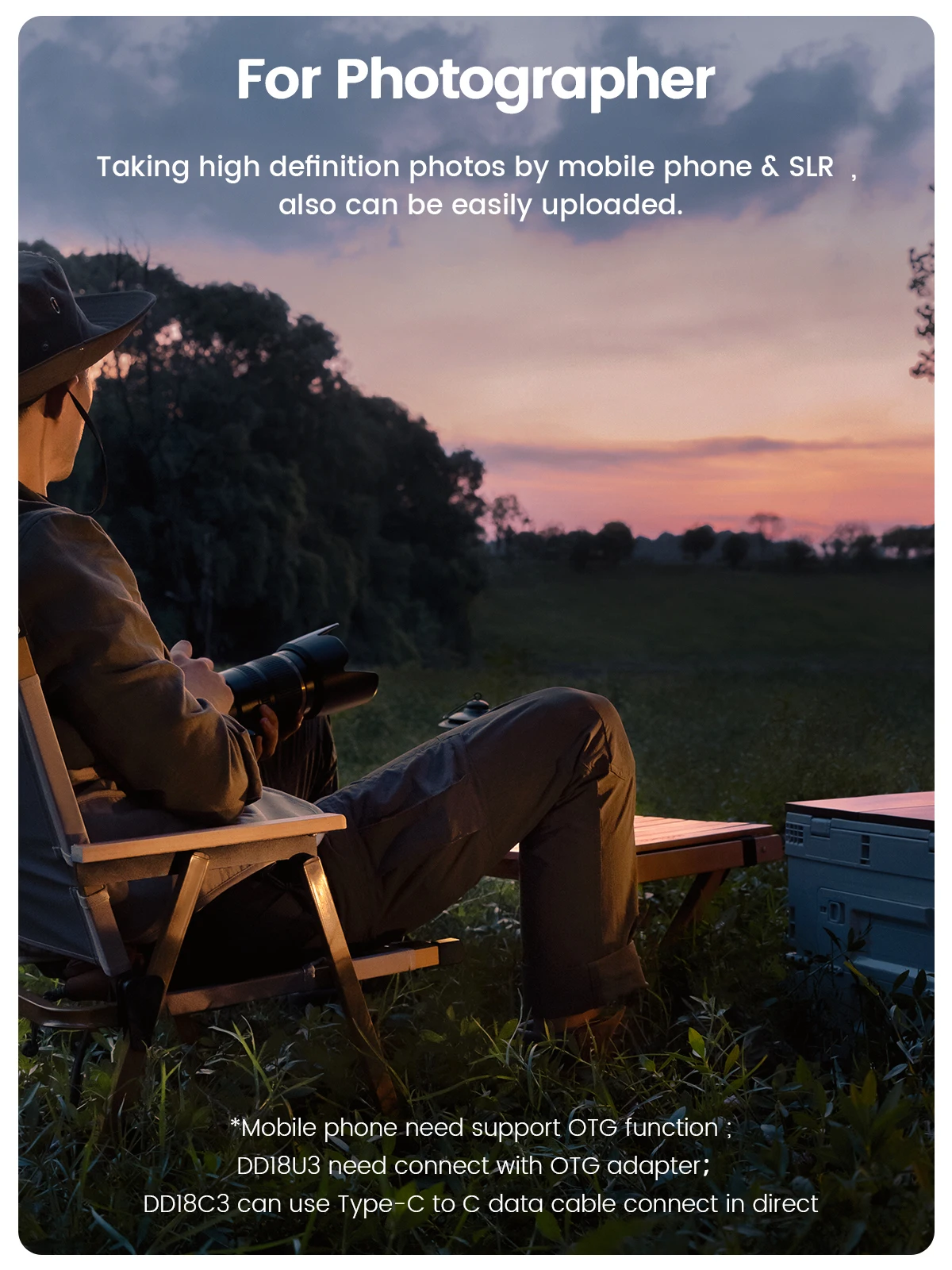
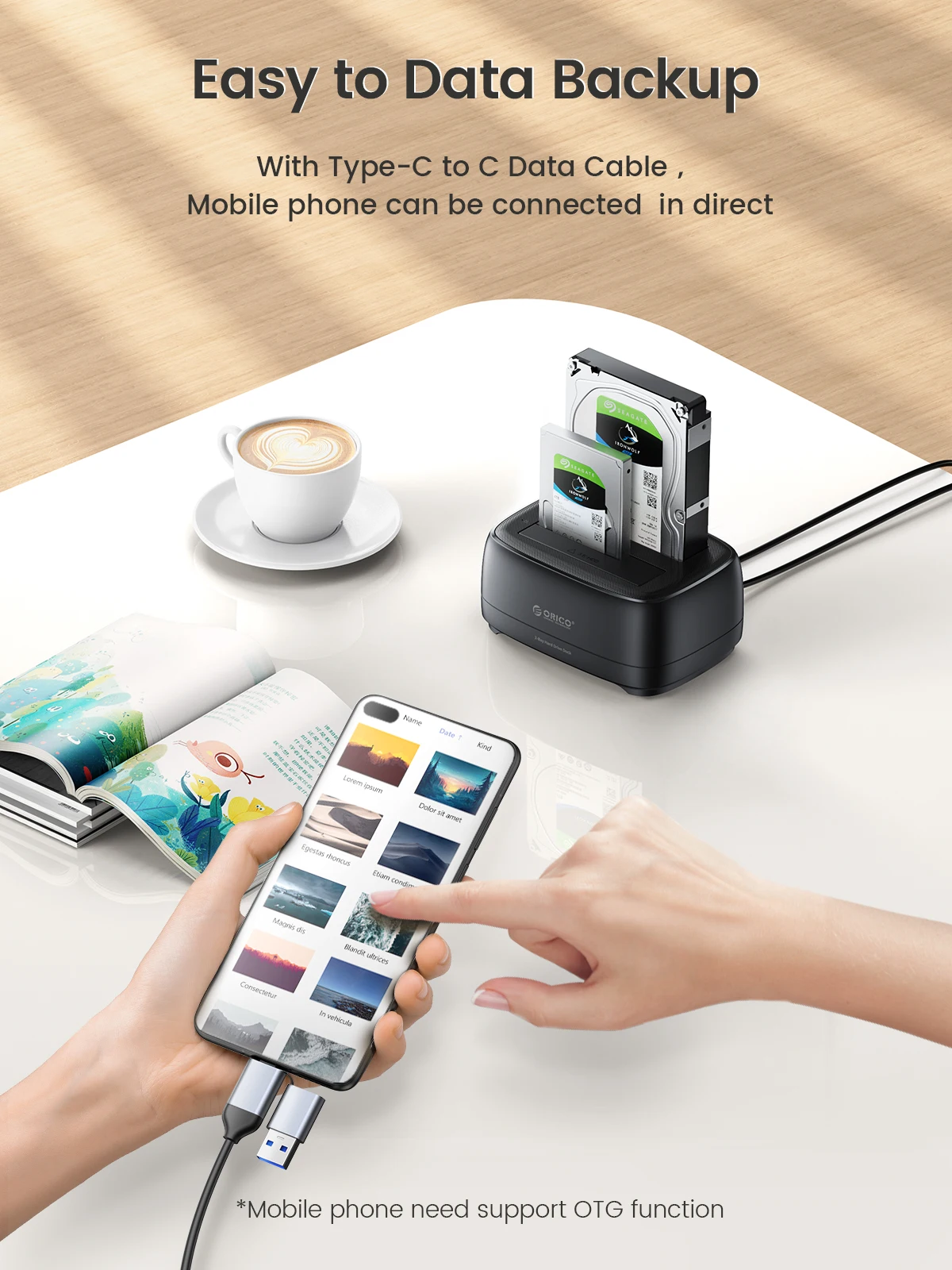
> Used for pc, laptop, phone and other devices
Support SATA3.0 UASP protocol.
> External USB3.0/Type-C output interface, which can support up to 5Gbps transmission rate.
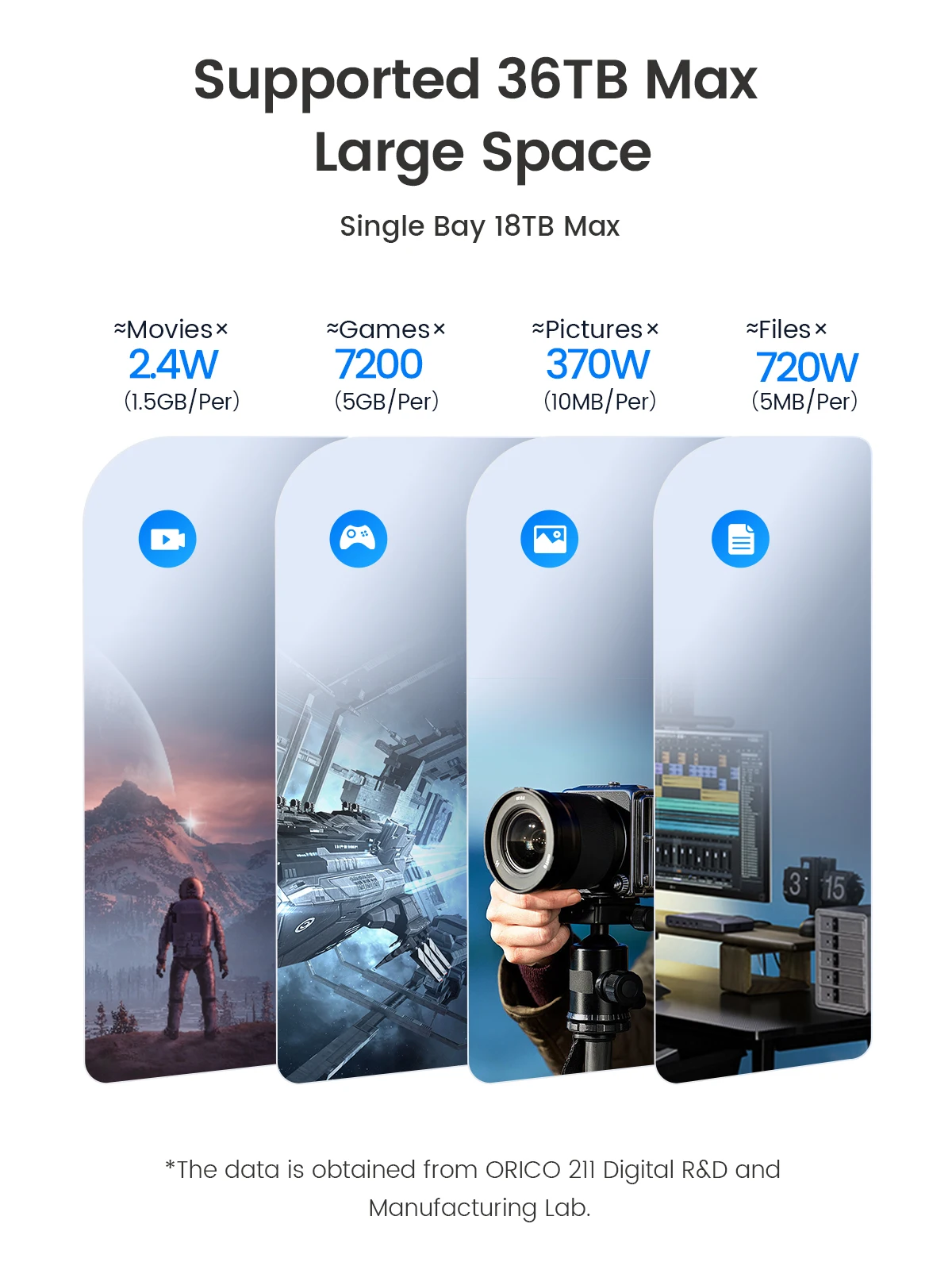
Support up to 36TB Max
> Storage your Photos ,Video ,Music ,Game and Files.
Universal Compatible
> Not need drive, play & plug
> for 2.5/3.5βSATA Hard Disk
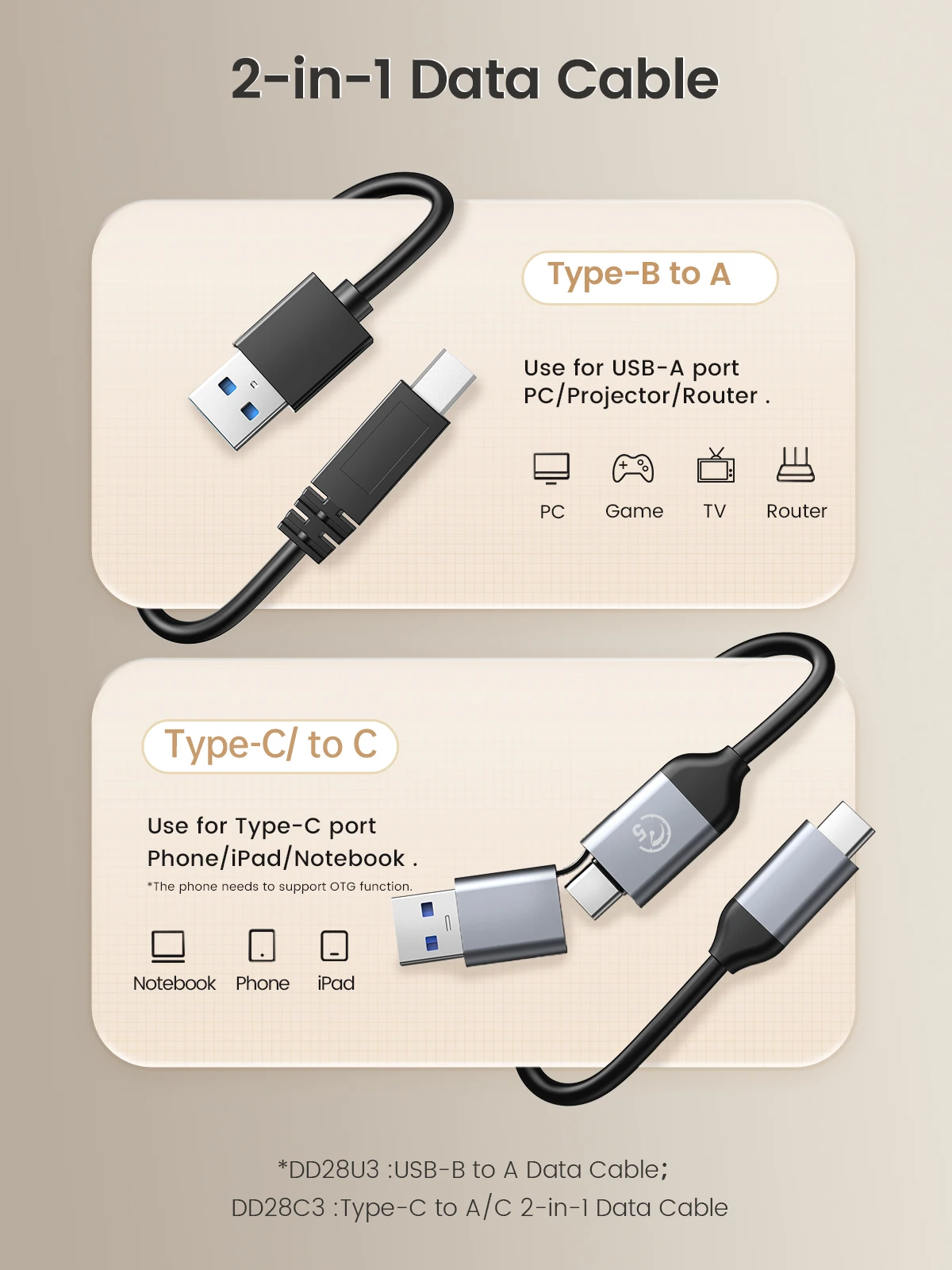
2-in-1 Data Cable
> USB Cable :USB-B to A Data Cable
> Type-C Cable :Type-C to A/C 2-in-1 Data Cable
Tips: Offline Clone Instructions
1.Insert the disks in.
Disconnecting the docking station with the computer. Turo off the power and insert disk A into the Source Slot and disk B into the Target Slot.
2.Connect the power.
Switch the button at the back of the docking station to Clone and turn the power on.
3.Clone start.
Press the Start button at the back and the indicator light flashes when cloning. The indicator light is constantly on after the clone is finished.
Notes:
1.The target drive must be equal to or larger in capacity than the source drive.
2.Please do not move the disk during processing, and do not connect the dock with the computer.
3.The target disk needs to activate by connecting to the computer. Steps: PC Management β Disk Management β Online
4.The offline clone speed is 500G/2hrs.
Q&A:
Q1: What kind of hard disks does this dock support?
A1: 2.5/3.5-inch SATA SSD or HDD are supported.
Q2: What devices does this dock support?
A2: It support laptop, PC, TV, PS4/5, phone, iPad, Router, projector, DVD, and TV box.
Q3: Whatβs the transmission speedοΌ
A3: The offline clone speed is 500GB/2hrs. The speed is also affected by the capacity of the target disk.
Q4: What is the difference between the docking station and the SSD enclosure?
A4: They share the same function but vary in appearance. The SSD enclosure is portable while the docking station is more user-friendly with a better heat dissipation effect.
Q5: Why the PC can't recognize HDD/SSD?
A5: Check your hdd whether can work , and change to aother hdd , check again , if still can't work contact with customer service .
Q6: Can't up to 10Gbps speed?
A6: The 10Gbps is Ideal state,but the really speed is about 10Gbps.
Q7:The Window / Mac OS/ Linux system whether can support ?
A7 :Yes , Backward compatible with windows 10/9/8 system.
Q8: Use for which brand ssd/hdd ?
A8: Seagate /Toshiba/Westem Digital /Samsung/Hitachi eg.At last any problem contact with us , we will solve problem for you soon.