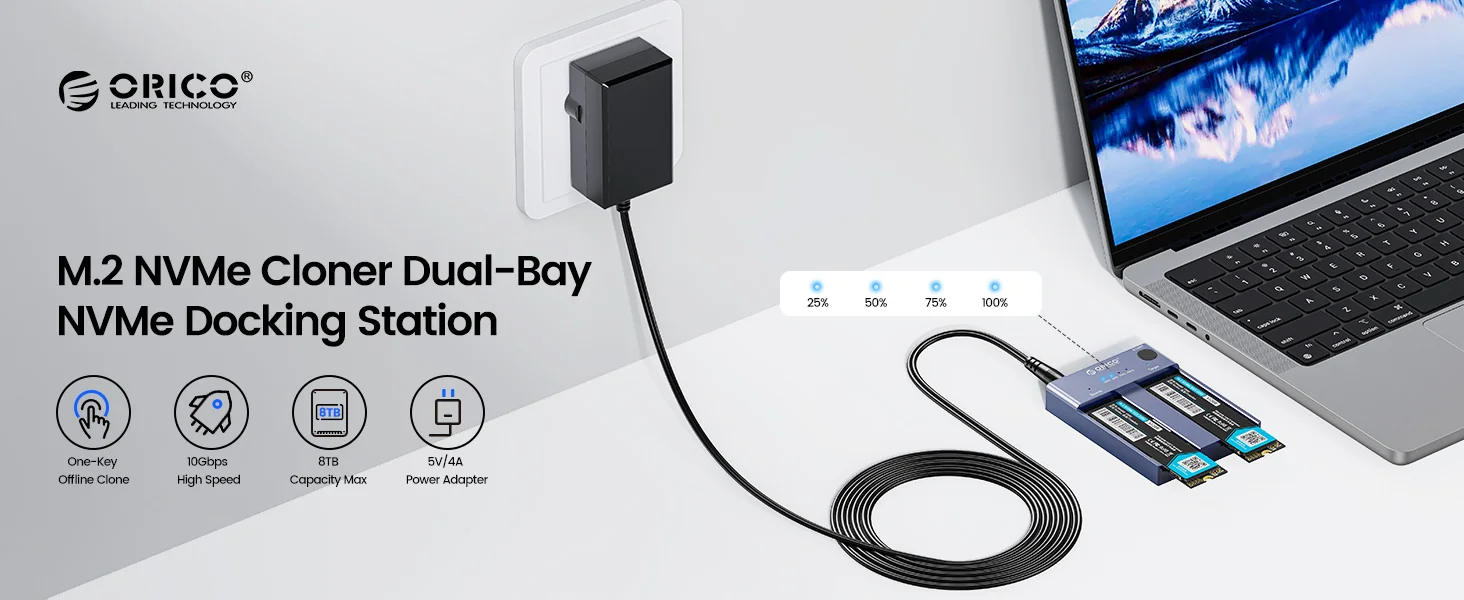
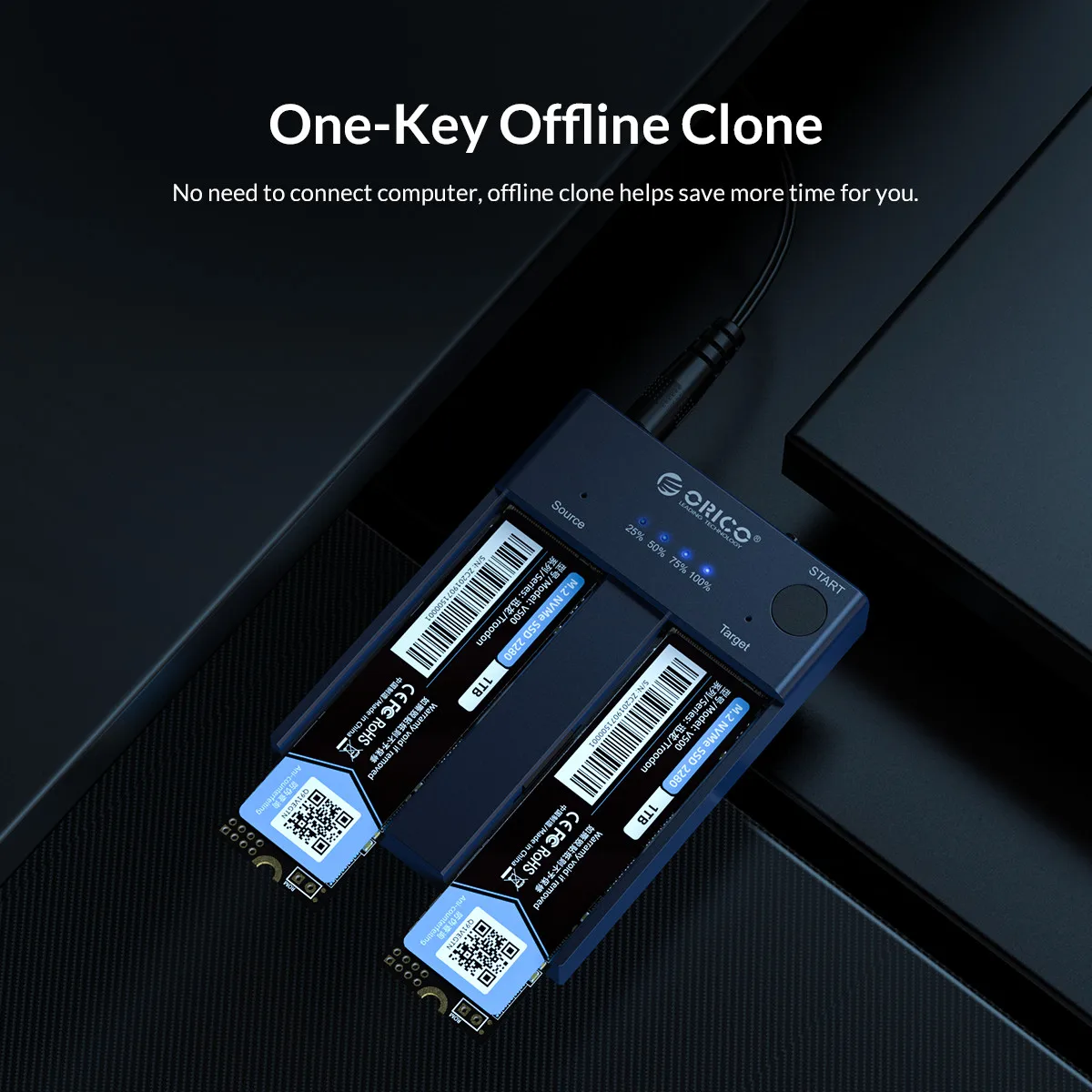
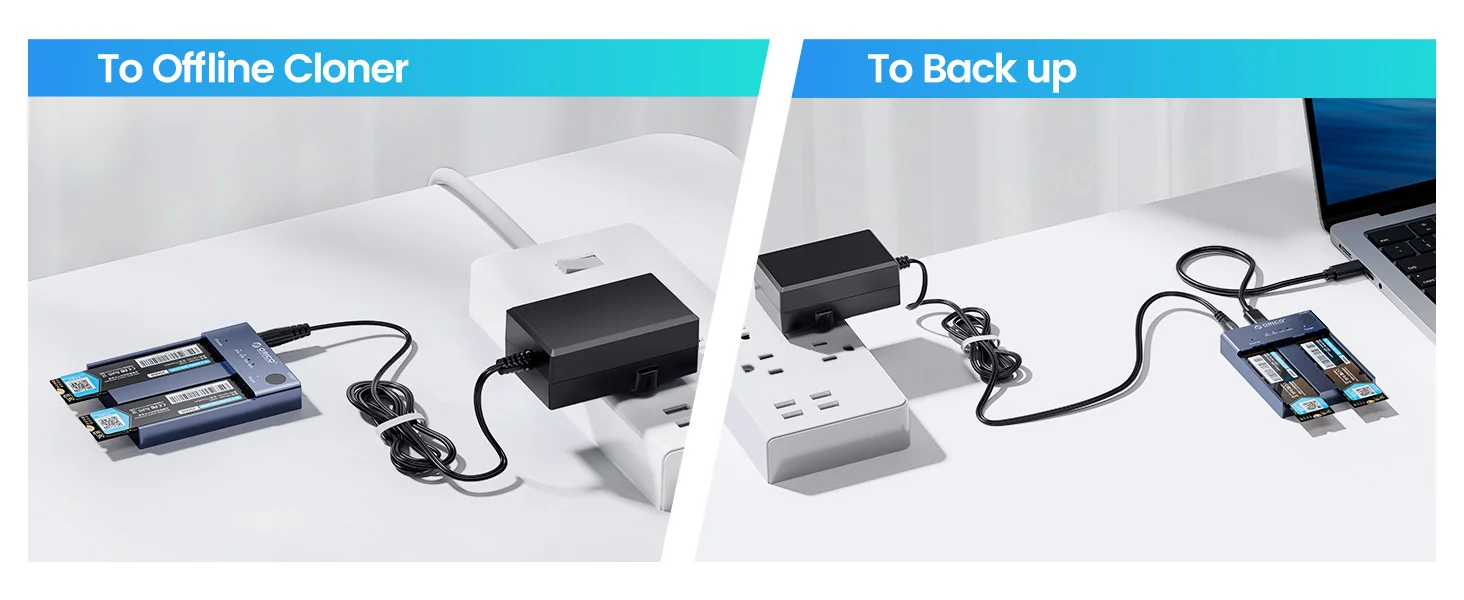
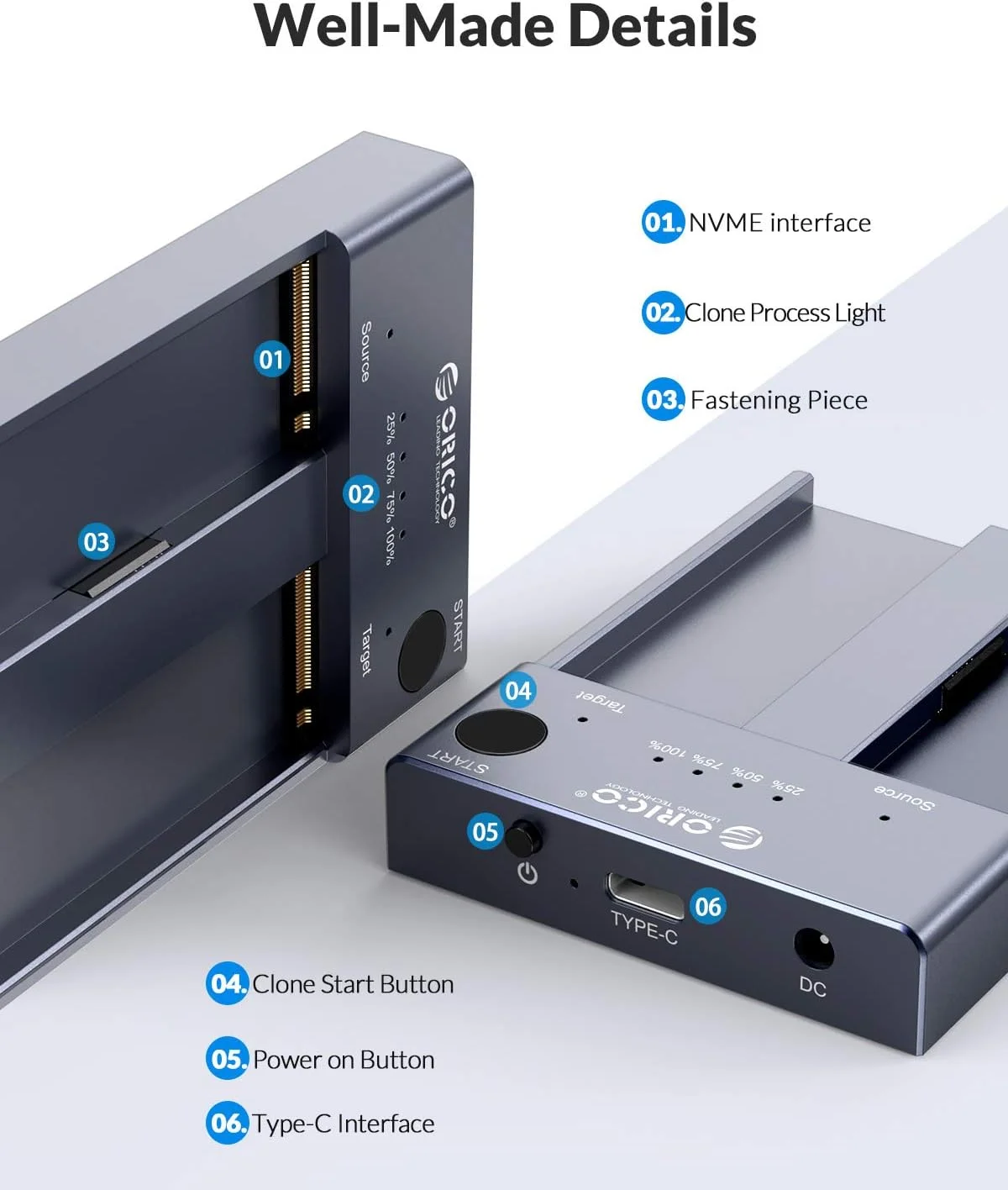
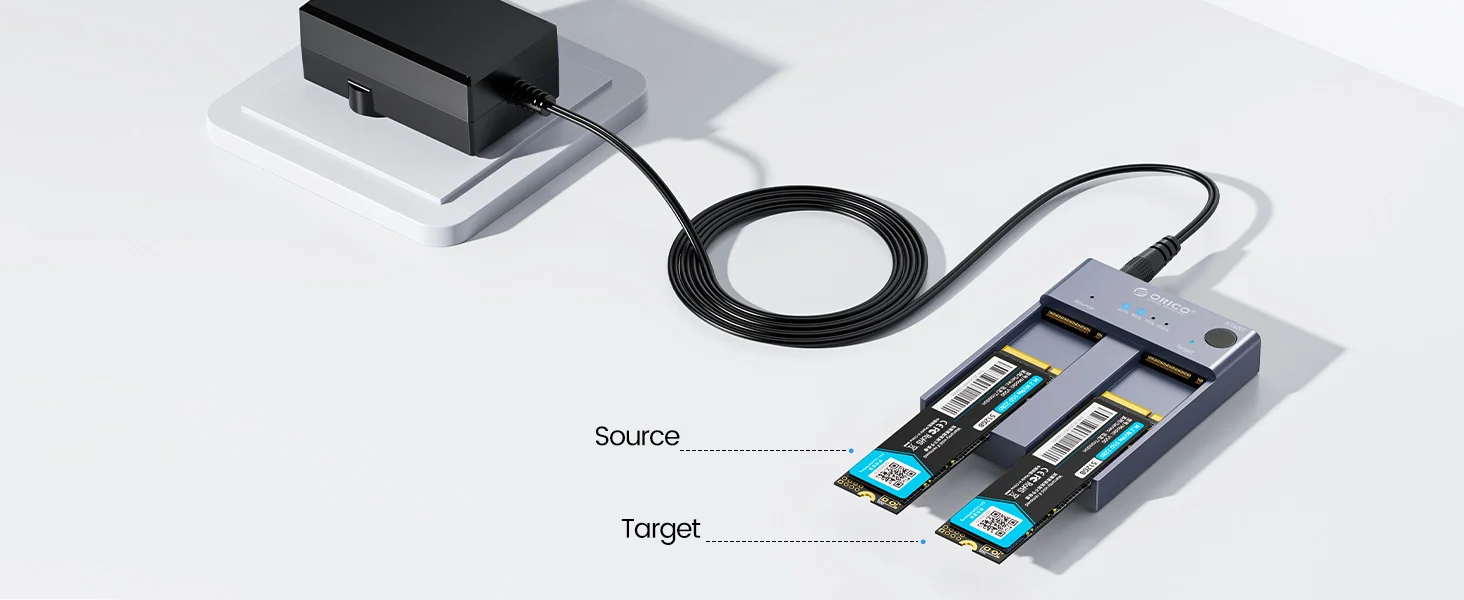
Do not use usb cable to connect to the computer during clone.
Β
If there is a bad sector in the SSD, copying may stop. Scan the SSD once before copying to make sure there are no bad sectors.
Β
Please back up the data on the target disk before copying to avoid loss of important data.
Β
Make sure that the two SSD disks can be recognized on the computer when plug in our nvme enclosure. If not, it could not clone.
Β
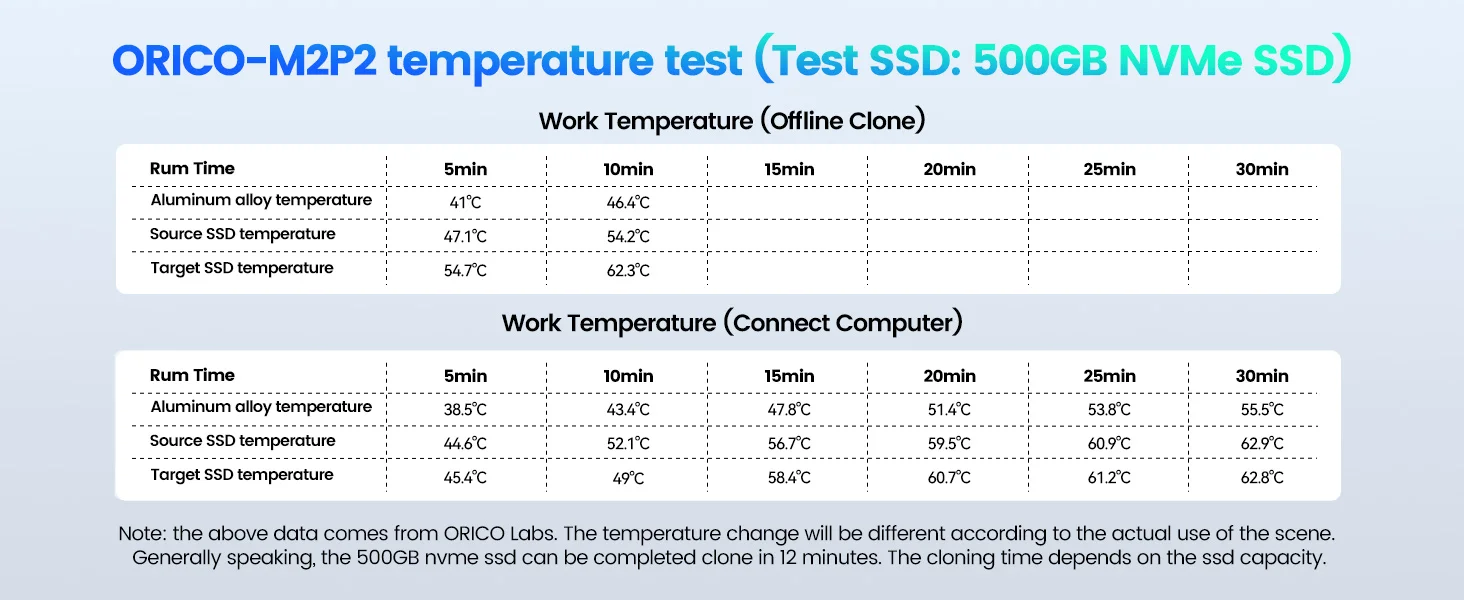
It's normal that the aluminum case heats up, for the high-speed NVMe M.2 drives generate much heat while working. Do not touch the SSD during operation. Please refer to the changing diagram of temperature above.
Β
For the brand new SSD drive, it may not find the drive, because the brand new SSD drive should be formatted before first time using. And also need to make the SSD drive partition.
Β
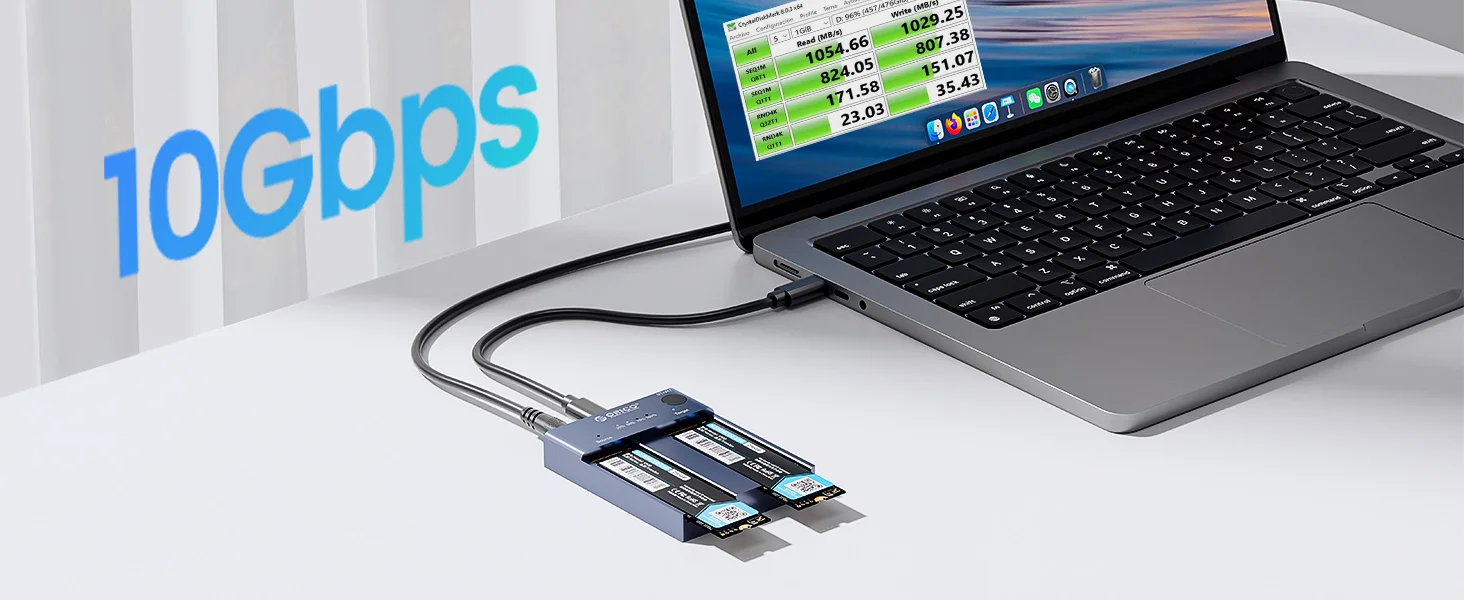
To get the 10Gbps data transmission rate, the USB 3.2 interface on your PC should be USB 3.2 Gen 2. Some PCs only come with USB 3.2 Gen1 whose max speed is 5Gbps.
Β
Cloning is completed, target disk will enter the offline mode, in offline mode, the disk cannot be recognized when the PC is connected with the USB cable. Therefore, you should select online mode manually: right-click (computer/my computer/this computer) to select management, then select disk management in the popup dialog box, and you will see a disk in the offline state, then right-click it to choose the online mode.