ORICO NVMe M.2 SSD Enclosure USB4 40Gbps PCIe3.0x4 20Gbps 10Gbps M.2 External Case Compatible with Thunderbolt 3/4
DARAHUB Store
SPECIFICATIONS
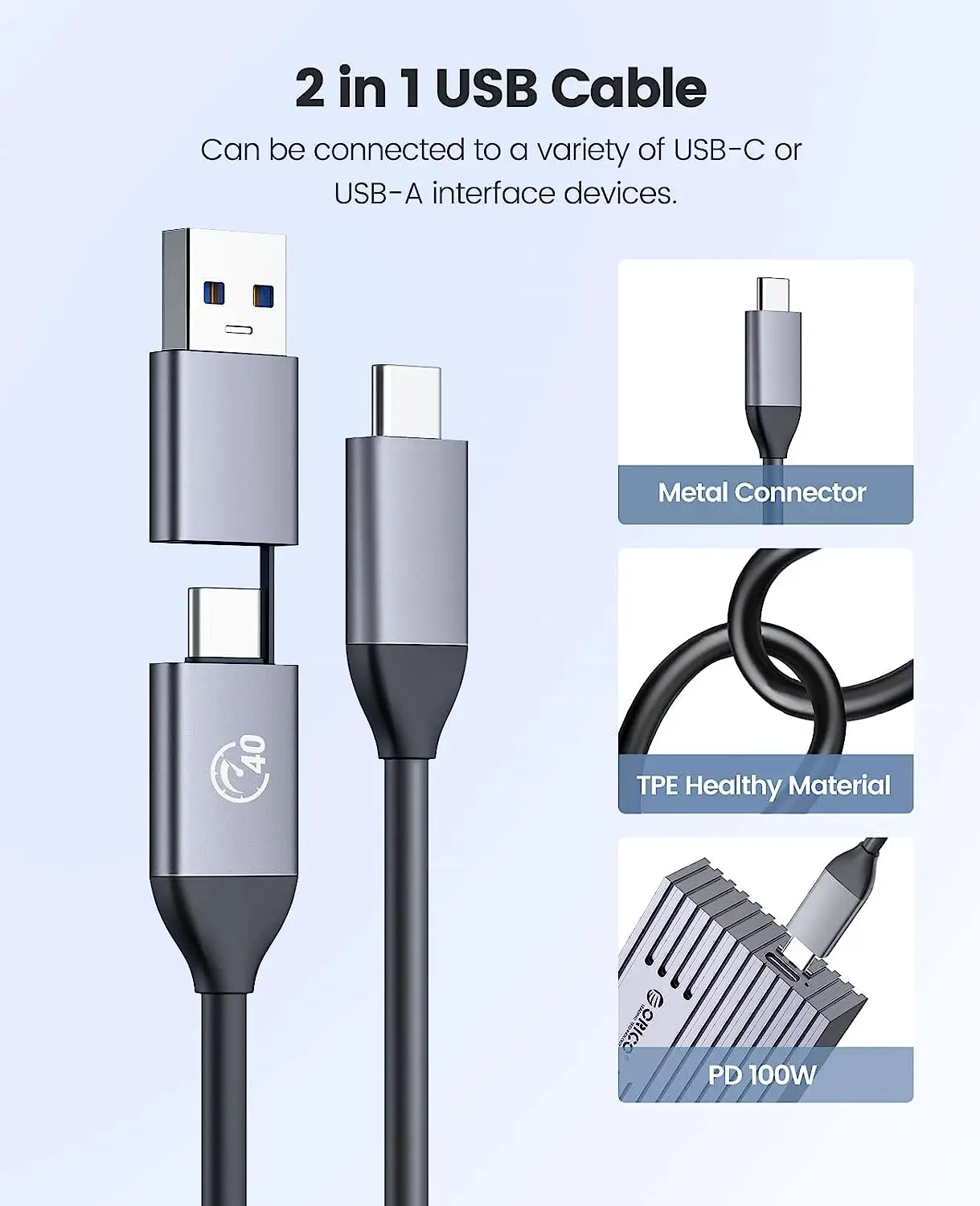
2 in 1 Cable: USB C to C /USB C to A
Brand Name: Orico
Case Material: aluminum
Color: Silver/Gold/Grey
External Interface: USB
High-concerned chemical: None
Item: M.2 SSD Case
Model Number: M232C3-U4
NVMe Model: Support NVMe PCIE M2 SSD
Origin: Mainland China
Package: Yes
Produt Name 1: M2 SSD case
Produt Name 2: NVMe SSD Enclosure
Produt Name 3: M.2 Enclosure
Produt Name 4: m.2 SSD box
Produt Name 5: M.2 ssd case
Produt Name 6: ssd m2 nvme case
Produt Name 8: usb nvme
Produt Name 9: m2 ssd case
Size: 1.8"
Support 1: Dropshipping
Support 2: Wholesale
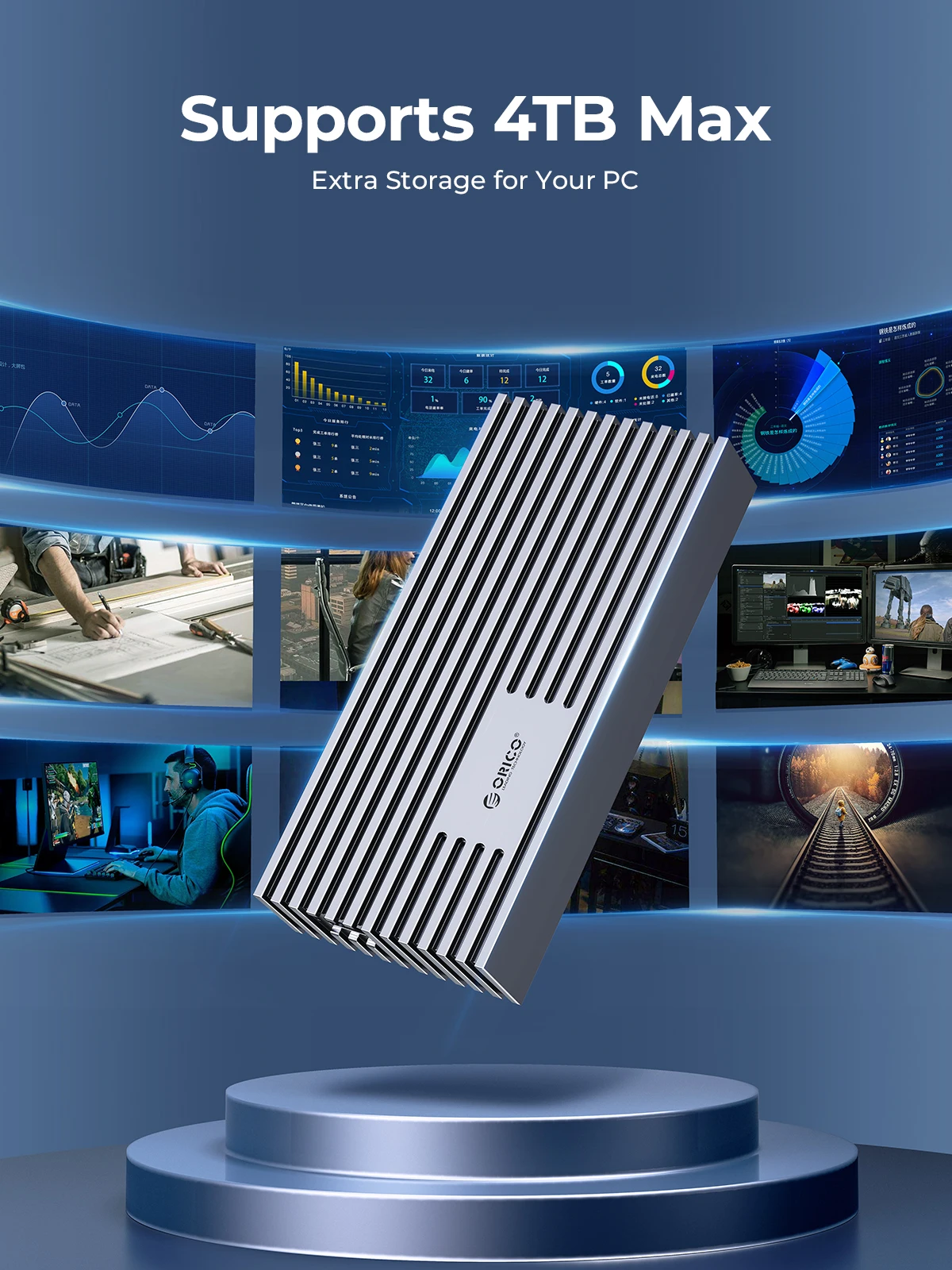
Supporting Hard Drive Capacity: 4TB
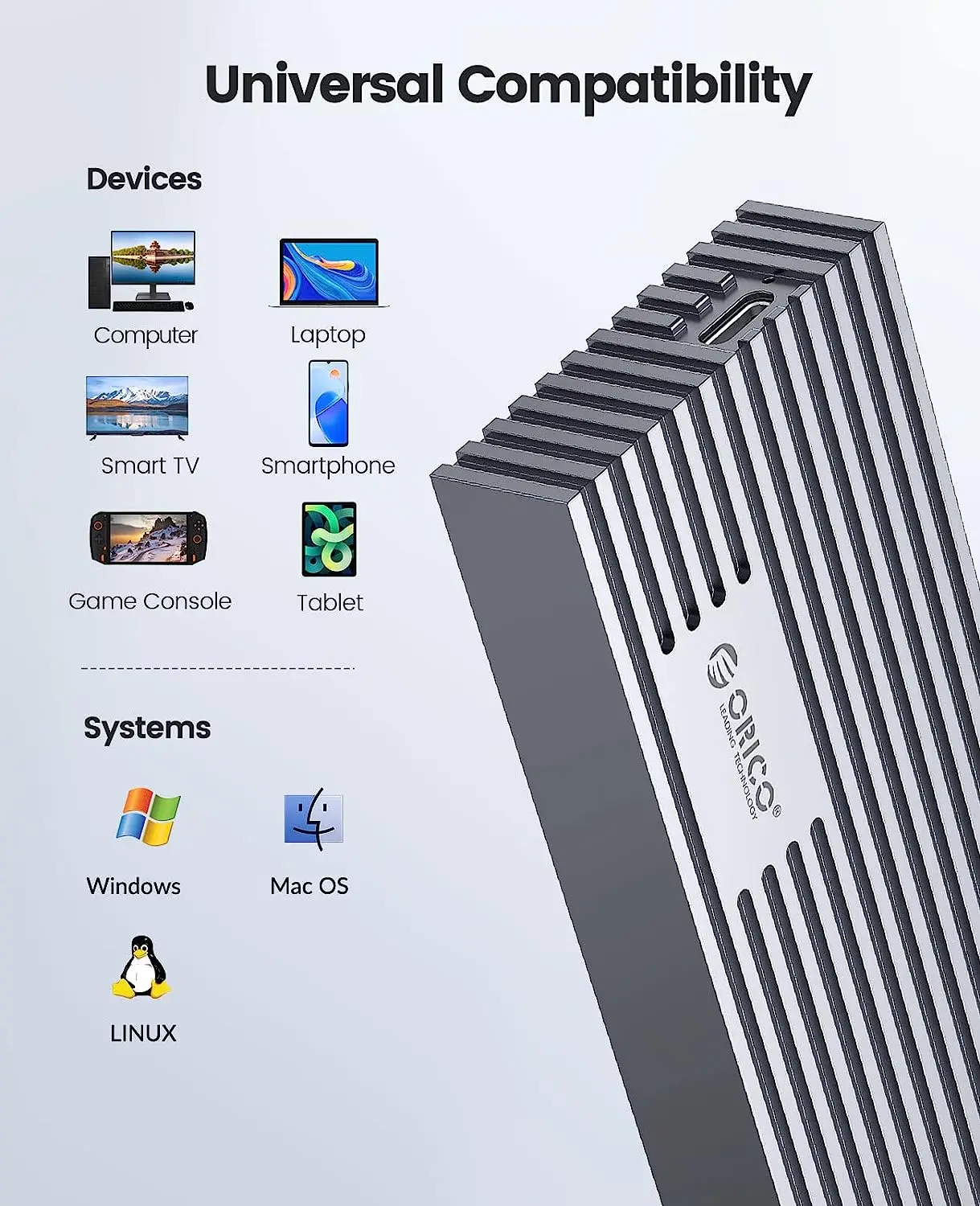
System Compatibility: Windows / Mac OS/ Linux
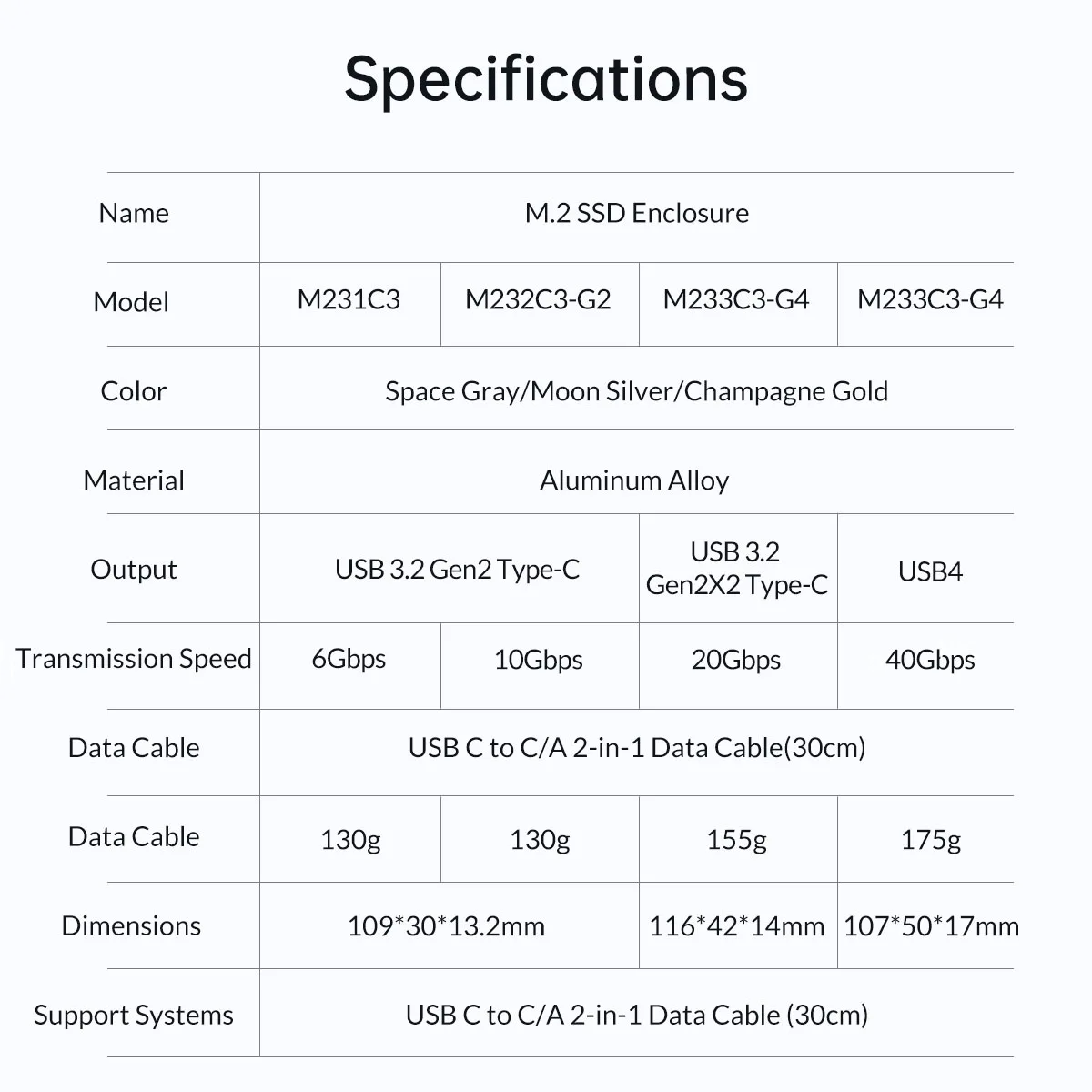
Transfer rate: 40/20/10/6Gbps


!!!if you want to buy 40Gbps choose the color for :USB4-40Gbps!!!
Different Transmission Rate SSD Case
40Gbps Version:
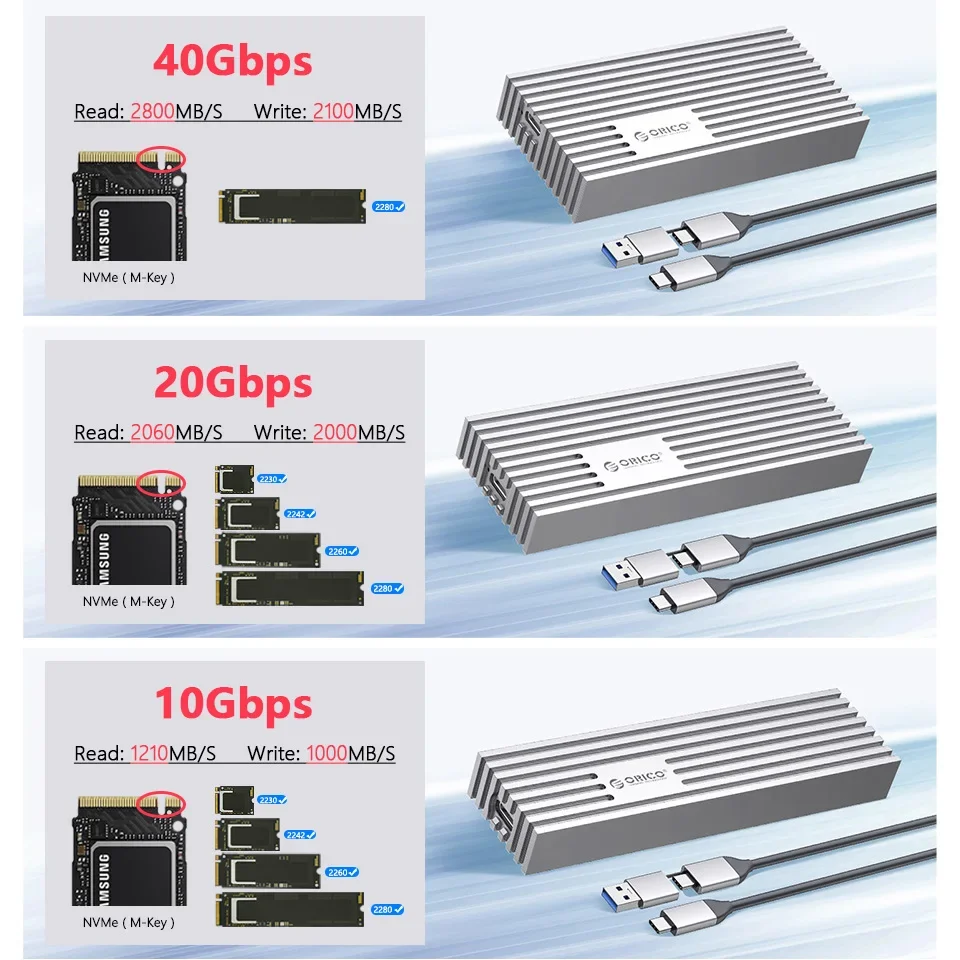
Using the latest version of the USB4.0 interface, the transfer rate is up to 40Gbps, and the theoretical reading speed can reach 2800MB/s. The speed measured by the ORICO laboratory: the ssd enclosure read speed: 2800MB/s, write speed: 2100MB/s. Actual transfer speed depends on SSD speed, type of USB port, computer performance, NVMe media used, etc.
20Gbps Version:
Please use the latest version of USB3.2 Gen2x2 interface, the transfer rate is up to 20Gbps, and the theoretical reading speed can reach 2000MB/s. The speed measured by the ORICO laboratory: With SAGSUNG 970 EVO PLUS SSD, Case reading speed: 1875.41 MB/s, Writing speed: 1874.02 MB/s.
(To achieve the 20Gbps speed, please use USB3.2Gen2x2 interface. It is backward compatible with USB3.2 Gen1, USB3.1 Gen1 limited by the bandwidth of these interfaces, the speed is 10Gbps and 5Gbps respectively)
10Gbps Version:
Using the latest version of the USB3.2 interface, the transfer rate is up to 10Gbps, and the theoretical reading speed can reach 1200MB/s. The speed measured by the ORICO laboratory: with SAGSUNG 970 EVO PLUS SSD, the ssd enclosure read speed: 1053MB/s, write speed: 1005MB/s. Actual transfer speed depends on SSD speed, type of USB port, computer performance, NVMe media used, etc.
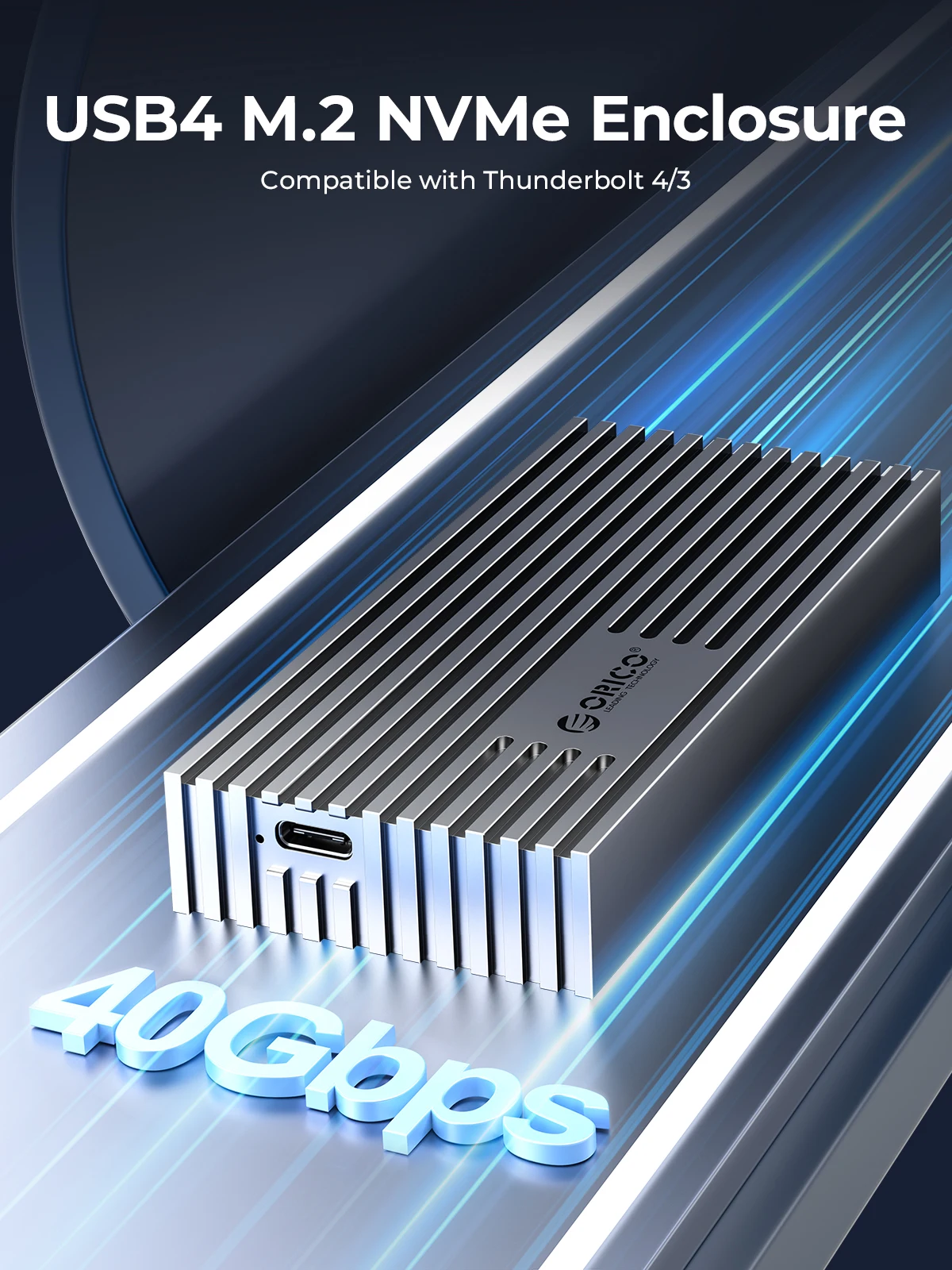
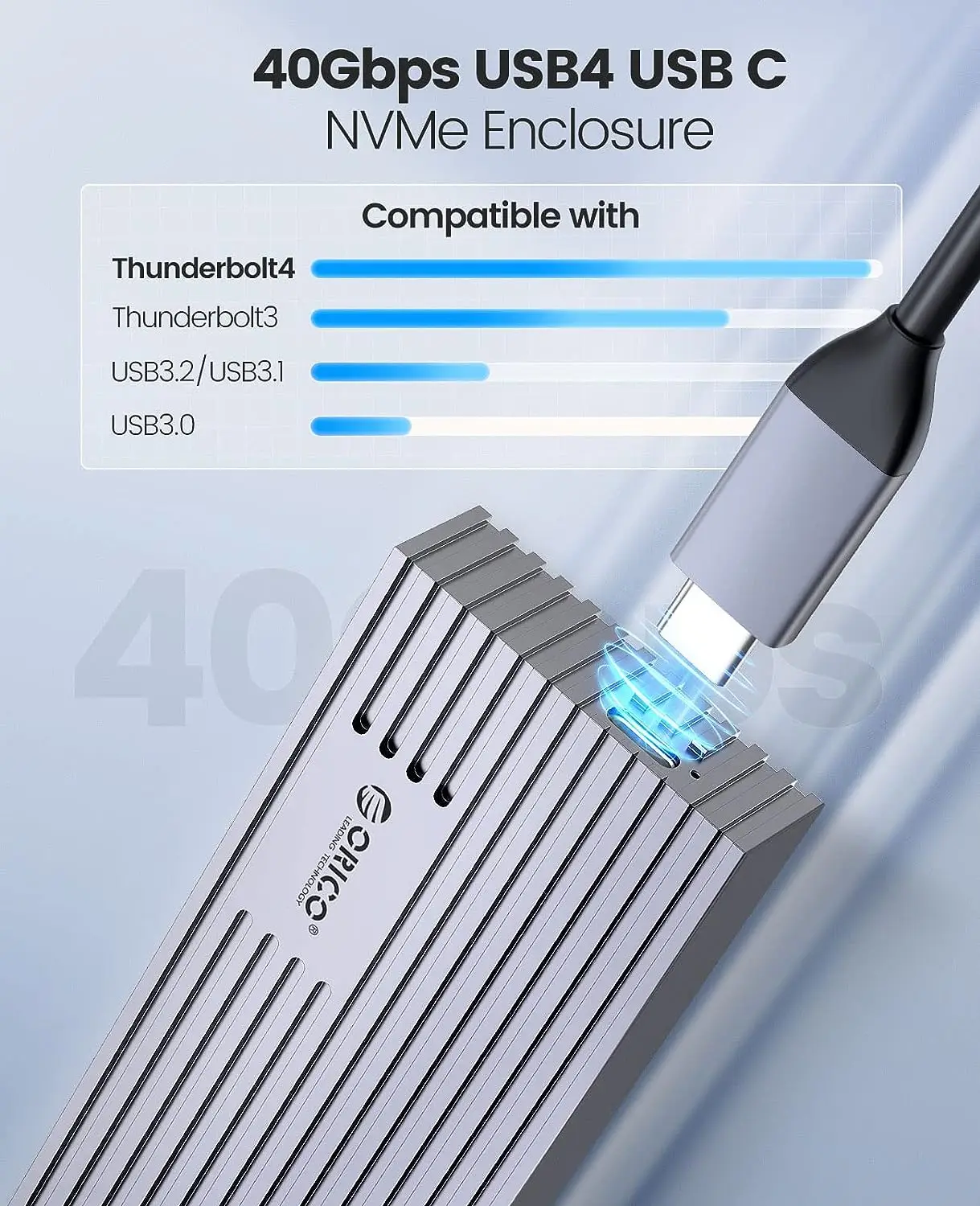
USB4 40Gbps NVMe SSD Enclosure
Compatible with the Thunderbolt 3/USB 3.2/USB3.1/USB3.0 interface. 


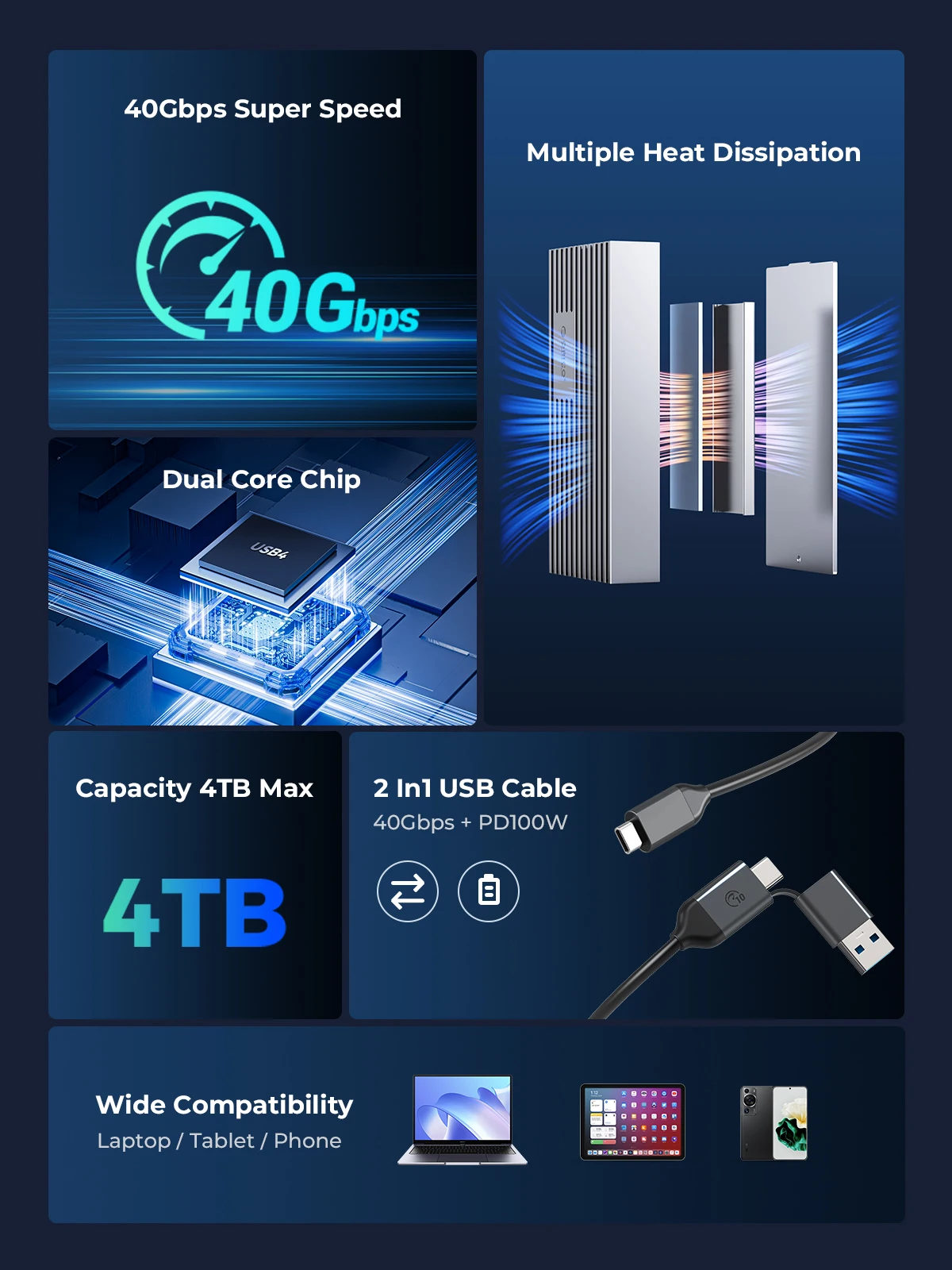
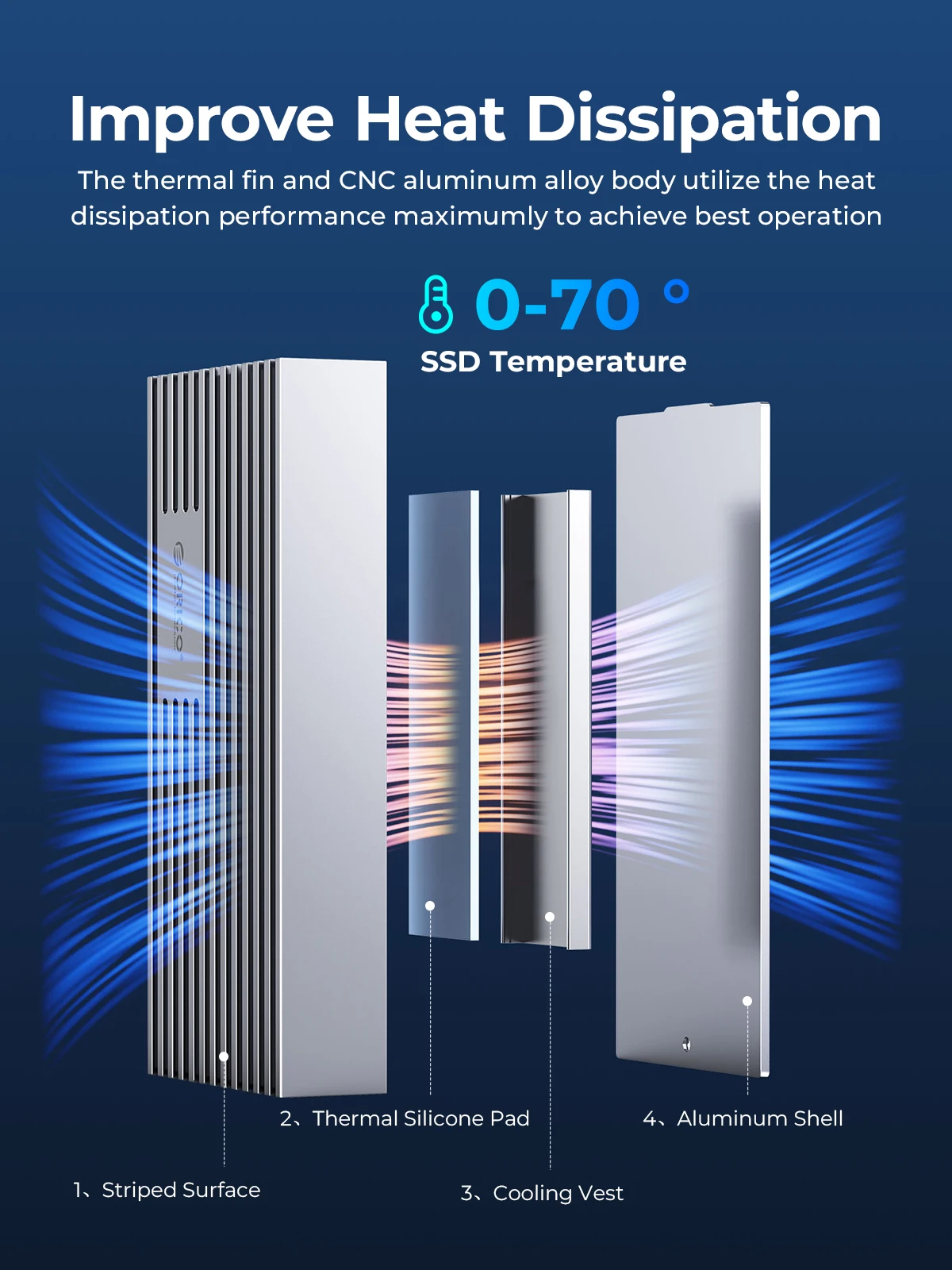
Triple Heat Dissipation Design
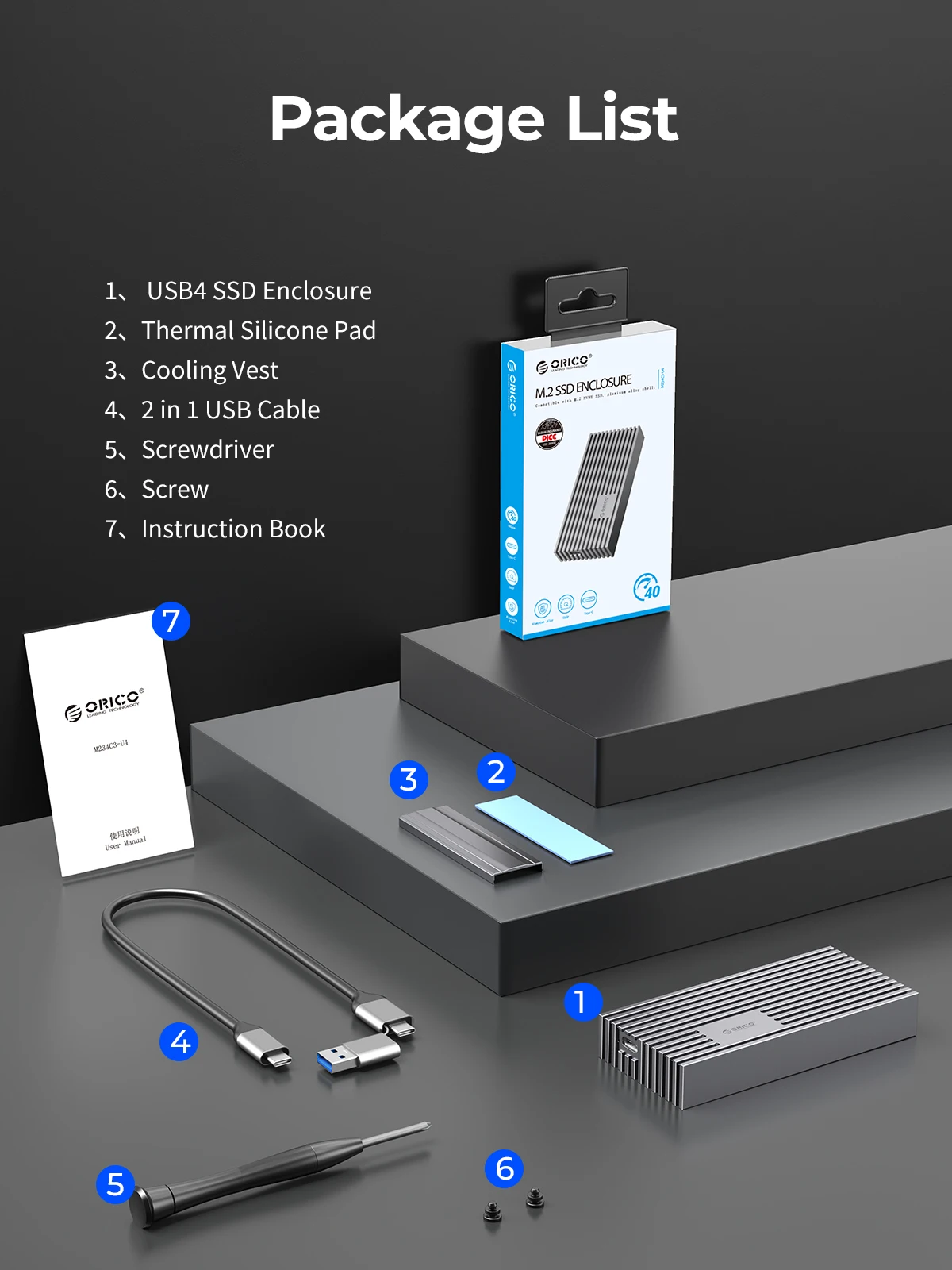
Built-in Metal cooling vest,corrugated surface,silicone thermal pad and aluminium alloy material,heat dissipation is fast. (SATA 5Gbps Model is not included cooling vest).
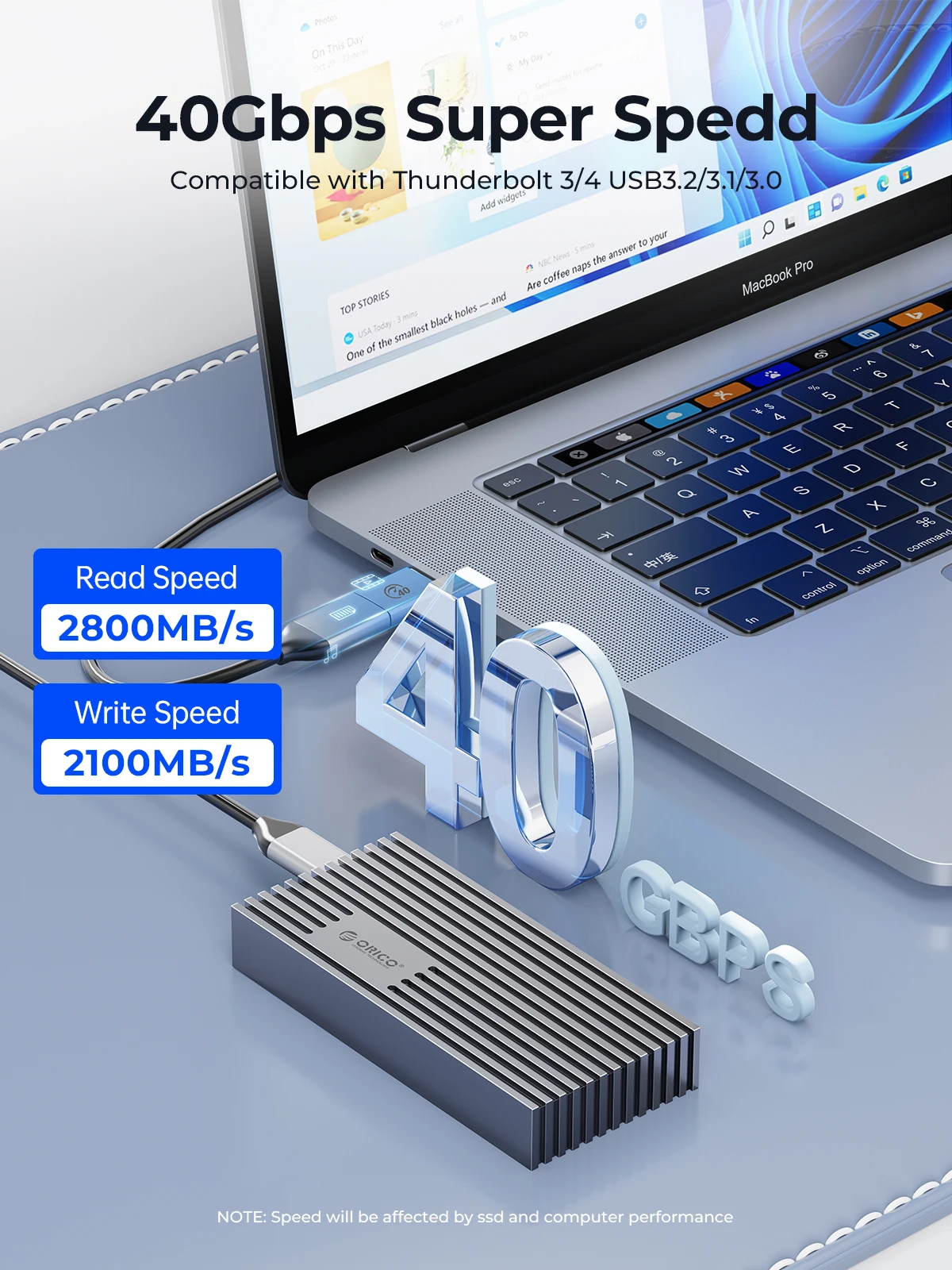
40Gbps Ultra Speed
With USB4 Type C output interface, it supports the maximum transmission speed up to 40Gbps. The measured maximum continuous read speed can reach 2800MB/s, and the continuous write can reach 2100MB/s.
Different Transmission Rate SSD Case

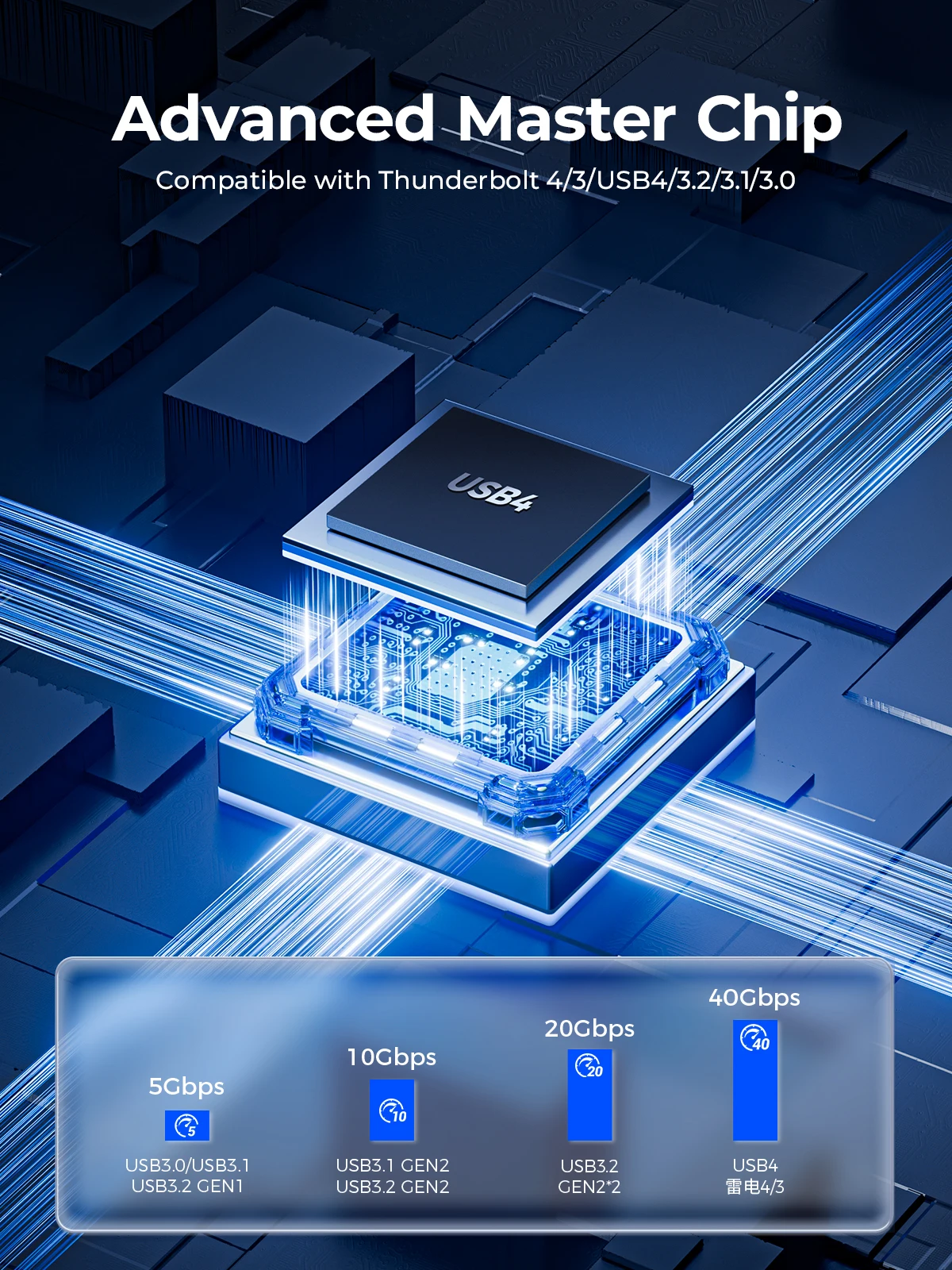
USB4 Latest ASM2464PD Chip
Support UASP, TRIM, SMART, 70% faster than conventional read speed, 40% faster write speed, automatically identify errors, ensure file data security.
2 In 1 USB Cable(Data Transmission+PD Fast Charging)
The included USB cable has 2 output ports, USB C to A (10Gbps) and USB C to C (40Gbps), free to connect computers, mobile phones, game consoles, tablets and other devices . The wire is 30cm long, has an aluminum alloy interface, and supports PD100W fast charging.
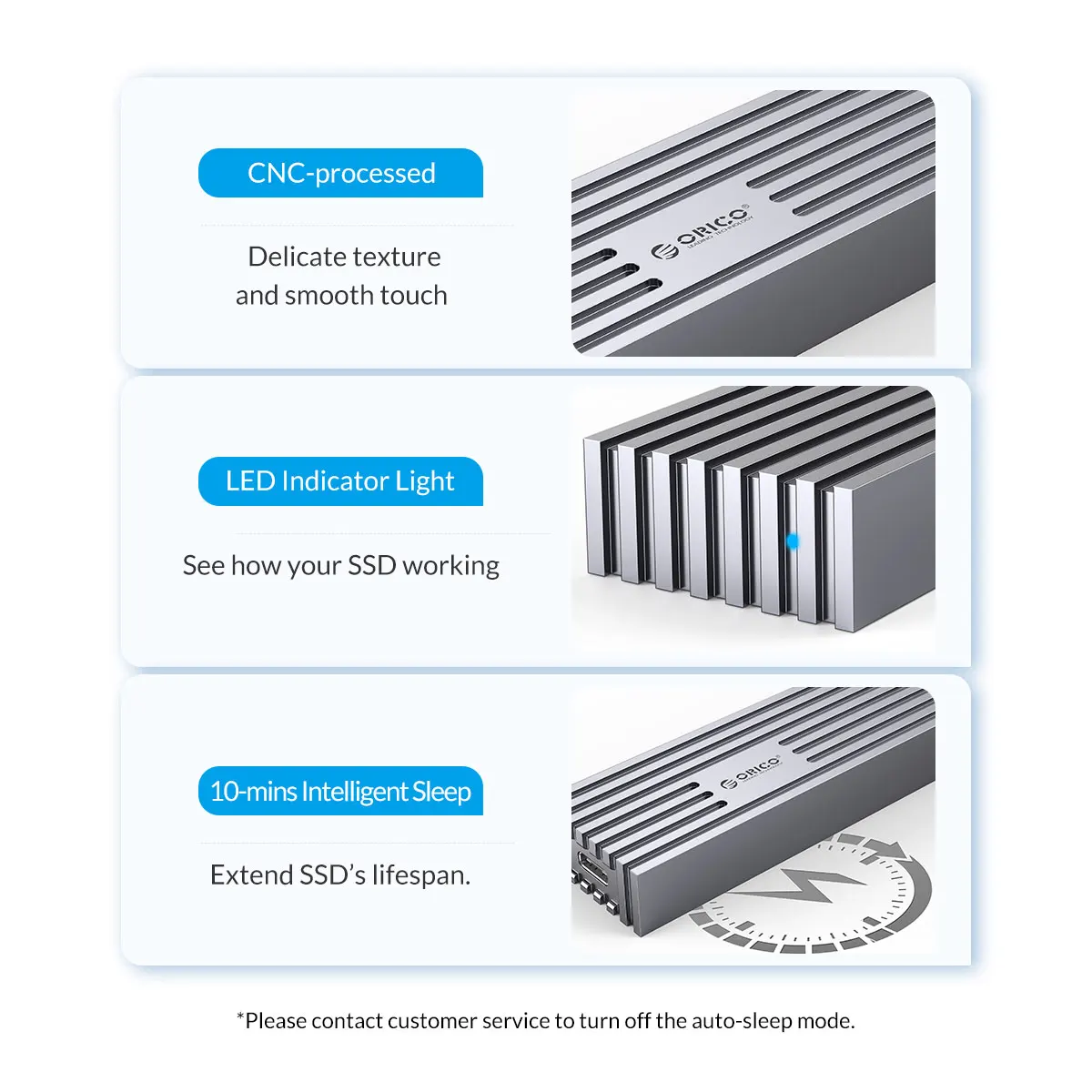
LED Indicator & 10Min Auto Sleep
With the auto indicator, you can get to know that the ssd enclosure is in working mode
Wide Compatibility
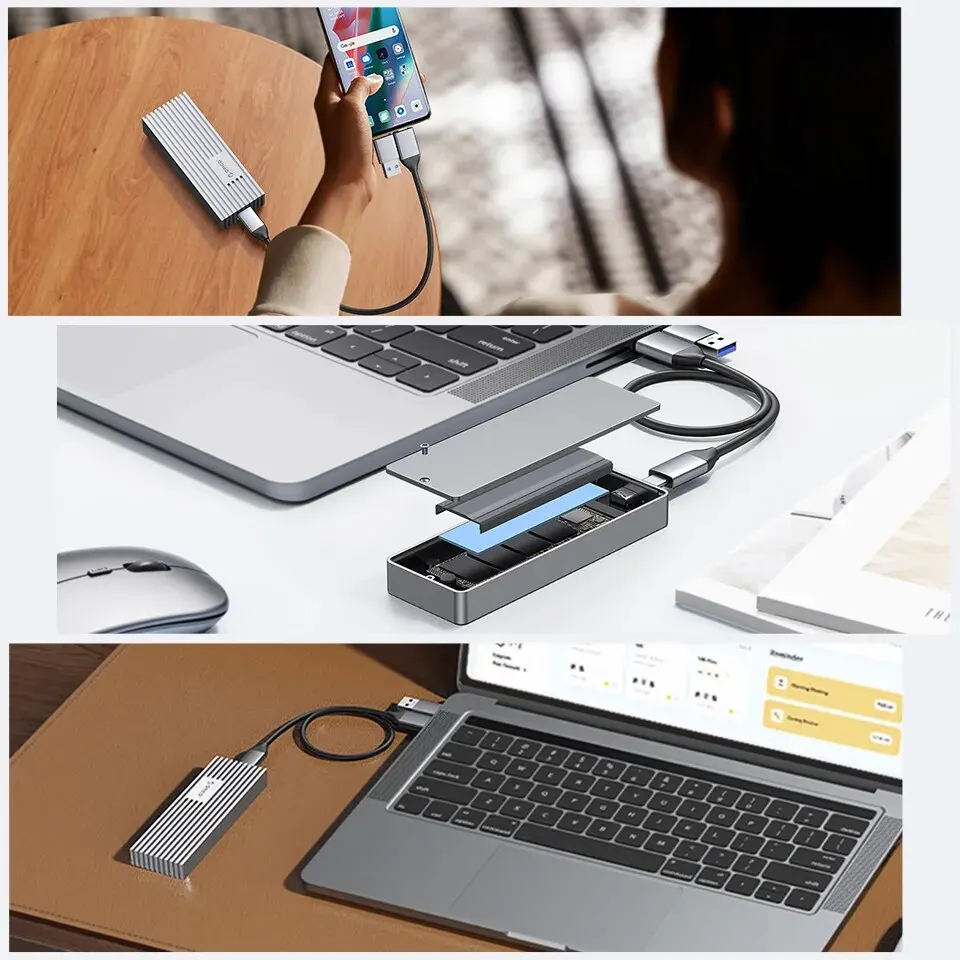
Drive-Free,plug and play, Compatible with Windows, Mac OS, Linux and Android Systems.
Suitable for gaming, video editing, research, design
Providing more capacity for backup for PC ,laptop,tablet,phone but also for smart TV, smart router and PS4 etc.
Supports up to 4TB
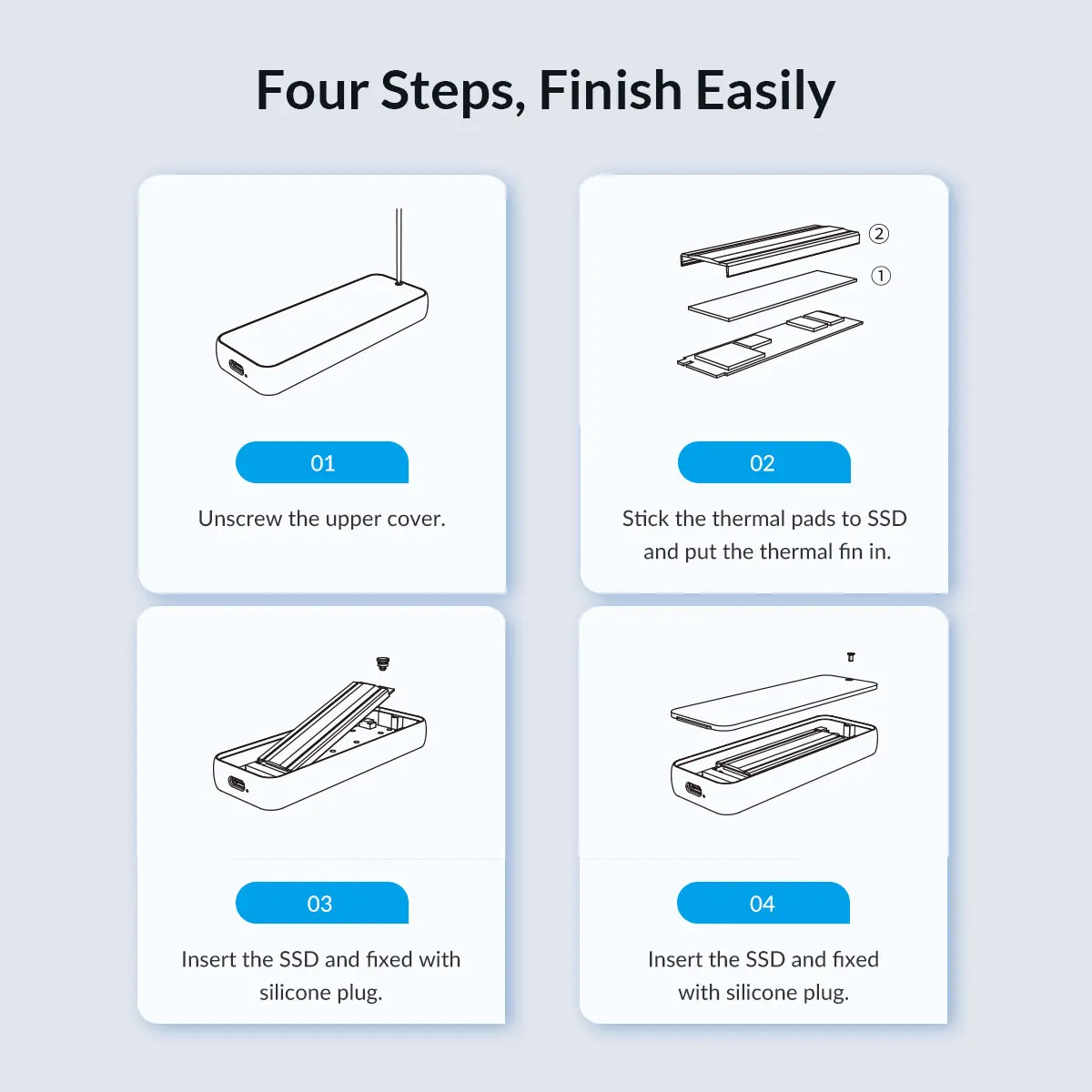
Easy Installation


Question: Why are there prompts when using a Mac?
Note: Whenever a Mac system unplugs the hard drive enclosure while the computer is on, it is considered forcibly unplugging a device from the PCIE port, which leads to the increase in the unsafe shutdown count prompt. To avoid this issue, only unplug the device after shutting down the computer. Windows systems do not encounter this situation.
Question: Why is the device using Thunderbolt not recognized?
Question:Why is the speed not as fast as advertised?
1. Use PCI-E 3.0 or PCI-E 4.0 NVMe SSD.
2. Make sure your input device's USB-C port is USB4 or Thunderbolt 4.
3. Make sure all of them support USB4 or Thunderbolt 4 if you use intermediate devices and cables.
Question: How to format an SSD?