ORICO M.2 NVMe SATA SSD Enclosure ឧបករណ៍ភ្ជាប់ USB ខាងក្រៅ 10Gbps M.2 NVMe ទៅ USB Adapter គាំទ្រ UASP សម្រាប់ PCIe NVMe និង SATA SSD
លក្ខណៈបច្ចេកទេស
ឈ្មោះម៉ាក៖ Orico
សម្ភារៈប្រអប់៖ អាលុយមីញ៉ូម
វិមាត្រ៖ 137*45.8*17.8មម
ចំណុចប្រទាក់ខាងក្រៅ៖ យូអេសប៊ី
មុខងារ៖ ការដំឡើងដោយមិនប្រើឧបករណ៍
សារធាតុគីមីដែលមានការព្រួយបារម្ភខ្ពស់៖ គ្មាន
វត្ថុ៖ ប្រអប់ M.2 SSD
សម្ភារៈ៖ យ៉ាន់ស្ព័រអាលុយមីញ៉ូម +ABS
លេខម៉ូដែល៖ ORICO AXM2
ប្រភពដើម៖ ចិនដីគោក
ទិន្នផល៖ ប្រភេទ-C
កញ្ចប់៖ បាទ/ចាស៎
ទំហំ៖ 1.8"
ប្រព័ន្ធគាំទ្រ៖ Windows / Mac OS / Linux / Android
សមត្ថភាពថាសរឹងដែលគាំទ្រ៖ 4/8TB
ចំណាំ៖ សូមបញ្ជាក់ចំណុចប្រទាក់ និងពិធីការដែលឆបគ្នាមុនពេលទិញ។
ម៉ូដែល NVMe 10Gbps
គាំទ្រតែពិធីការ NVME PCI-E ប៉ុណ្ណោះ គ្រាប់ចុច M SSD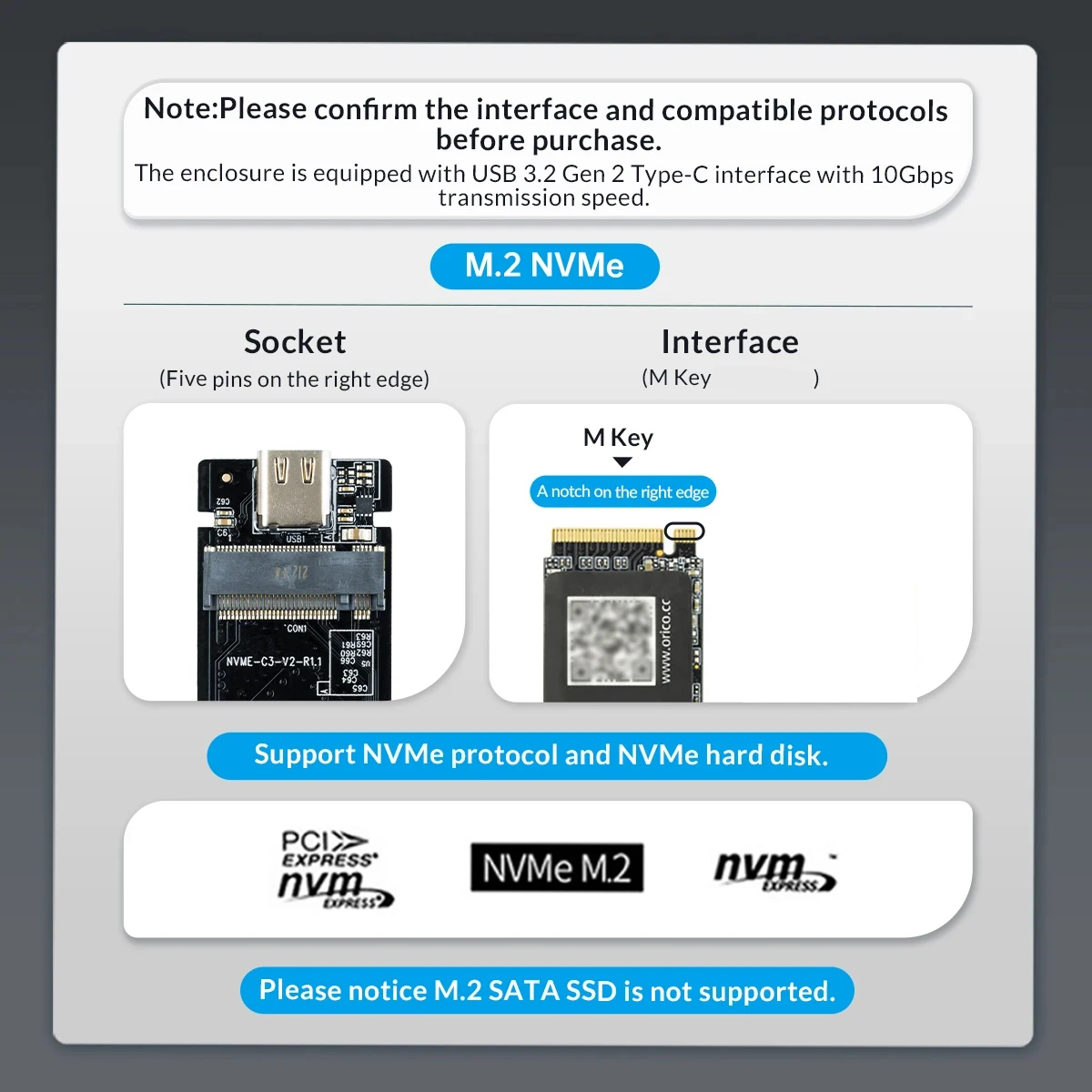
ម៉ូដែល SATA 5Gbps
គាំទ្រតែពិធីការ NGFF SATA ប៉ុណ្ណោះ គ្រាប់ចុច B / គ្រាប់ចុច B&M SSD។(មិនរួមបញ្ចូលអាវត្រជាក់ទេ)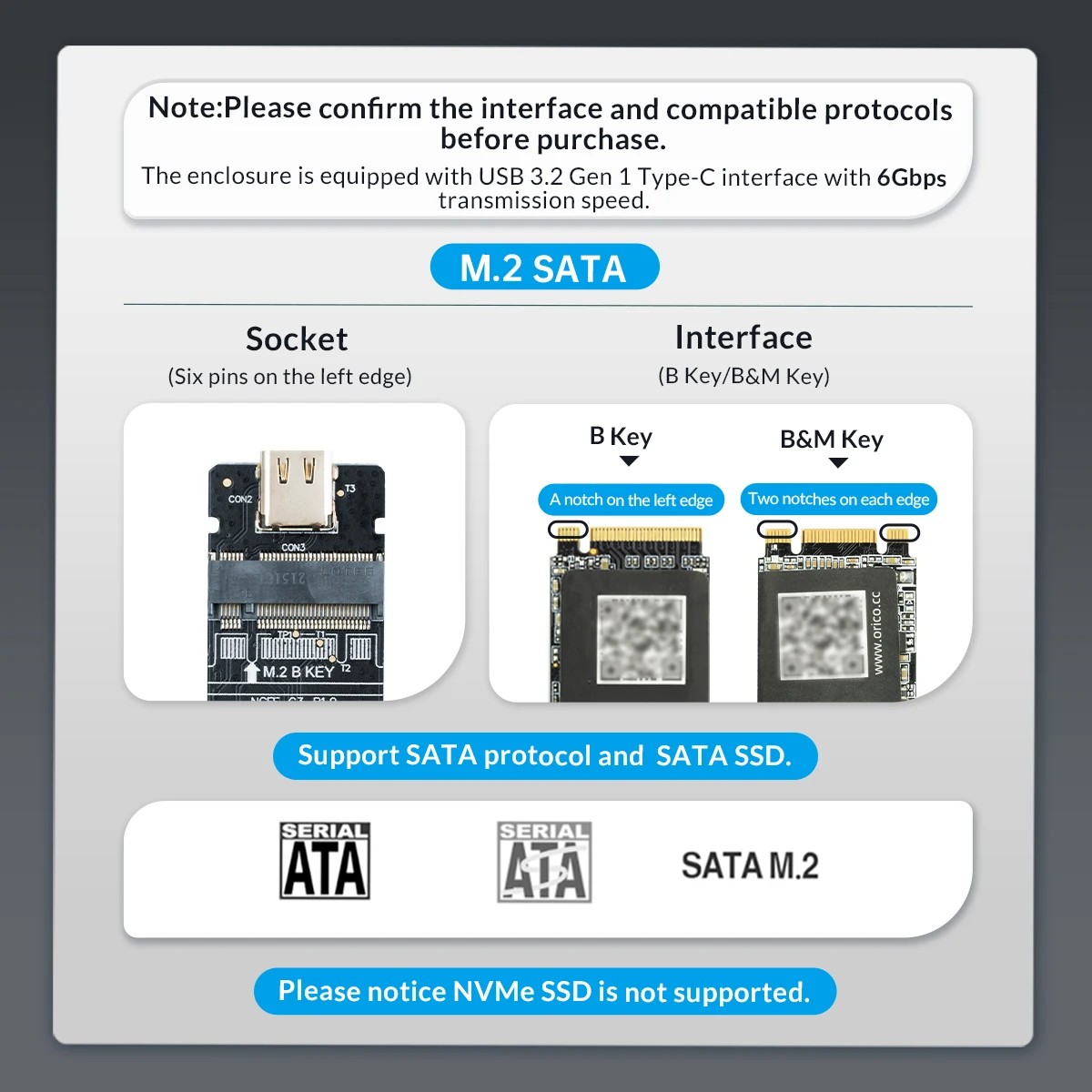
ម៉ូដែល SATA និង NVMe ពិធីការពីរ
ការគាំទ្រ គ្រាប់ចុច M(ពិធីការ NVMe) / គ្រាប់ចុច B&M SSD (ទាំង NVME និង SATA Protocol) មិនឆបគ្នាជាមួយ B Key SSD ទេ។
ប្រអប់ដាក់ SSD M.2 ចល័តដែលមិនចាំបាច់ប្រើឧបករណ៍ ជាមួយនឹងស្រោមការពារស៊ីលីកូន
ប្រសិនបើអ្នកកំពុងស្វែងរកការផ្ទេរប្រព័ន្ធប្រតិបត្តិការ និង/ឬឯកសារកុំព្យូទ័ររបស់អ្នកទៅកាន់ M.2 ថ្មី អ្នកពិតជាត្រូវពិចារណាប្រើប្រាស់ M.2 NVMe SATA SSD Enclosure របស់ ORICO ដើម្បីធ្វើការងារបានយ៉ាងឆាប់រហ័ស និងរលូន។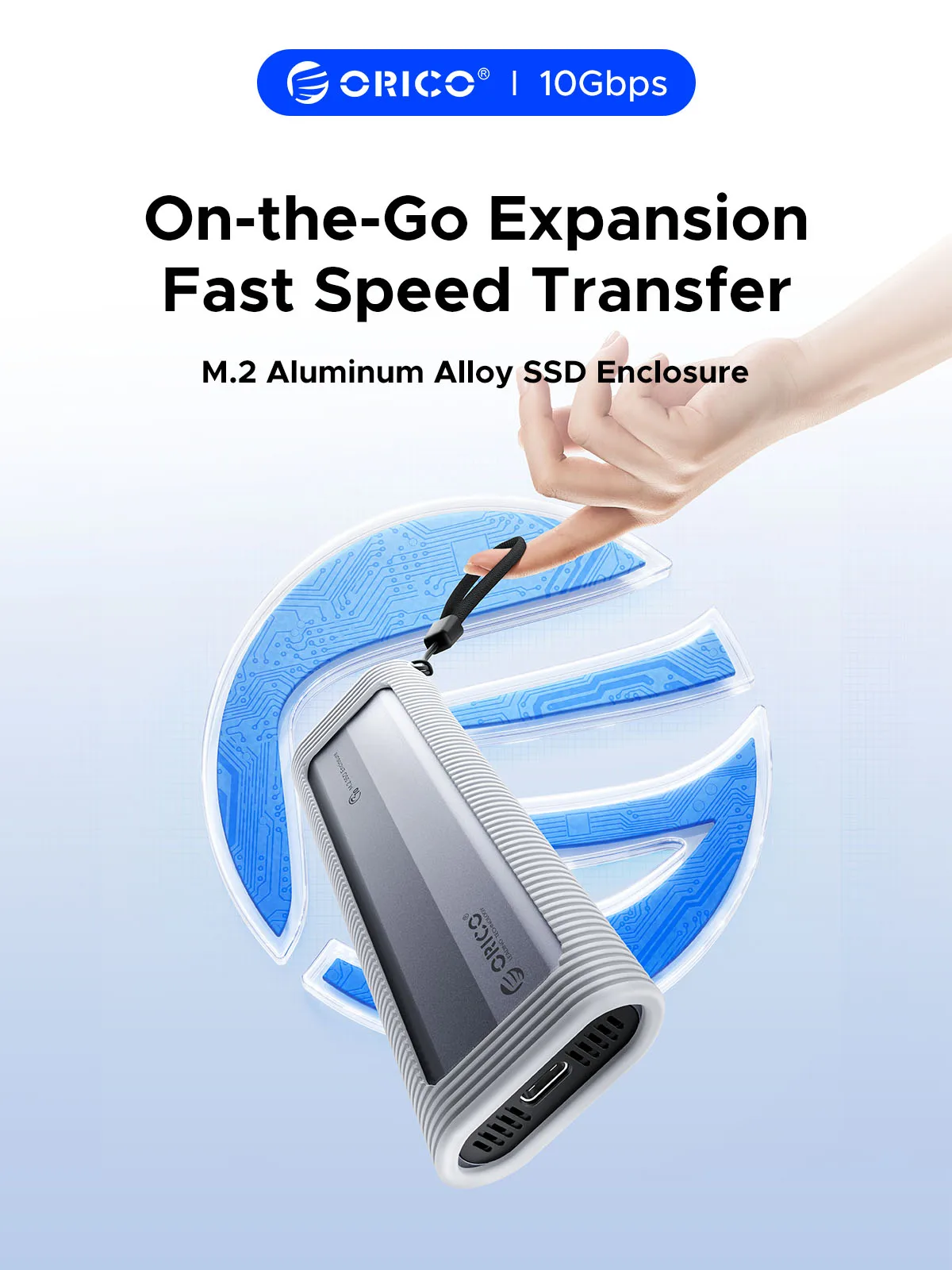
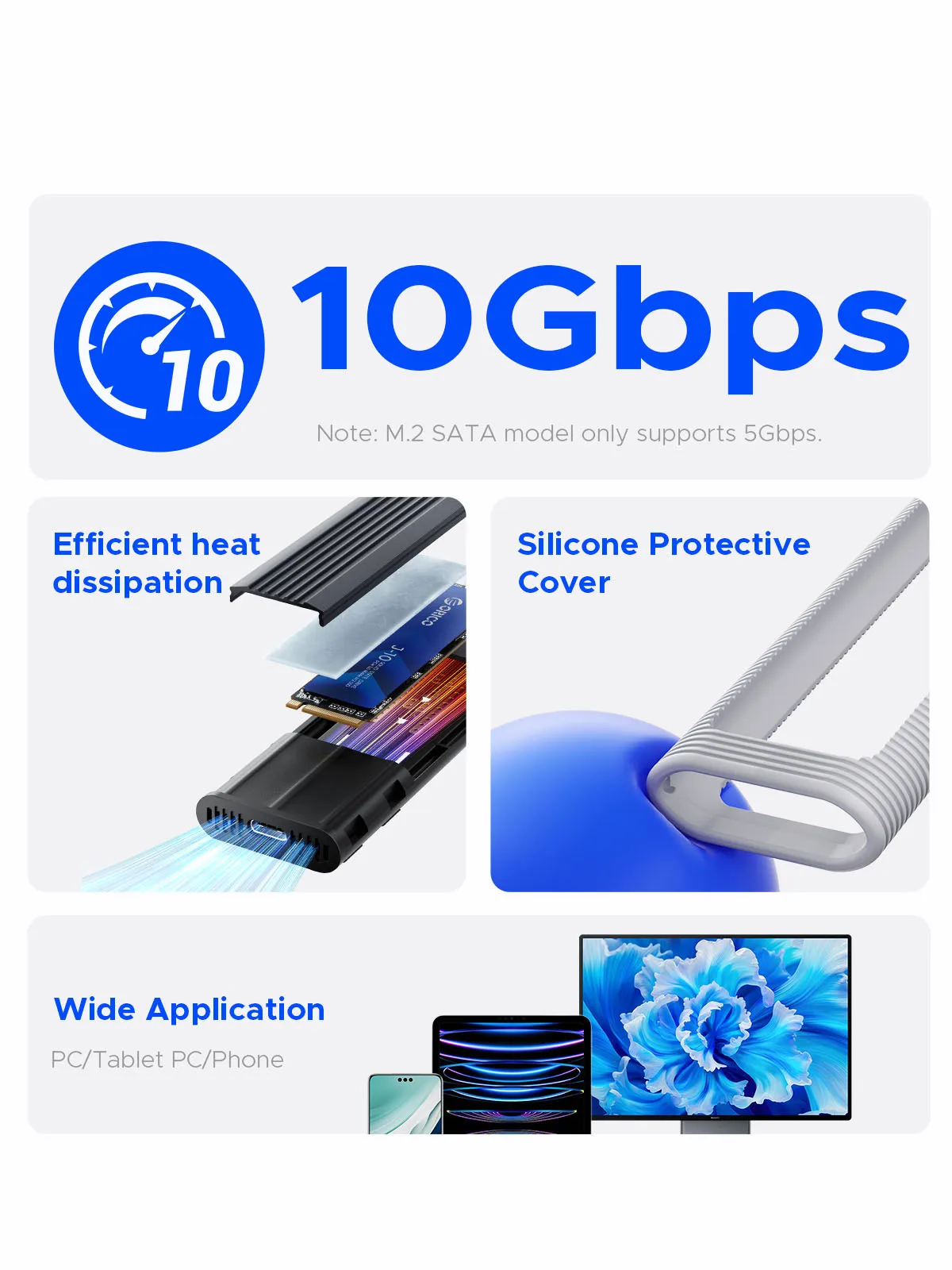 USB3.2 ល្បឿនលឿនខ្លាំង
ពេលប្រើ NVMe SSD អត្រាបញ្ជូនគឺ 10Gbps ហើយល្បឿនអាន និងសរសេរគឺ 1000MB/វិនាទី។ នៅពេលប្រើ M.2 SATA SSD អត្រាបញ្ជូនគឺ 5Gbps ហើយល្បឿនអាន និងសរសេរគឺ 450MB/វិនាទី។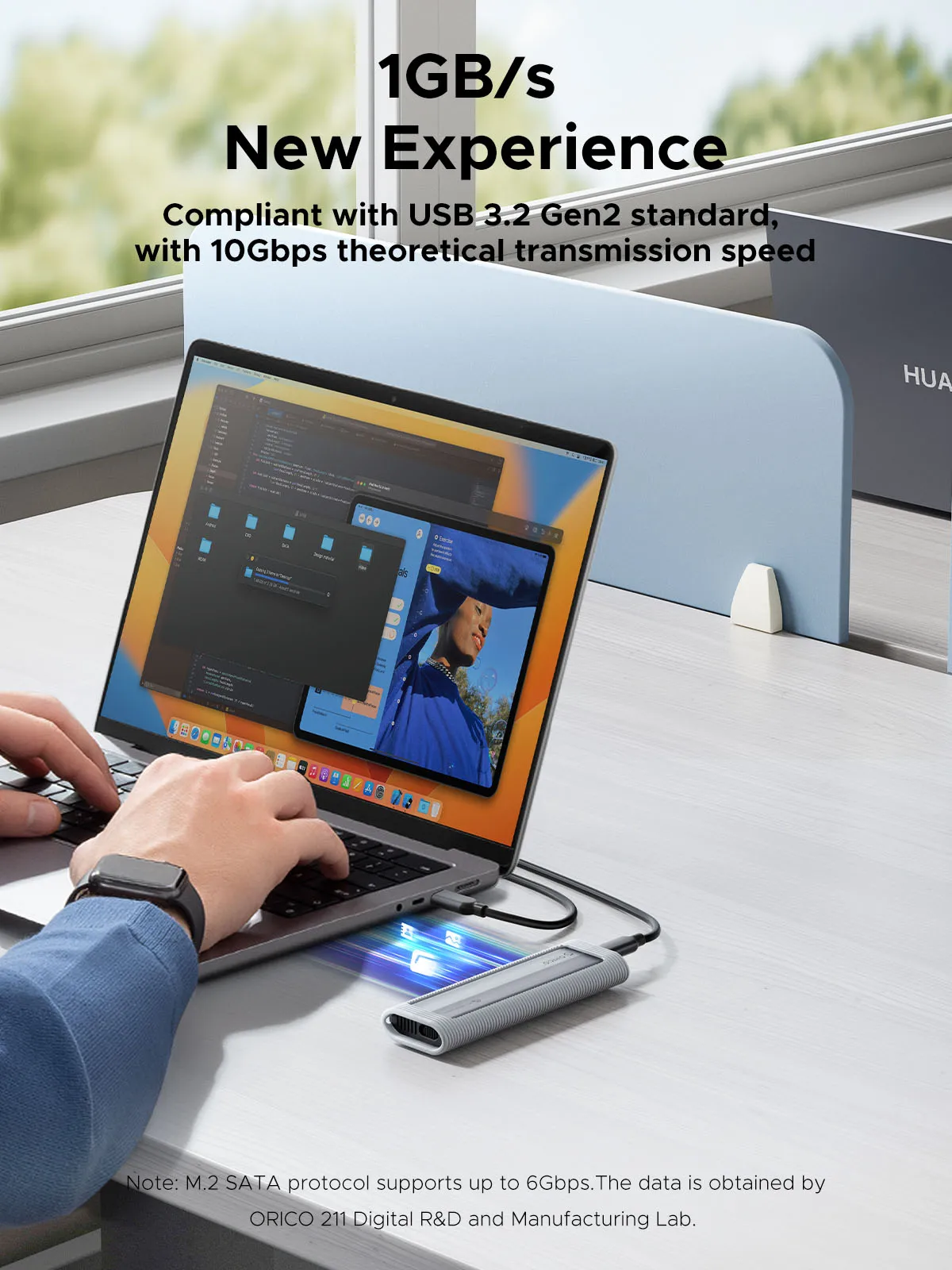 ធ្វើអោយប្រសើរឡើងនូវការរលាយកំដៅ
អាវការពារកម្ដៅធ្វើពីដែកដែលភ្ជាប់មកស្រាប់ បន្ទះកម្ដៅស៊ីលីកូន និងតួខ្លួនអាលុយមីញ៉ូម ការរលាយកម្ដៅលឿន។ សីតុណ្ហភាពប្រតិបត្តិការធម្មតាមានចន្លោះពី ៤០-៥០°C ស្រដៀងគ្នាទៅនឹងកុំព្យូទ័រយួរដៃ។ចំណាំ៖ មានតែកំណែអាប់ដេត (NVMe/ Dual-Protocol) ជាមួយនឹងអាវការពារកម្ដៅប៉ុណ្ណោះ។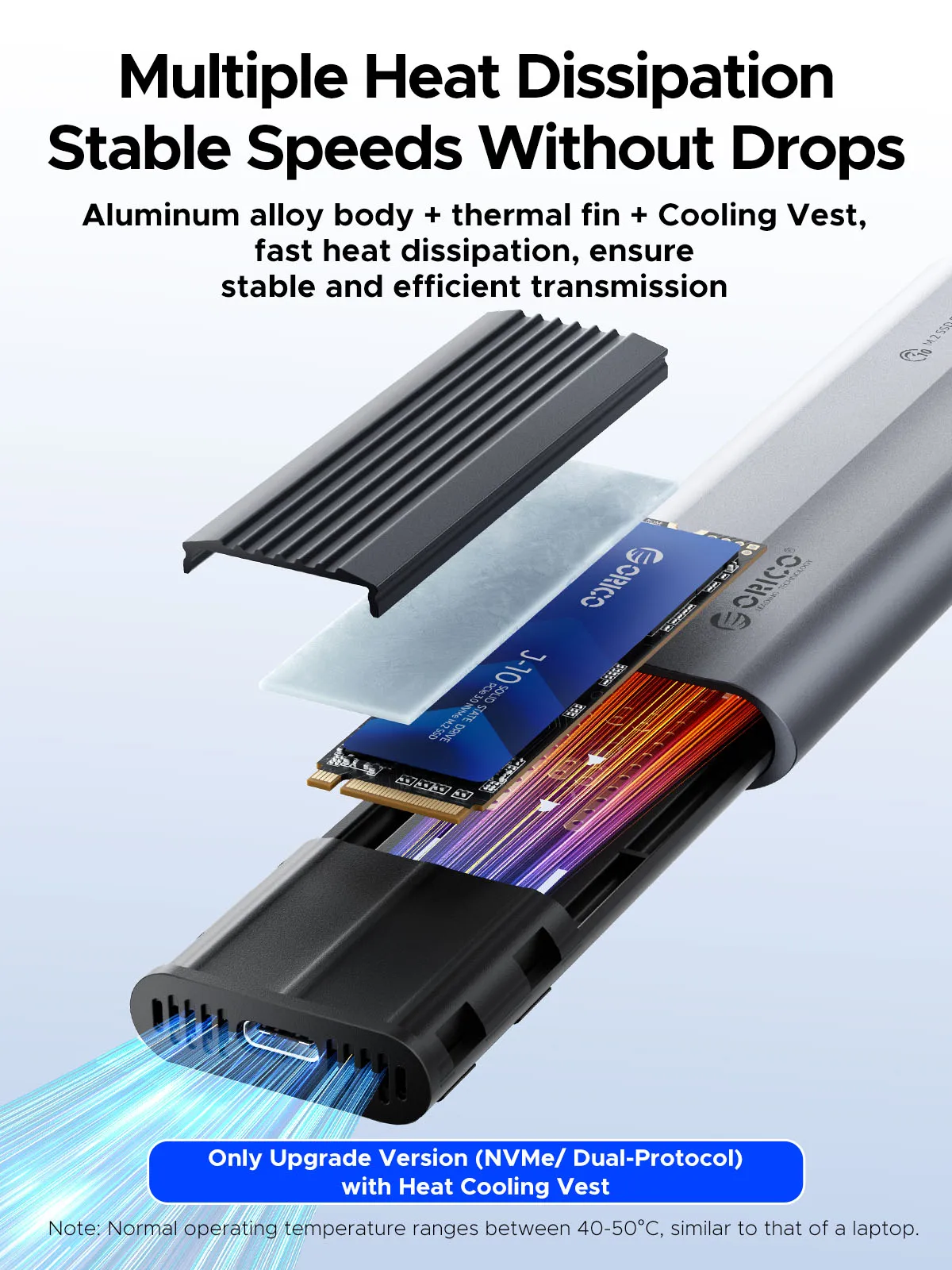 ការការពារការបង្កើនល្បឿន
មានសៀគ្វីខ្លី ចរន្តលើស និងការការពារច្រើនយ៉ាង ដើម្បីធានាសុវត្ថិភាព SSD និងទិន្នន័យដ៏មានតម្លៃរបស់អ្នក និងគាំទ្រ UASP/ Trim ជាមួយនឹងល្បឿនផ្ទេរខ្ពស់។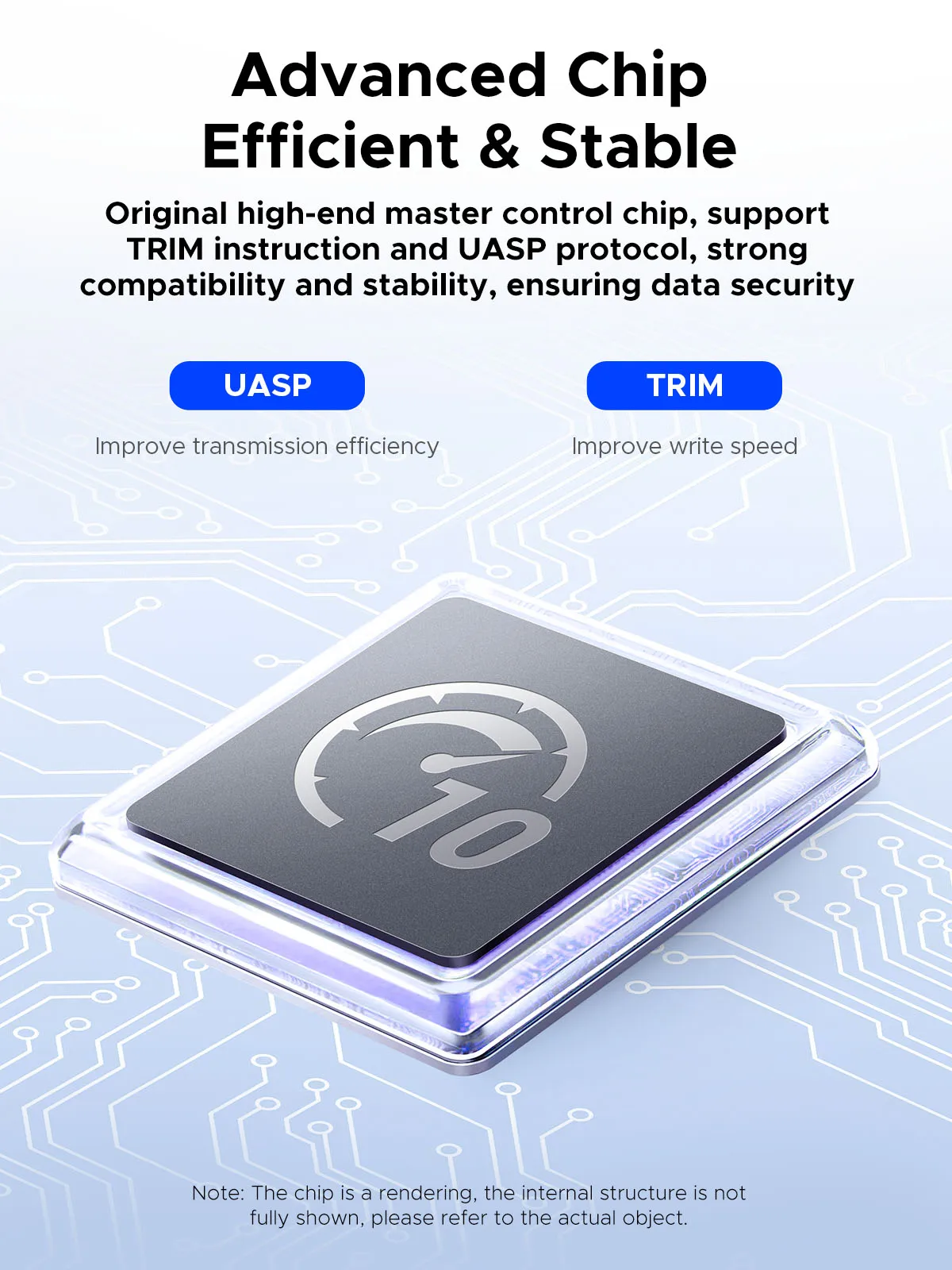 គាំទ្រសមត្ថភាពអតិបរមា 4/8TB
SATA កំណែ ngff គាំទ្រ 4TB ខណៈពេលដែលកំណែ NVME និងពិធីការពីរគាំទ្រ 8TB។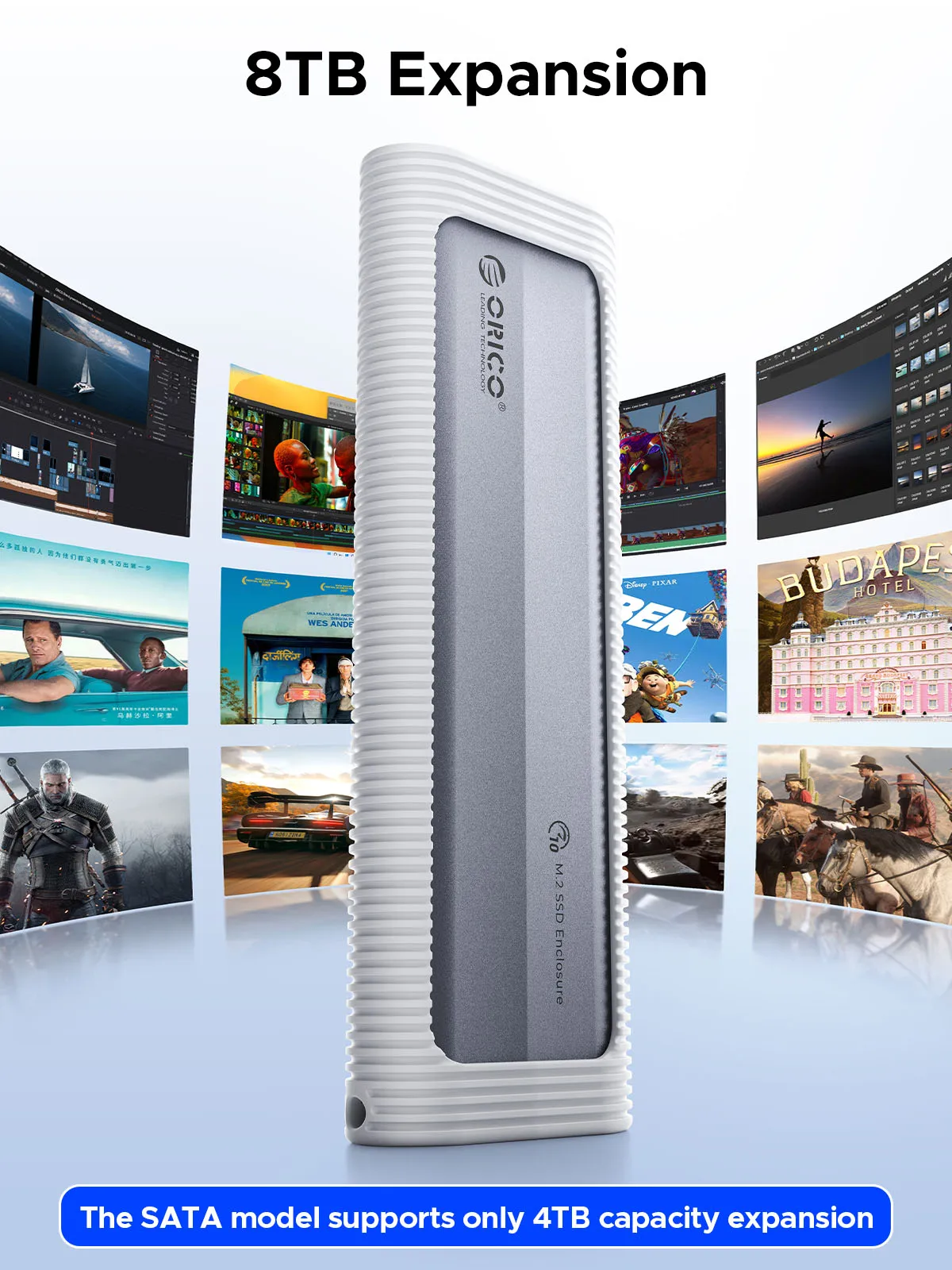 ការការពារដ៏ទូលំទូលាយ មានសុវត្ថិភាព និងអាចយកតាមខ្លួនបាន
នេះ ប្រអប់ខាងក្រៅអាលុយមីញ៉ូមស្ដើងខ្លាំង ជាមួយនឹងស្រោមស៊ីលីកូនបន្ថែម និងខ្សែចង អាចចល័តបាន ប៉ុន្តែប្រើប្រាស់បានយូរ ធន់នឹងការប៉ះទង្គិច និងប្រឆាំងនឹងការកោស ដែលធ្វើឱ្យវាល្អសម្រាប់ការធ្វើដំណើរ។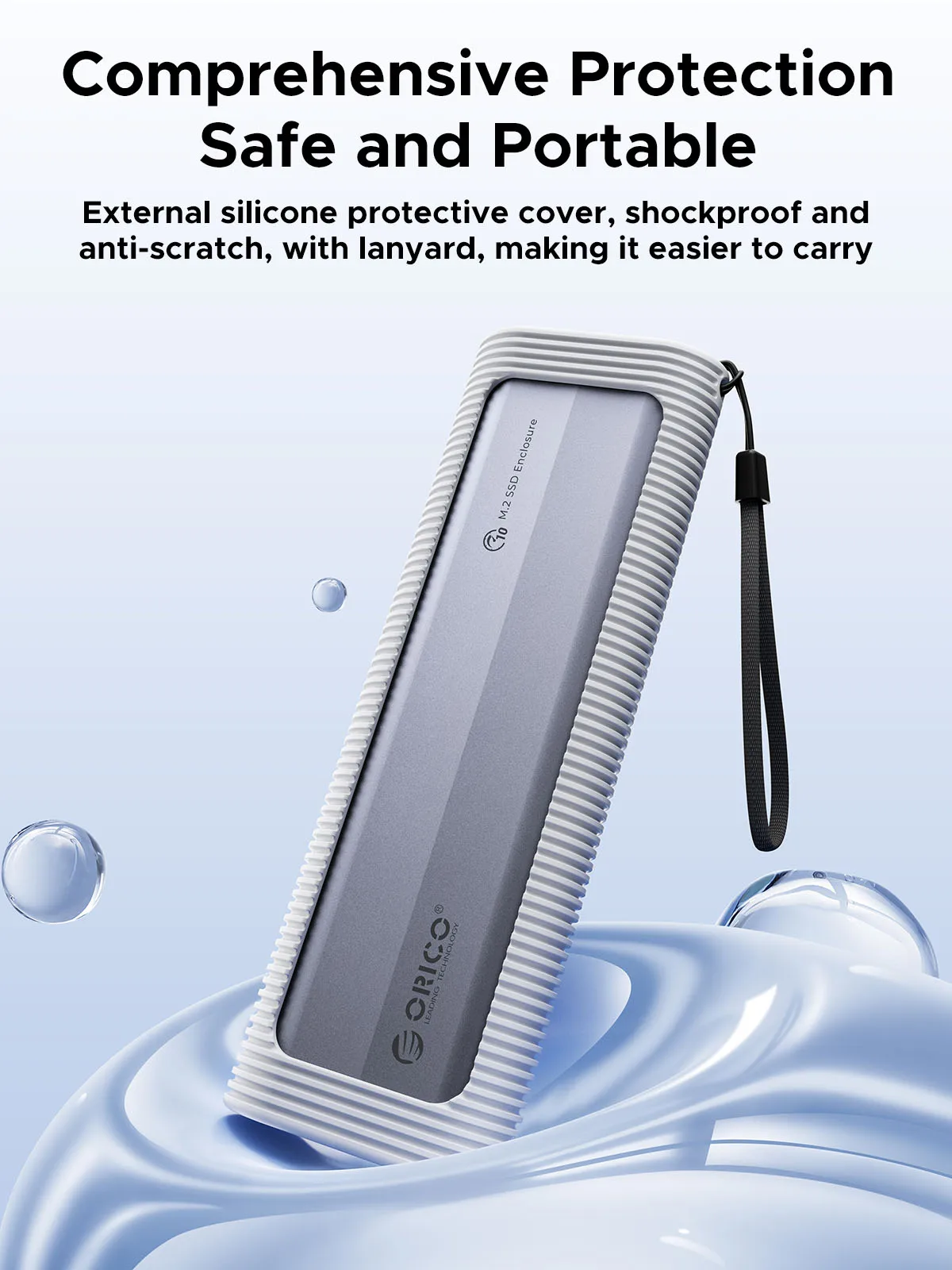 ការដំឡើងដោយមិនចាំបាច់ប្រើឧបករណ៍
ប្រអប់ SSD ដែលមិនចាំបាច់ប្រើឧបករណ៍សម្រាប់ការដំឡើងរហ័ស និងងាយស្រួល។ ដោត និងលេងបាន មិនត្រូវការកម្មវិធីបញ្ជាទេ។ ការរចនាខ្សែរឹតនៃប្រអប់ M.2 SSD អាចធានាបាននូវការផ្ទេរដែលមានស្ថេរភាព និងលឿន។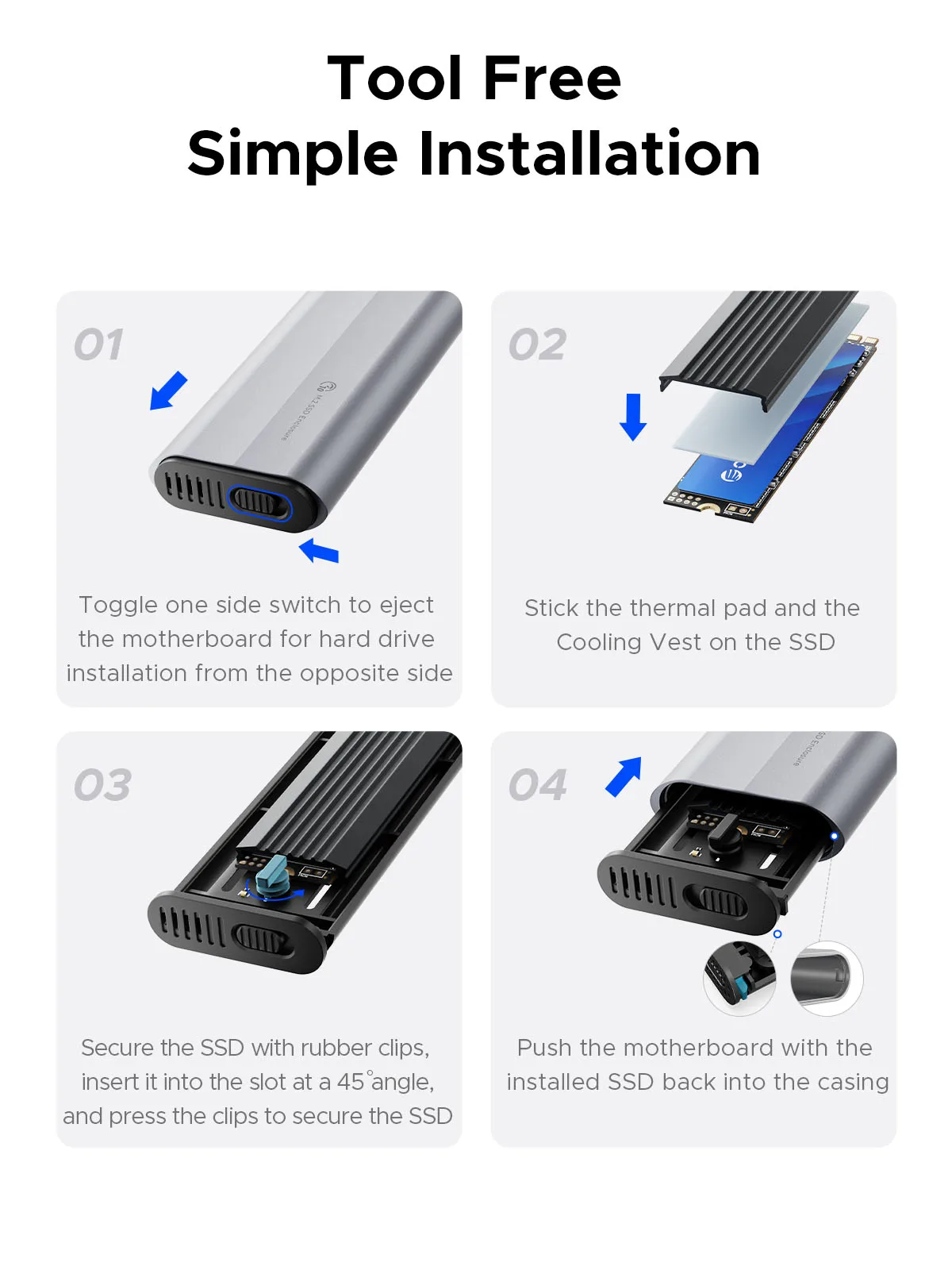
ឆបគ្នាជាមួយ SSD ផ្សេងៗគ្នា
ភាពឆបគ្នា ទំហំ SSD៖២២៣០/២២៤២/២២៦០/២២៨០។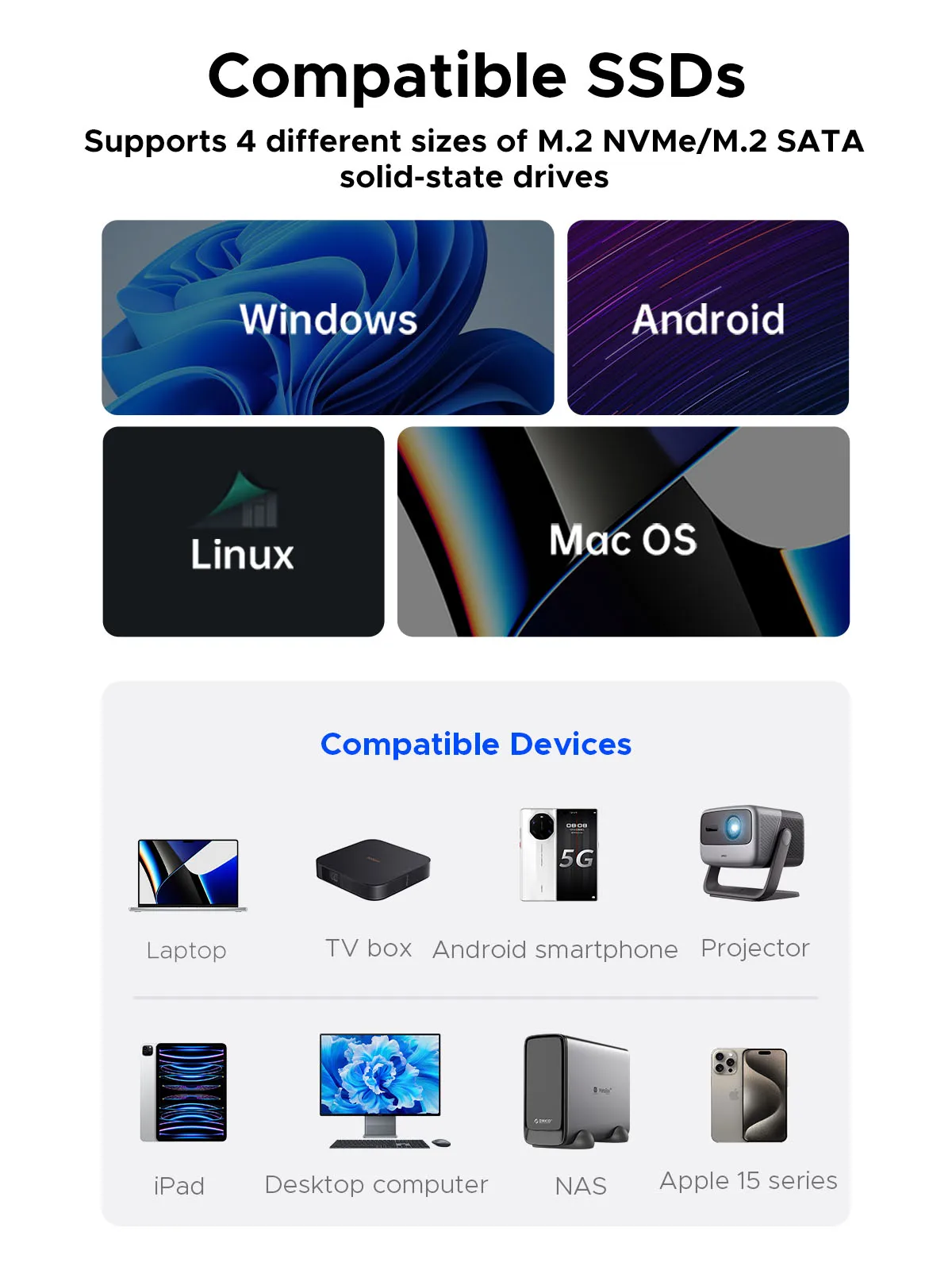 ខ្សែទិន្នន័យ
សូមជ្រើសរើស សូមពិនិត្យមើលដោយប្រុងប្រយ័ត្នមុនពេលទិញ។ ខ្សែទាំងនេះរួមមានខ្សែ USB C ទៅ USB C និងខ្សែ 2-in-1។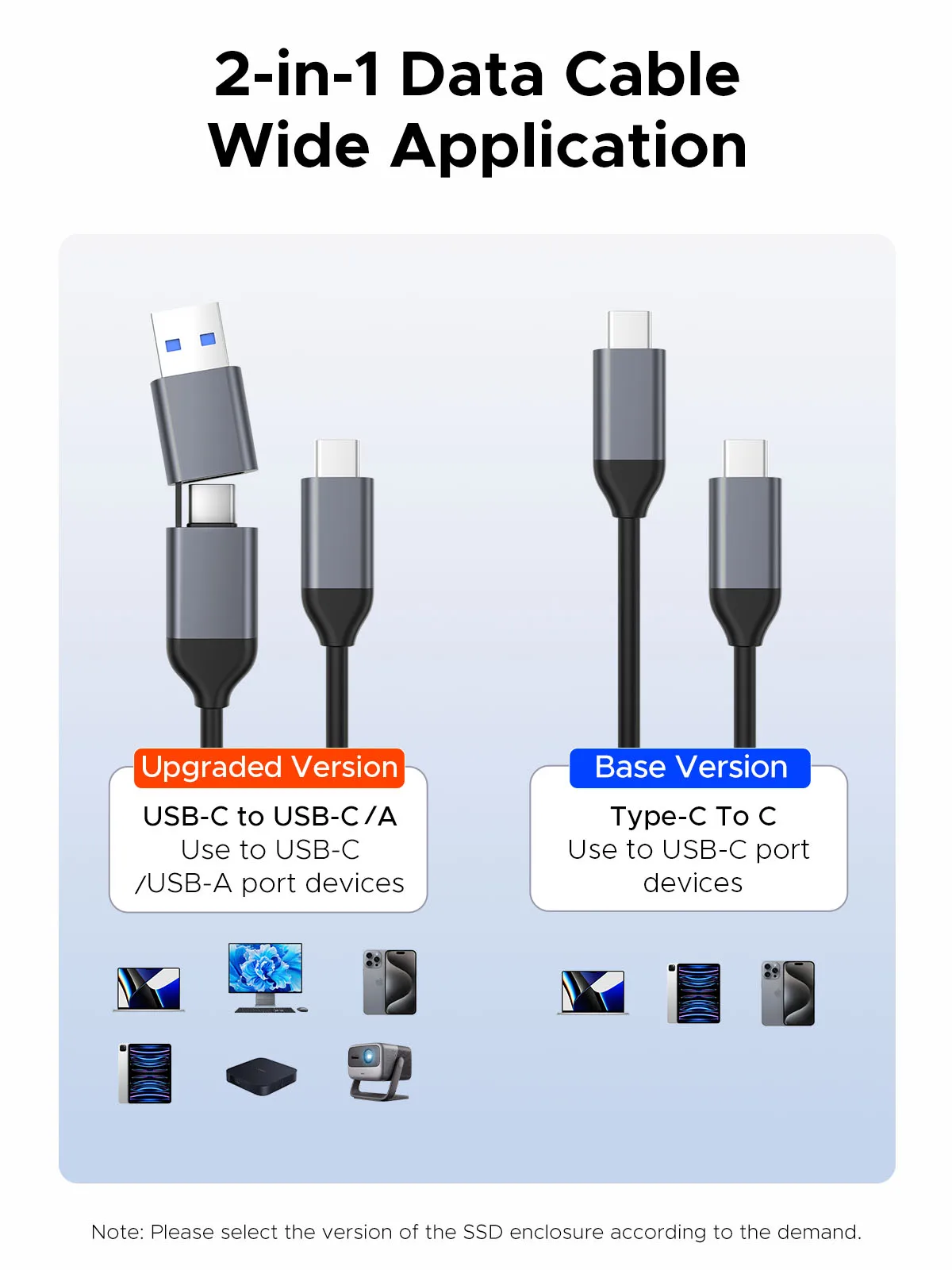
ជម្រើសតម្លៃជាមួយ SSD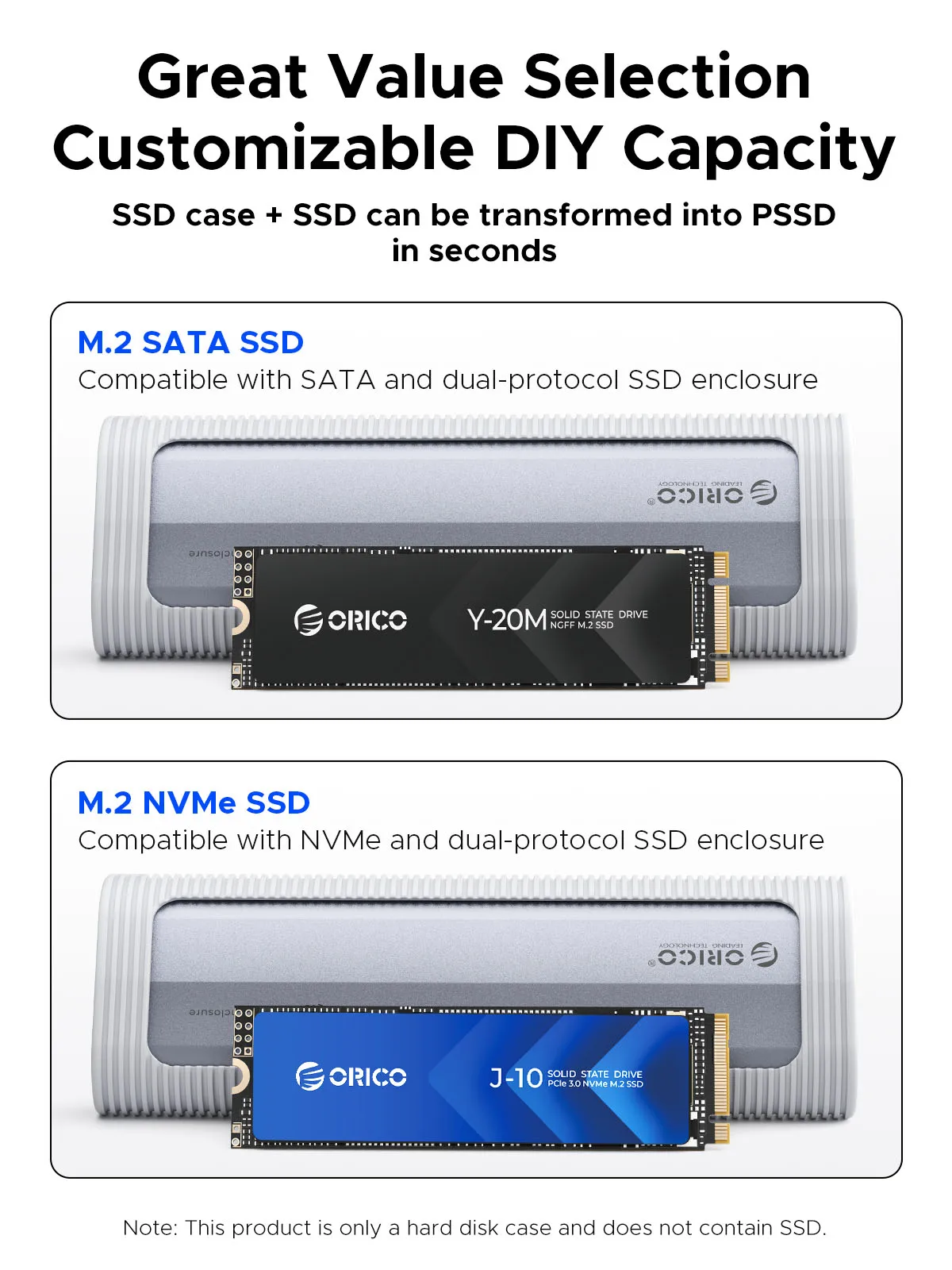 បញ្ជីកញ្ចប់កំណែមូលដ្ឋាន--ខ្សែ USB C ទៅ C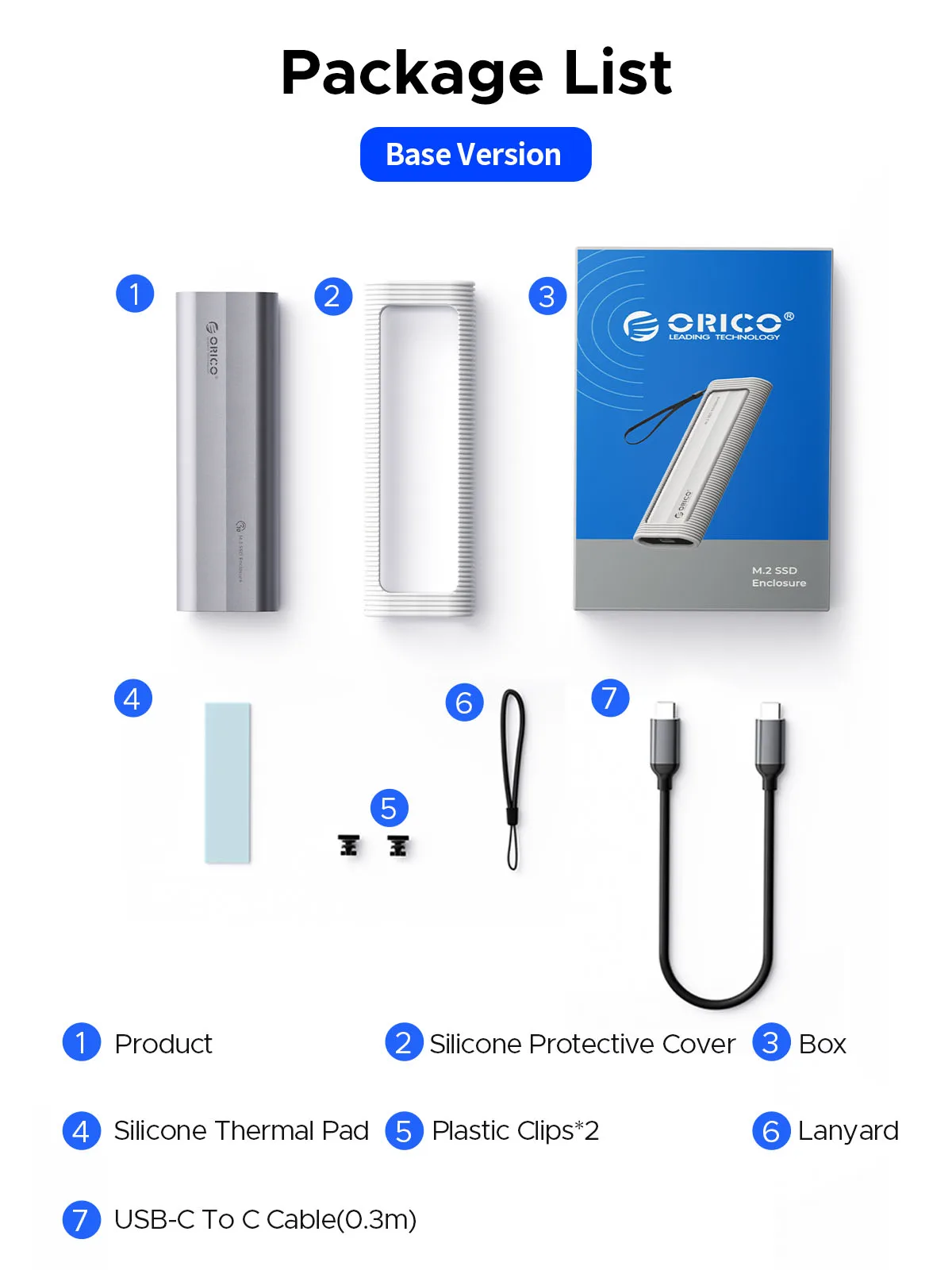
បញ្ជីកញ្ចប់កំណែអាប់ដេត
--ខ្សែ 2 ក្នុង 1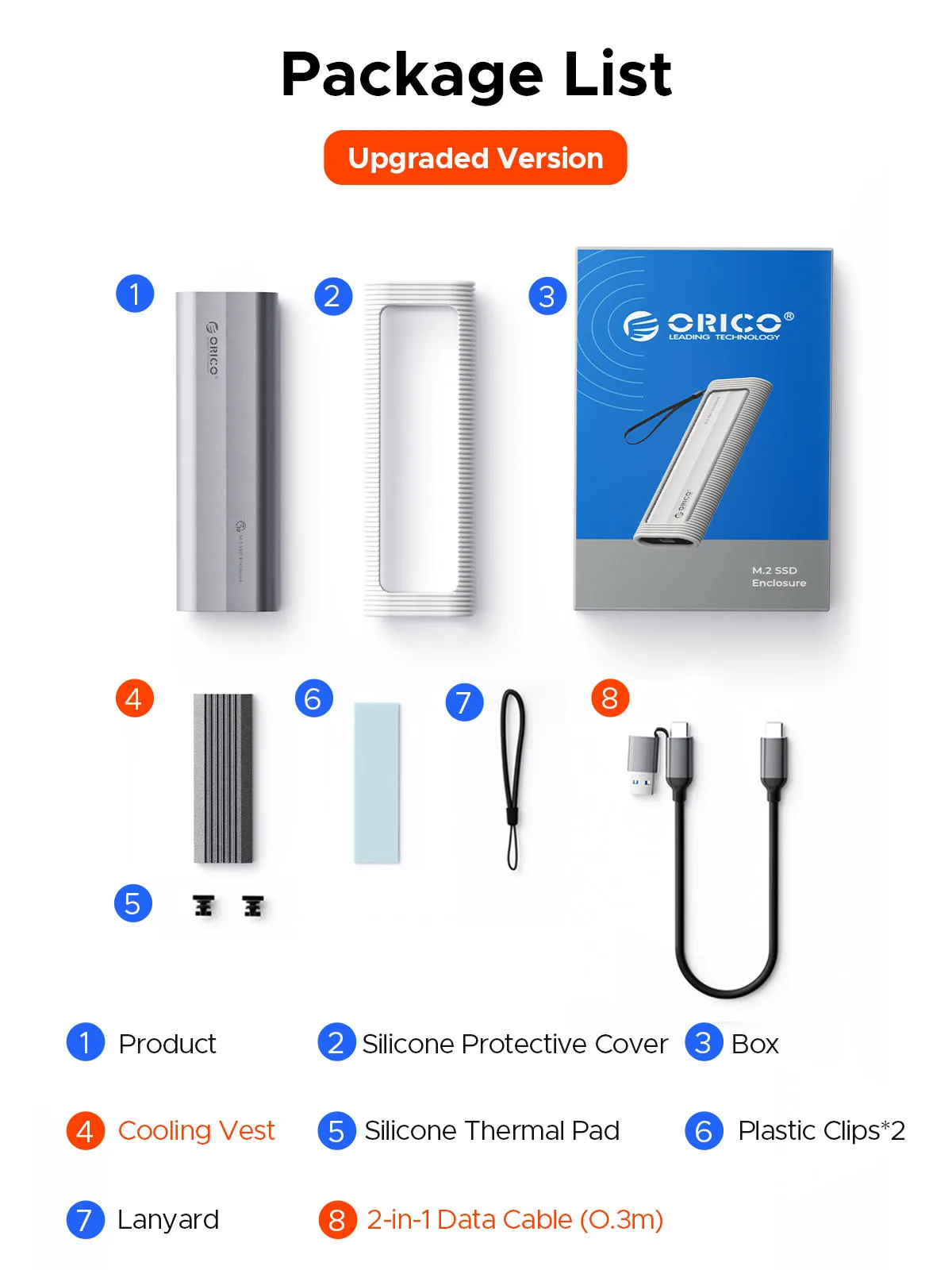
សំណួរ៖ បន្ទាប់ពីដំឡើង SSD កុំព្យូទ័រមិនត្រូវបានអានដោយប្រអប់ទេ?
ចម្លើយ៖១. បញ្ជាក់ថាតើការតភ្ជាប់រវាងខ្សែទិន្នន័យ និងផលិតផល និងឧបករណ៍មានទំនាក់ទំនងល្អដែរឬទេ ហើយថាតើ SSD ត្រូវបានដំឡើងត្រឹមត្រូវដែរឬទេ។
2. SSD ថ្មីត្រូវការចែកភាគថាស និងធ្វើទ្រង់ទ្រាយសម្រាប់ ការប្រើប្រាស់លើកដំបូង បើមិនដូច្នោះទេ ឧបករណ៍មិនអាចស្គាល់ SSD បានទេ។
៣. បញ្ជាក់ថាតើប្រព័ន្ធគាំទ្រដ្រាយវ៍រឹងដែលមានសមត្ថភាពធំឬអត់ ប្រព័ន្ធ WinXP ៣២ ប៊ីតមិនគាំទ្រដ្រាយវ៍រឹងលើសពី ២ តោនទេ។
៤. បញ្ជាក់ថាតើទម្រង់ថាសរឹងស្របនឹងទម្រង់ SSD ដែលប្រព័ន្ធគាំទ្រឬអត់។ បើមិនដូច្នោះទេ សូមធ្វើទ្រង់ទ្រាយ SSD ទៅជាទម្រង់ថាសរឹងដែលប្រព័ន្ធគាំទ្រ។
សំណួរ៖ ហេតុអ្វីបានជាវាមិនអាចសរសេរនៅក្នុង Mac OS? ប៉ុន្តែវាអាចអាន និងសរសេរបានធម្មតានៅក្រោម Windows។
ក៖ សូមបញ្ជាក់ទម្រង់ M.2 SSD របស់អ្នក។ ហើយ Mac OS ត្រូវដំឡើងកម្មវិធីអាន NTFS ដើម្បីអាន M.2 SSDs ក្នុងទម្រង់ NTFS។
សំណួរ៖ តើមានការកំណត់ការគេងដែរឬទេ? តើមានការរំខានណាមួយក្នុងការបញ្ជូនទិន្នន័យអំឡុងពេលគេងដែរឬទេ?
ក:ប្រអប់ M.2 នឹងបិទដោយស្វ័យប្រវត្តិបន្ទាប់ពីកុំព្យូទ័រអសកម្មរយៈពេល ១០ នាទី។ នៅពេលដែលកុំព្យូទ័ររបស់អ្នកបានអានពួកវារួចហើយ វានឹងមិនដេកដោយស្វ័យប្រវត្តិទេ។
សំណួរ៖ ហេតុអ្វីបានជាល្បឿនមិនលឿនដូចការផ្សព្វផ្សាយ?
A:The operating speed of the product is determined by the notebook, host performance,M.2 SSD performance, USB port type and so on. For the fastest read and write speeds, an NVMeSSD should be used, and the external enclosure for the M.2 SSD should be connected to a USB 3.1 GEN2 10G port.
Q:Why does it generate heat?
A:SSDs generate heat as they read and write at high speeds. The aluminum case of this product effectively transfers heat throughout the case, quickly releasing the high temperatures generated by NVMe SSDs when they are operating.
Q:What formats of disks do different systems support?
A:Hello. Windows:FAT32, exFAT, NTFS. MacOS:HFS+, APFS. Linux:EXT2, EXT3, EXT4, XFS, Btrfs. Android:FAT32, exFAT, NTFS, ext3, ext4(Requires a third-party application). iOS:APFS, FAT32(Requires a specific external storage device). BSD:UFS. Solaris:ZFS.


