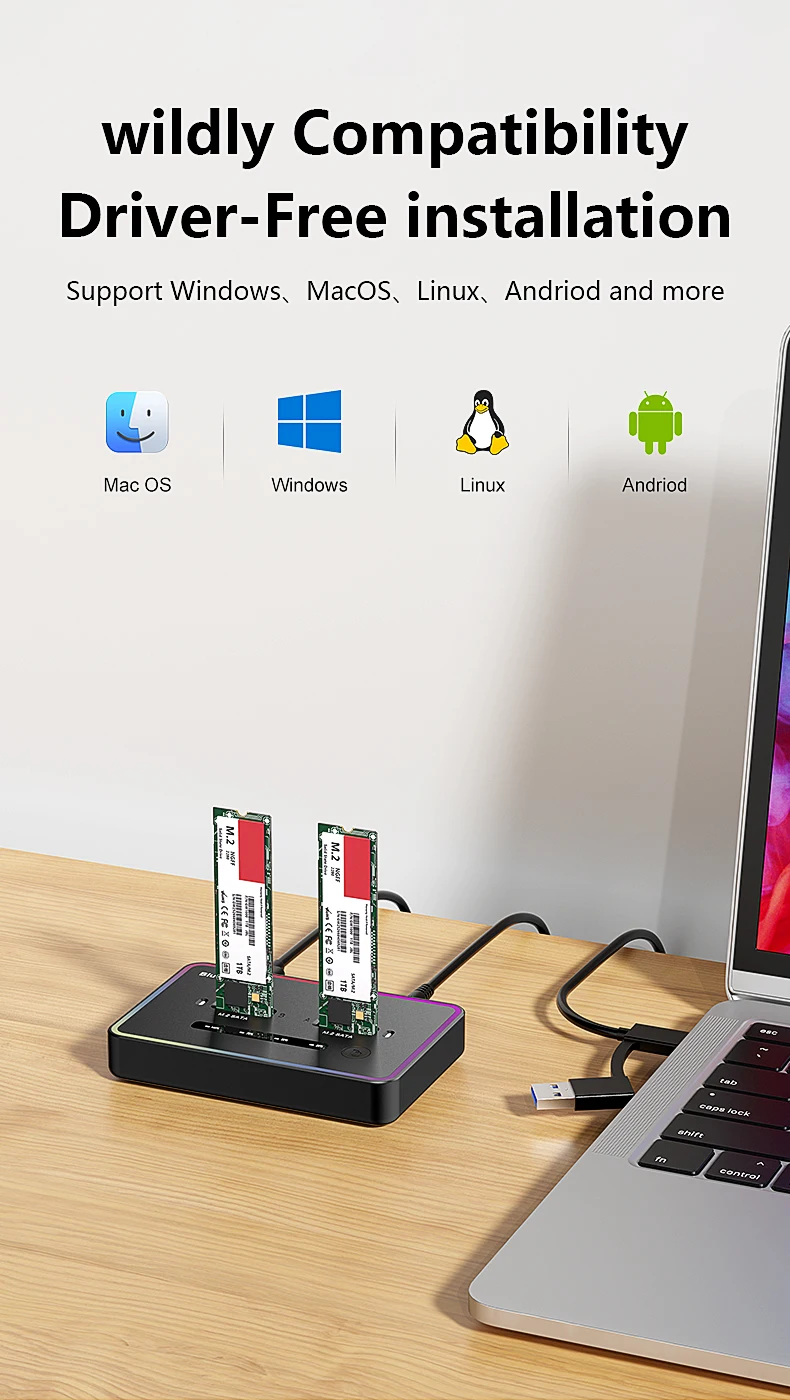
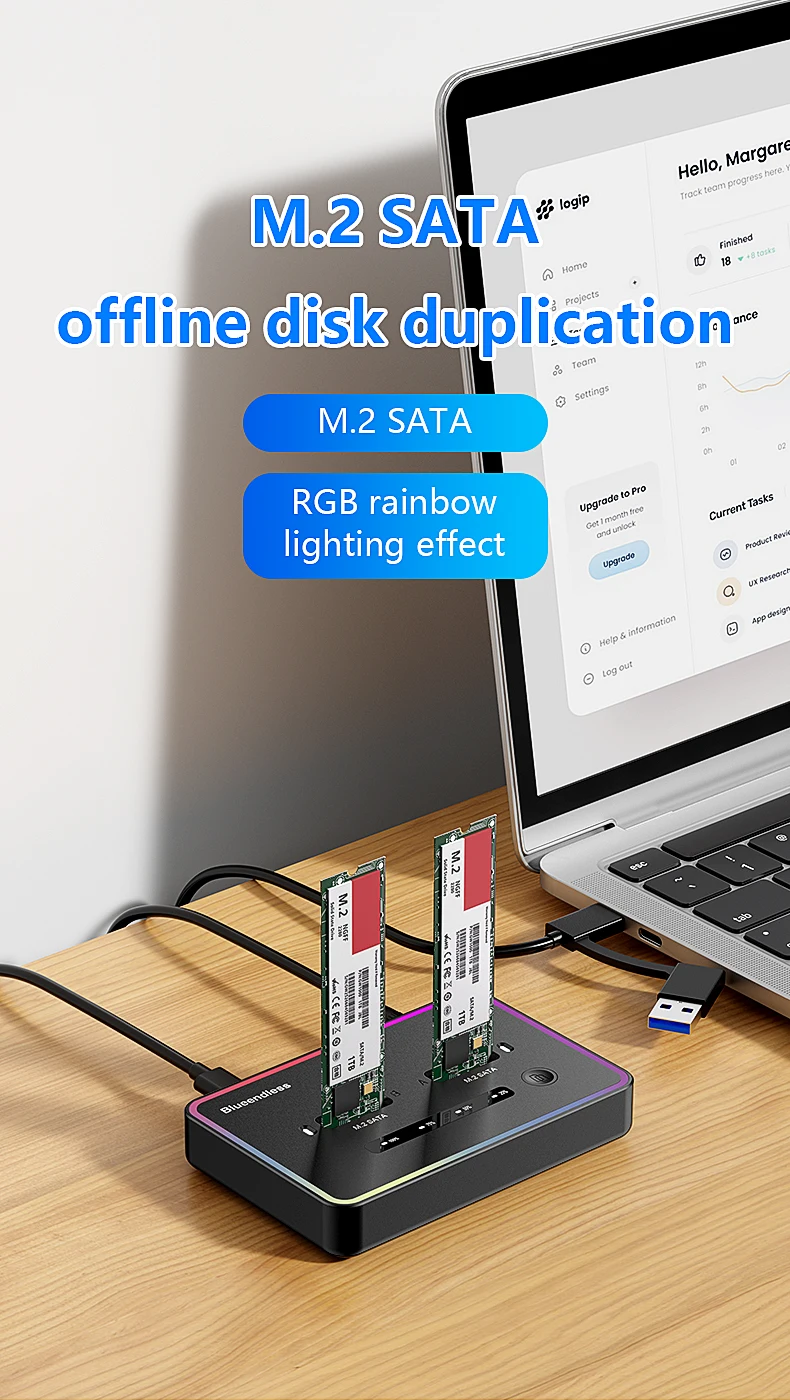
ប្រអប់ដាក់ SSD NGFF SATA ពីរប្រភេទរបស់ Blueendless Offline Clone សម្រាប់ SSD 2230 2242 2260 2280
All prices exclude shipping Customs and taxes. តម្លៃទាំងអស់មិនរួមបញ្ចូលថ្លៃដឹកជញ្ជូន គយ និងពន្ធទេ។
Choose language
Brand Name: Blueendless
Case Material: Plastic
Choice: yes
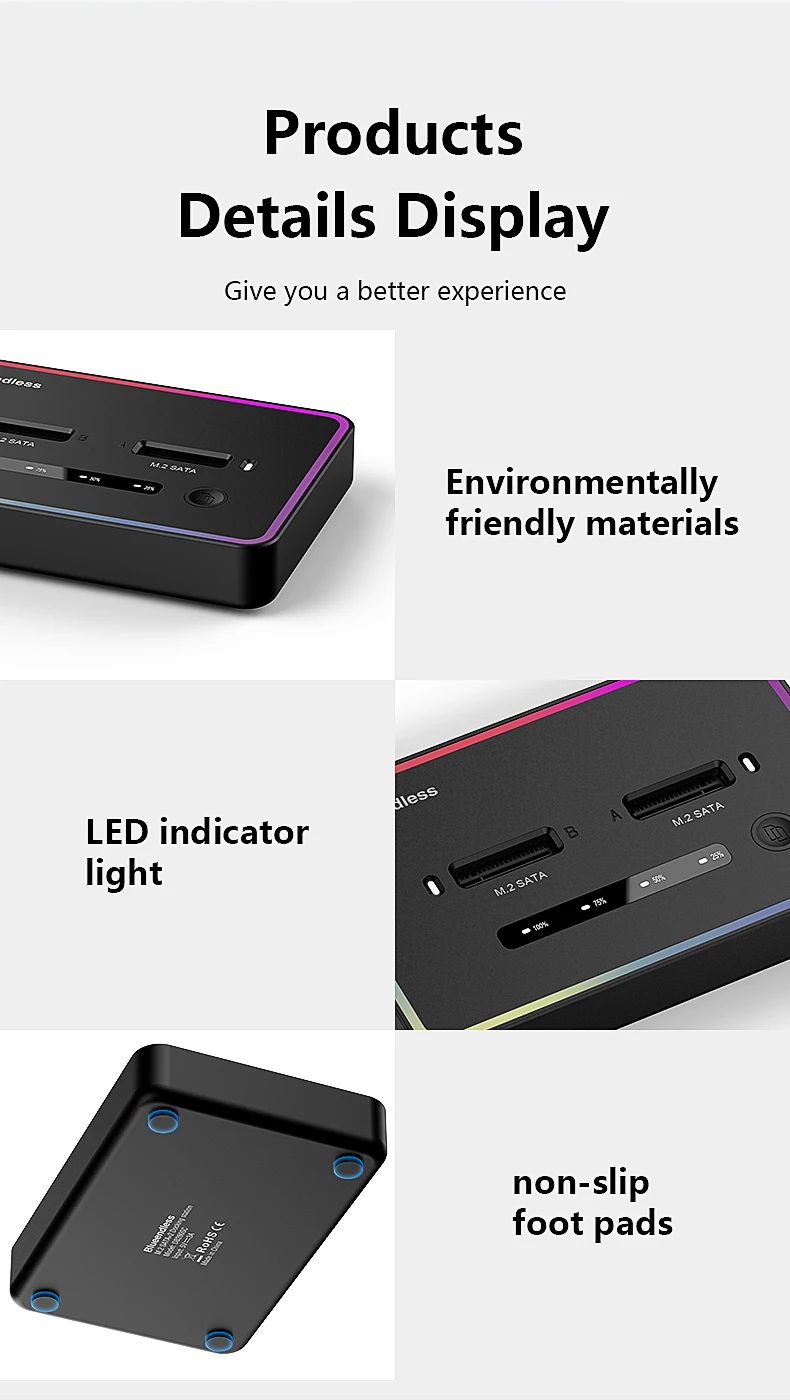
Dual Protocol: RGB light
External Interface: USB
High-concerned chemical: none
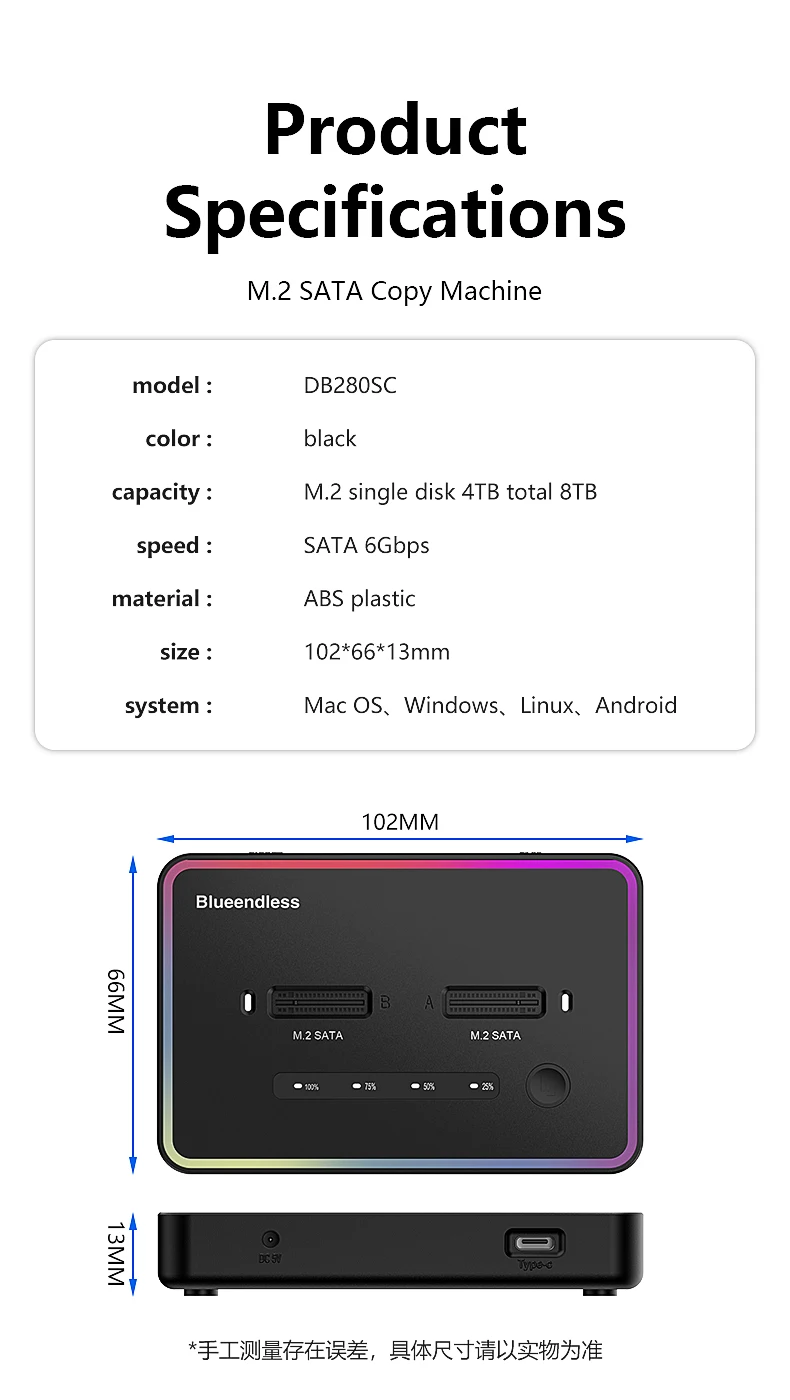
Model Number: DB280SC/DB280SA
Origin: Mainland China
Package: Yes
Plug Type: EU Plug,US Plug
SSD Docking Station: USB3.2 Gen2
Size: 1.8"
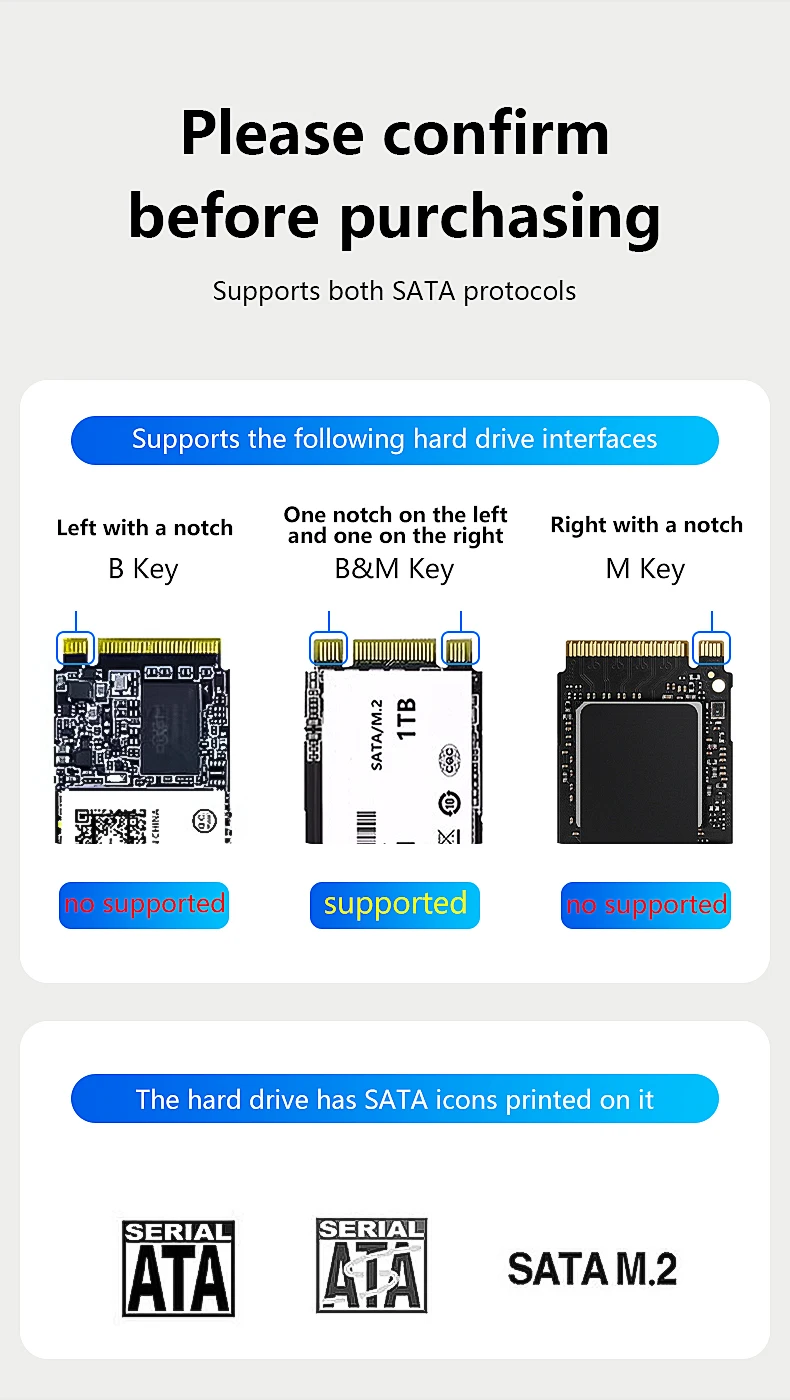
Ssd clone: for M2 SSD M Key
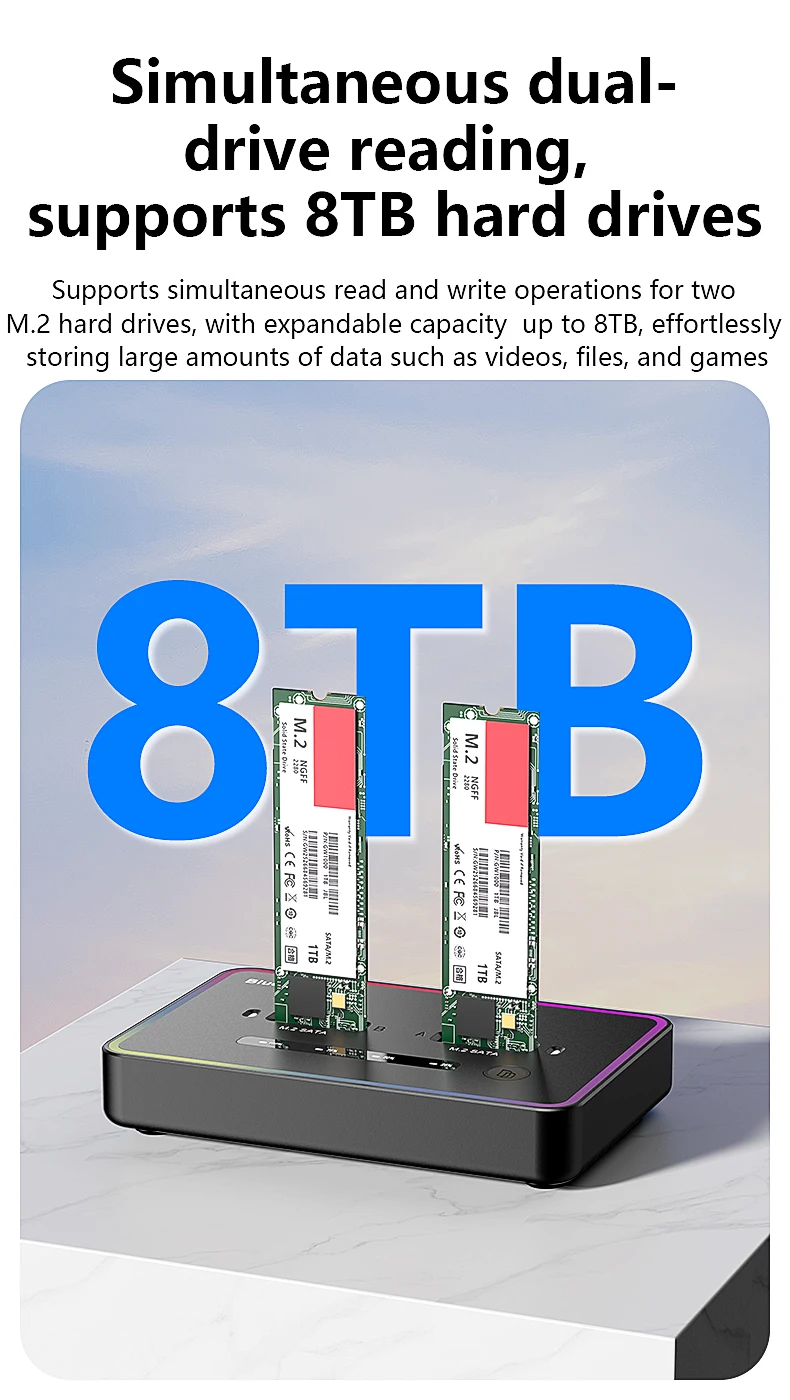
Supporting Hard Drive Capacity: 8tb
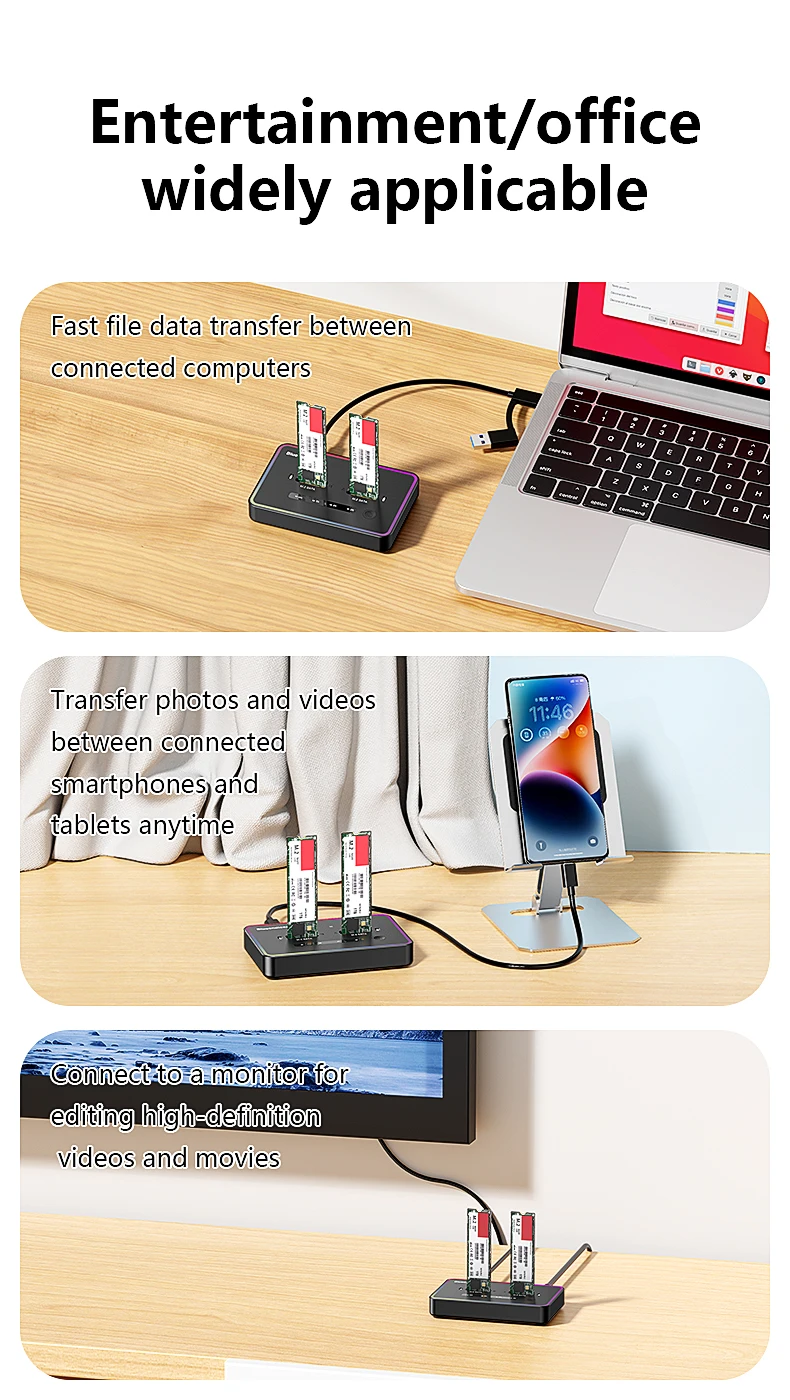
clone without PC: USB 3.1 M key Ssd Docking Station
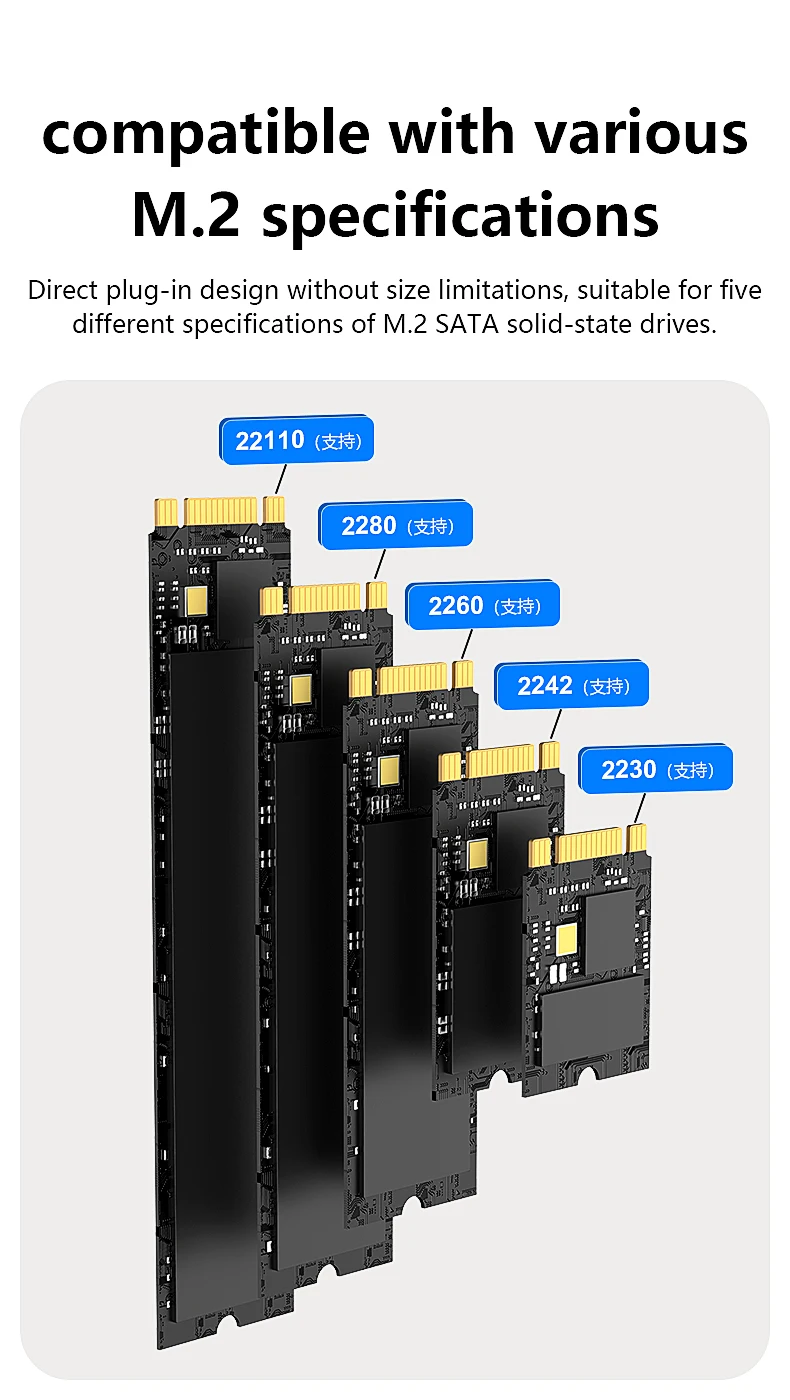
for ssd size: 2230 2242 2260 2280
material: plastic
offline clone: NGFF SATA M.2 SSD
sd copy device: copy cloner
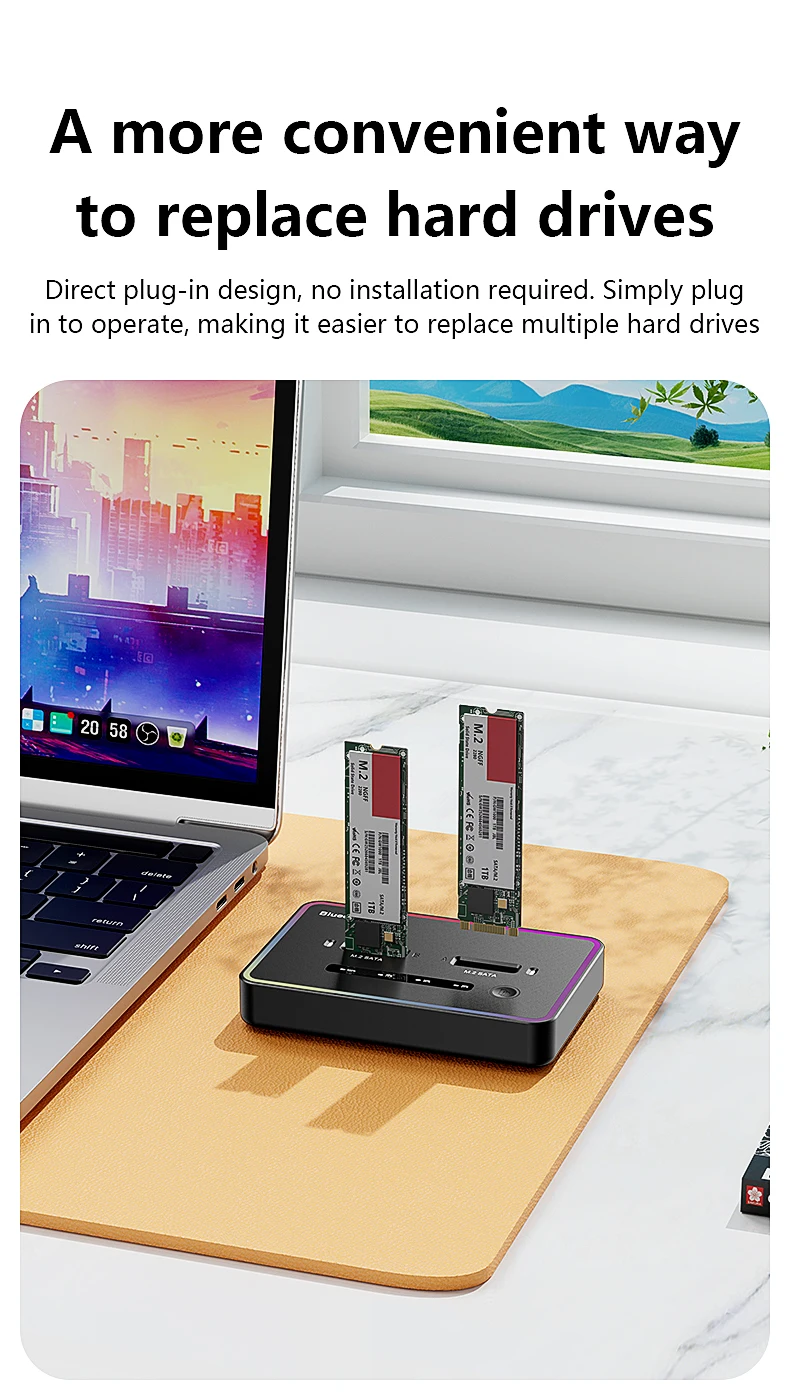
Blueendless offline clone Dual M.2 NGFF SATA SSD case Ssd Docking Station
DB280SC:with RGB Light
DB280SA:without RGB light
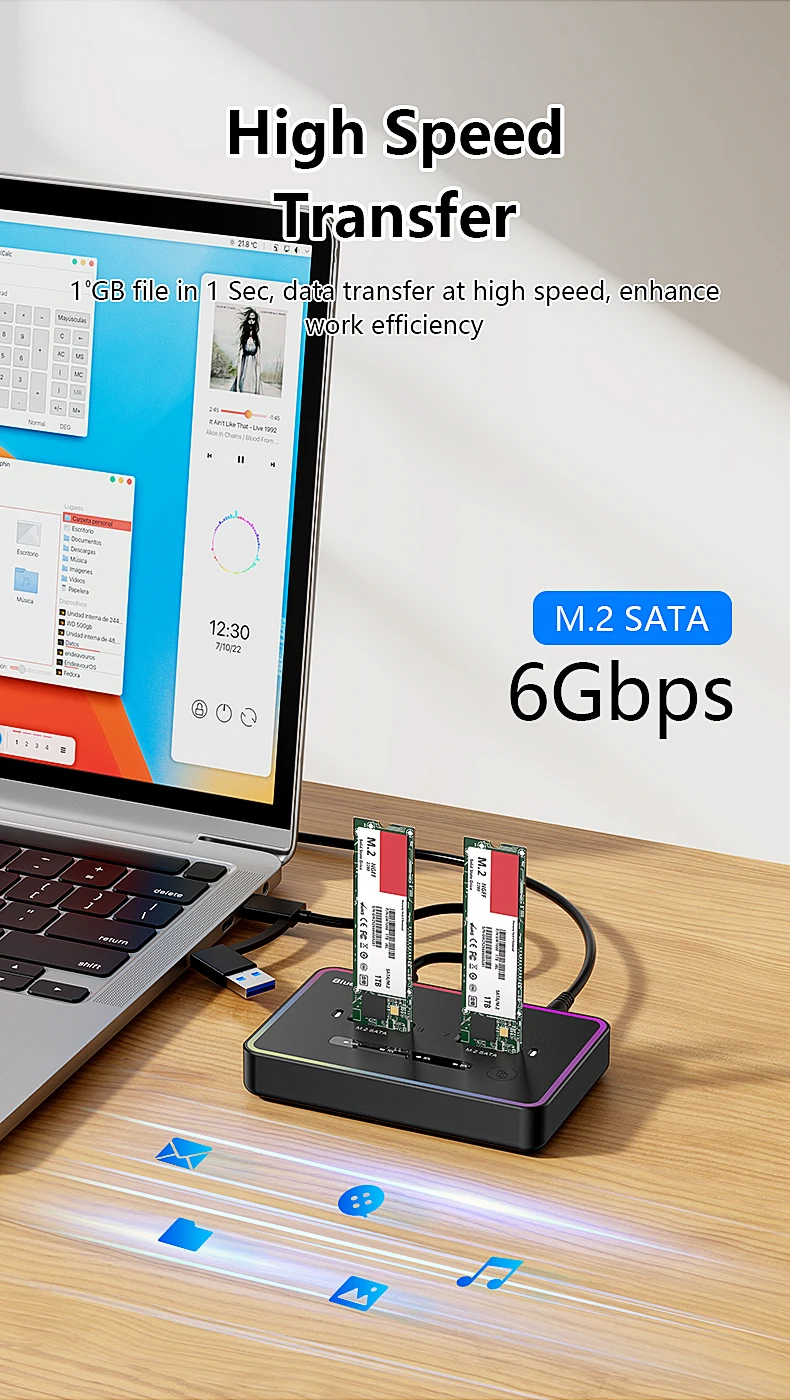
support 2 bay M.2 sata SSD, speed:5Gbps
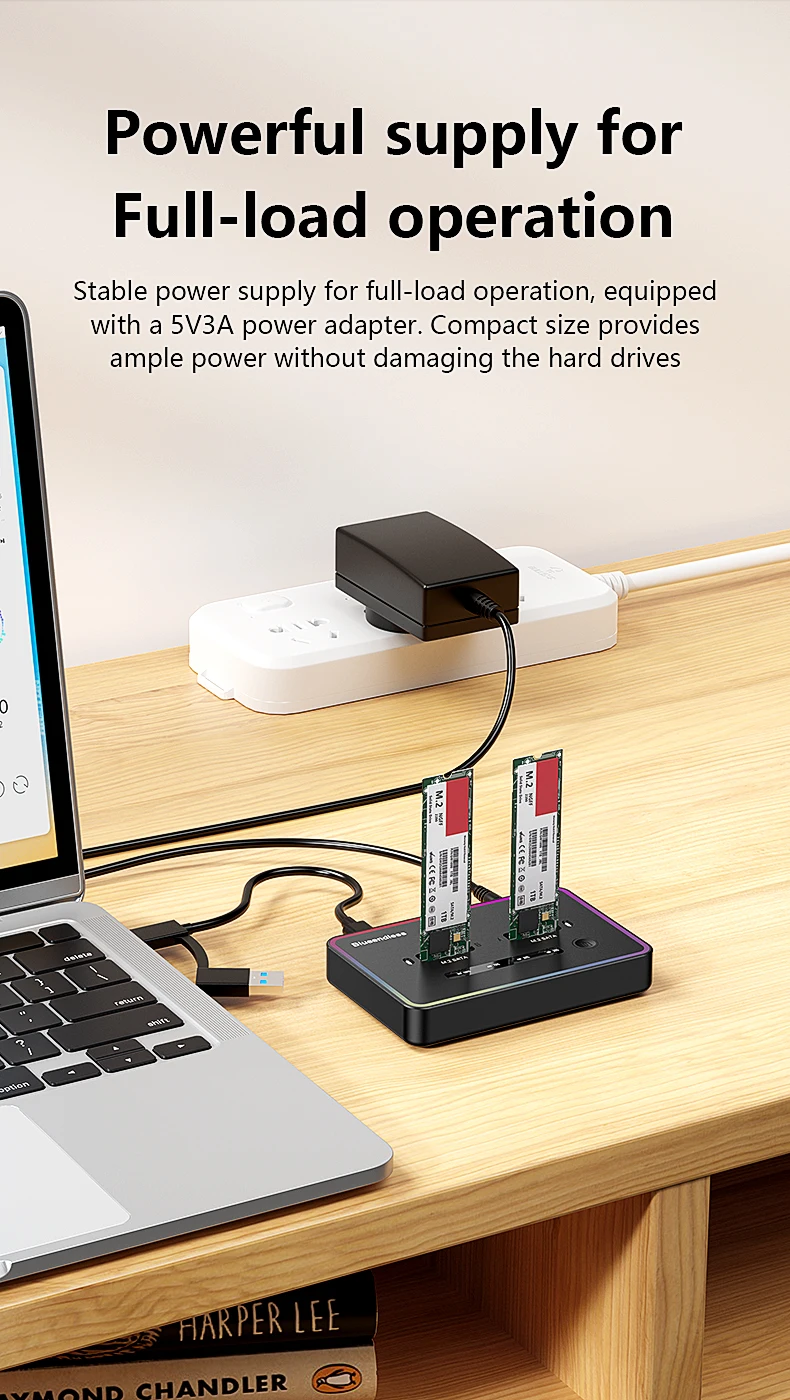
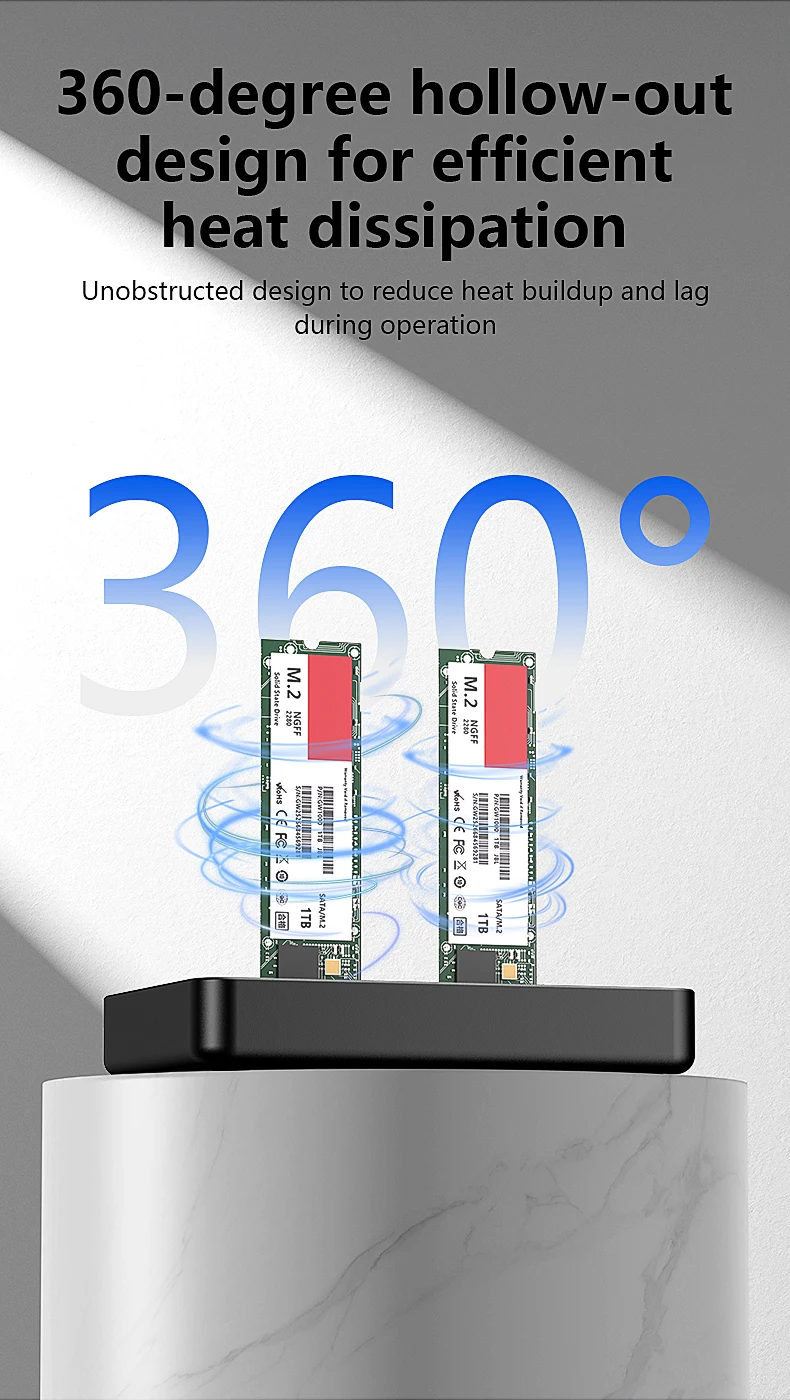
plastic material, 5V/3A power adapter included.
only a ssd docking, SSD hard disks are not included
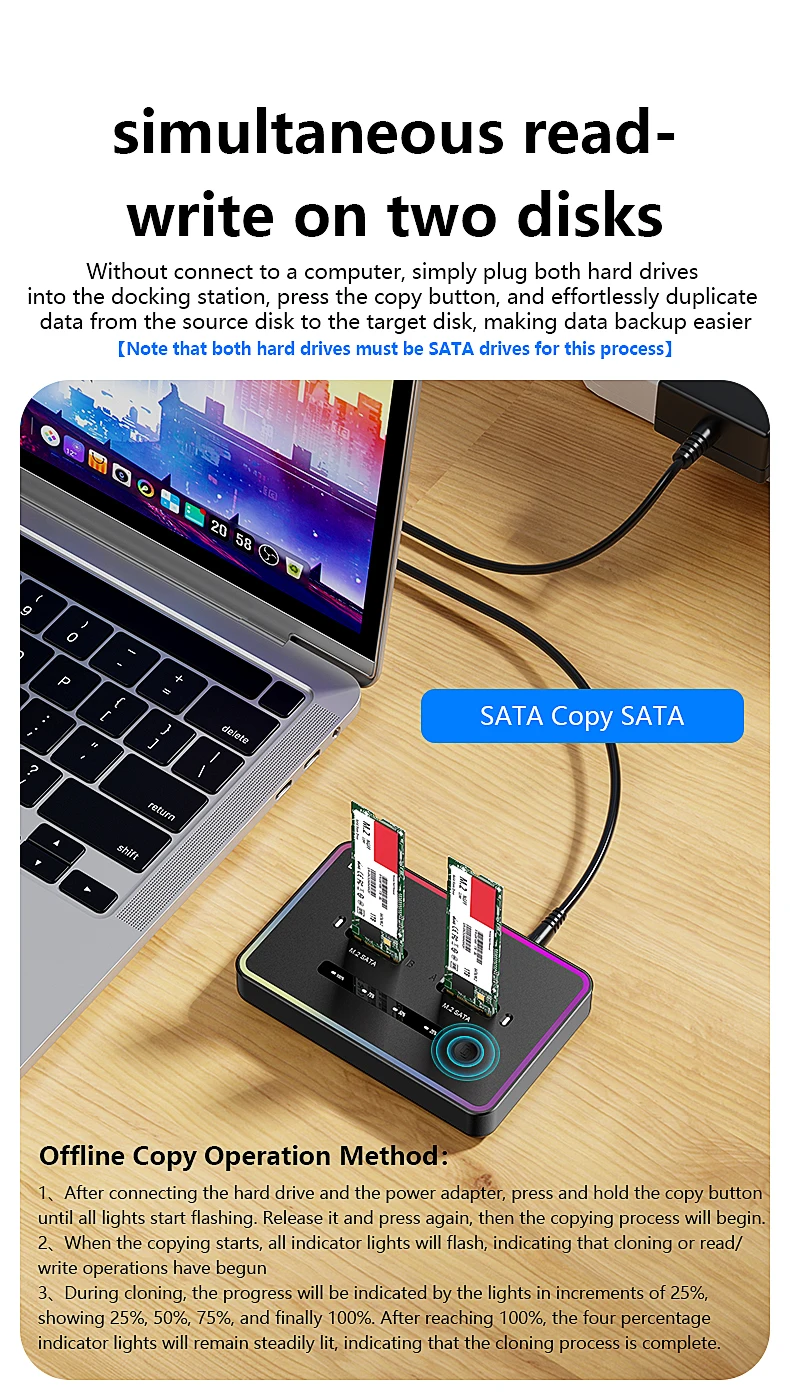
Offline Copy Operation 3 steps:
1、 After connecting the hard drive and the power adapter, press and hold the copy buttonuntil all lights start flashing. Release it and press again, then the copying process will begin.
2、 When the copying starts, all indicator lights will flash, indicating that cloning or read/write operations have begun.
3、 During cloning, the progress will be indicated by the lights in increments of 25%showing 25%, 50%, 75%, and finally 100%. After reaching 100%, the four percentageindicator lights will remain steadily lit, indicating that the cloning process is complete.
please pay attention to the following matters when using the offline clone function.
1.back disk(B) must be larger capacity(eliminate space loss) than front disk(A),
Plug in identify Source Disk(front port) and Target Disk(back port)
Connect power supply and switch on power. (make sure that the USB cable is disconnected)
2.To avoid your disk file damaged,please don't stop the device when it's under clone function.
3.When copy disk,please make sure disk B is empty,or the former file in disk B will be loss.(if disk B has file before,and just want to copy from disk A,please don't use offline clone function,just copy and paste on computer)
4.When offline copy the disk,please don't connect the computer,if connect the computer,disk will be under reading,can not support copy(device heating is normally,as big hard disk operate will be hot)
5.if the clone is interrupted ,you need to restart the device and clone again.


nd
[ DATA ACCESSIBLE RELIABLE AMAZING HOSTING UNIVERSAL BUSINESS ]
It looks like ads are unavailable right now. Consider sponsoring us to help keep our site independent and running!
Become a Sponsor{"one"=>"Select 2 or 3 items to compare", "other"=>"{{ count }} of 3 items selected"}