Original price
$0.00
-
Original price
$0.00
Original price
$0.00
$24.08
$23.76
-
$24.08
Current price
$24.08
Availability:
Only 2 left!
Availability:
12 in stock, ready to be shipped
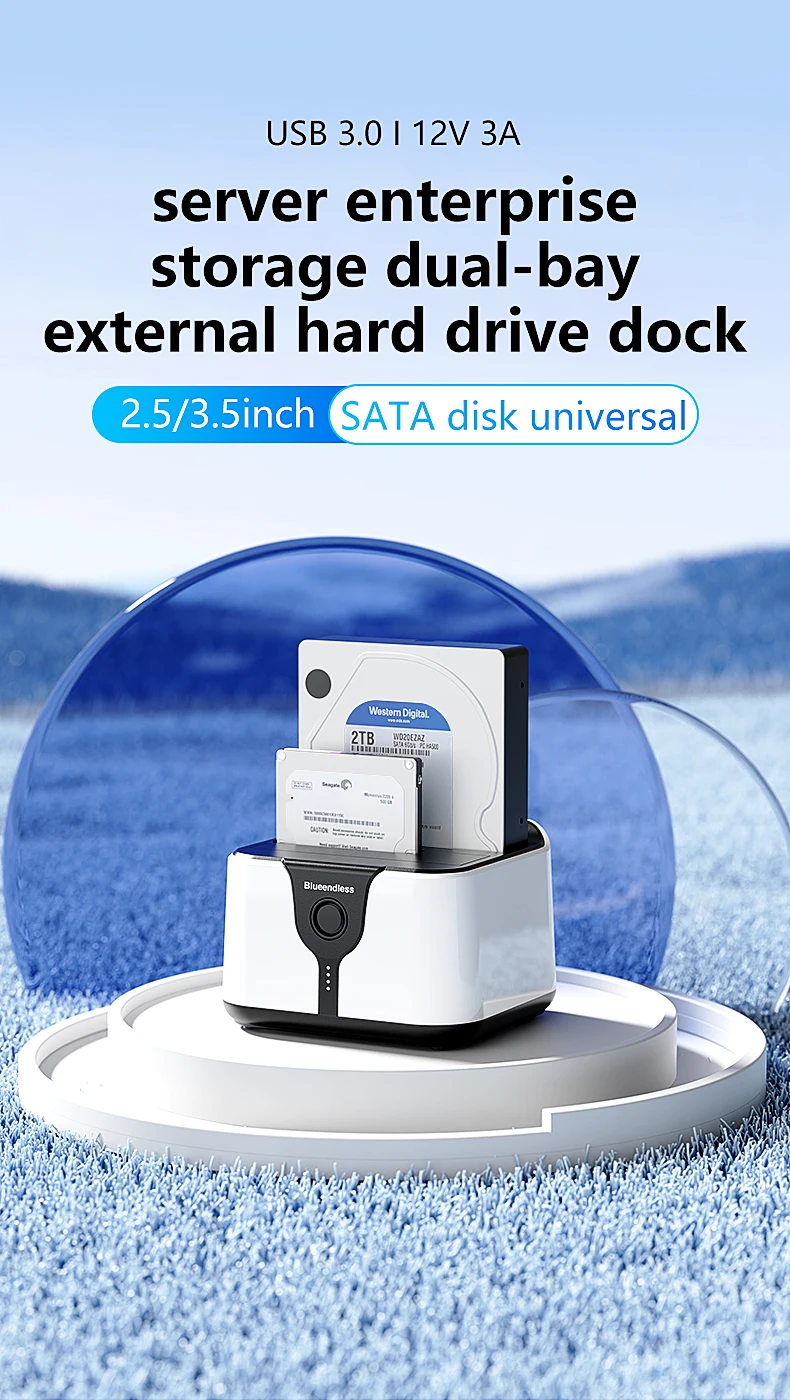
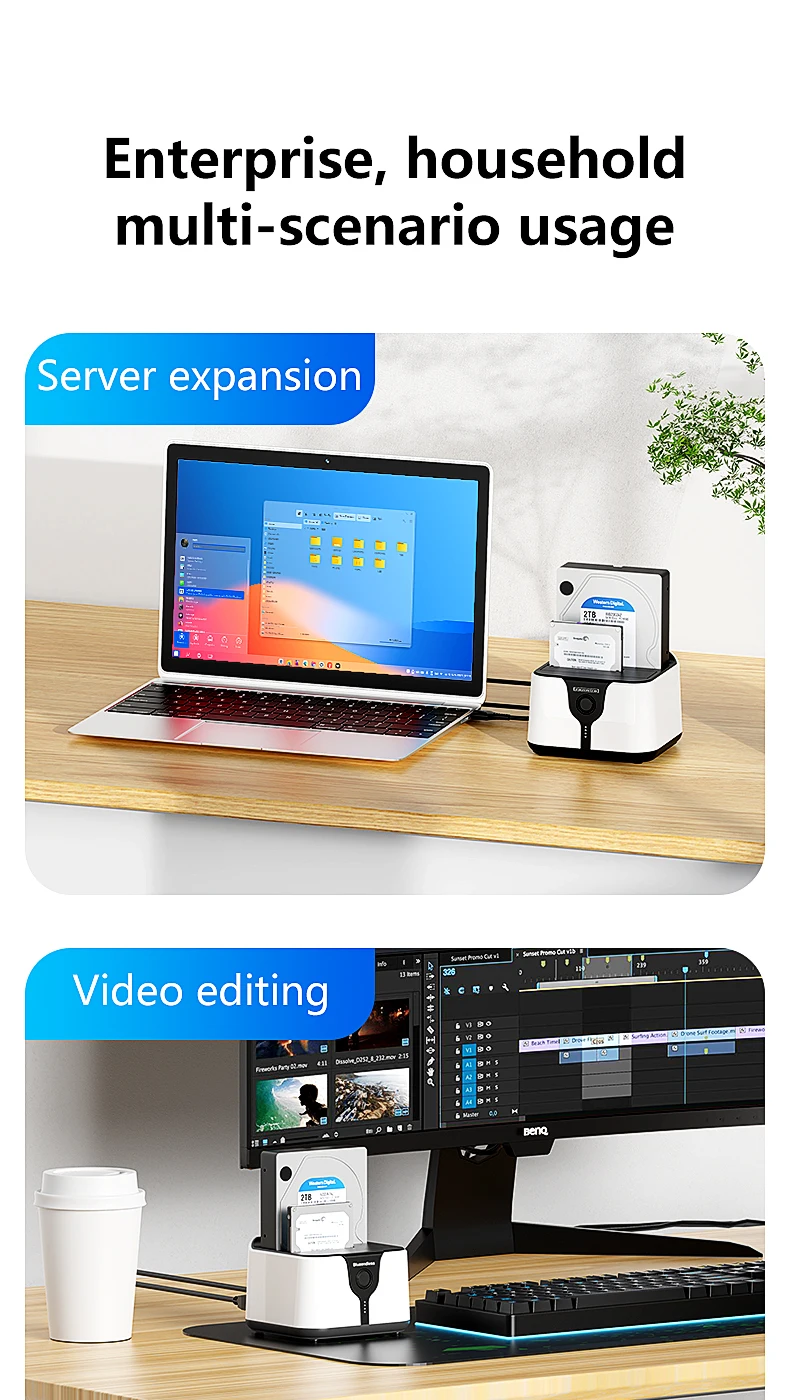
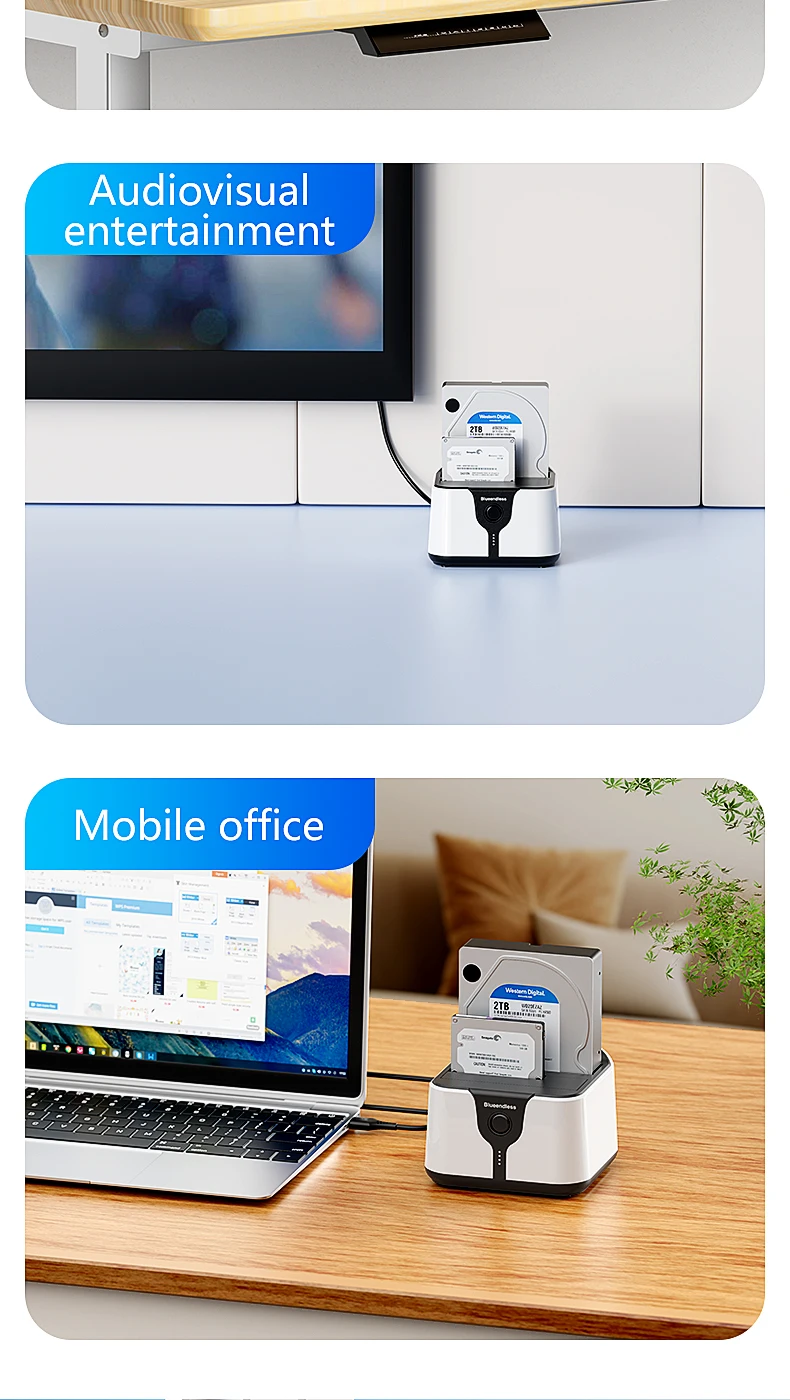
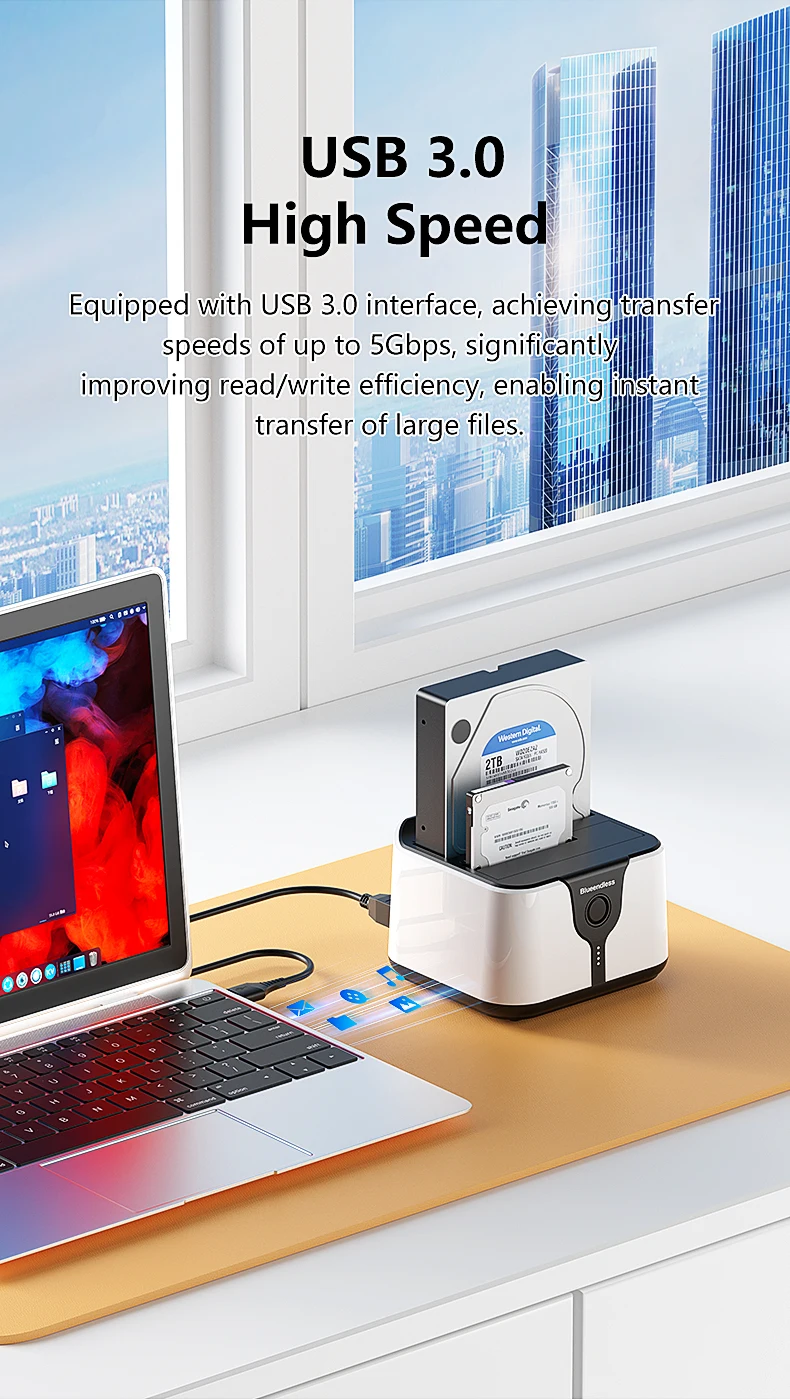
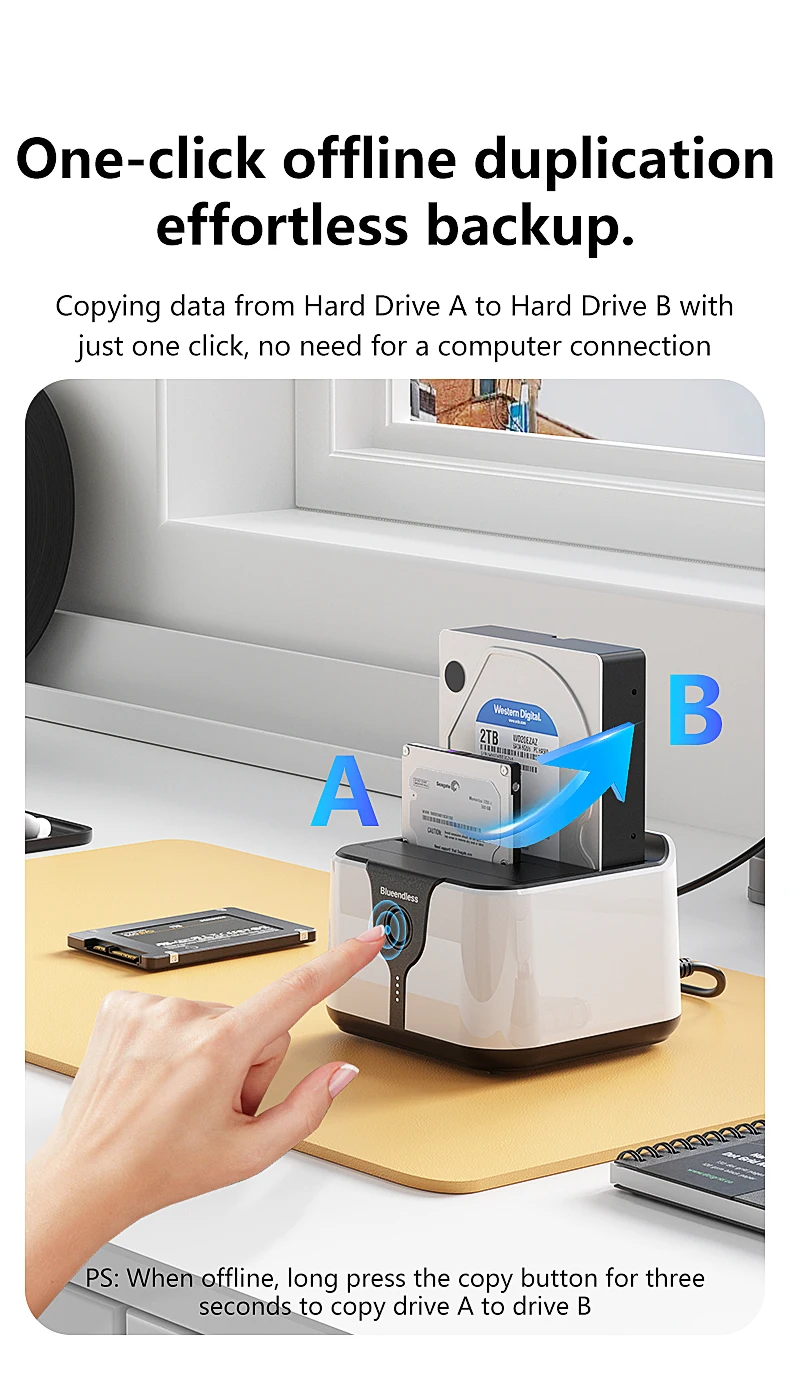
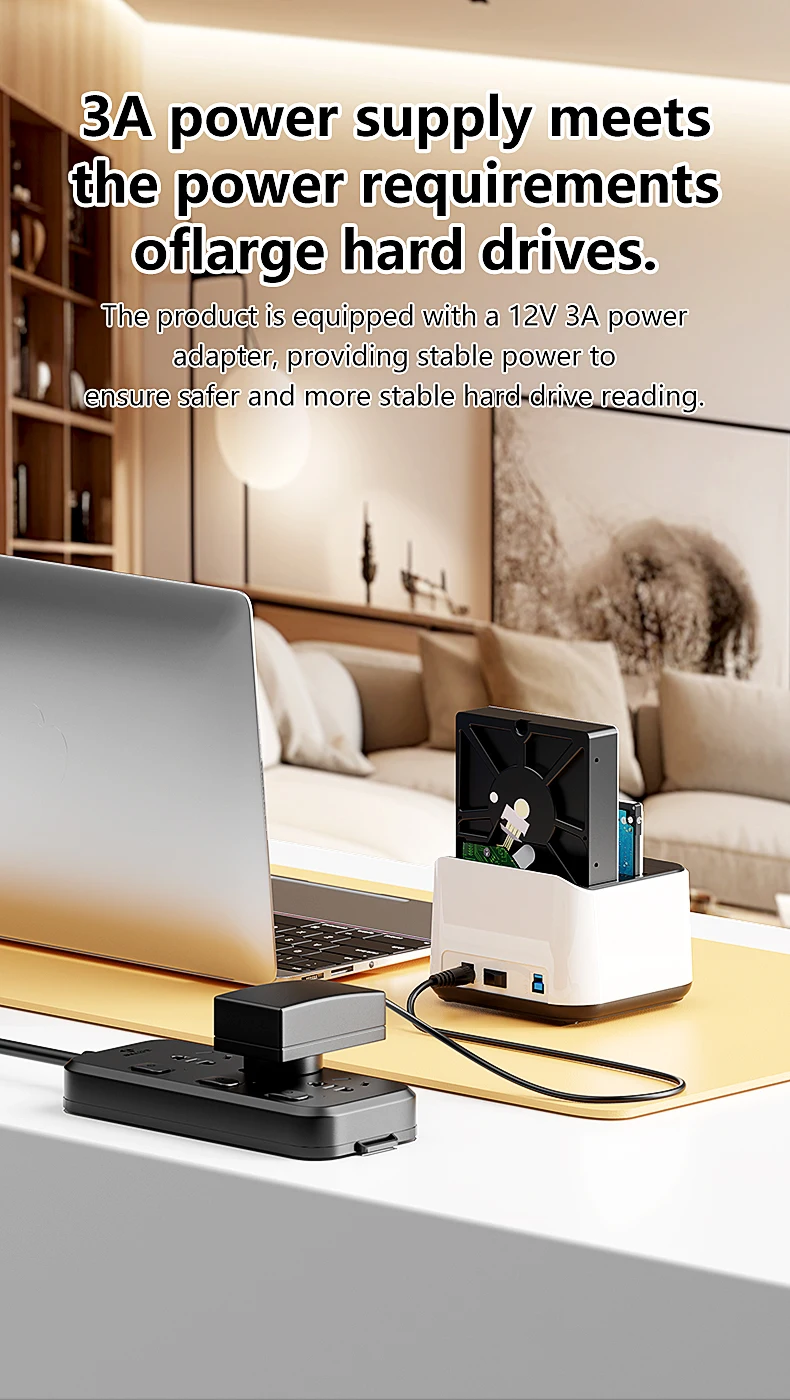
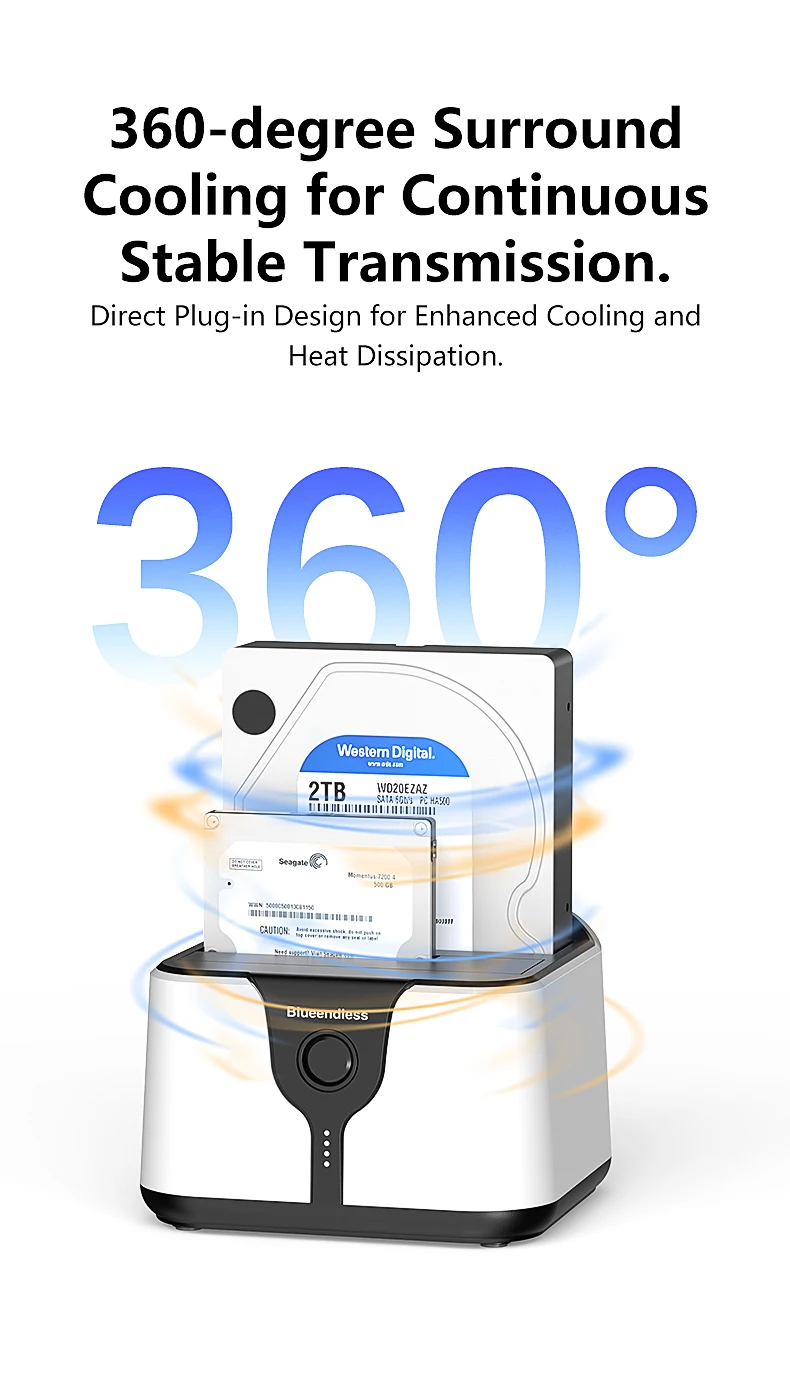
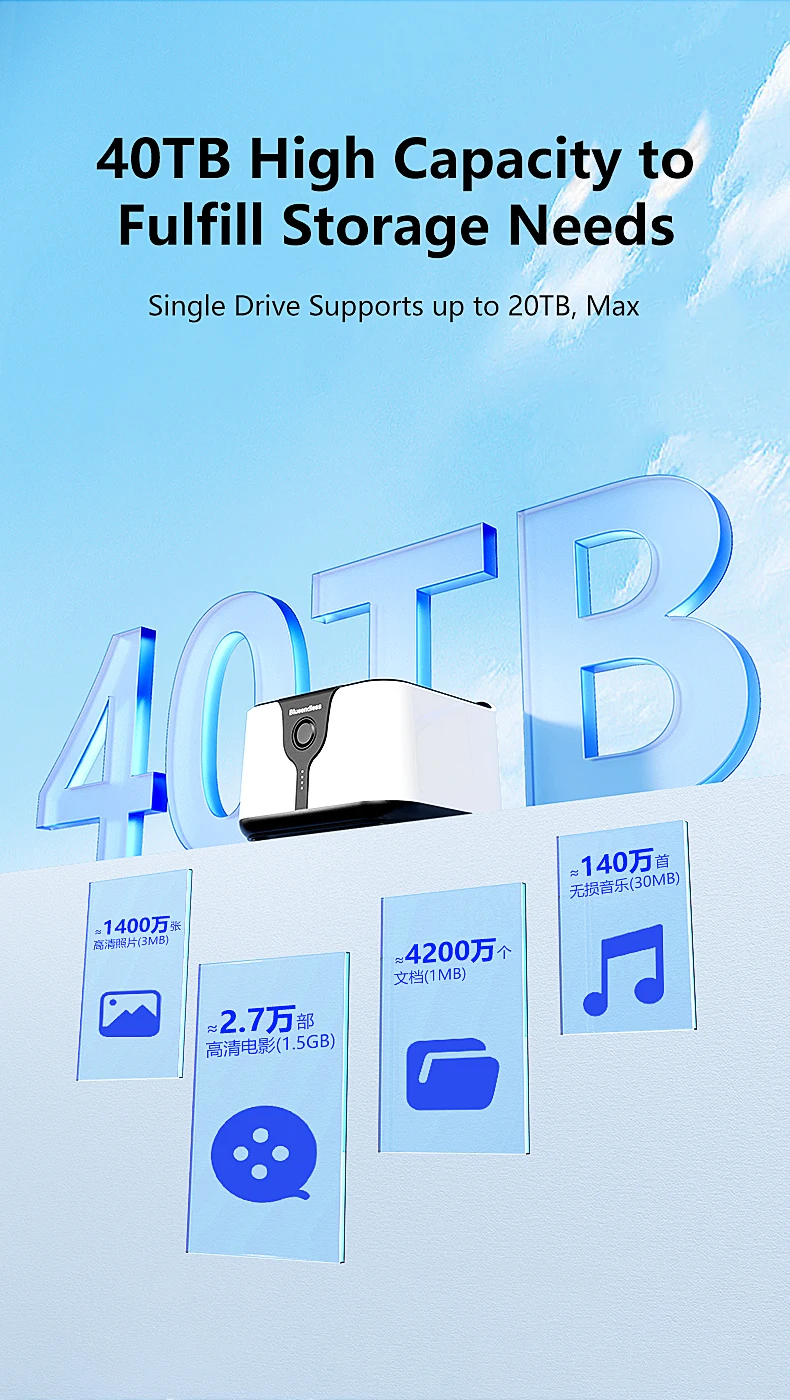
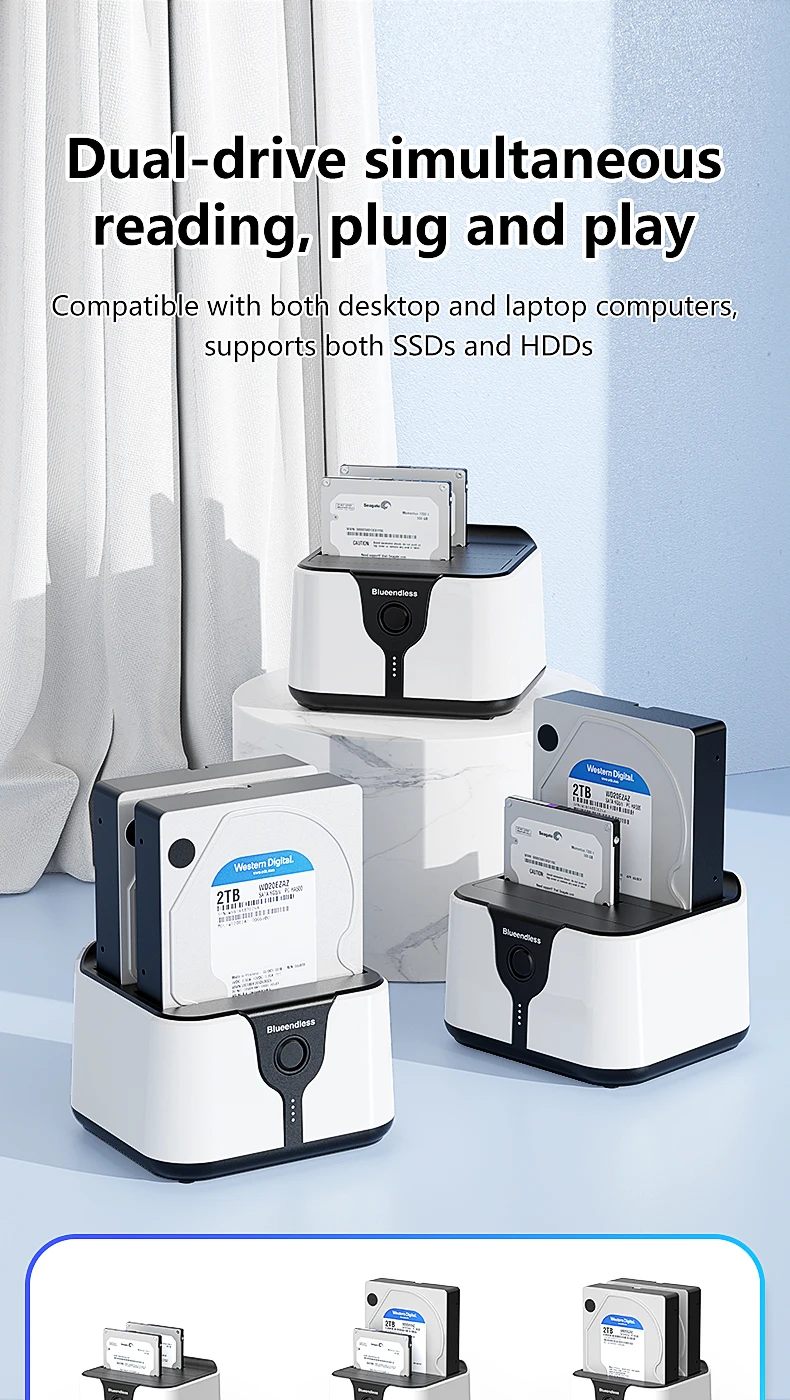
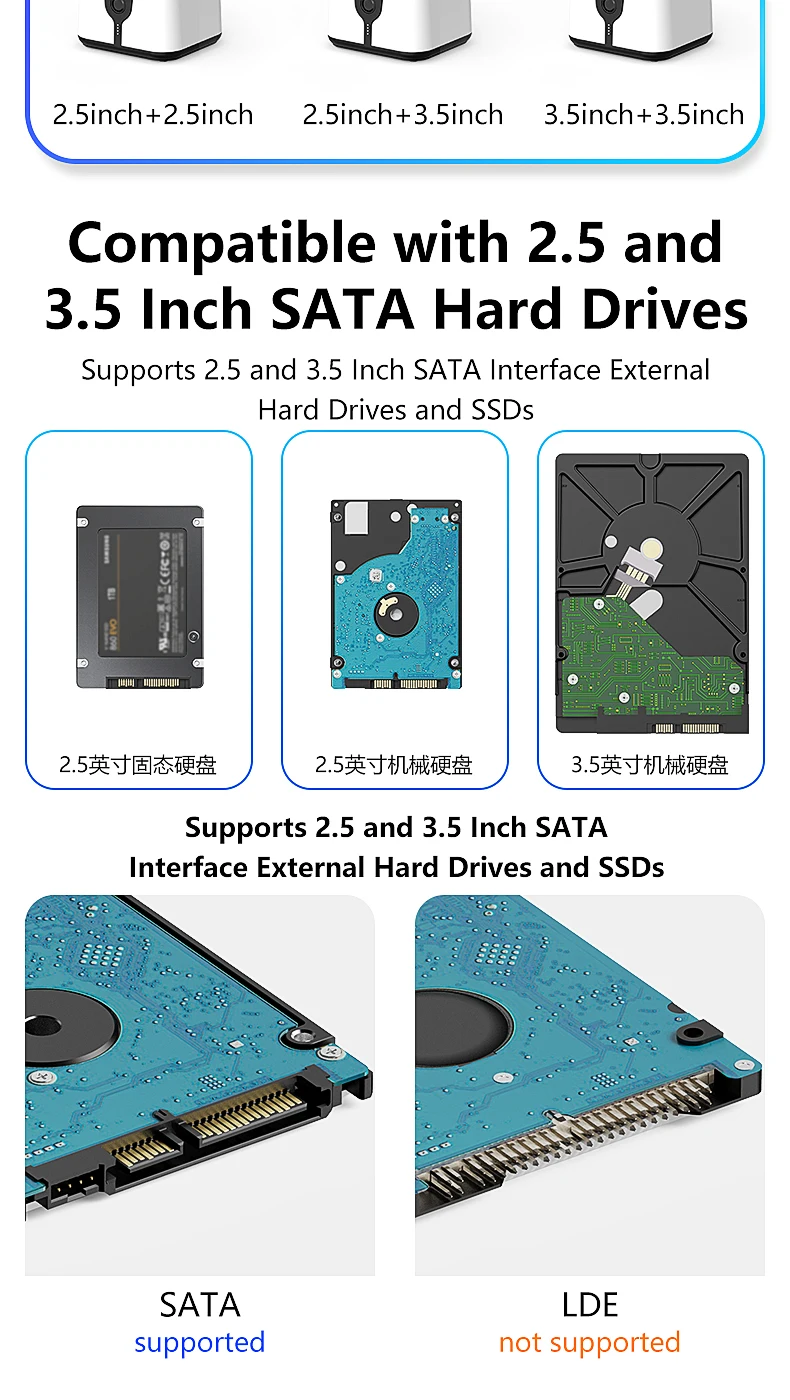
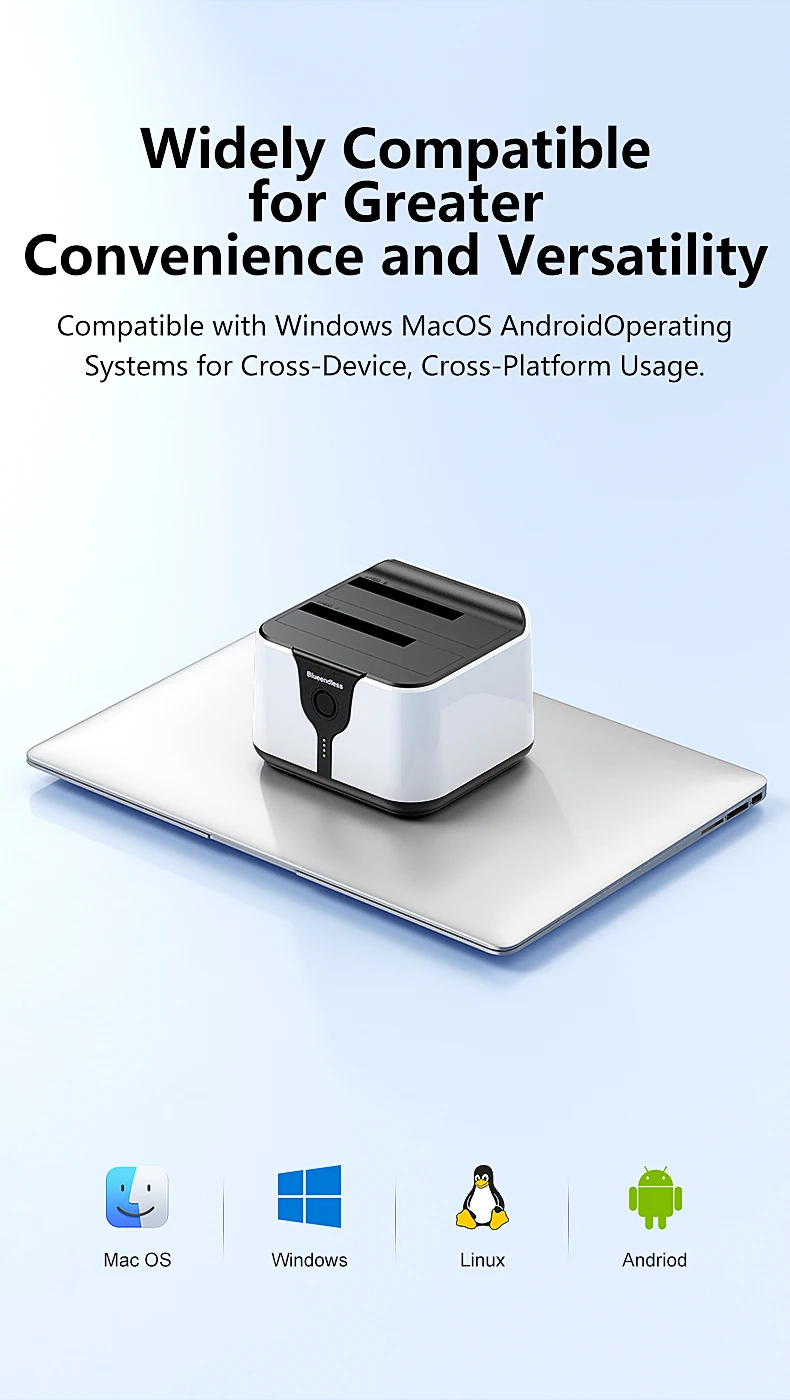
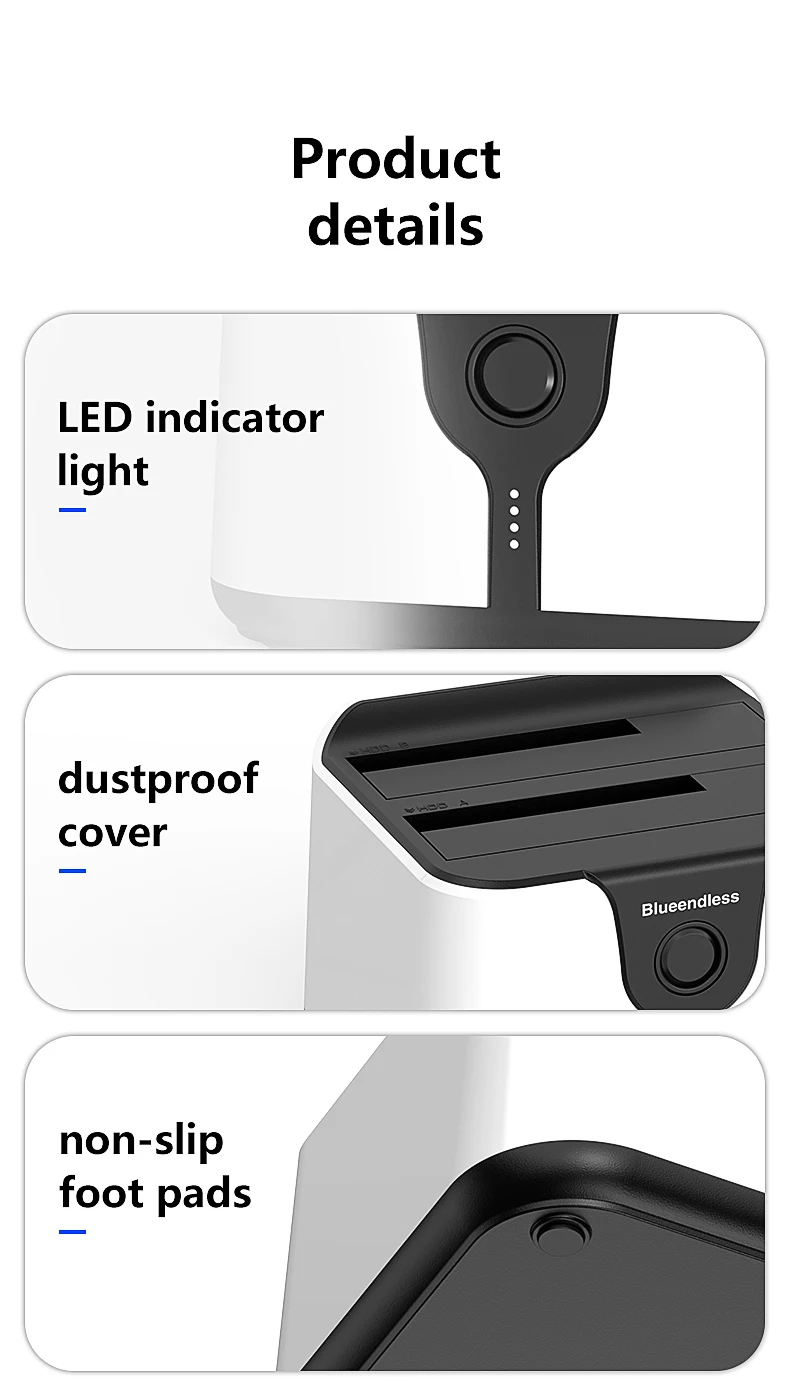
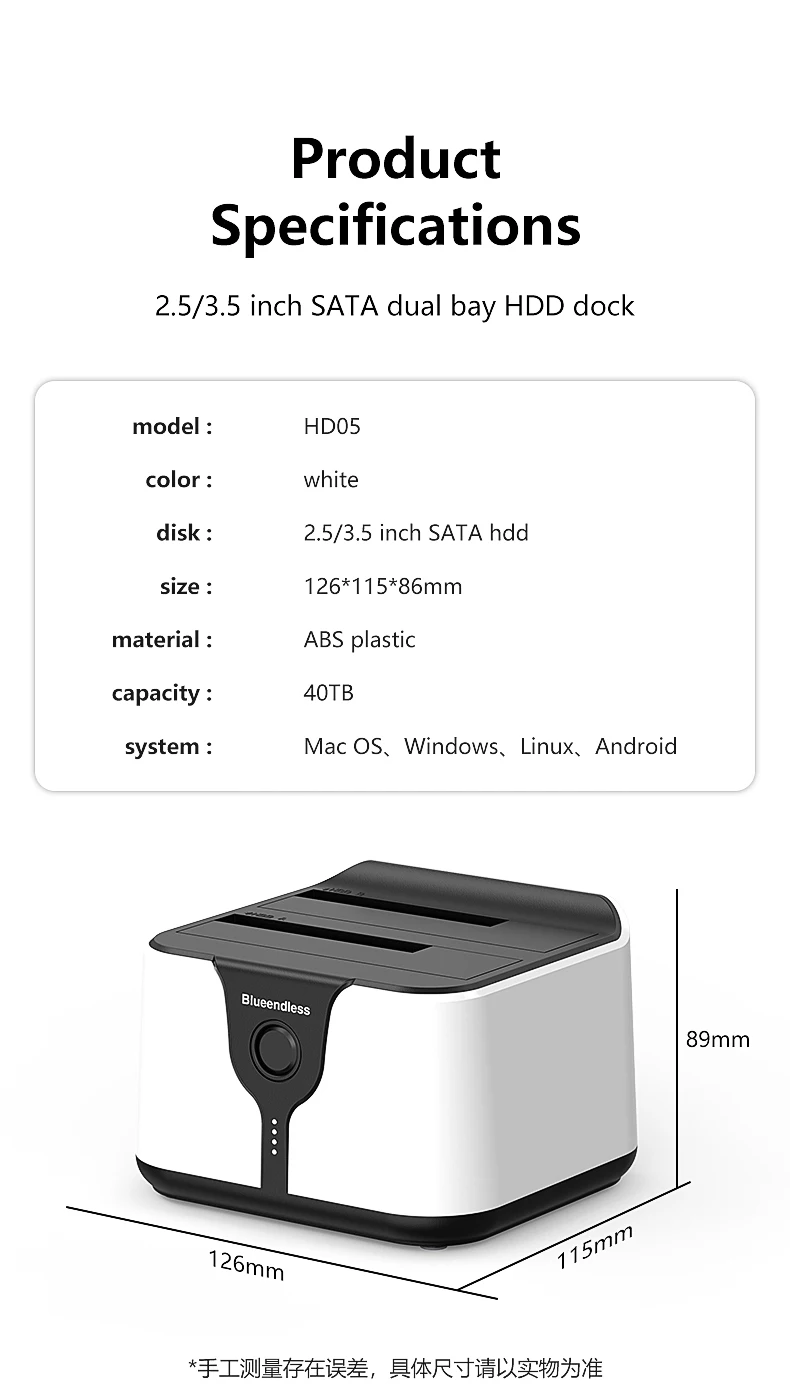
ប្រអប់ ថាស ផ្ទុក ទិន្នន័យ HDD 2 Bay របស់ Blueendless សម្រាប់ ភ្ជាប់ ទៅ កាន់ SSD ដោយប្រើ រន្ធ ពីរ ភ្ជាប់ ទៅ កាន់ SATA ទៅ USB 3.0 សម្រាប់ ថាស SSD ទំហំ 2.5 3.5 អ៊ីញ
by ដោយ Blueendless
All prices exclude shipping Customs and taxes. តម្លៃទាំងអស់មិនរួមបញ្ចូលថ្លៃដឹកជញ្ជូន គយ និងពន្ធទេ។