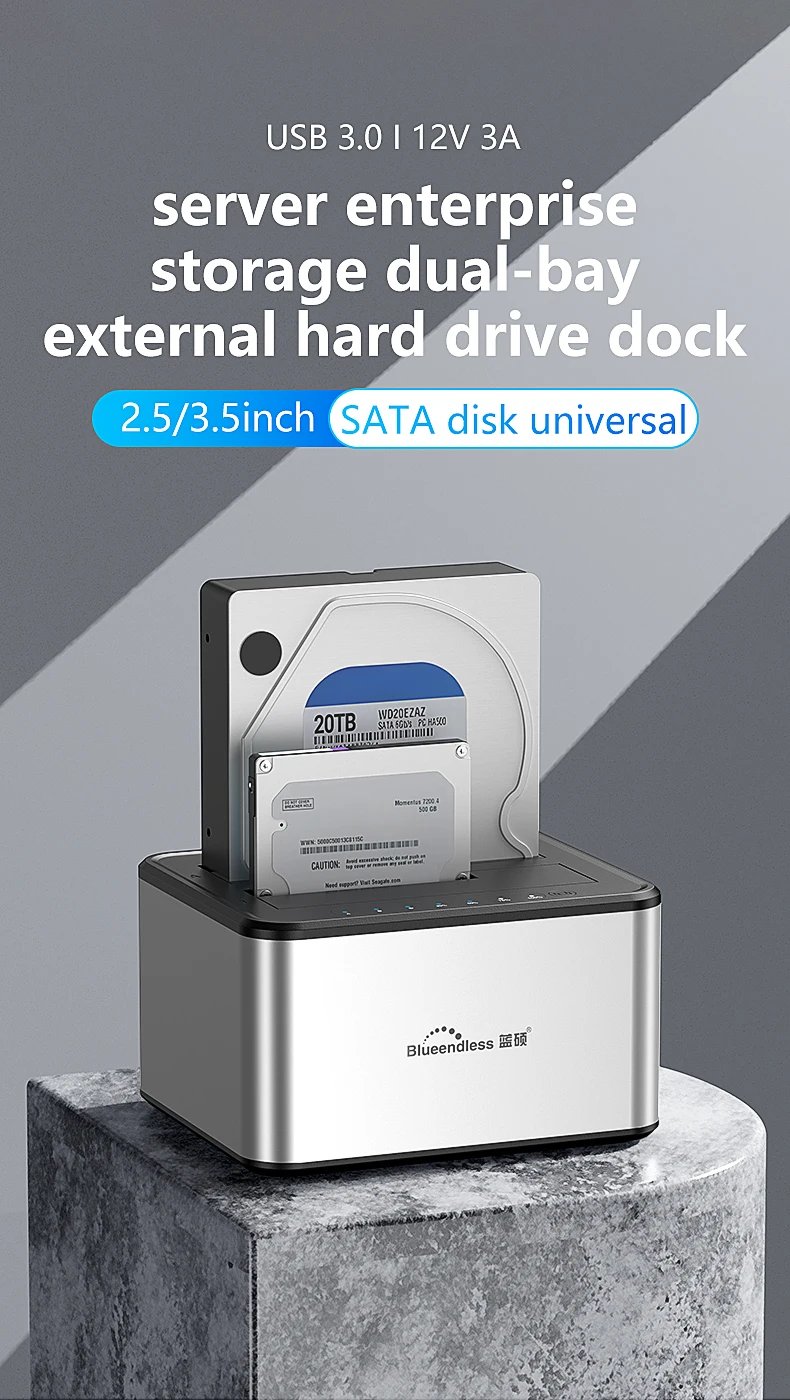
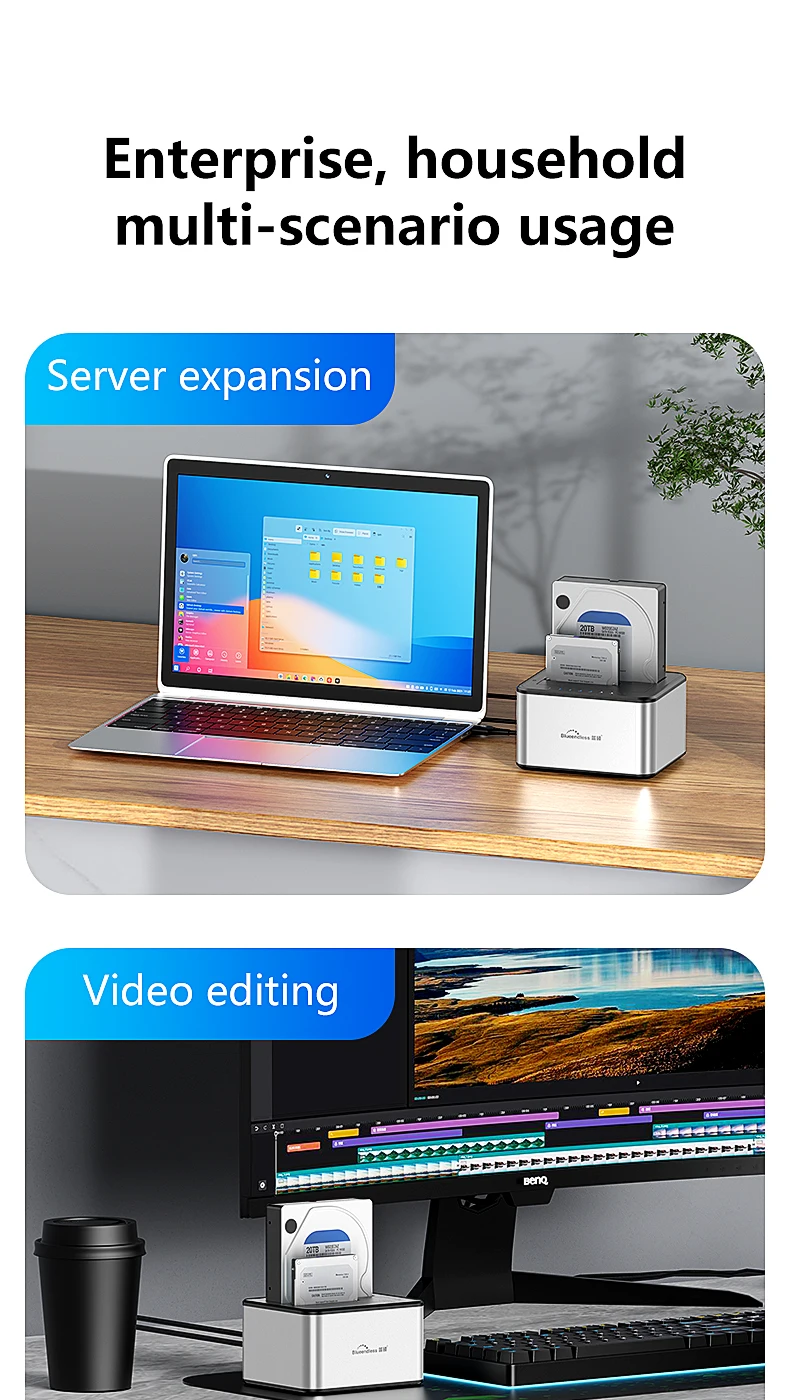
ប្រអប់ HDD ពីរ Bay Blueendless ស្ថានីយ៍ចត SSD ករណីក្រៅបណ្តាញក្លូន SATA ទៅ USB 3.0 អាដាប់ទ័រចម្លងសម្រាប់ថាស SSD/HDD ទំហំ 2.5 3.5
All prices exclude shipping Customs and taxes. តម្លៃទាំងអស់មិនរួមបញ្ចូលថ្លៃដឹកជញ្ជូន គយ និងពន្ធទេ។
Choose language
Brand Name: Blueendless
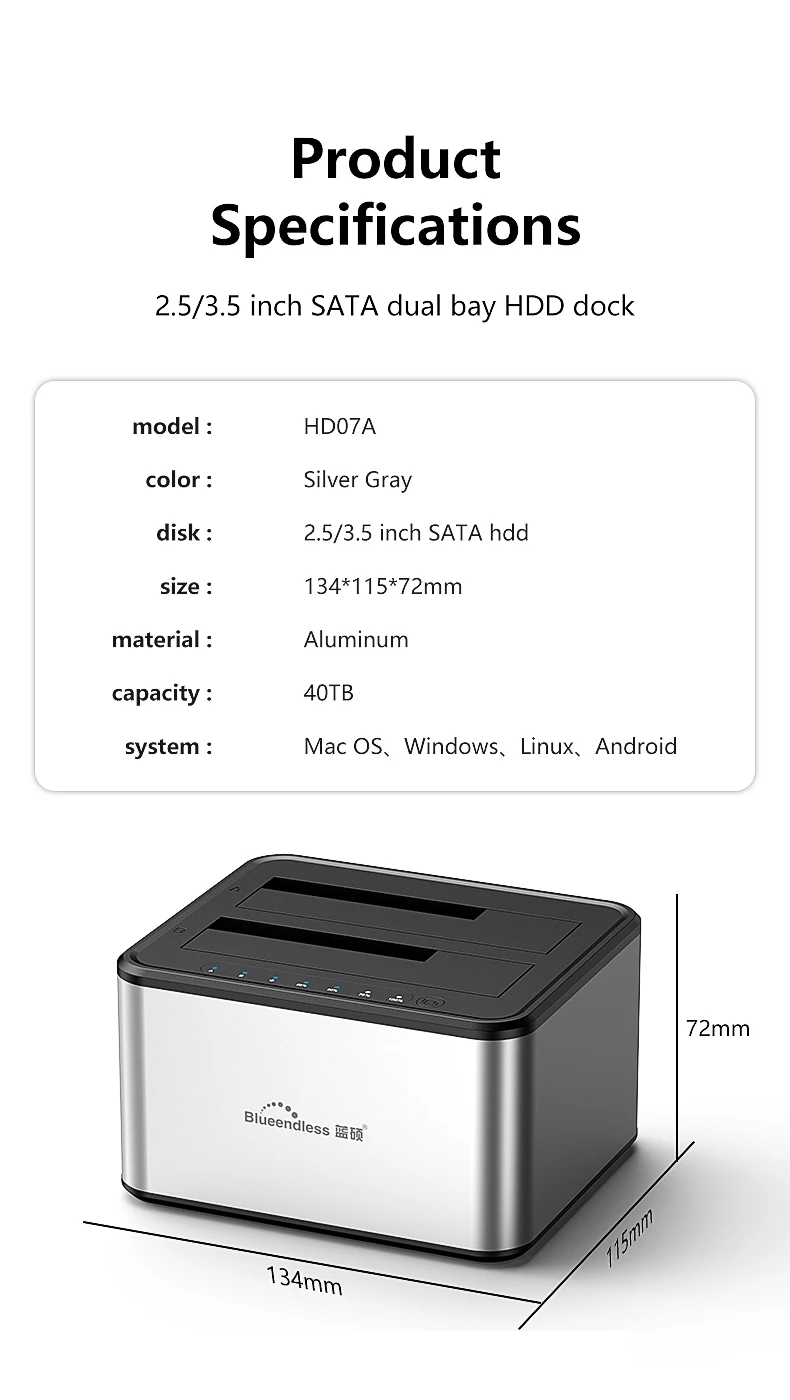
Case Material: aluminum
Choice: yes
External Interface: USB
High-concerned chemical: none
Model Number: HD07
Origin: Mainland China
Package: Yes
Plug Type: EU Plug,US Plug
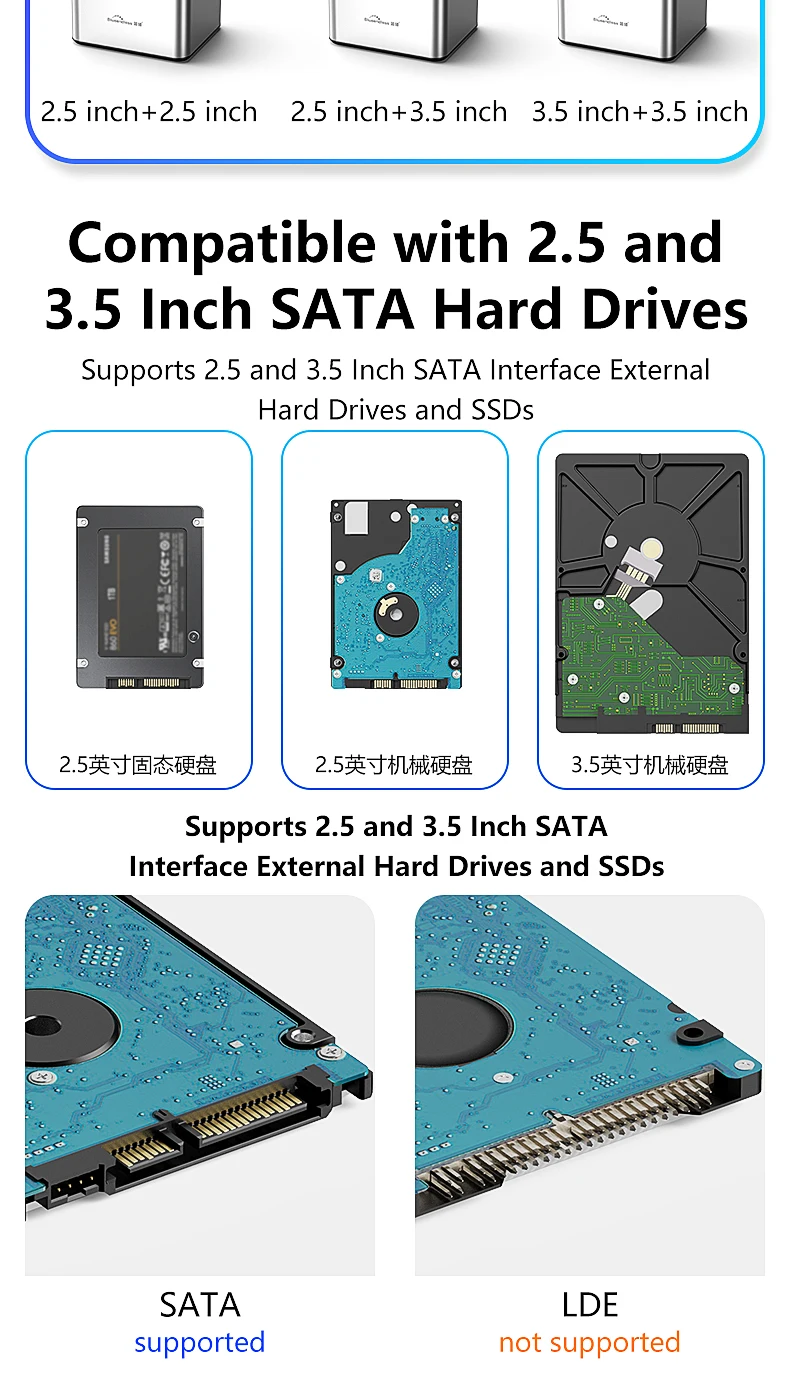
Size: 2.5",3.5"
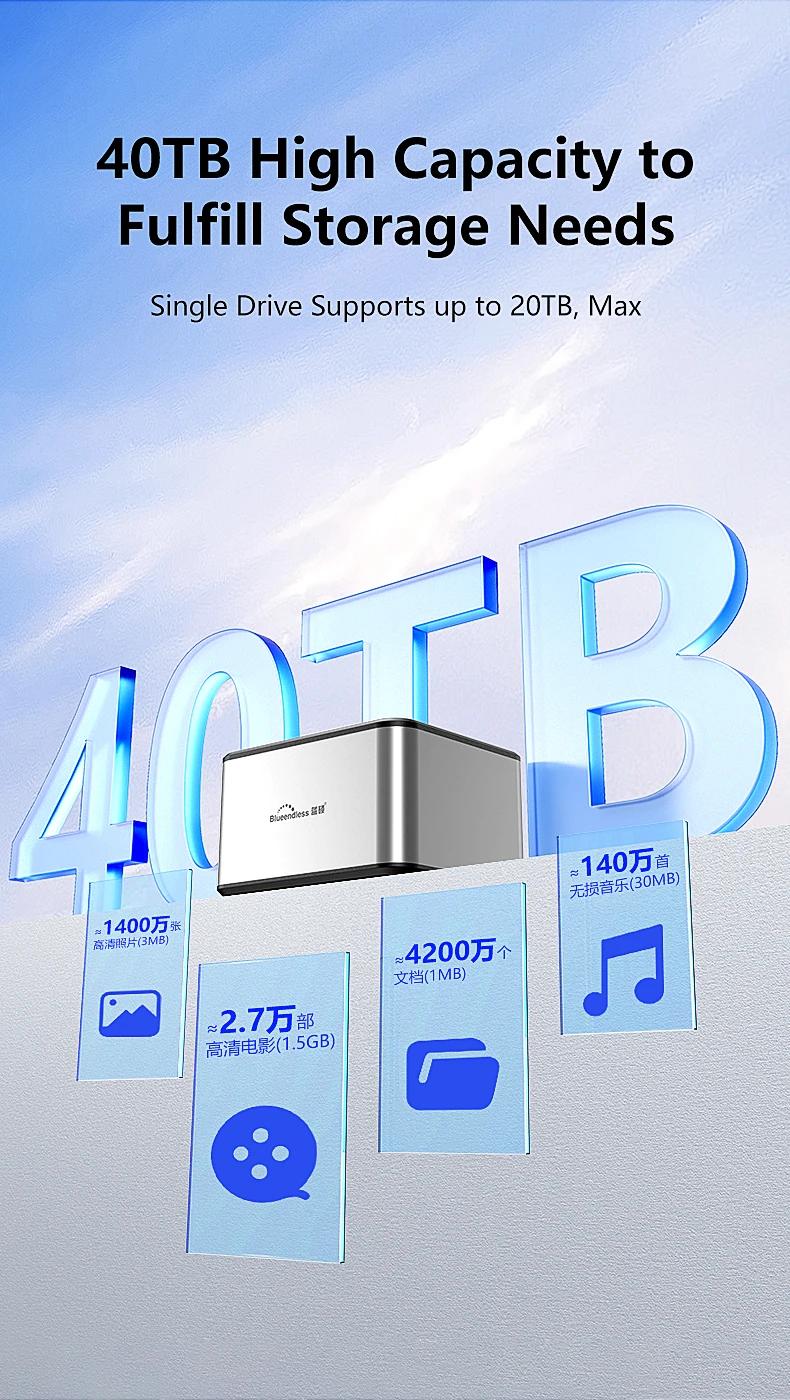
Supporting Hard Drive Capacity: 20T
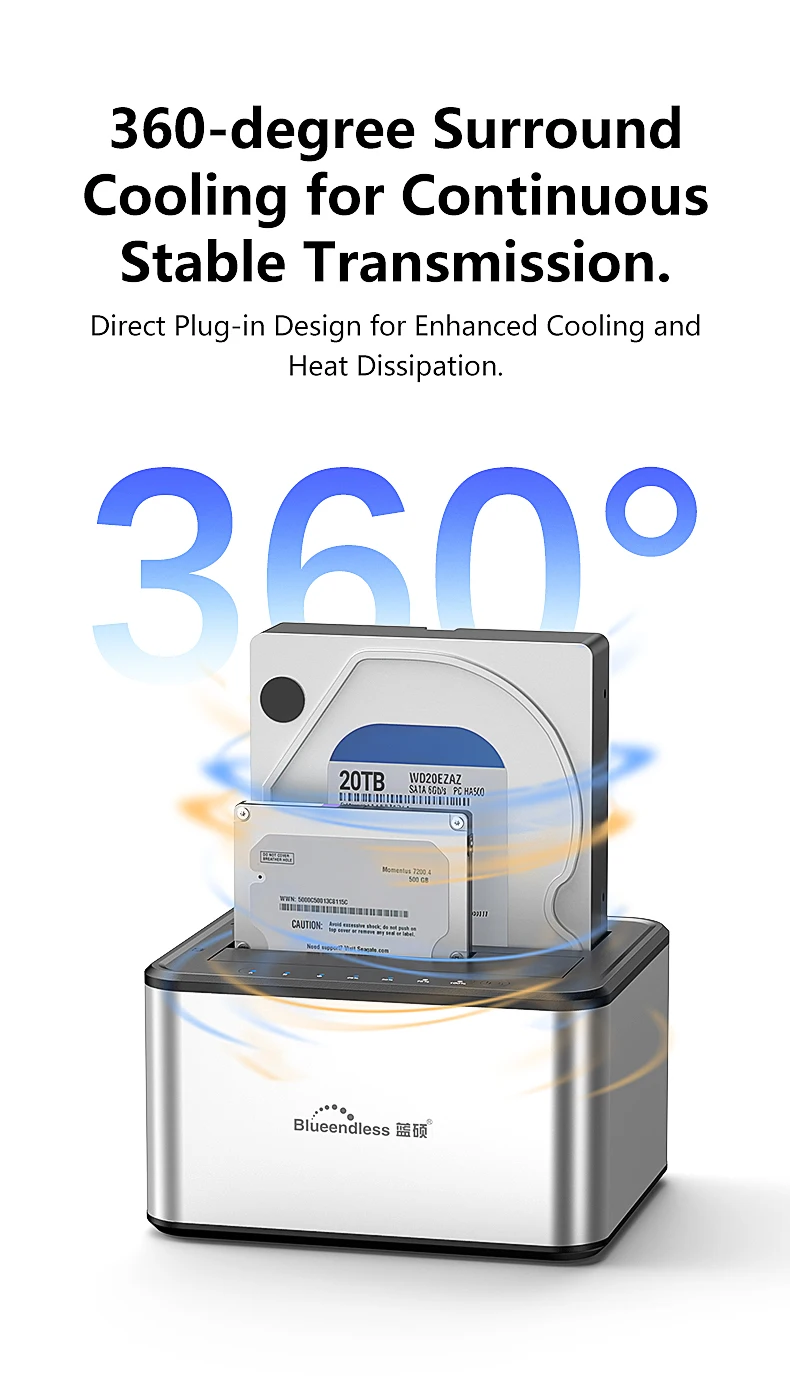
feature 1: Dual disk array with clone function
feature 2: offline clone
feature 3: HDD duplicator
feature 4: HDD docking station
feature 5: SSD docking station
feature 6: dual bay hdd docking
feature 7: external hard drive duplicator
feature 8: USB3.0 TO Sata adapter
feature 9: dual bay enclosure
Blueendless dual Bay HDD Box Docking Station
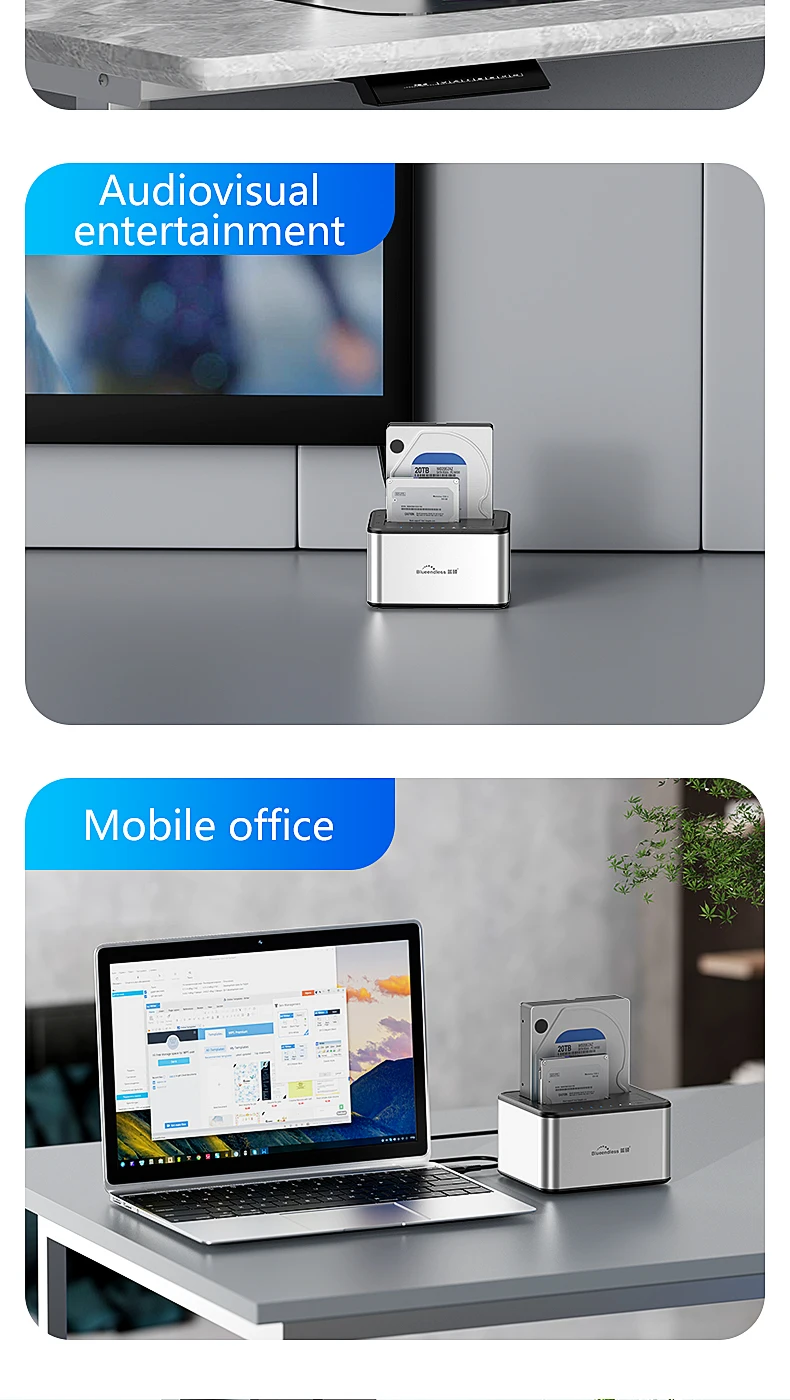
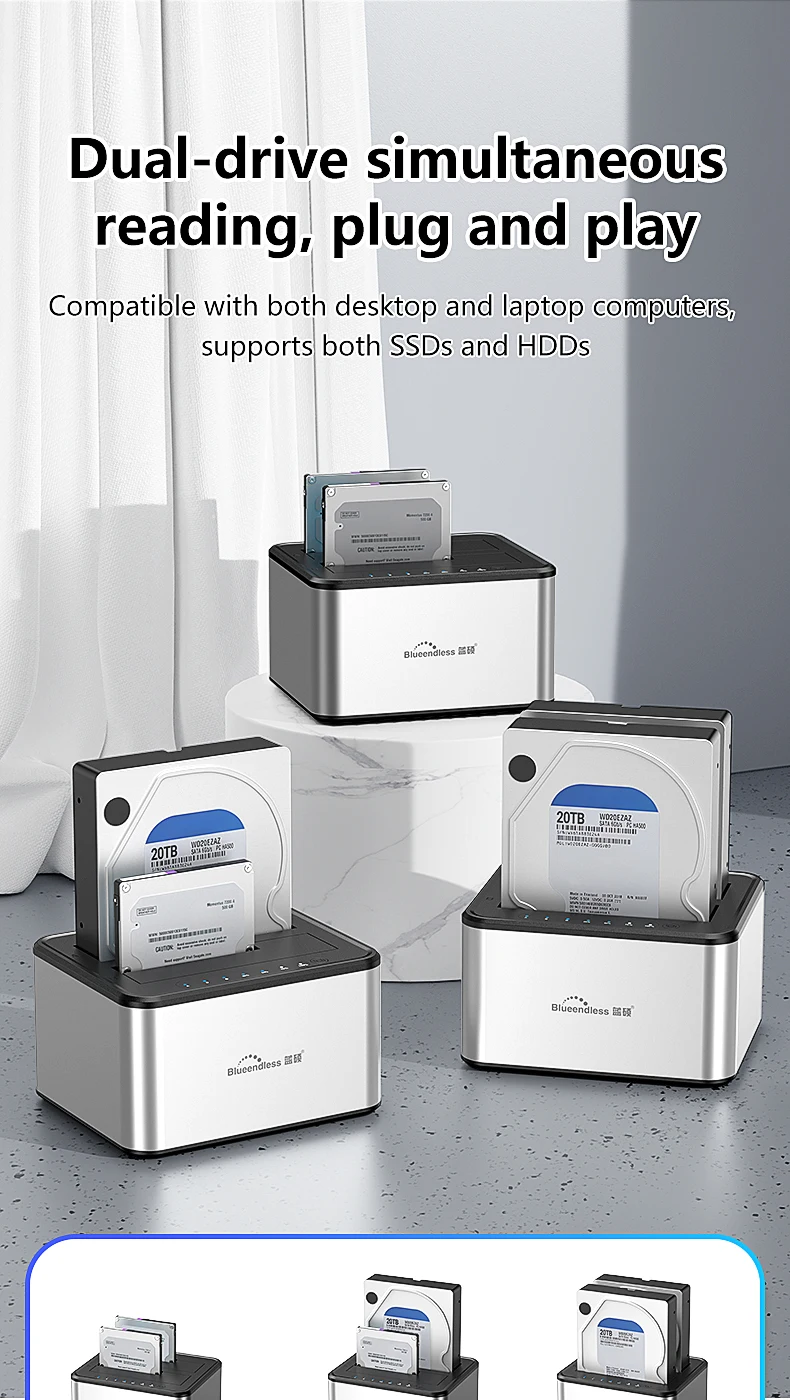
1.Support 2.5/3.5 HDD
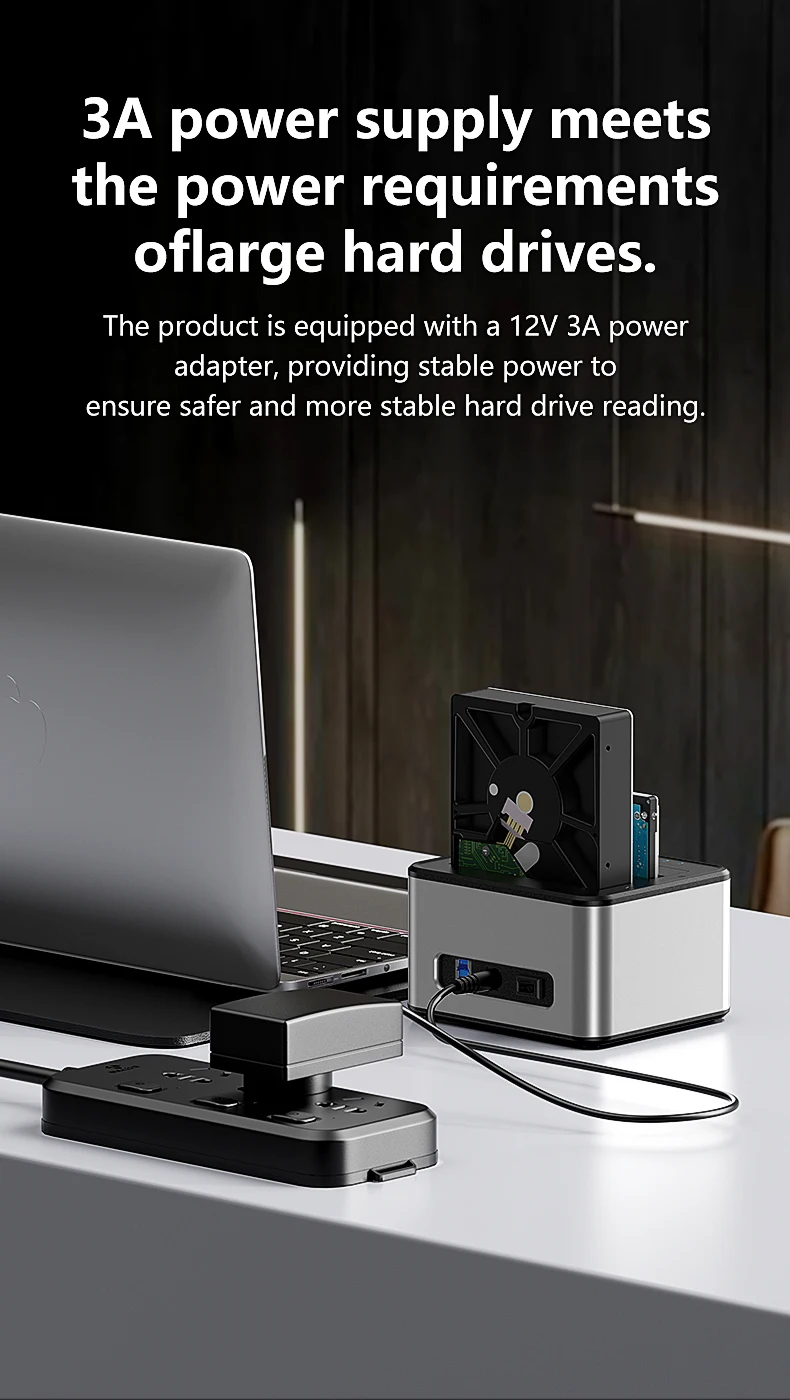
2.with 12V/3A power adapter,US plug and EU plug available for selection
3.this device is a ssd docking,doesn't contain the ssd disk
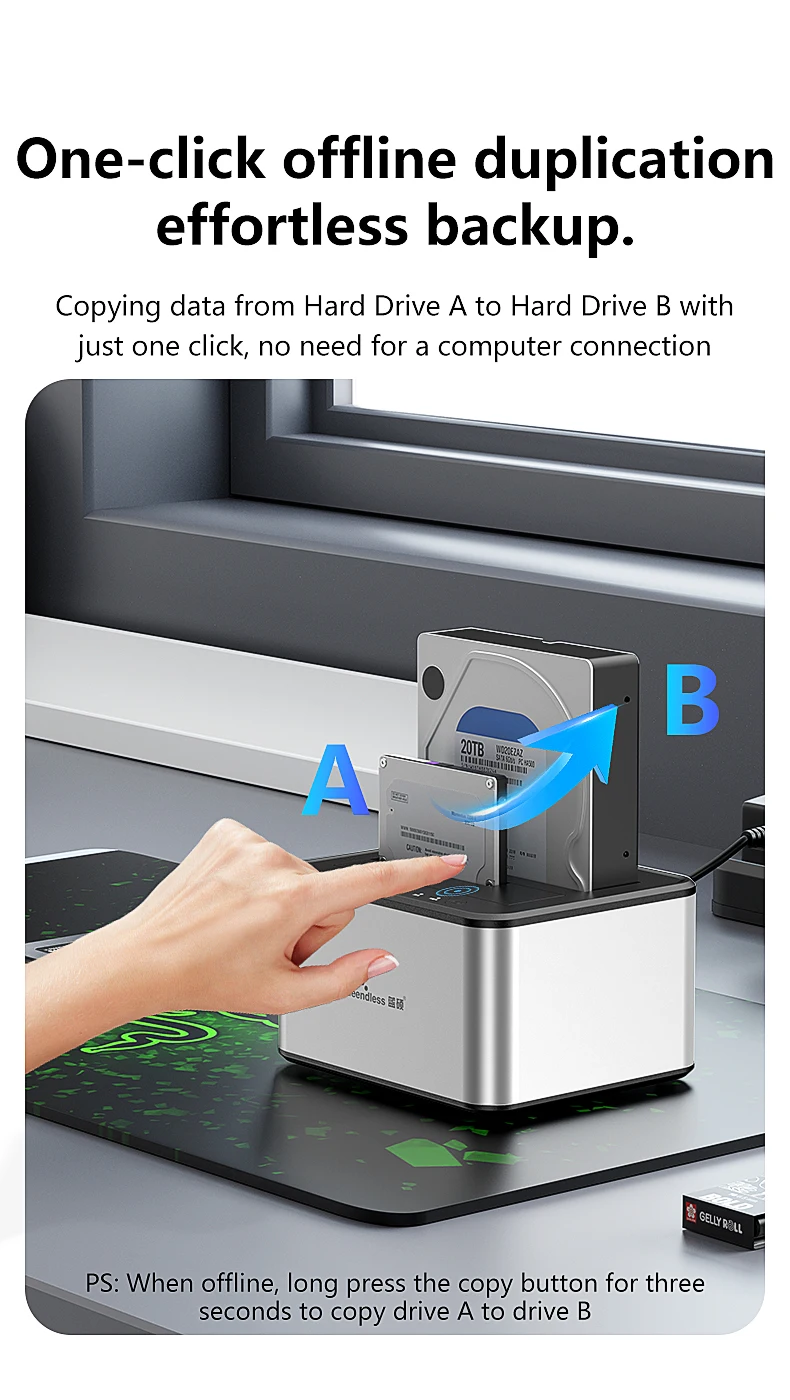
4.Support Offline clone function
*Plug in Both hard drives and identify Source Disk and Target Disk
HDD A=Source Disk; HDD B=Target Disk
*Connect power supply and switch on power.(make sure that the usb cable is disconnected)
*Press "Copy" button for about 10 seconds until the LED will start flashing and the cloning process will begin.
On/Off power switch.
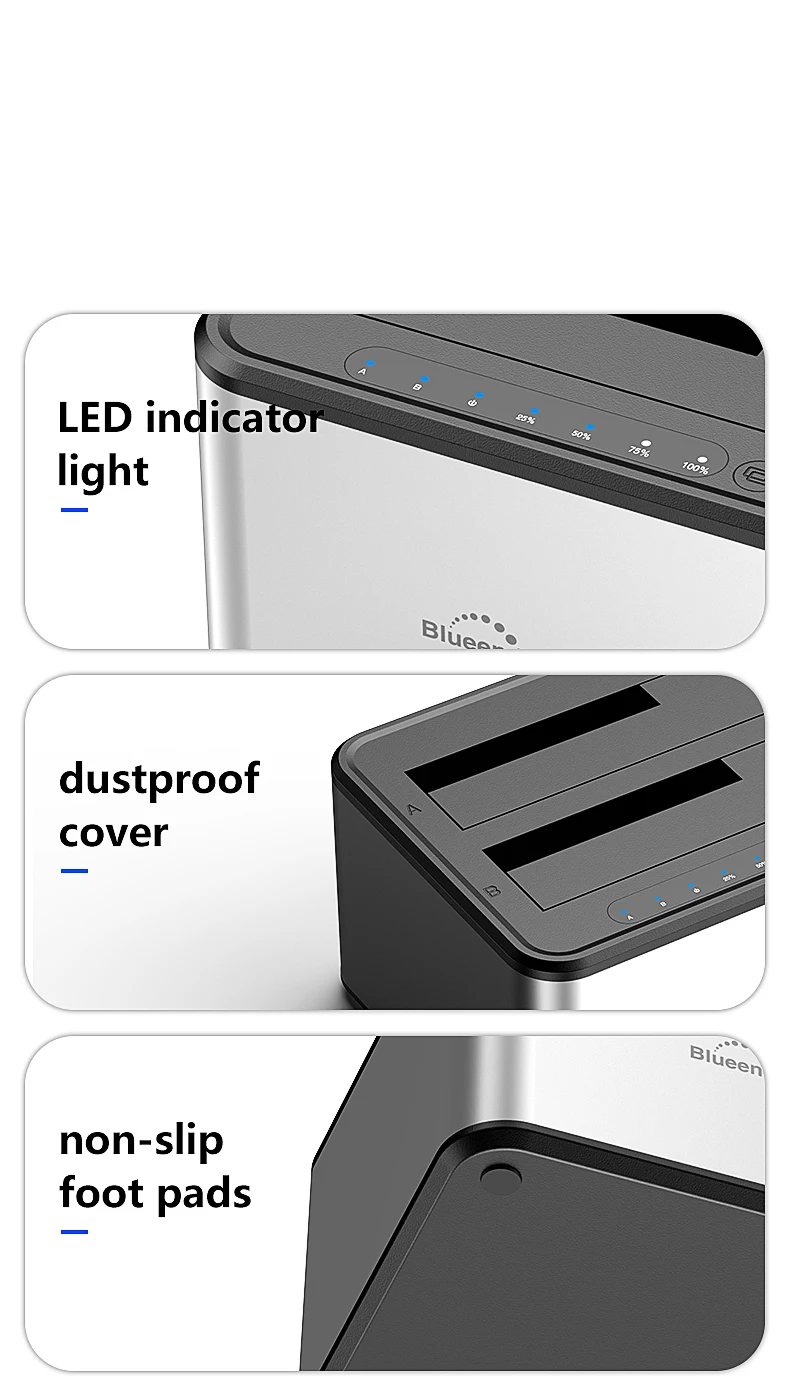
* LED light indicates Power and Activity status.
* Hot-swappable, plug and play, no drivers needed.
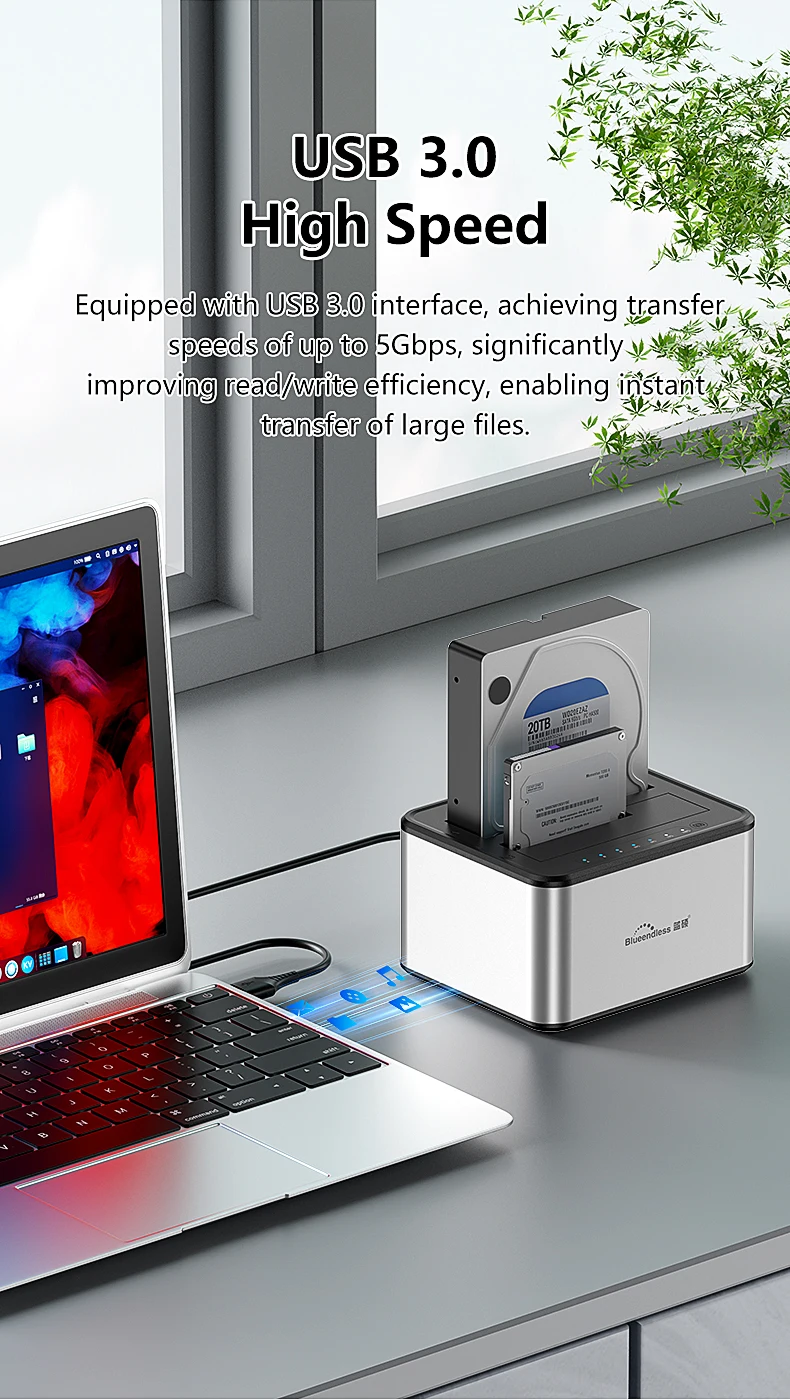
* Transfer Rates Up to 5 Gbps w/USB 3.0,Reverse compatible with USB 1.1 & USB 2.0.
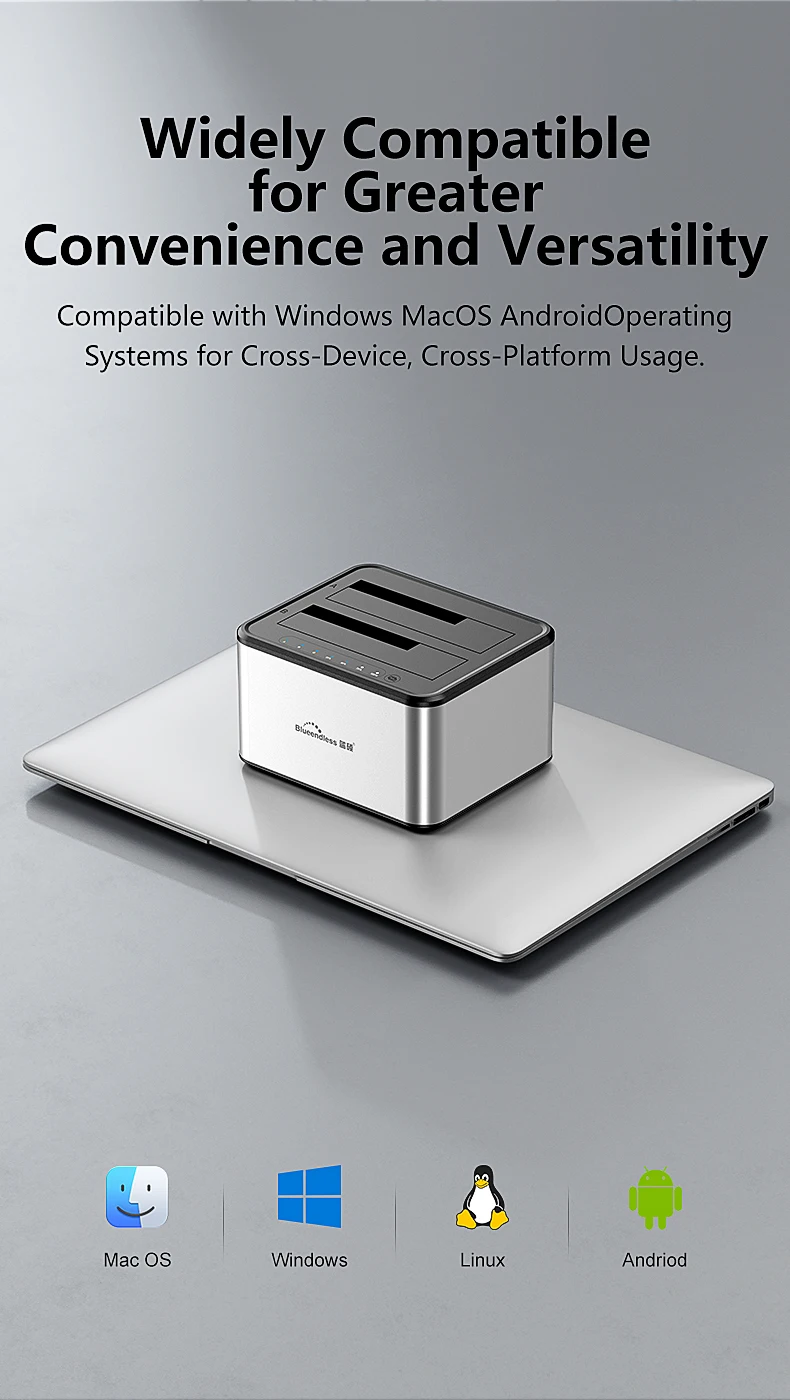
* Windows: 2000/XP/Vista/7/8 (Both 32-bit & 64-bit versions)
pls note the following when using.
1. back disk(B) must be larger capacitythan front disk(A).
2. To avoid your disk filedamaged,pls don't stop the device when it's under clone function.
3. When copy disk,pls make sure disk B is empty,or the former file in disk B will be loss.
4. if disk B has file before,and just want to copy from disk A,pls don't use copy function,just copy and paste on computer.
When copy the disk,pls don't connectcomputer,if connectcomputer,disk will be under reading,can’t support copy.


[ DATA ACCESSIBLE RELIABLE AMAZING HOSTING UNIVERSAL BUSINESS ]
It looks like ads are unavailable right now. Consider sponsoring us to help keep our site independent and running!
Become a Sponsor{"one"=>"Select 2 or 3 items to compare", "other"=>"{{ count }} of 3 items selected"}