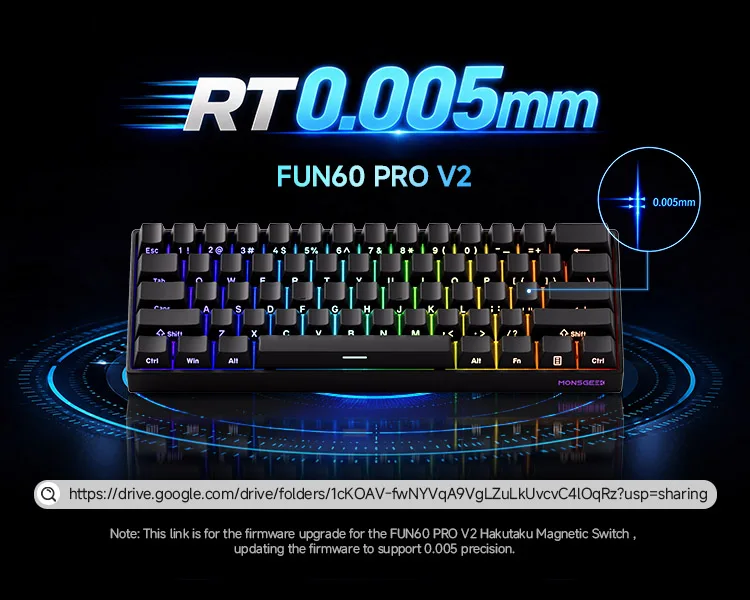
ចំណាំ៖ សម្រាប់ FUN60 PRO V2 កម្មវិធីបង្កប់ និងកម្មវិធីបញ្ជាត្រូវតែធ្វើបច្ចុប្បន្នភាពទៅកំណែចុងក្រោយបំផុត ដើម្បីឱ្យការកំណត់ RT0.005mm មានប្រសិទ្ធភាព។
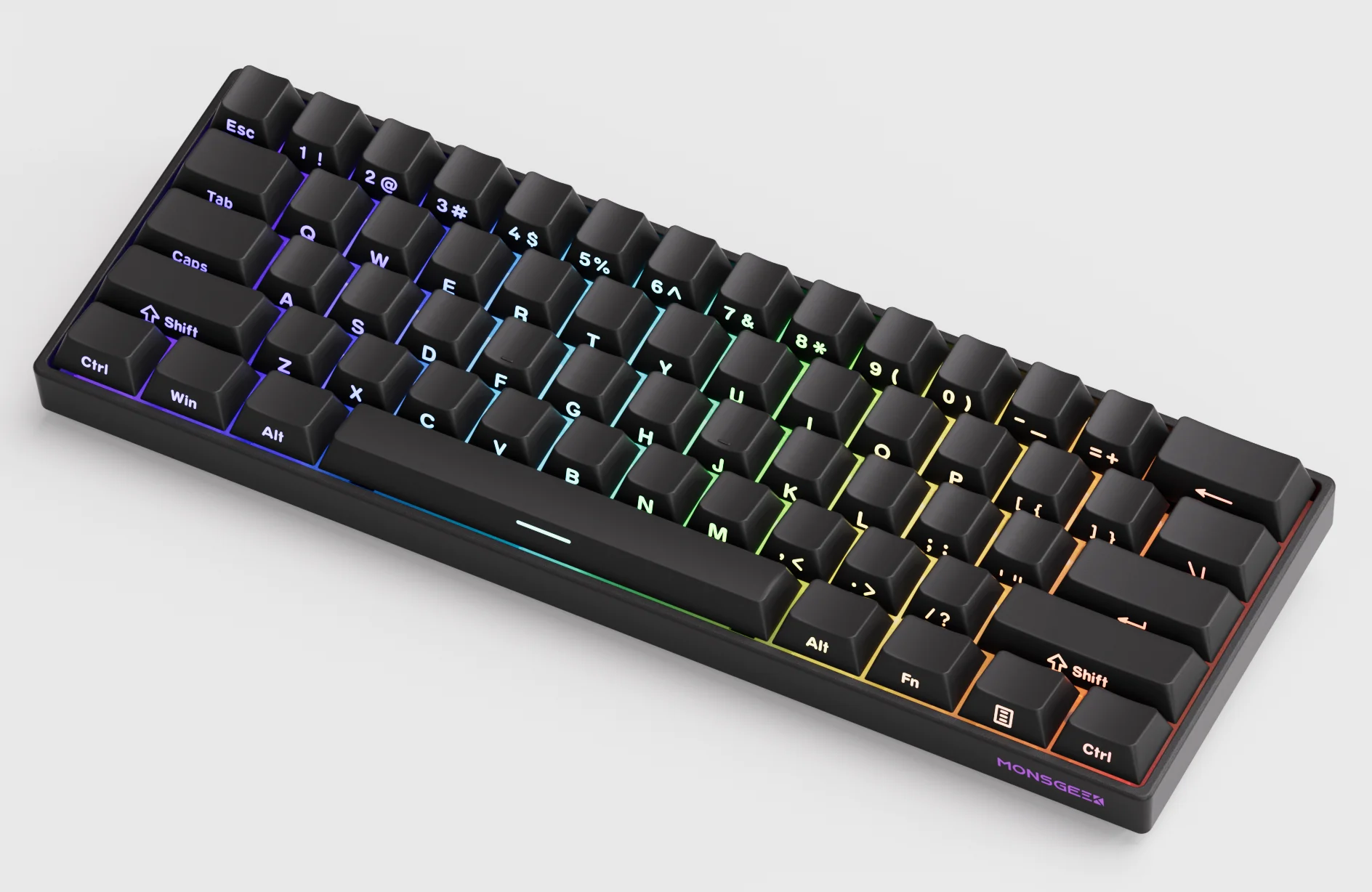
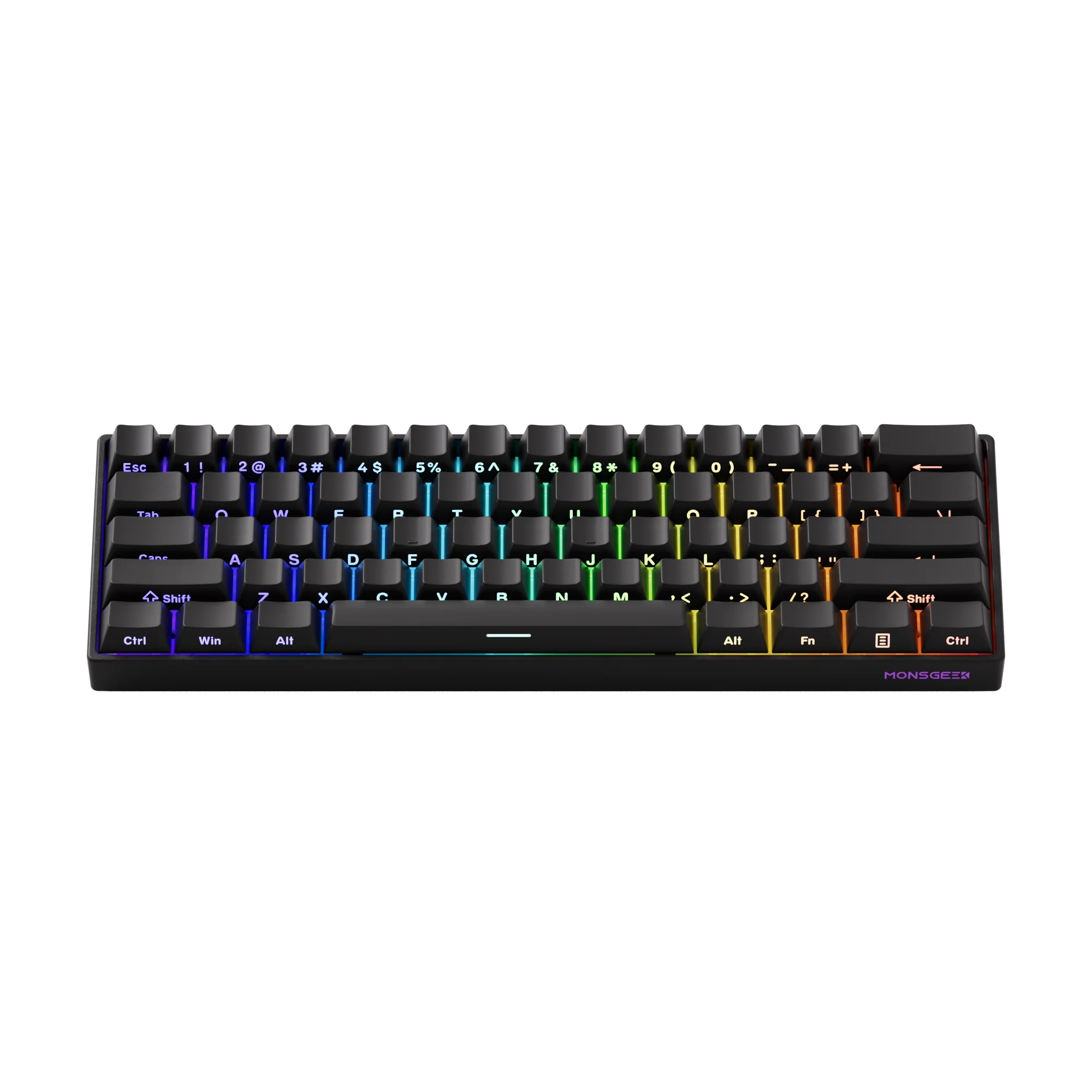
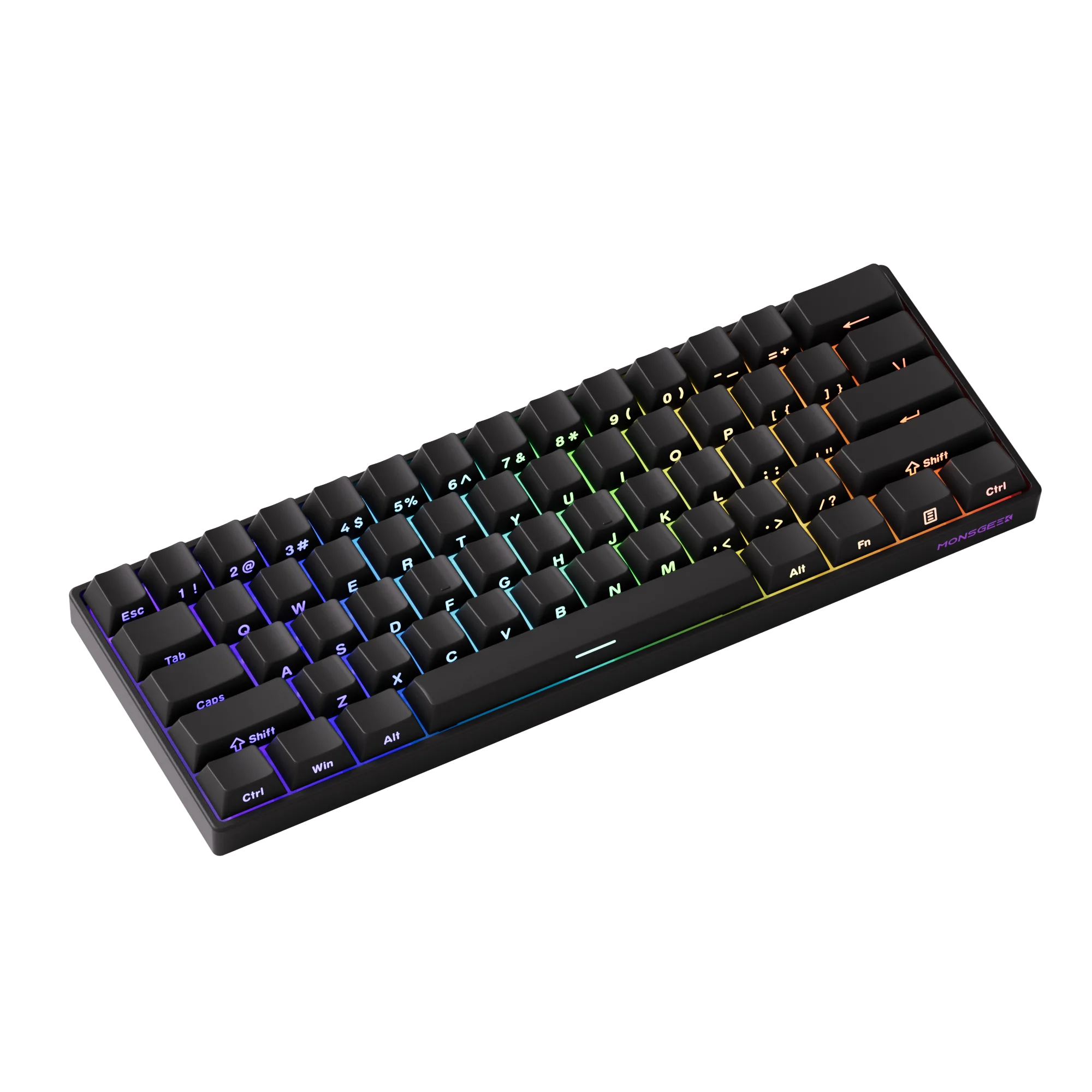
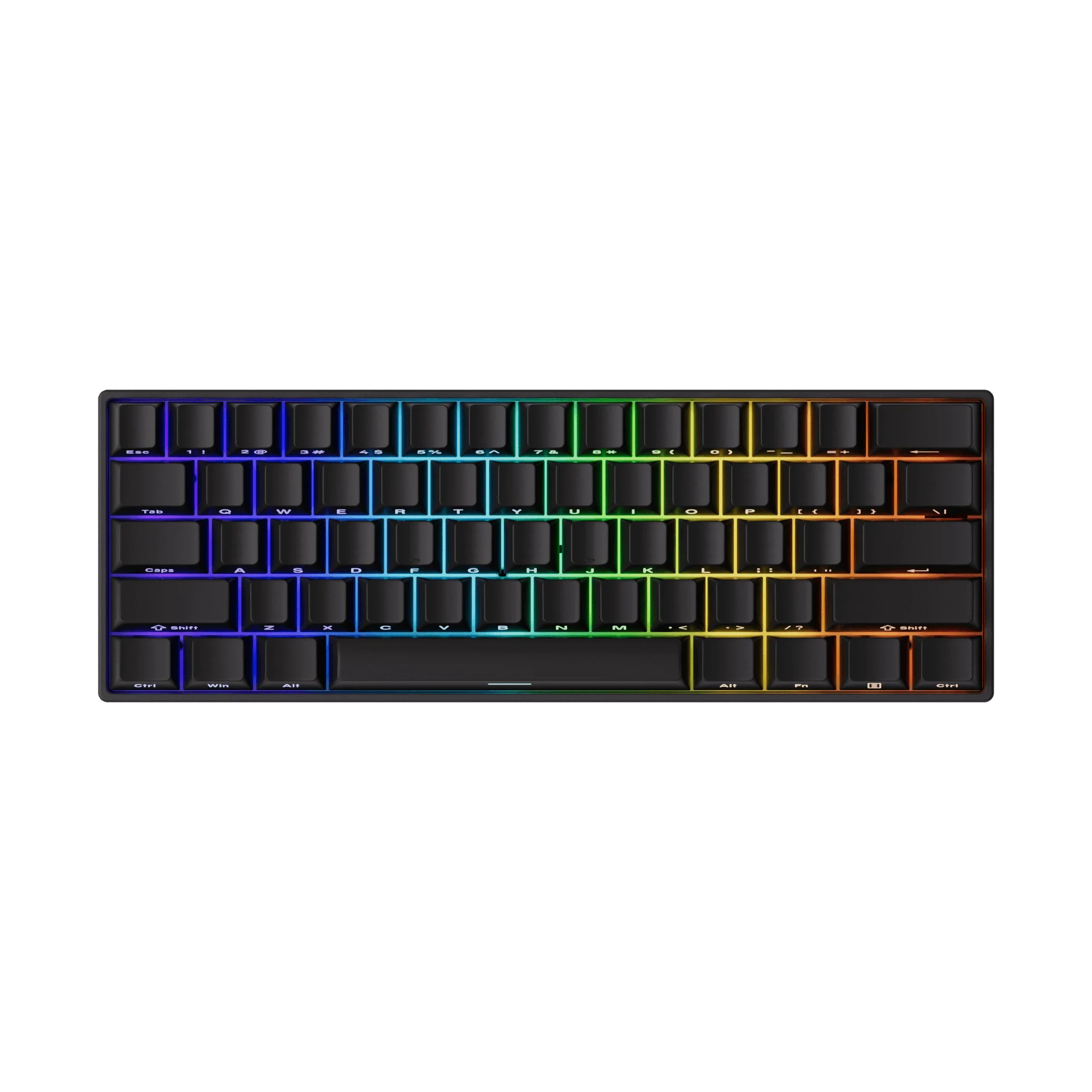
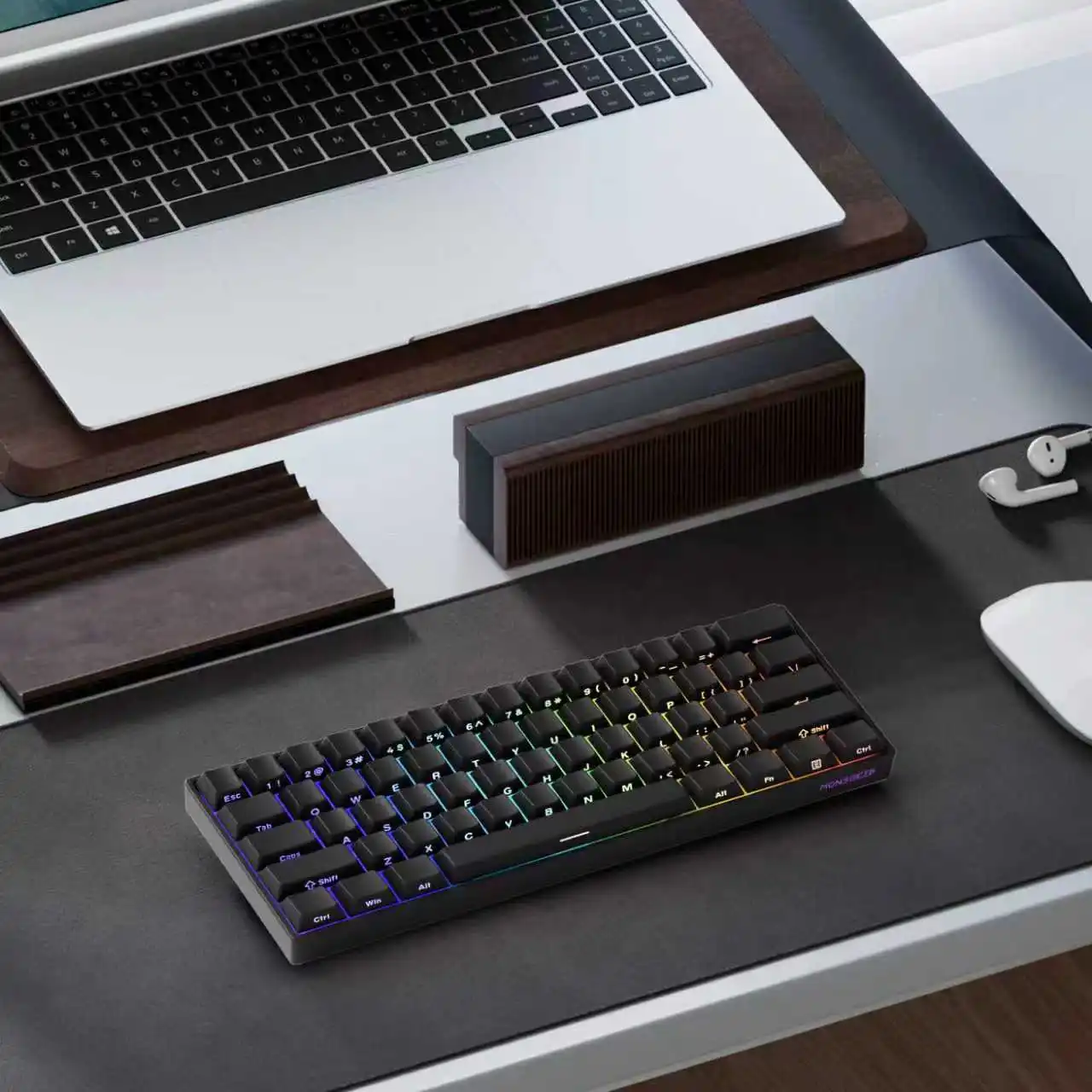
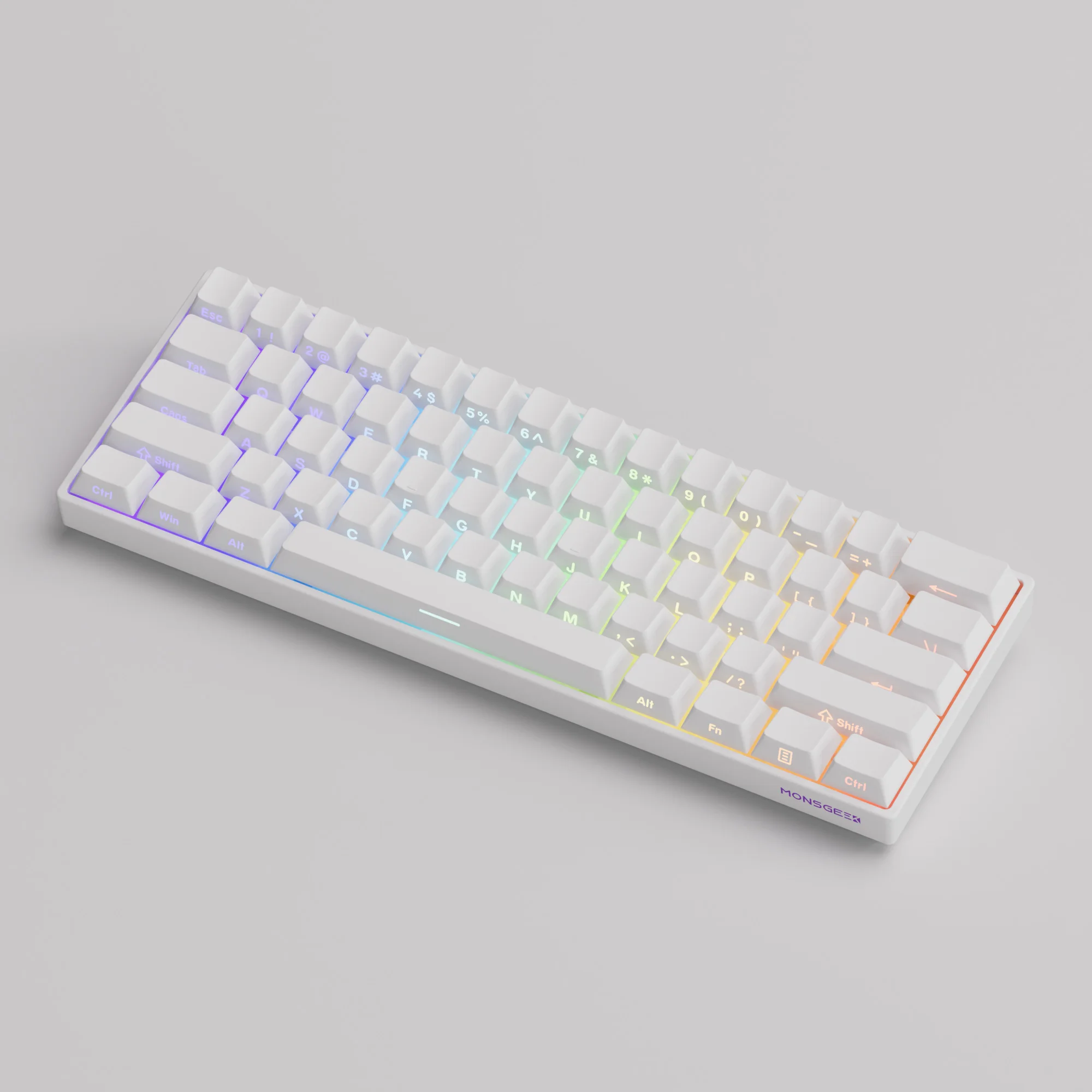
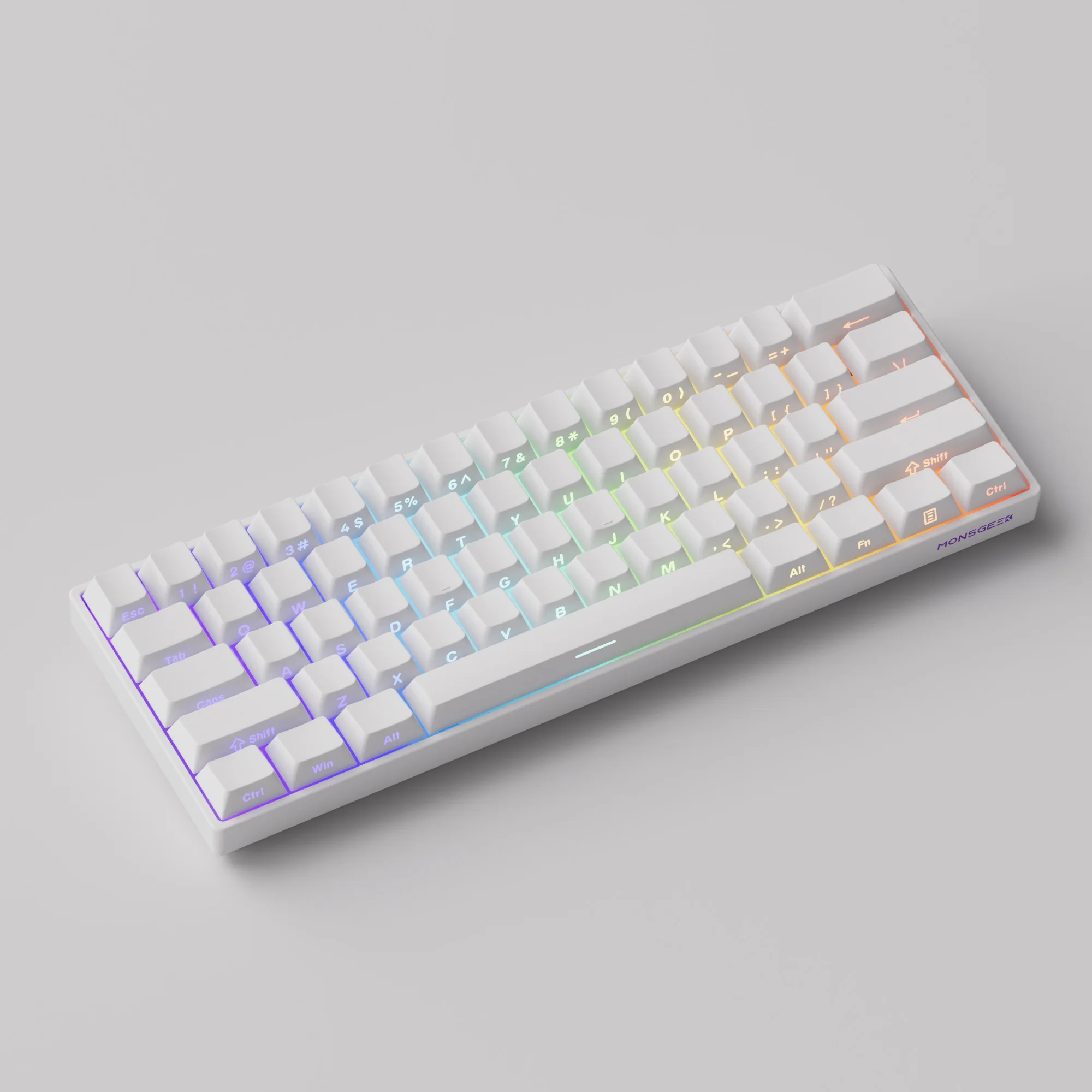
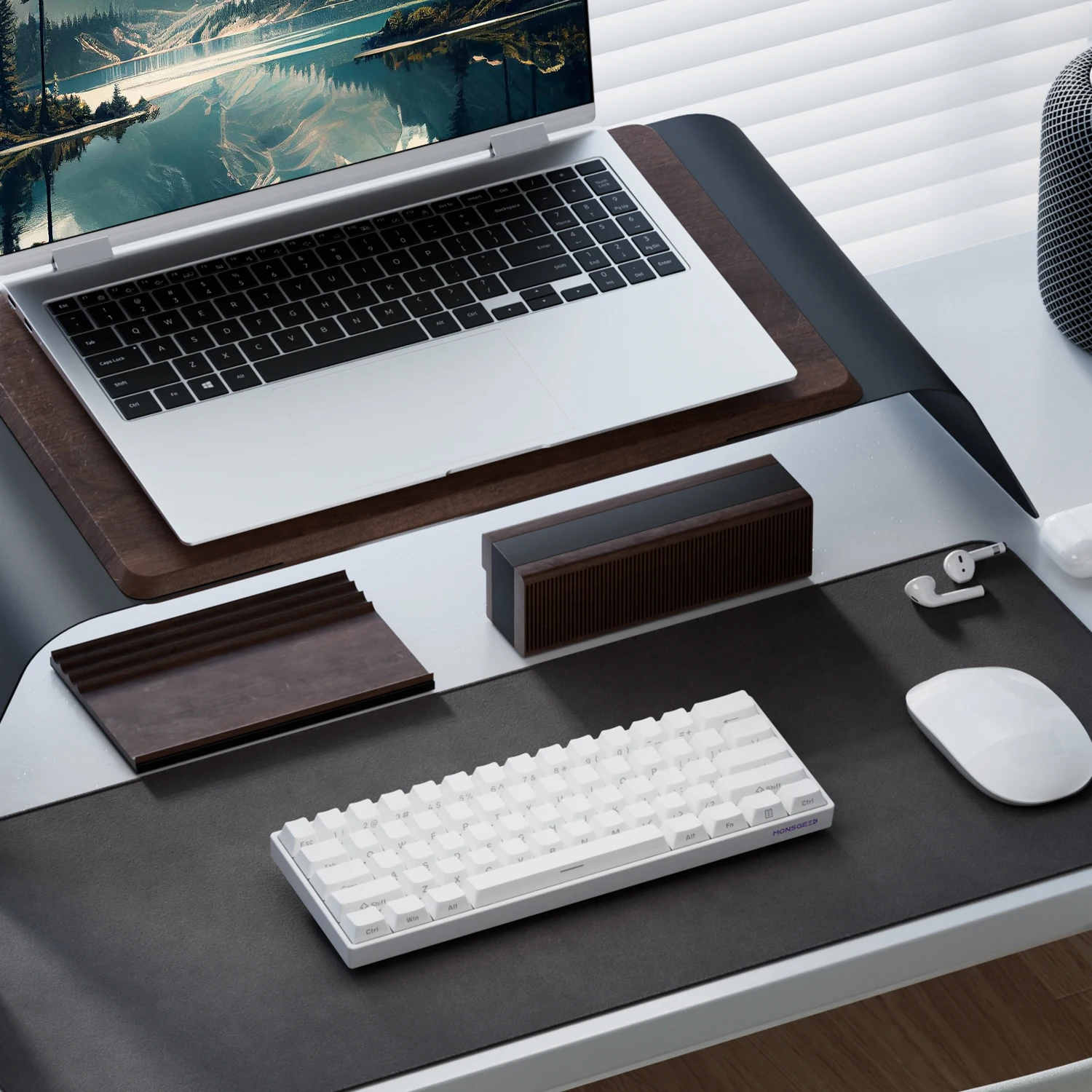
ណែនាំ MonsGeek FUN60 Pro V2
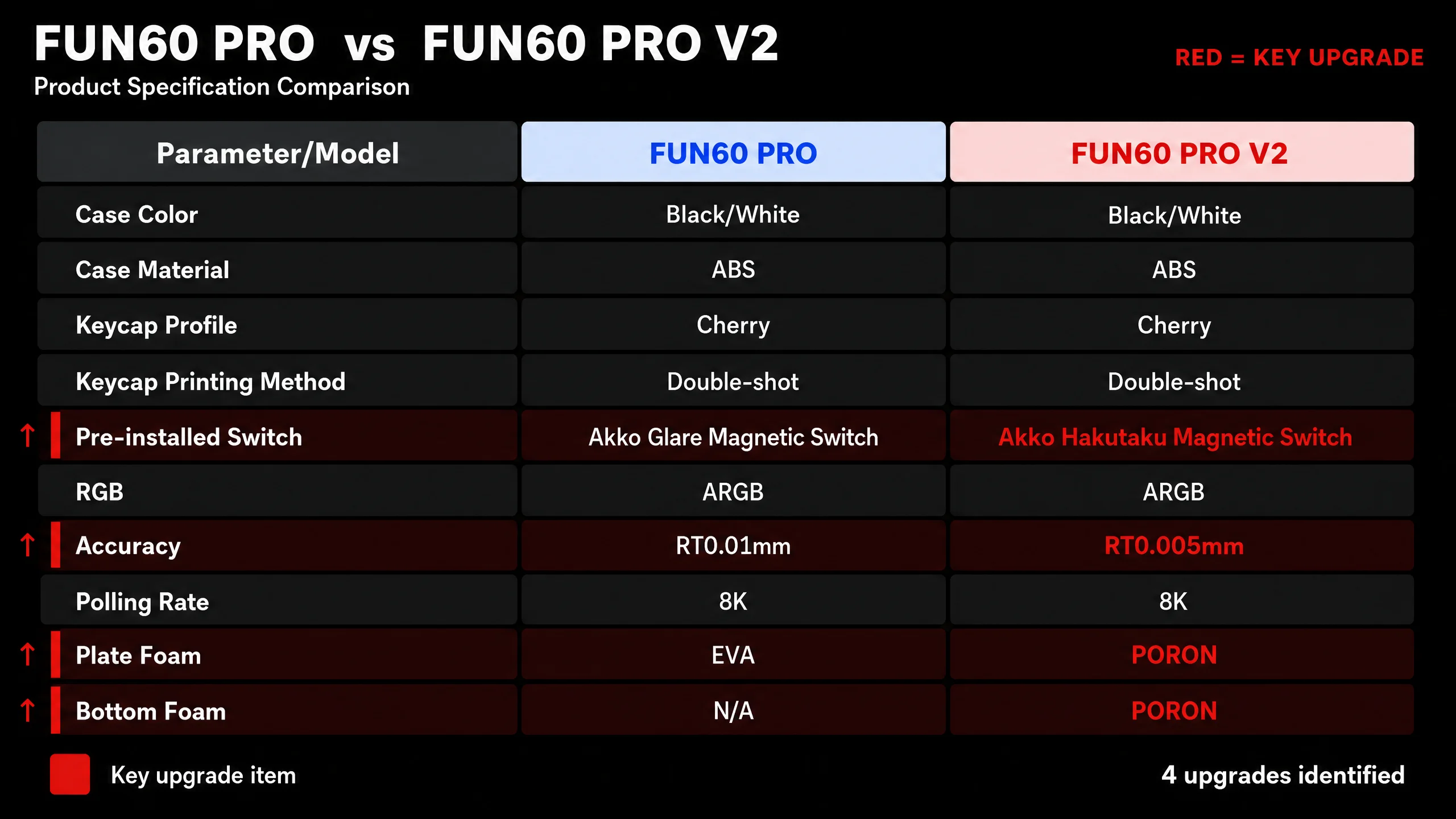
ចំណុចសំខាន់ៗនៃការធ្វើឱ្យប្រសើរឡើងនូវកំណែ V2៖
✔️ កប្បាសសាំងវិចត្រូវបានធ្វើឱ្យប្រសើរឡើងពី EVA ដើមទៅ PORON
✔️ កម្រាស់ 0.005mm សម្រាប់ការលេងហ្គេមកម្រិតខ្ពស់
✔️ បន្ថែមកប្បាសមូលដ្ឋាន PORON ដែលកាត់បន្ថយចន្លោះសម្រាប់សំឡេងរោទ៍នៅខាងក្នុងក្តារចុច ដោយហេតុនេះកាត់បន្ថយសំឡេងរំខាន។
ឆបគ្នាជាមួយកុងតាក់ម៉ាញេទិកសំខាន់ៗ
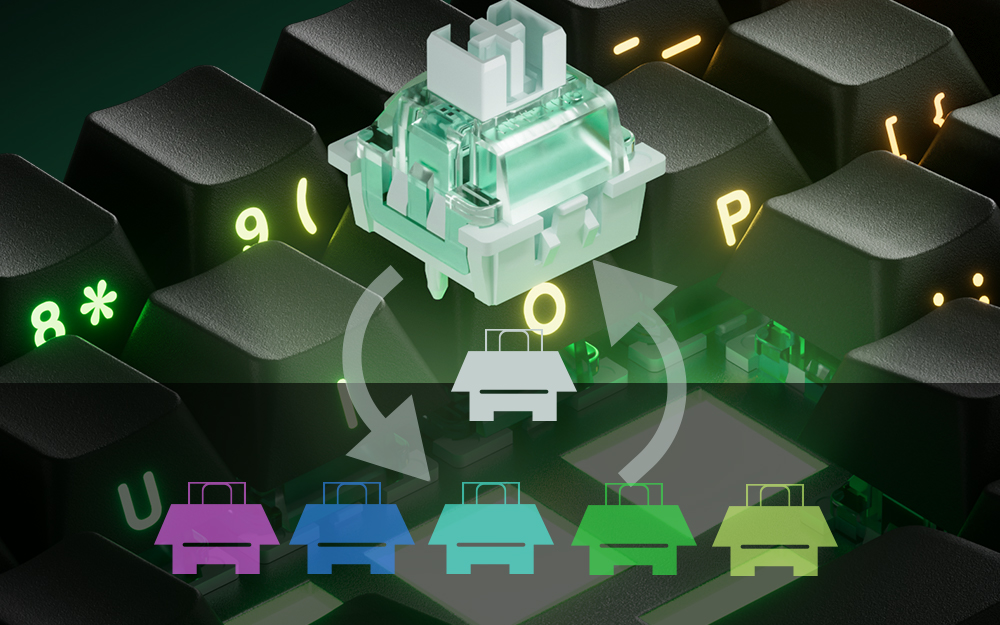
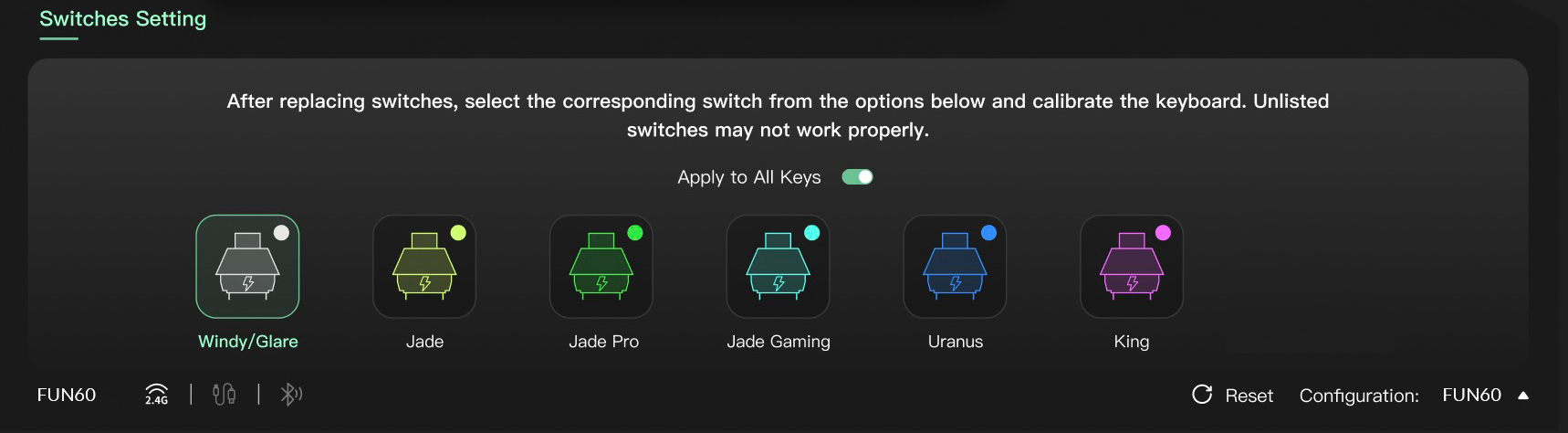
ស៊េរី FUN60 (លើកលែងតែកំណែមូលដ្ឋាន FUN60) ផ្តល់ជូននូវភាពឆបគ្នាជាមួយកុងតាក់ម៉ាញេទិកភាគីទីបីចំនួន 5។ អ្នកប្រើប្រាស់អាចជ្រើសរើសកុងតាក់ដែលត្រូវគ្នាពីបញ្ជីនៅក្នុងកម្មវិធីបញ្ជា MonsGeek ហើយក្រិតតាមខ្នាតក្តារចុចបានយ៉ាងងាយស្រួលបន្ទាប់ពីការជំនួស។ អ្នកក៏អាចលាយ និងផ្គូផ្គងពួកវានៅក្នុងគ្រាប់ចុចផ្សេងៗគ្នាក្នុងពេលដំណាលគ្នាផងដែរ។
ការបដិសេធ៖ កុងតាក់ដែលមានភាពជាក់លាក់ខ្ពស់តម្រូវឱ្យមានការលៃតម្រូវ និងការពិសោធន៍ជាមួយក្តារចុច។ កុងតាក់ដែលបានរាយបញ្ជីត្រូវបានធានាថានឹងដំណើរការក្នុងភាពជាក់លាក់ 0.01 មីលីម៉ែត្រ។ កុងតាក់ផ្សេងទៀតអាចដំណើរការបាន ប៉ុន្តែមិនអាចឈានដល់ភាពត្រឹមត្រូវដូចការអះអាងនោះទេ។
កុងតាក់ម៉ាញេទិក Akko Hakutaku
ប្រភេទ៖ លីនេអ៊ែរ
ការធ្វើដំណើរសរុប៖ 3.5±0.1
កម្លាំងដំបូង៖ 25gf
កម្លាំងបញ្ចប់៖ ៤៨ក្រាម

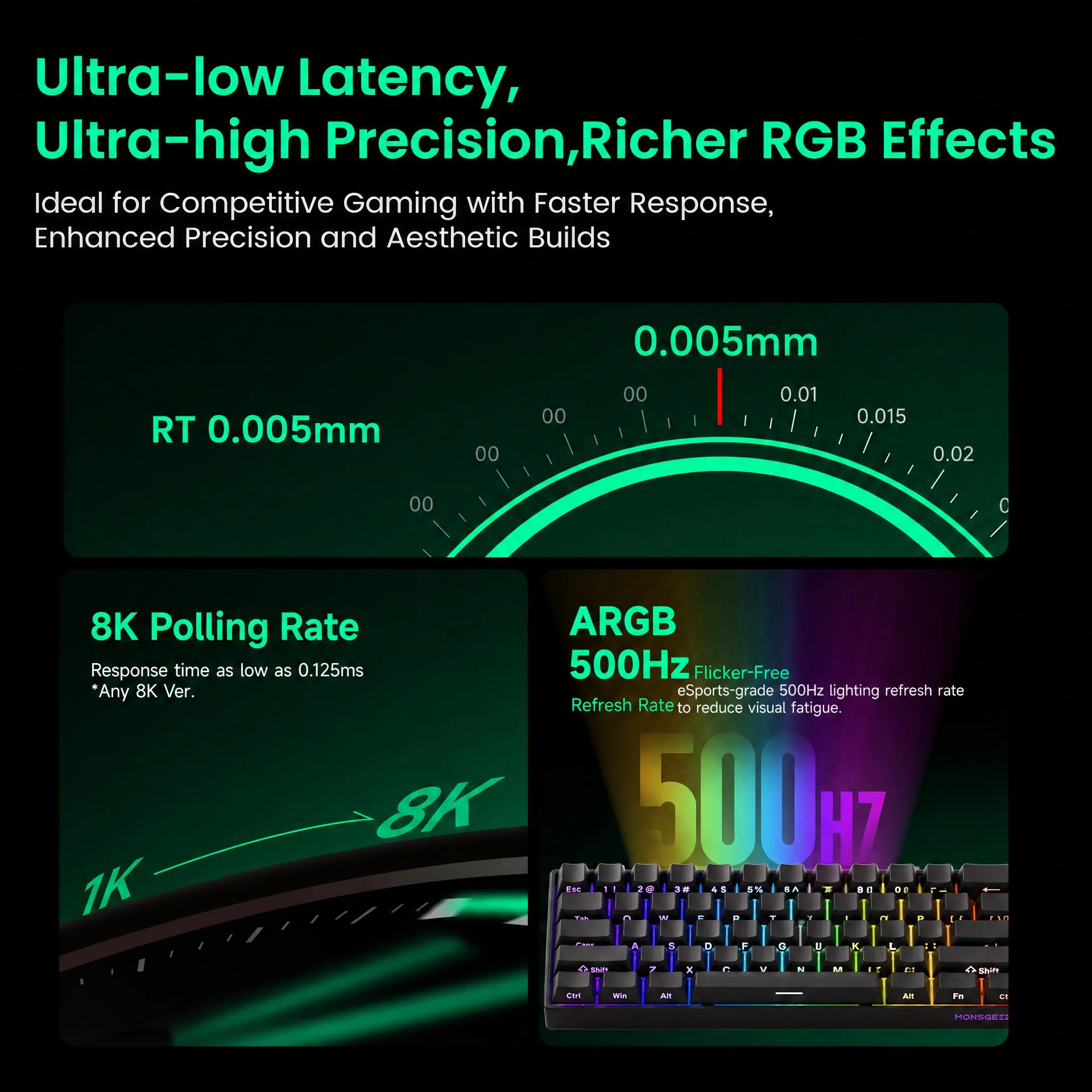
RT0.005mm
សម្រេចបាននូវកេះរហ័ស 0.005mm ដែលមានភាពត្រឹមត្រូវខ្ពស់ និងចម្ងាយដែលអាចលៃតម្រូវបានក្នុងជំហាន 0.01mm។ នេះអនុញ្ញាតឱ្យអ្នកប្រើប្រាស់លៃតម្រូវបទពិសោធន៍វាយអក្សរ ឬលេងហ្គេមរបស់ពួកគេ ដោយធានាបាននូវសកម្មភាពល្អបំផុតសម្រាប់ពេលវេលាឆ្លើយតបលឿនជាងមុនជាមួយនឹងភាពជាក់លាក់ប្រសើរឡើង ដែលល្អសម្រាប់ការលេងហ្គេមប្រកួតប្រជែង។
ARGB ក្នុងអត្រាធ្វើឱ្យស្រស់ 500Hz
ស៊េរី FUN60 មាន ARGB (អាស័យដ្ឋាន RGB) ជាមួយនឹង LED ដែលគ្រប់គ្រងដោយឡែកពីគ្នាសម្រាប់ពន្លឺរលូន និងមិនភ្លឹបភ្លែតៗ។ ជាមួយនឹងការរួមបញ្ចូលឆានែលអាល់ហ្វា និងអត្រាធ្វើឱ្យស្រស់ 500Hz វាផ្តល់នូវឥទ្ធិពលថាមវន្តកាន់តែសម្បូរបែប និងកាត់បន្ថយភាពអស់កម្លាំងដែលមើលឃើញ — ល្អឥតខ្ចោះសម្រាប់ការលេងហ្គេម និងការបង្កើតសោភ័ណភាព។
អត្រាស្ទង់មតិ 8K ជាសកល
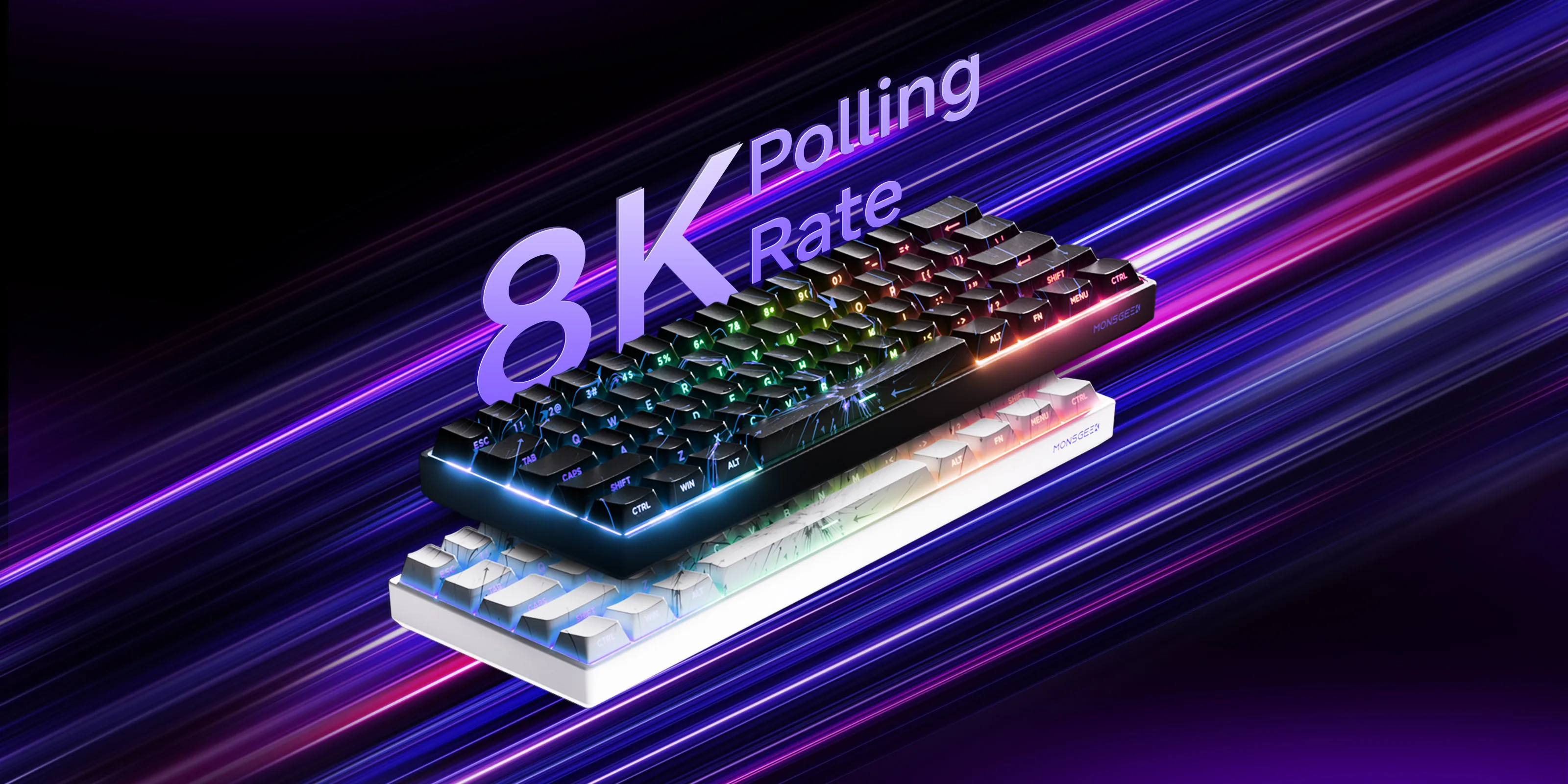
ជាមួយនឹងអត្រាស្ទង់មតិ 8000Hz សម្រាប់គ្រាប់ចុចទាំងអស់នៅក្នុងរបៀបខ្សែ ឬឥតខ្សែ 2.4G សូមរីករាយជាមួយពេលវេលាឆ្លើយតបលឿនបំផុត និងការបញ្ចូលរលូនជាងមុន និងច្បាស់លាស់ជាងមុន — ល្អឥតខ្ចោះសម្រាប់ការលេងហ្គេម និងកិច្ចការដែលមានដំណើរការខ្ពស់។
ឧបករណ៍រក្សាលំនឹង RT
របៀប "RT Stabilizer" នេះមានប្រយោជន៍ជាពិសេសនៅពេលកំណត់ទៅភាពជាក់លាក់នៃ Rapid Trigger 0.01mm ព្រោះក្តារចុចប្តូរម៉ាញេទិកអាចជួបប្រទះការបញ្ចូលដែលមិនបានគ្រោងទុក ឬការដាច់ចរន្តអគ្គិសនីពីការញ័រដៃបន្តិចបន្តួច ដែលអាចរំខានដល់បទពិសោធន៍លេងហ្គេមទាំងមូល។
វាអាចត្រូវបានធ្វើឱ្យសកម្មតាមរយៈកម្មវិធីបញ្ជា MonsGeek ជាមួយនឹងកម្រិតតម្រងផ្សេងៗគ្នាចំនួន 4 ។
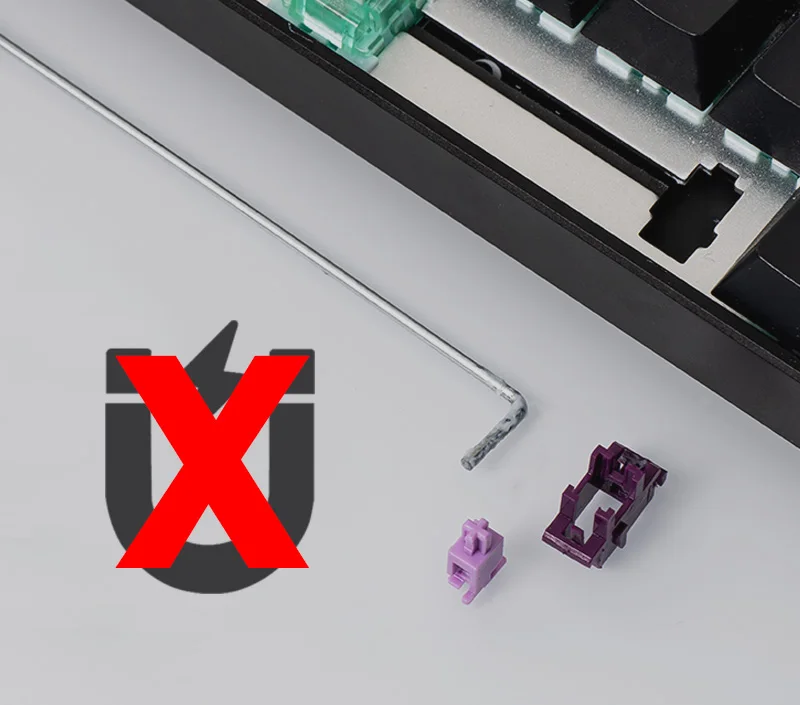
បានបន្សាបម៉ាញេទិក ឧបករណ៍ទប់លំនឹង
បើប្រៀបធៀបទៅនឹងឧបករណ៍ទប់លំនឹងក្តារចុចមេកានិចបែបប្រពៃណី ខ្សែរទប់លំនឹងរបស់ FUN60 ត្រូវបានបន្សាបមេដែក ដែលកាត់បន្ថយការជ្រៀតជ្រែកមេដែក ធ្វើអោយប្រសើរឡើងនូវភាពត្រឹមត្រូវនៃការកេះ បង្កើនប្រសិទ្ធភាពអារម្មណ៍ និងបង្កើនស្ថេរភាពរយៈពេលវែង — សំខាន់សម្រាប់ដំណើរការដ៏ច្បាស់លាស់ និងស៊ីសង្វាក់គ្នានៅក្នុងក្តារចុចប្តូរម៉ាញេទិក។
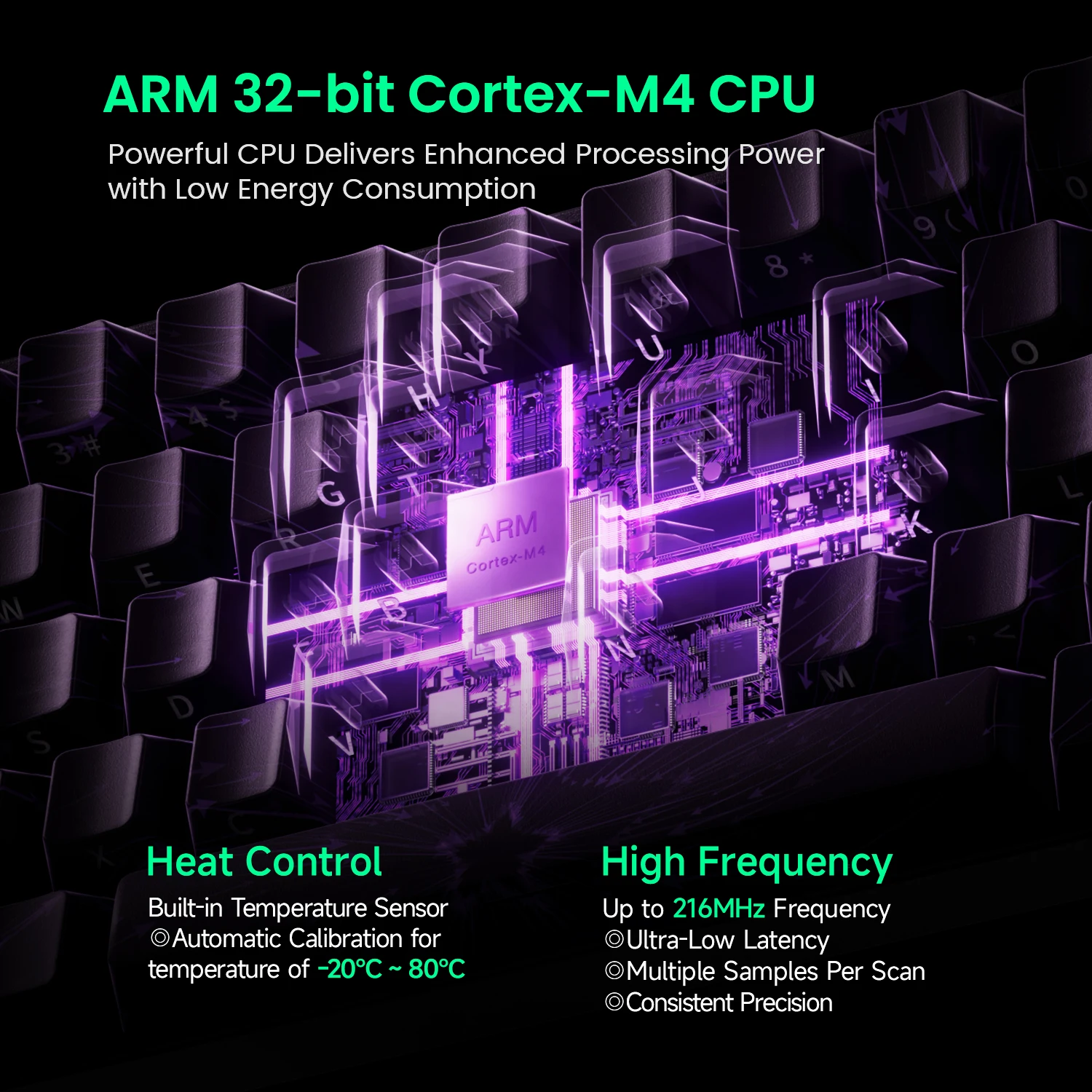
ស៊ីភីយូ ARM Cortex-M4
ស៊ីភីយូដ៏មានអានុភាពផ្តល់នូវថាមពលដំណើរការប្រសើរឡើងជាមួយនឹងការប្រើប្រាស់ថាមពលទាប។
លក្ខណៈពិសេសបុរាណ
|
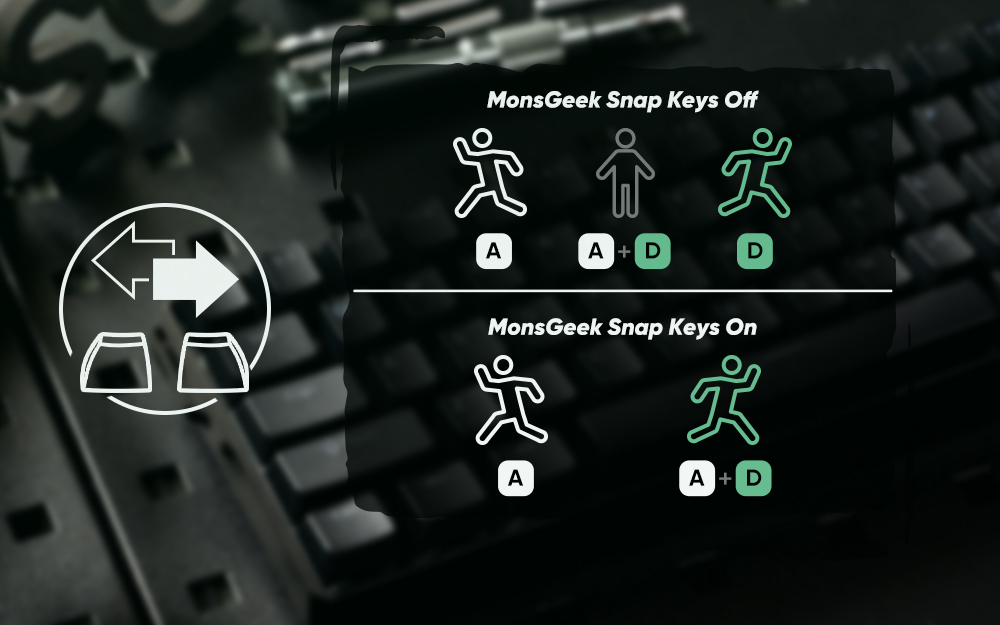
គ្រាប់ចុច Snap
គ្រាប់ចុច Snap គឺជាការអនុវត្ត SOCD របស់ MonsGeek ដែល
ផ្តល់អាទិភាពដល់ការចុចគ្រាប់ចុចថ្មីបំផុតសម្រាប់ទិសដៅរហ័ស
ផ្លាស់ប្តូរដោយមិនចាំបាច់បញ្ចេញធាតុបញ្ចូលពីមុន។ នេះធានាបាននូវ
ការគ្រប់គ្រងរលូន និងឆ្លើយតបបានល្អ ជាពិសេសនៅក្នុងហ្គេម FPS ដែល
ប្រតិកម្មរហ័ស និងចលនាច្បាស់លាស់គឺមានសារៈសំខាន់។
|
|
|
ចម្ងាយចុចដែលអាចលៃតម្រូវបាន
កុងតាក់ម៉ាញេទិកទាំងនេះអនុញ្ញាតឱ្យអ្នកប្រើប្រាស់លៃតម្រូវគ្រាប់ចុចនីមួយៗ
ចំណុចចុចពី 0.1mm ដល់ 3.4mm ដែលផ្តល់នូវចំណុចចុចផ្សេងៗគ្នា
ប្រភេទនៃការចុចសម្រាប់ លេងហ្គេម ឬវាយអក្សរ។
|
|
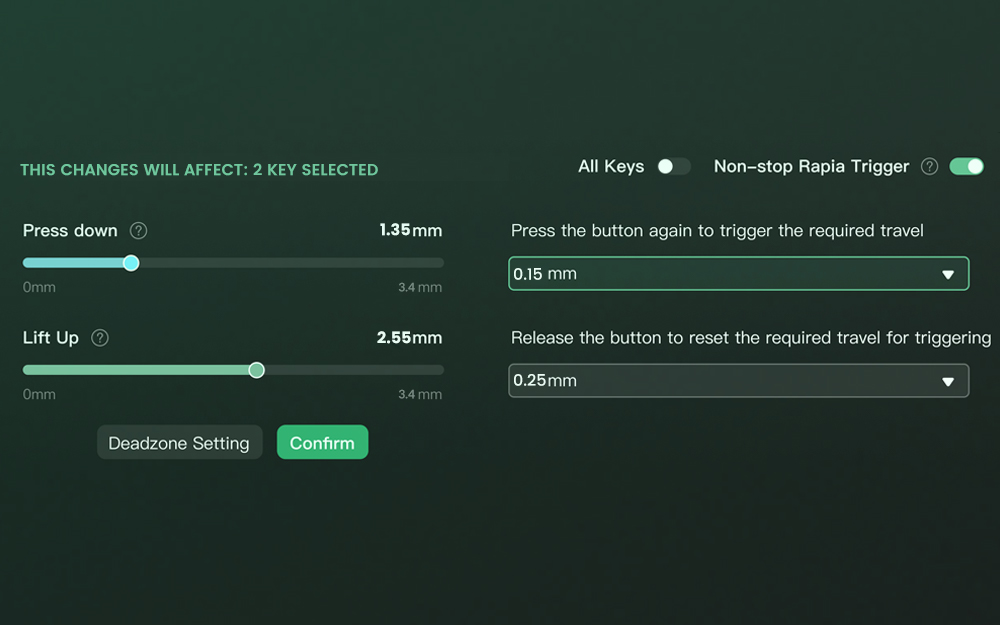
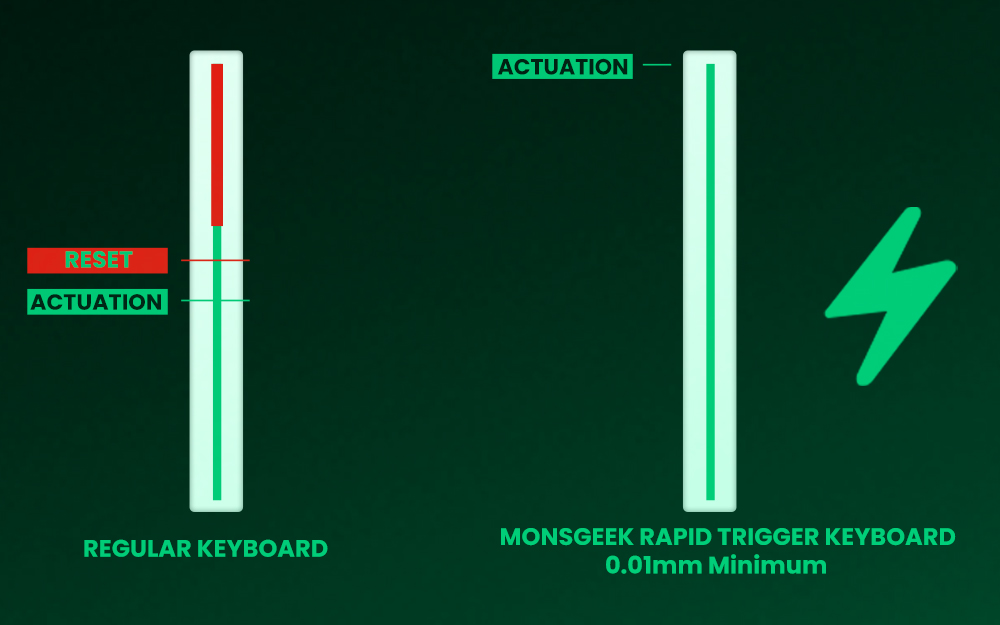
Rapid Trigger (RT)
Rapid Trigger ផ្លាស់ប្តូរការដំណើរការរបស់គ្រាប់ចុច និង
ចំណុចបិទដំណើរការ។ តាមរយៈកម្មវិធីបញ្ជា MonsGeek អ្នកប្រើប្រាស់អាច
ជ្រើសរើសរបៀបប្ដូរតាមបំណង "ប៊ូតុងទាំងអស់" ឬ "ក្នុងមួយប៊ូតុង" ដូចជា
ក៏ដូចជាធ្វើឱ្យសកម្ម "Non-stop Rapid Trigger" សម្រាប់គ្រាប់ចុចស្ទើរតែភ្លាមៗ
ការឆ្លើយតប។ នេះផ្តល់ឱ្យអ្នកលេងហ្គេម FPS នូវគុណសម្បត្តិប្រកួតប្រជែងក្នុង
ការលេងហ្គេមដែលមានល្បឿនលឿន។
ឧទាហរណ៍ នៅពេលដែលអ្នកលេងហ្គេមបើកដំណើរការ RT ពួកគេអាចសម្រេចបាន
“Counter-Strafe” នៅក្នុងហ្គេម VALORANT។
|
|
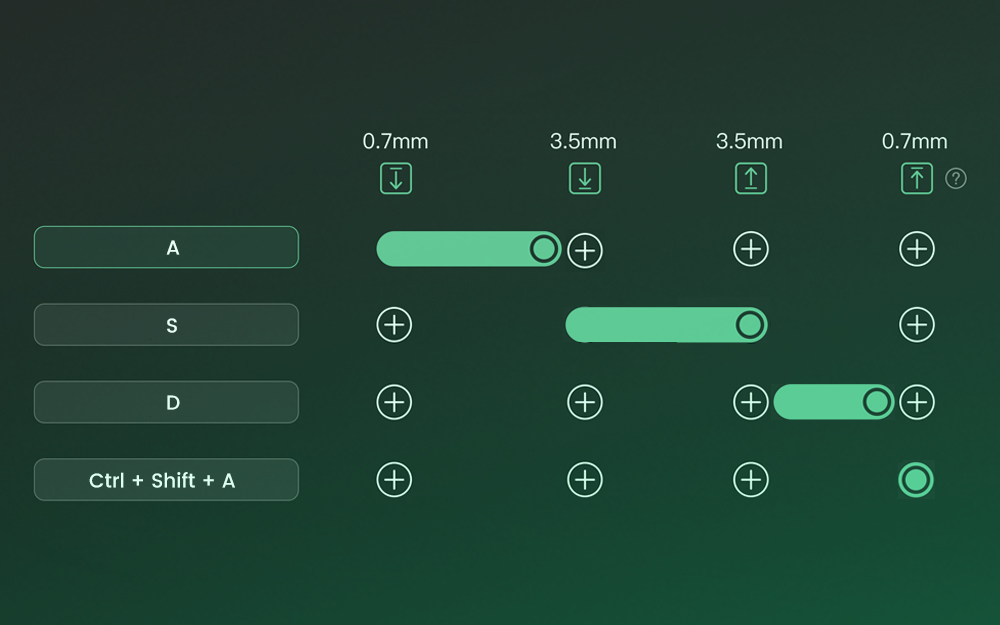
ការចុចគ្រាប់ចុចថាមវន្ត (DKS)
ការចុចគ្រាប់ចុចអាចបង្កឱ្យមានគ្រាប់ចុចបួនផ្សេងគ្នា ប្រតិបត្តិការ។
អាស្រ័យលើកម្លាំងចុចគ្រាប់ចុចរបស់អ្នក៖ ការចុចស្រាលៗនឹងបង្កឡើង
សកម្មភាពទី 1 ការចុចឱ្យជ្រៅនឹងធ្វើឱ្យសកម្មភាពទី 2 សកម្ម ហើយលែង
គ្រាប់ចុចនេះក៏គាំទ្រការកំណត់គ្រាប់ចុចពីរដំណាក់កាលផងដែរ។
|
|
|
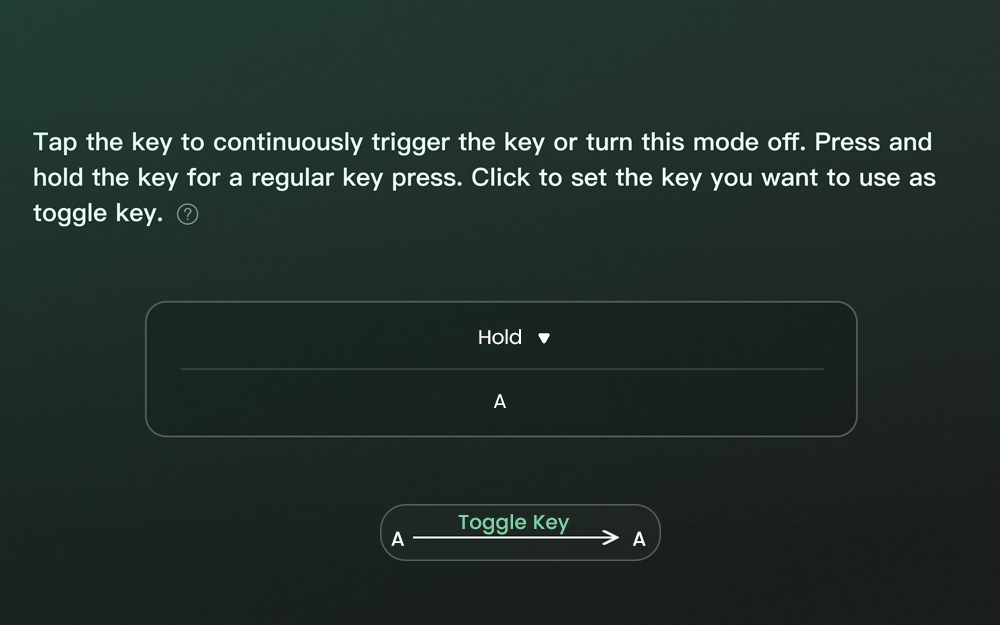
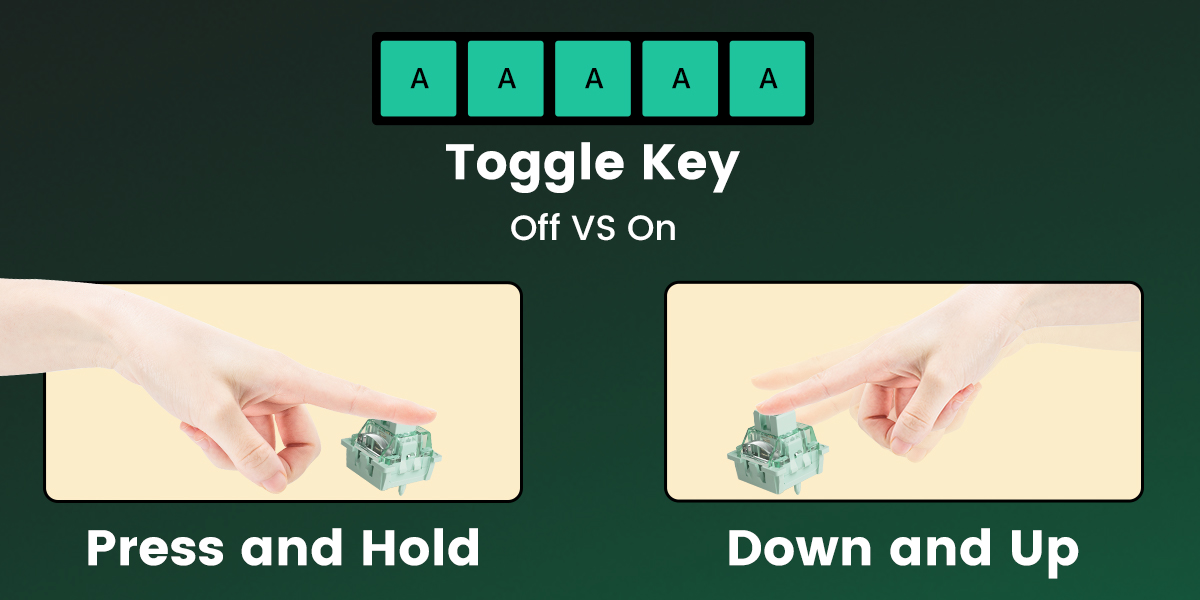
គ្រាប់ចុចបិទ/បើក (TGL)
TGL ឬគ្រាប់ចុចបិទ/បើក បំលែងគ្រាប់ចុចទៅជាប៊ូតុងបិទ/បើក។ នៅពេល
អ្នកចុចកុងតាក់នេះ អ្នកអាចធ្វើឱ្យសេណារីយ៉ូមួយក្នុងចំណោមសេណារីយ៉ូពីរសកម្ម៖
សង្កត់គ្រាប់ចុច/មុខងារជាប់ជានិច្ច ឬធ្វើឱ្យគ្រាប់ចុច/មុខងារសកម្ម
ច្រើនដងក្នុងប្រេកង់ខ្ពស់។
|
|
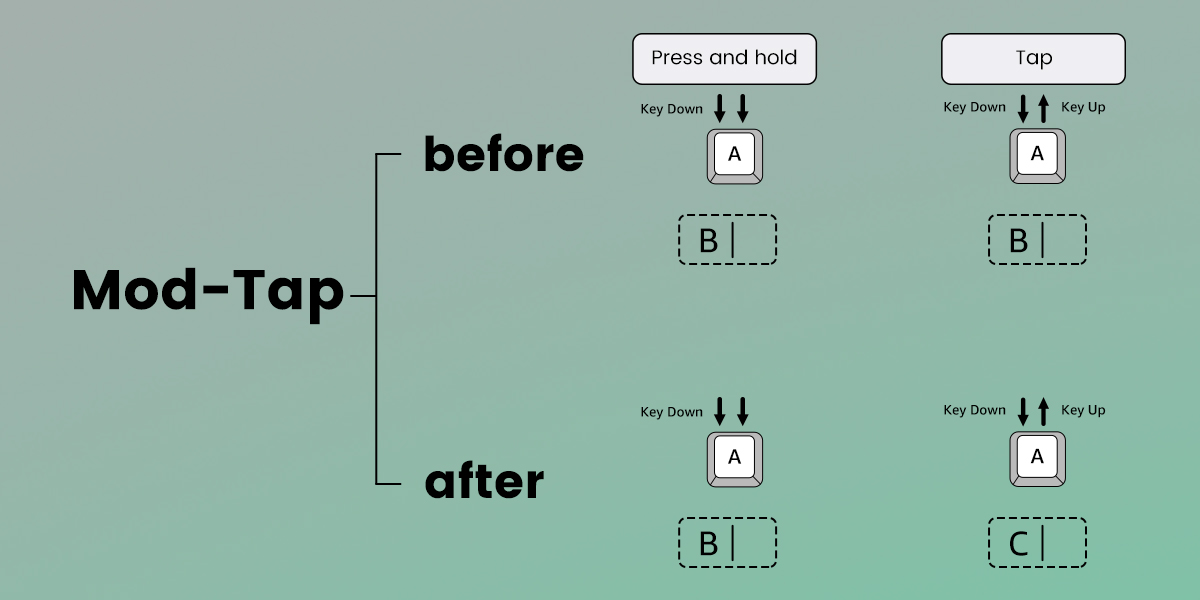
Mod-Tap
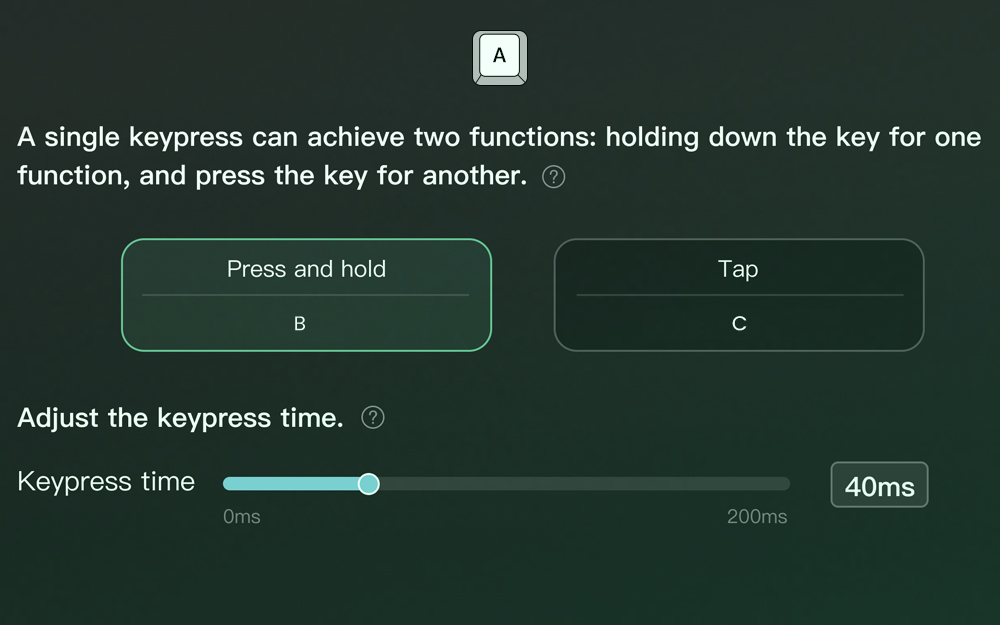
Mod Tap គឺជាការរចនាដែលផ្តល់ភាពងាយស្រួលសម្រាប់ការលេងហ្គេម។ វា
អនុញ្ញាតឱ្យមានការបង្កើតគ្រាប់ចុចដែលឧទ្ទិស ឬមុខងារពីរដោយផ្អែកលើ
លើឥរិយាបថនៃការចុចគ្រាប់ចុច។
ការចុចគ្រាប់ចុចតែមួយអាចសម្រេចបានមុខងារពីរ៖ សង្កត់គ្រាប់ចុច
គ្រាប់ចុចសម្រាប់មុខងារមួយ និង ចុចគ្រាប់ចុចសម្រាប់មួយផ្សេងទៀត។
|
|
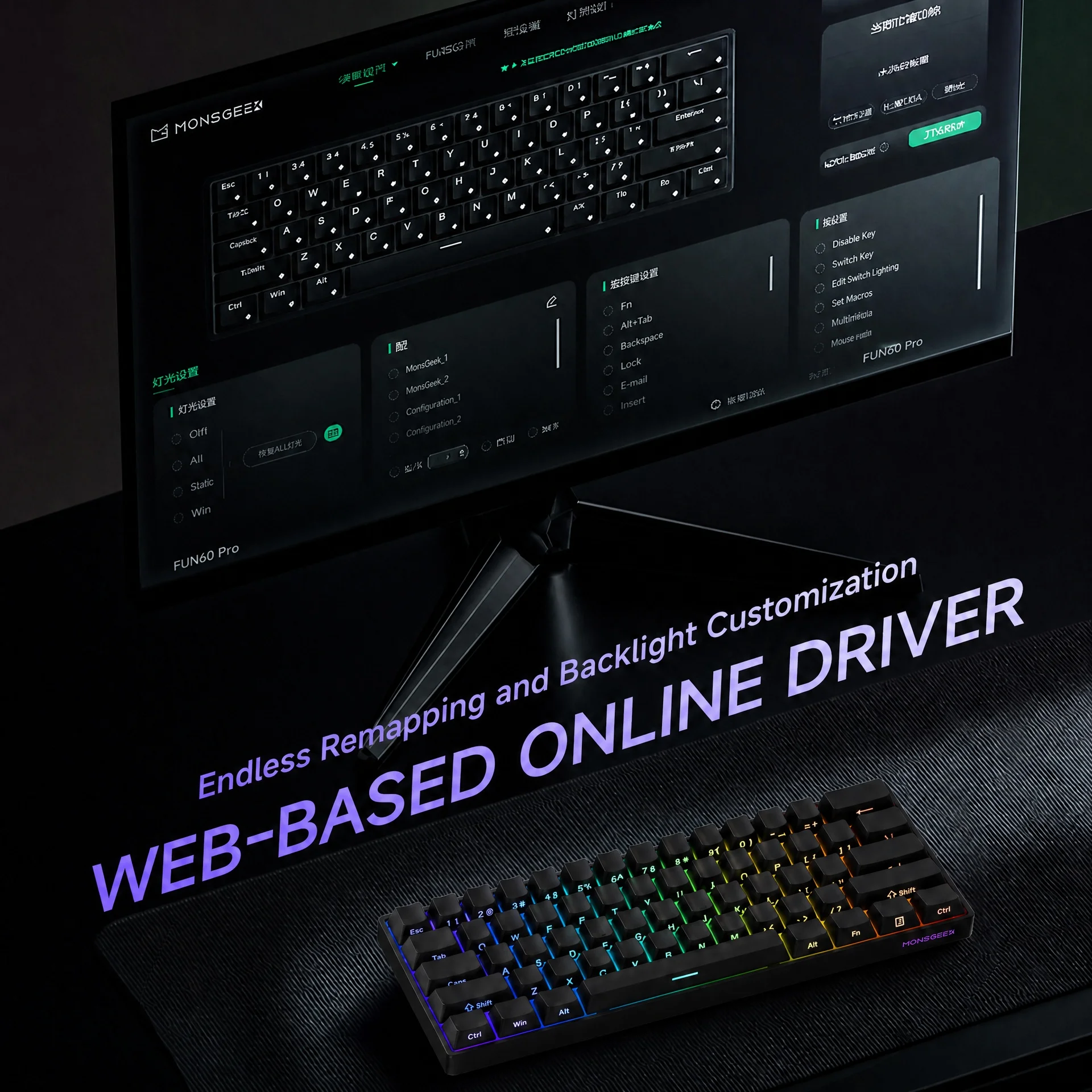
 កម្មវិធីបញ្ជាអនឡាញផ្អែកលើគេហទំព័រ
ការថតឡើងវិញគ្មានទីបញ្ចប់ និងពន្លឺខាងក្រោយ ការប្ដូរតាមបំណង
ភាពរីករាយក្នុងការវាយអក្សរ
✔️ ការប្ដូរគ្រាប់ចុចឡើងវិញ
FUN60 គាំទ្រការប្ដូរគ្រាប់ចុចឡើងវិញ ដែលជួយបង្កើនការប្ដូរតាមបំណង ដែលអនុញ្ញាតឱ្យអ្នកប្រើប្រាស់បង្កើនប្រសិទ្ធភាពប្លង់សម្រាប់ប្រសិទ្ធភាព និងផាសុកភាព។
✔️ពន្លឺខាងក្រោយ RGB
FUN60 ផ្តល់នូវបែបផែនពន្លឺខាងក្រោយដែលបានកំណត់ជាមុនប្រហែល 16 និងការប្ដូរតាមបំណងជាមួយនឹងពន្លឺ និងការគ្រប់គ្រងល្បឿន។
✔️ម៉ោនលើថាស
រចនាសម្ព័ន្ធម៉ោនលើថាសផ្តល់នូវស្ថេរភាពកាន់តែប្រសើរ ភាពបត់បែនថយចុះ និងបទពិសោធន៍វាយអក្សរកាន់តែស៊ីសង្វាក់គ្នា។
✔️បន្ទះអាលុយមីញ៉ូម
បន្ទះអាលុយមីញ៉ូមជំរុញភាពធន់ ស្ថេរភាព និងគុណភាពសំឡេង ខណៈពេលដែលបង្កើនប្រសិទ្ធភាពជាមួយនឹងកុងតាក់ម៉ាញេទិក។
✔️ឧបករណ៍រក្សាលំនឹងដែលមានប្រេងរំអិល
FUN60 មានឧបករណ៍រក្សាលំនឹងដែលមានប្រេងរំអិលដែលកាត់បន្ថយការរំញ័រ បង្កើនស្ថេរភាពគ្រាប់ចុច និងផ្តល់នូវបទពិសោធន៍វាយអក្សរកាន់តែរលូន។
ការបង្ហាញផលិតផលស៊េរី FUN60