Warm reminder:
1. Please do not put fingers or other things into the working fan blades.
2. For daily cleaning, you can use a damp cloth to wipe the surface without using corrosive chemicals.
3.There might be a bit color distortions due to different computer resolutions.
4.Please allow 1-2cm measuring deviation due to manual measurement.
Features:
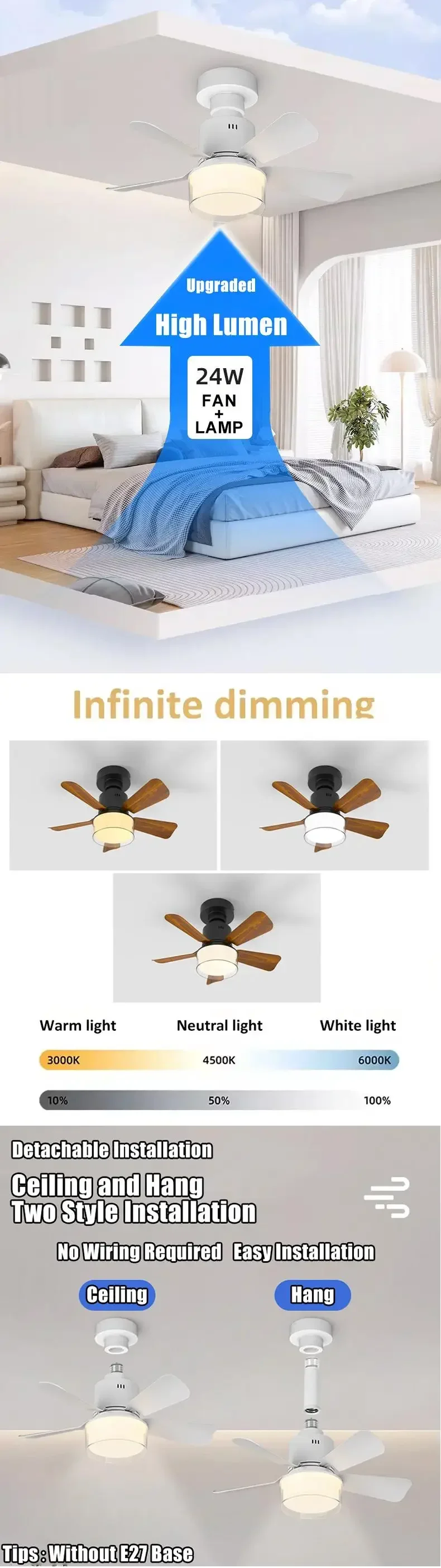
ใMulti-function Ceiling Fan with Lightใ4 speed adjusted; ย 3 light color temperature(Warm White 3000K, Neutral White 4000K and Cool White 6000K); ย 0-100% adjusted brightness. ย You can also set your schedule flexibly with the timer function of your low profile ceiling fan with light, which is more convenient and energy-saving.
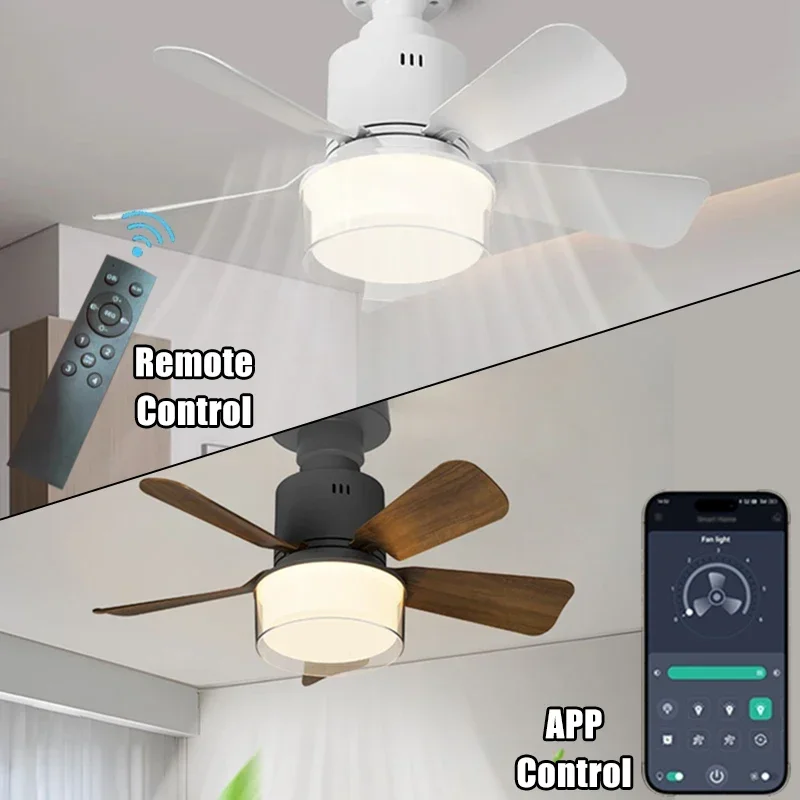
ใAPP and Remote ControlใRemote control your smart ceiling fan with the controller attached or the smart APP downloaded. The fan and lights can be controlled separately. You don't have to walk to access the switch every time you need to adjust its setting of the ceiling fans with lights and remote.
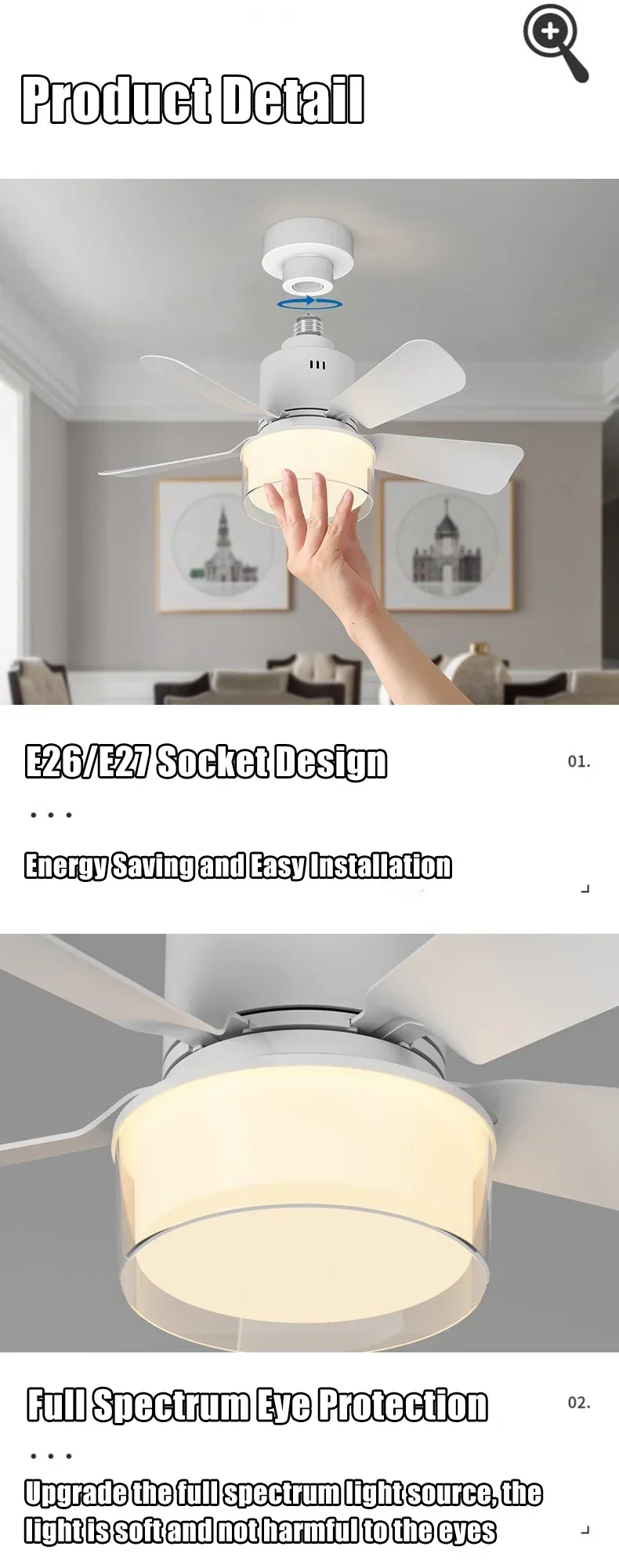
ใDetachable fan blades, easy to installใThe fan blades of this product are detachable and easy to install. When you don't need it, you can twist the product off and pull out the fan blades to prevent dust accumulation; When needed, simply insert the fan blades and twist the product into the pre installed E26 or E27 opening for easy installation.
ใSilent designใThe working sound of the fan motor of this product is very low, with a detection sound below 30 decibels, allowing people to rest peacefully and feel cool in silence during use.
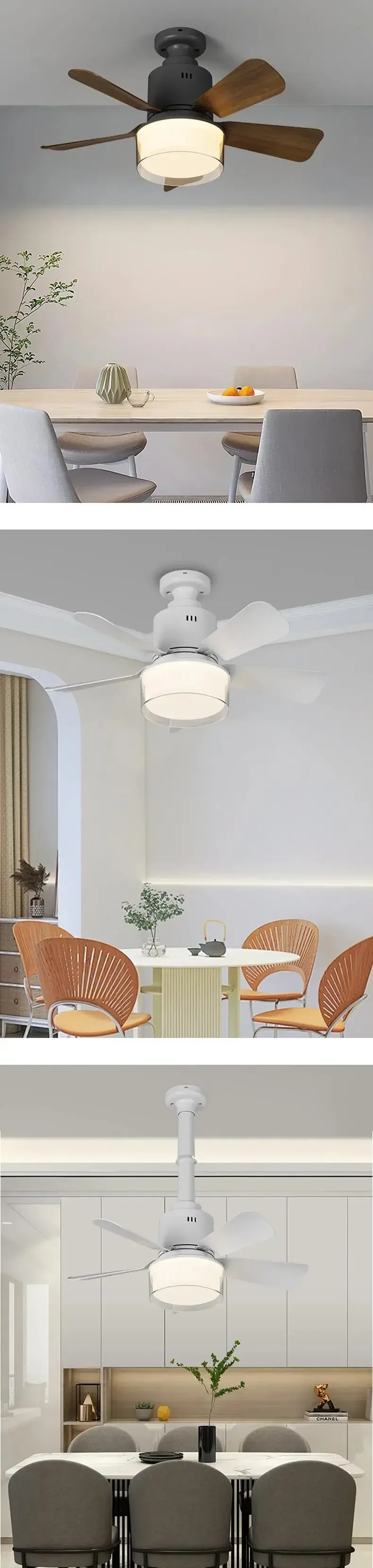
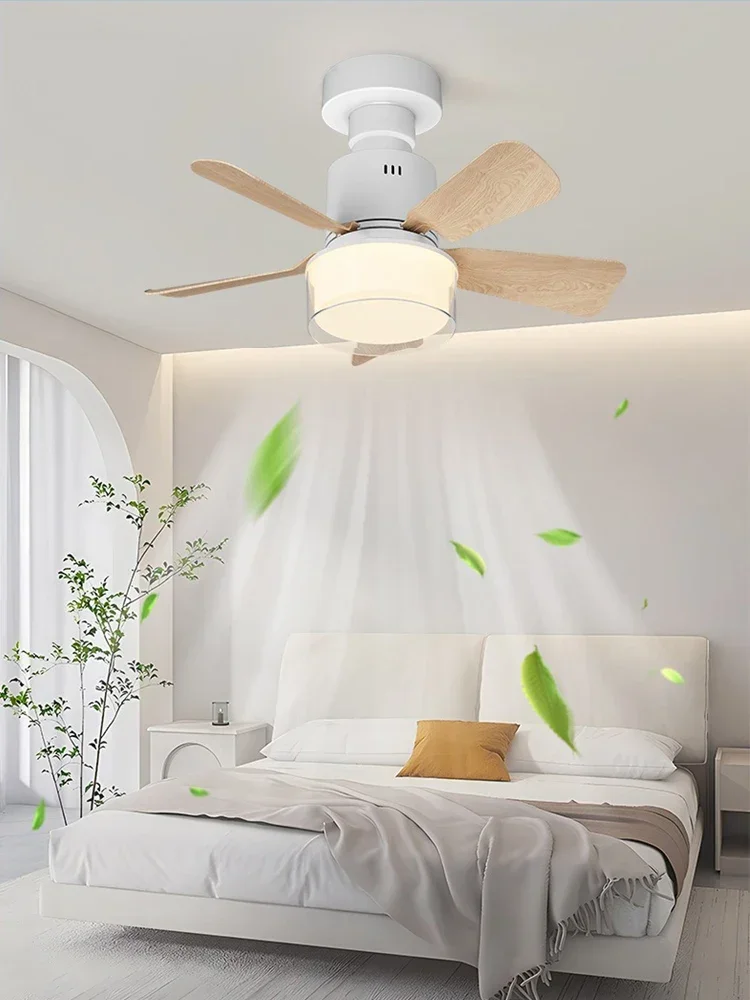
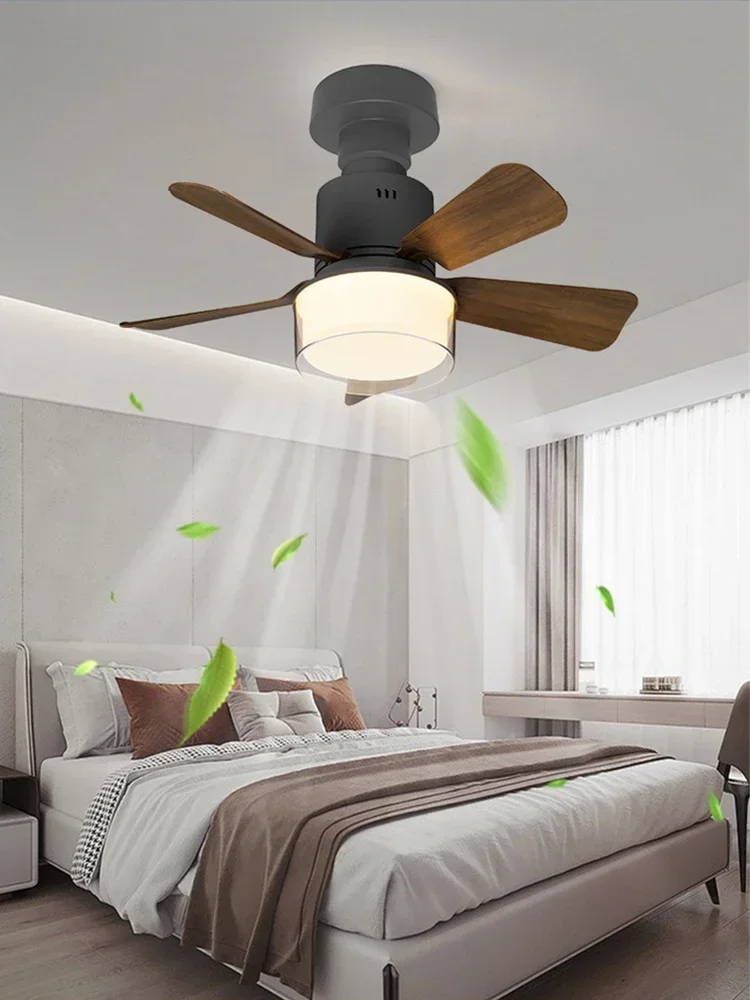
ใSuitable for multiple scenariosใThis product can be used in living rooms, kitchens, bedrooms, dining rooms, offices and other scenarios, and is widely used.
Description:
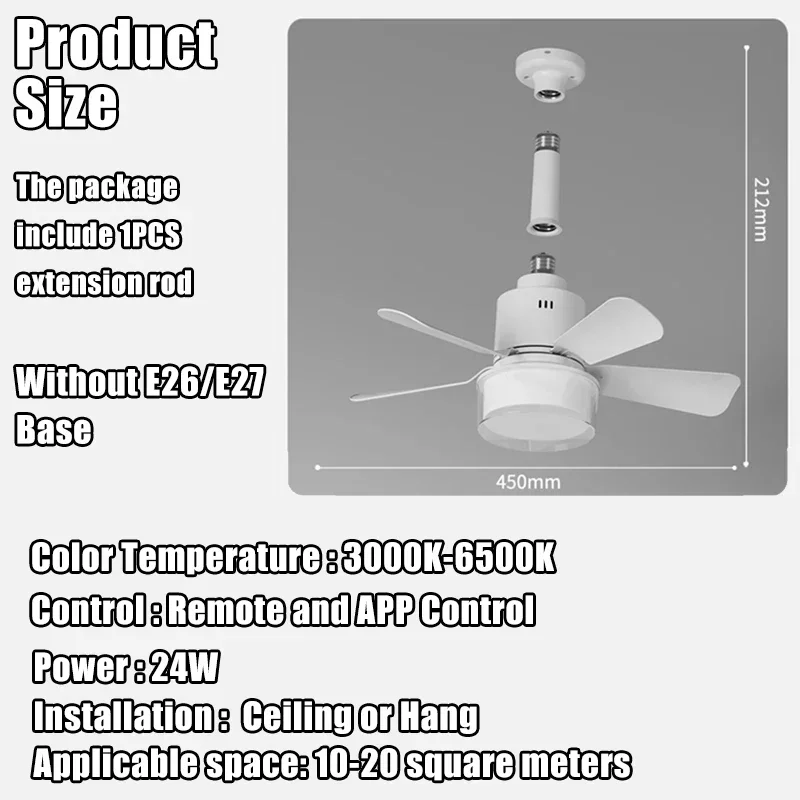
Power:24W(Motor 12W+Lighting 12W)
Input Voltage(V):85-256V
Product Size:410*180mm
Color Temperature:3000K-6500K
Lamp Base Adapter:E26/E27
Product Functions:Dimmable;4-speed wind control;Remote control;No-wiring installation;Timer;Light memory function
Package๏ผ
1pcs Ceiling Fans Lamp
5pcs Fan Blades
1pcs Remote Controlย
1pcs Extension Rod
1pcs Instructions
APP download and usage:
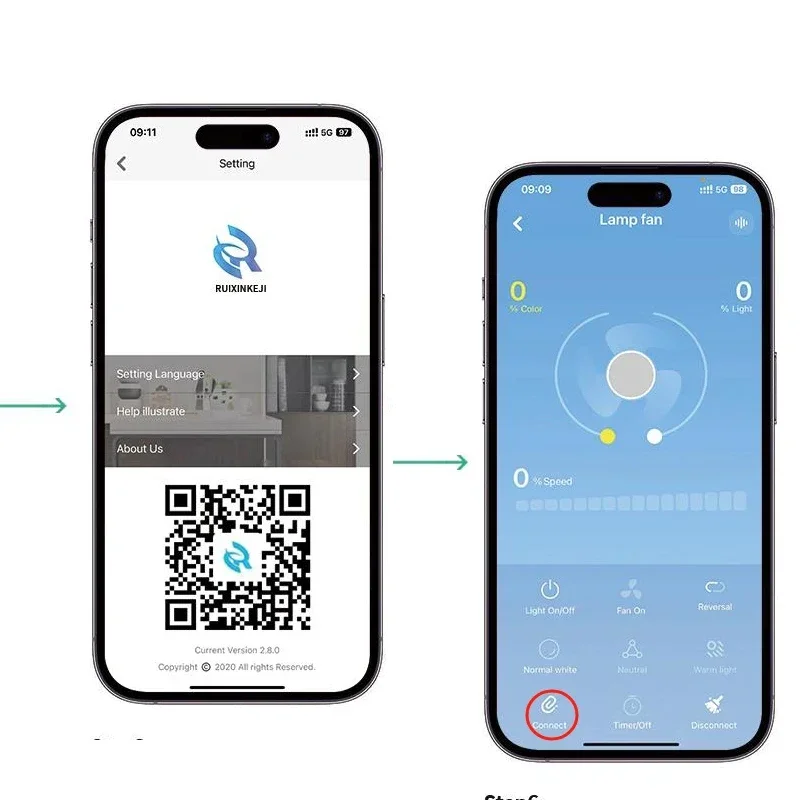
1.After installing the device, scan the QR code to download the APP
2. Open the plus sign in the upper right corner of the app to add a device, select "Light Fan", and set your own convenient name and usage location
3. Click to enter the "Light Fan" and turn on the device lights through the remote control or power switch. After turning on the device lights, immediately click on the "Connect Device" button in the bottom left corner of the app (this process should not exceed 5 seconds)
4. Once the link is successful, you can use the APP.