【RU special】UGREEN USB Bluetooth
All prices exclude shipping and taxes. តម្លៃទាំងអស់មិនរួមបញ្ចូលថ្លៃដឹកជញ្ជូន និងពន្ធទេ។
Choose language
Antenna Type: External
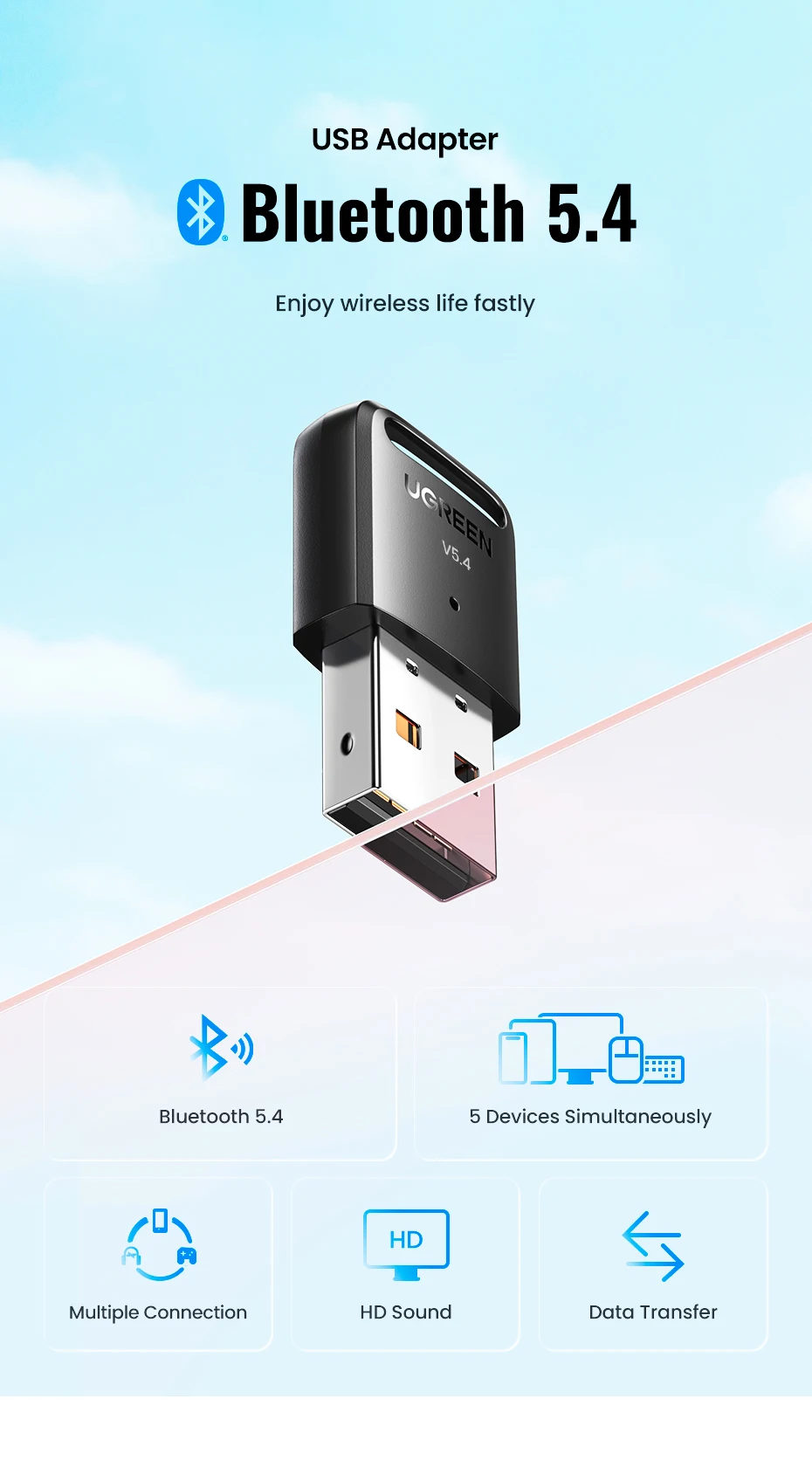
Bluetooth Version: Bluetooth 5.4
Brand Name: UGREEN
High-concerned chemical: none
Model Number: CM748
Origin: Mainland China
Package: Yes
Support vehicle-mounted: No support
USB Interface: USB 3.0
Enjoy wireless life fastly


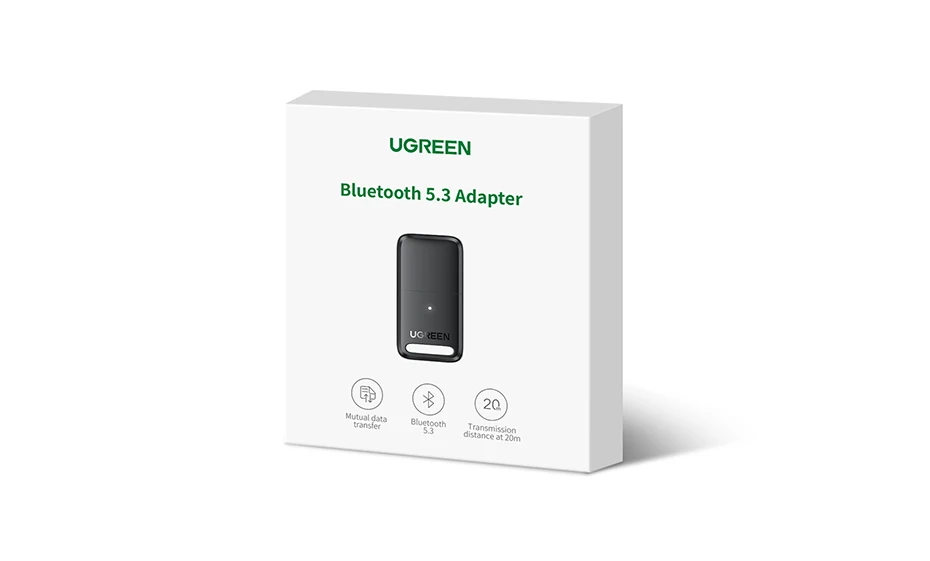
Bluetooth 5.3, backward compatible with 5.1/5.0/4.0 devices

Only use on Windows computer

Connect 5 devices simultaneously
Enjoy wireless life
Enjoy wireless working and game

Transfer file instantly via connection

Faster and more stable transfer

Each UGREEN product has undergone layers of security testing and passed multiple international security

Keep lighting when it works


Q: My PC Can't use this CD, how do I install the driver?
A: If your PC does not have a CD driver, please kindly download the driver from UGREEN official website. it is for free.
Download link: https://www.mediafire.com/file/4zocnlemhj3656g/Bluetooth_5.0_Adapter_Installation.rar/file
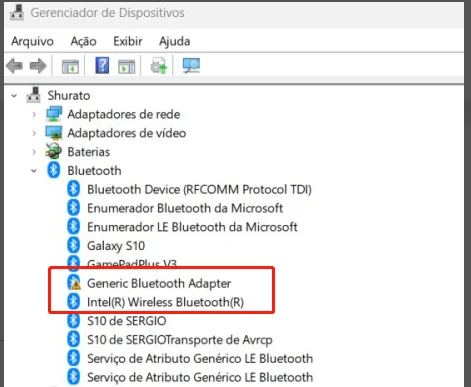
Note: Before using the product, please disable the Bluetooth of the computer itself, and uninstall the existing Bluetooth driver of the computer, and then install the driver of this product
Q: Does the Bluetooth dongle support TV?
A: Sorry, this device will only work when plugged into supported Windows. Even though TVs, home theater equipment, and stereos have USB ports, they don't have the necessary drivers to support this adapter.
Q: Why do I get a driver error when I install the driver?
A: Maybe the built-in Bluetooth on the computer causes a conflict. Please disable the previous Bluetooth first.
Tips:Connect 5 devices wireless via Bluetooth 5.0 dongle at the same time, but music streams to only 1 audio device at a time.
How do I install the driver for Windows?
a. To install the driver, visit the UGREEN website, search “CM390” and download the driver in the "Support" section
d. Open file "UB400_Driver.zip", click through the following “Windows” file and click on “setup.exe” and finish the installation
[ DATA ACCESSIBLE RELIABLE AMAZING HOSTING UNIVERSAL BUSINESS ]
It looks like ads are unavailable right now. Consider sponsoring us to help keep our site independent and running!
Become a Sponsor{"one"=>"Select 2 or 3 items to compare", "other"=>"{{ count }} of 3 items selected"}