ORICO ស្ថានីយ ភ្ជាប់ ថាសរឹង SATA ទៅ USB3.0 សម្រាប់ ប្រអប់ ថាស SSD ទំហំ 2.5" 3.5" ល្បឿន 5Gbps HDD Docking Station Hard Drive Enclosure
All prices exclude shipping Customs and taxes. តម្លៃទាំងអស់មិនរួមបញ្ចូលថ្លៃដឹកជញ្ជូន គយ និងពន្ធទេ។
Choose language
Brand Name: Orico
Case Material: Plastic
External Interface: USB
Feature 1: 2.5" SATA to Type-C
Feature 2: 3.5" SATA to USB3.0
For Seagate / Toshiba: For Westem Digital / Samsung/ Hitachi
Heat Dissipation: yes
High-concerned chemical: none
Item: 3.5 Inch HDD Docking Station
LED indicator: yes
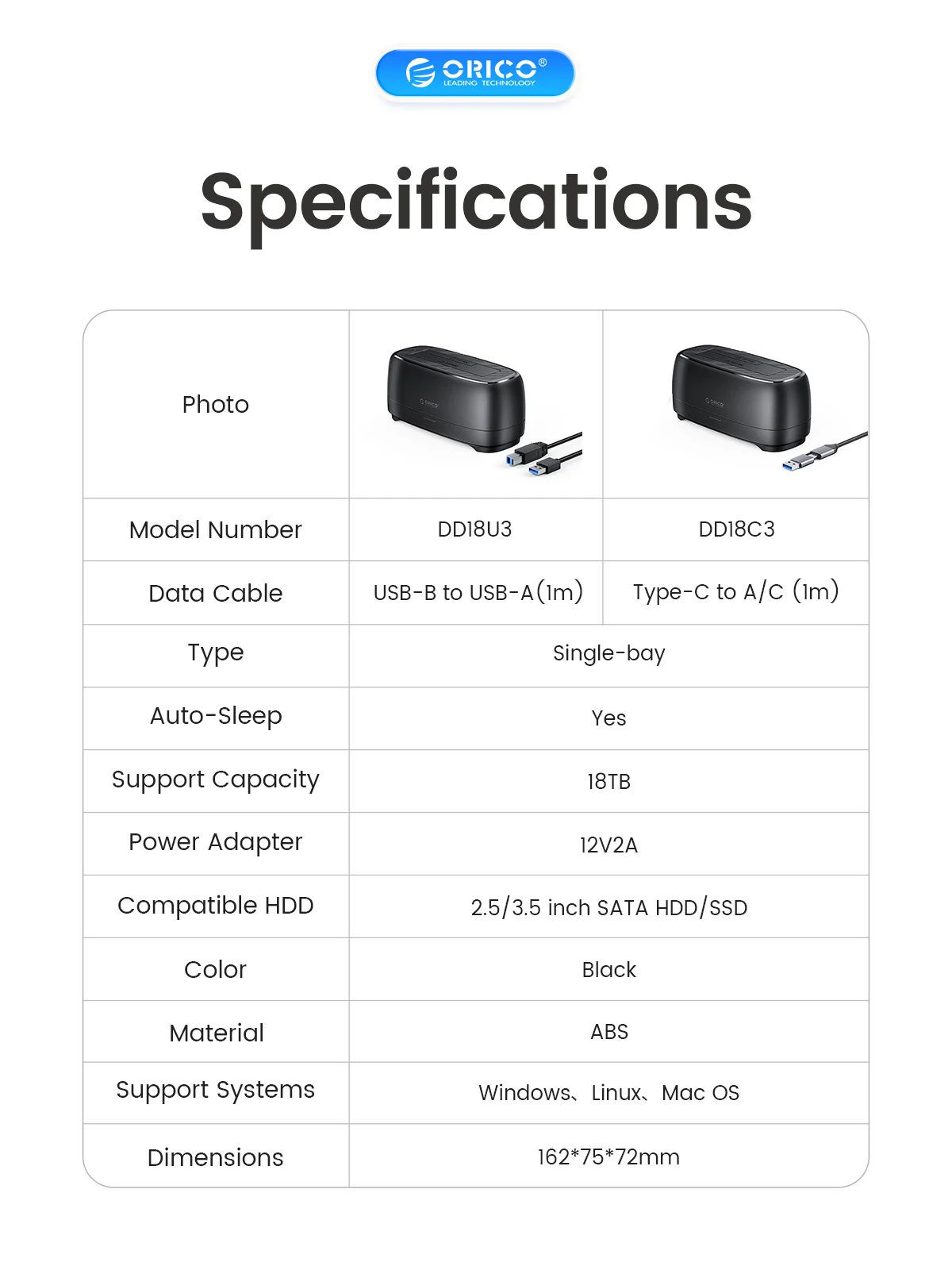
Model Number: DD18U3/DD18C3
Origin: Mainland China
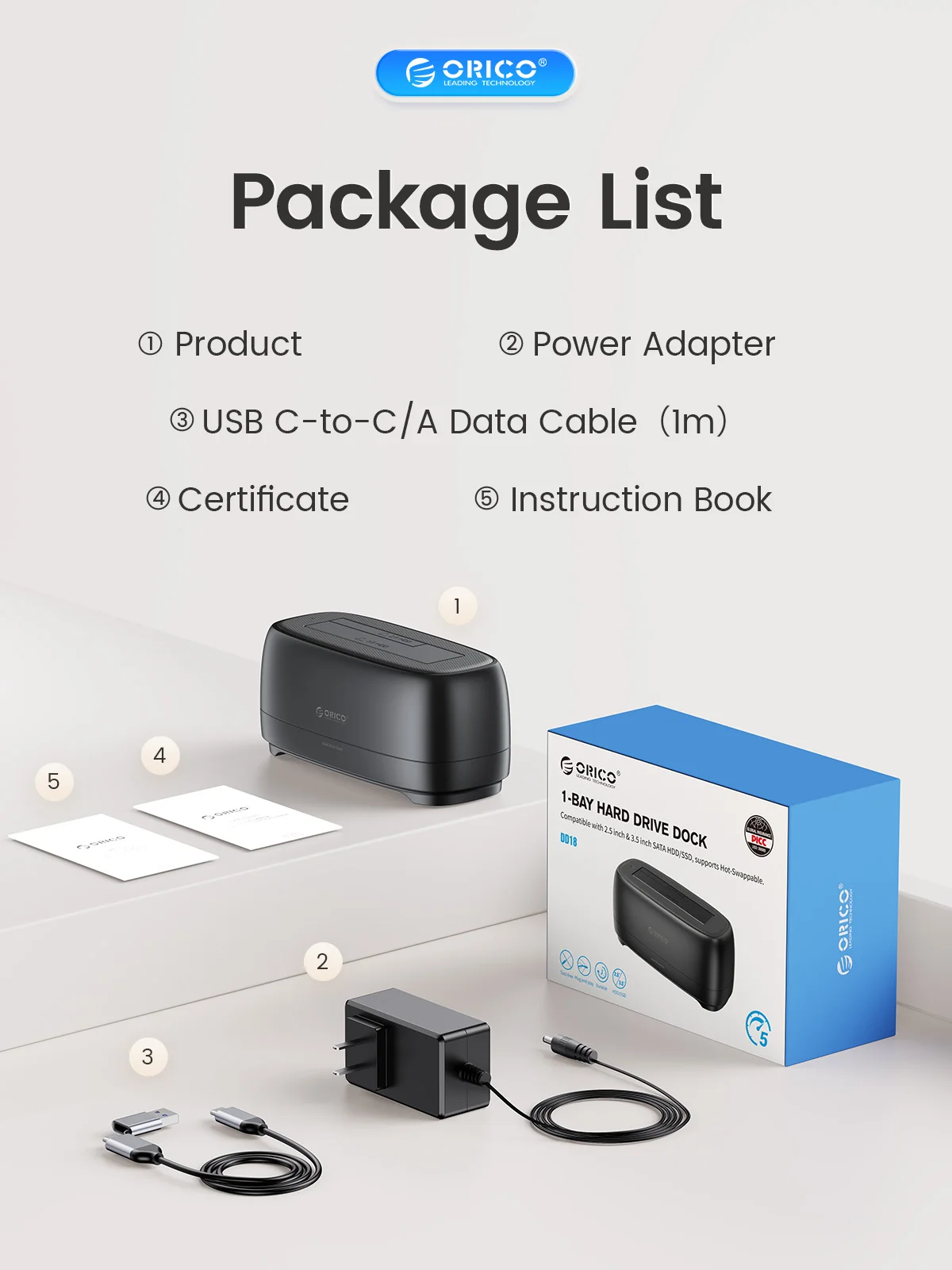
Package: Yes
Plug Type: EU Plug,US Plug,AU Plug,UK Plug
Size: 2.5",3.5",162*75*72mm
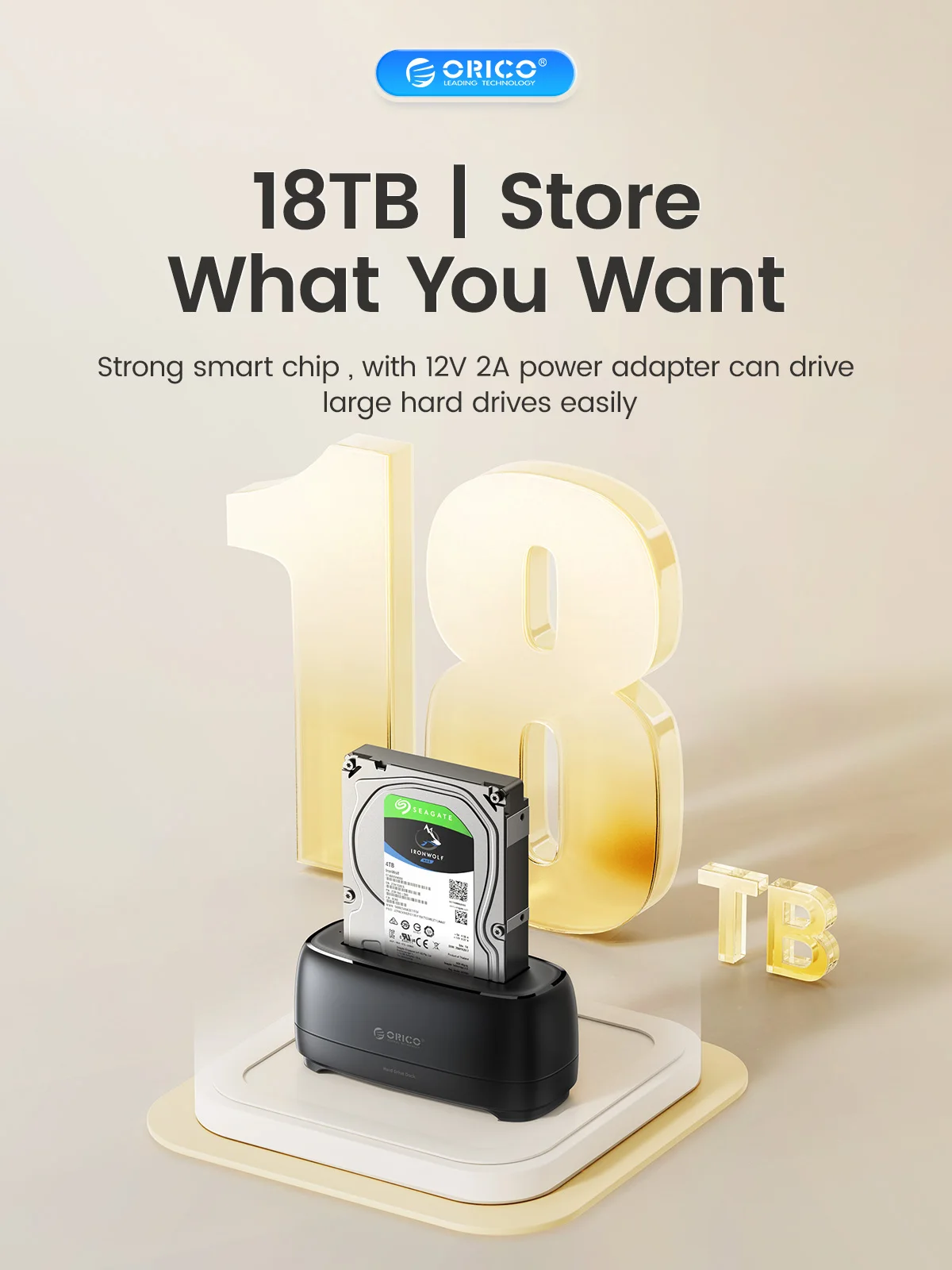
Supporting Hard Drive Capacity: 18TB
Transmission Interface: USB3.0/TYPE-C
Transmission rate: 5Gbps
Type-C Cable: 100 CM C to C/A
USB3.0 Cable: 100 CM A T B
Use for: Window / Mac OS/ Linux system
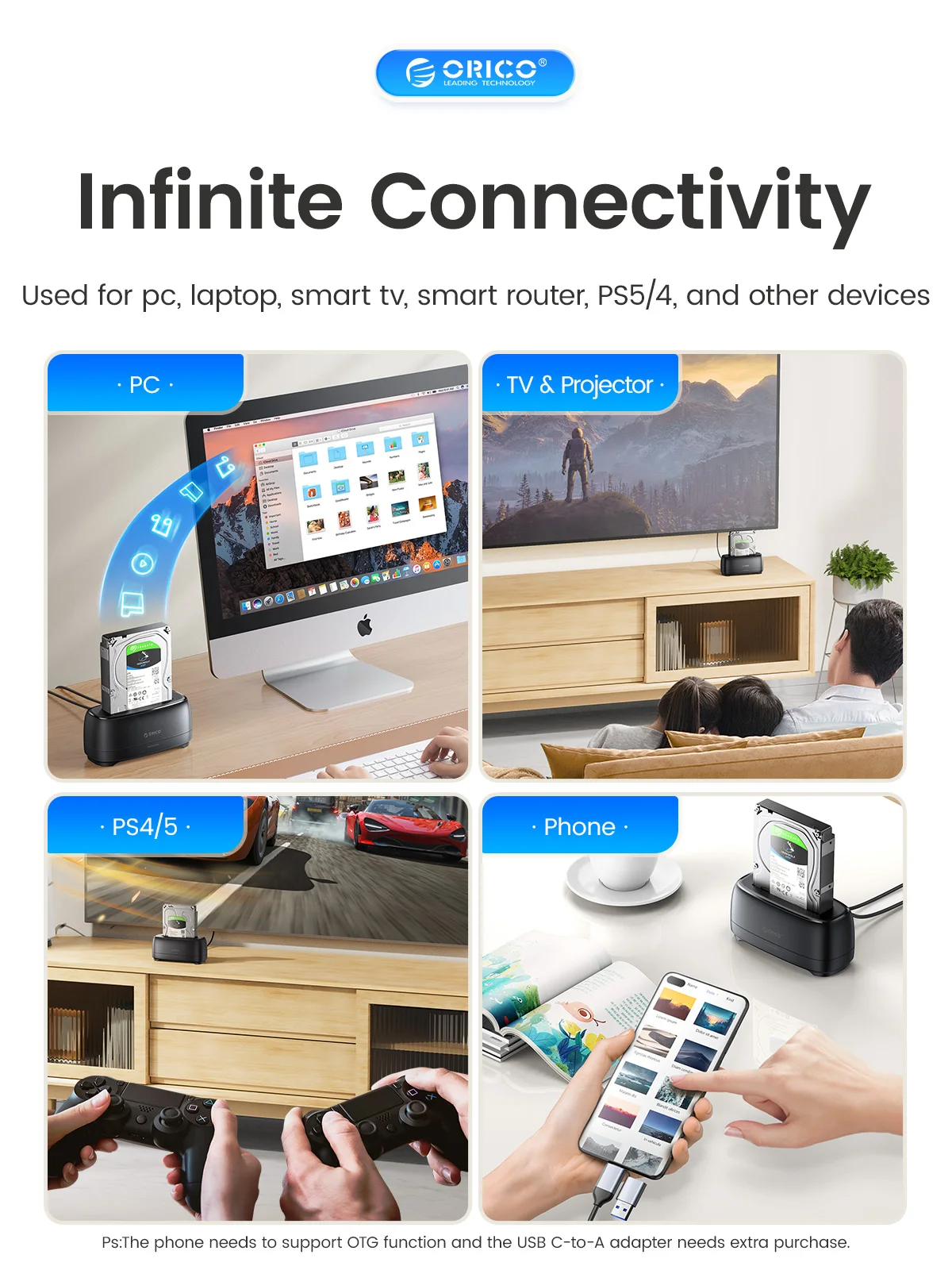
Use for PC, Laptop: Smart TV, Smart Router, PS4
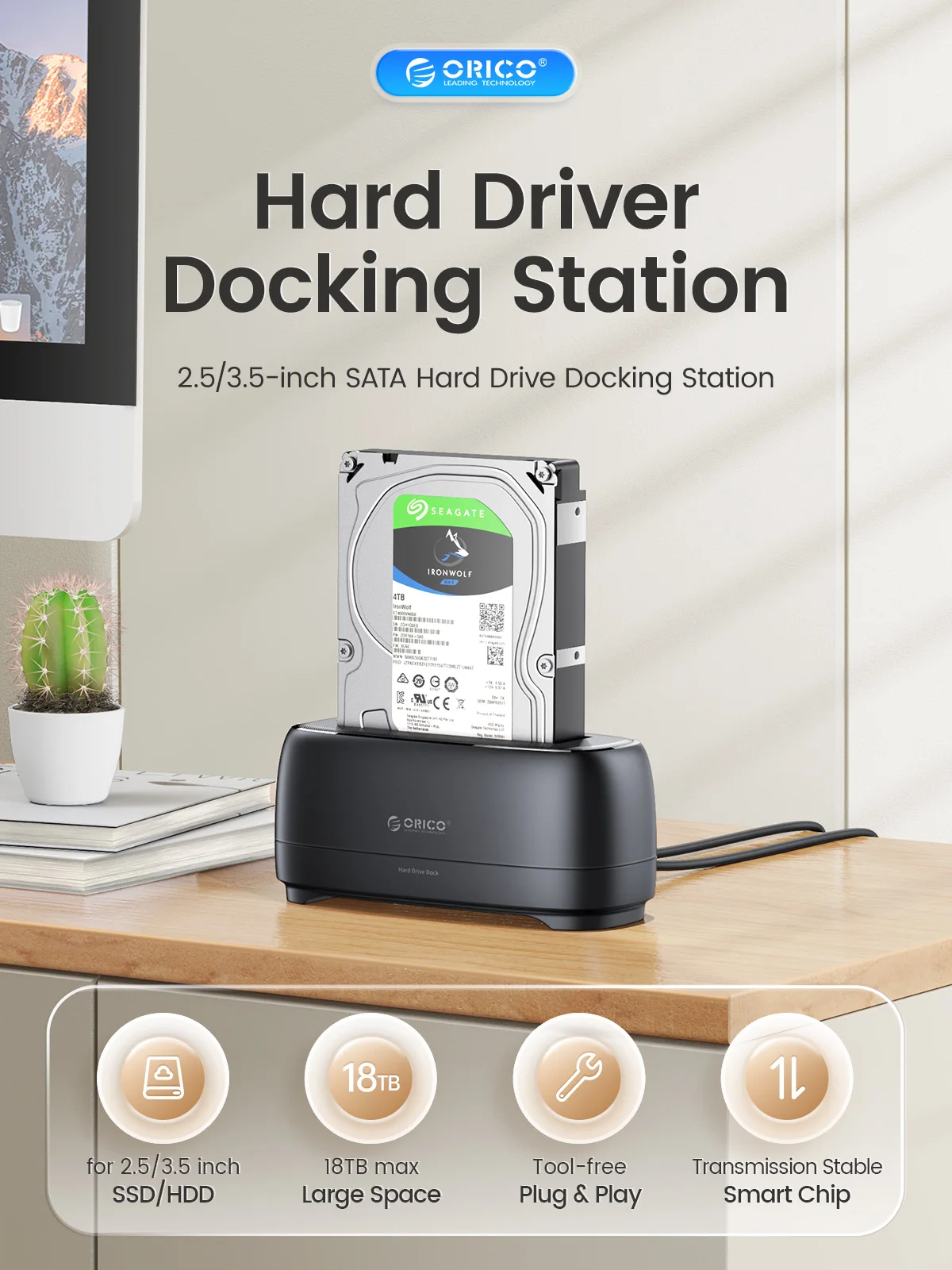
5Gbps HDD Docking Station
> USB3.0 & Type-C output interface, supporting 5Gbps transmission protocol.
> Transmission Stable & Smart Chip
> The10-minutes auto sleep mode effectively extends the hard drive’s lifespan and avoid data loss and corruption.

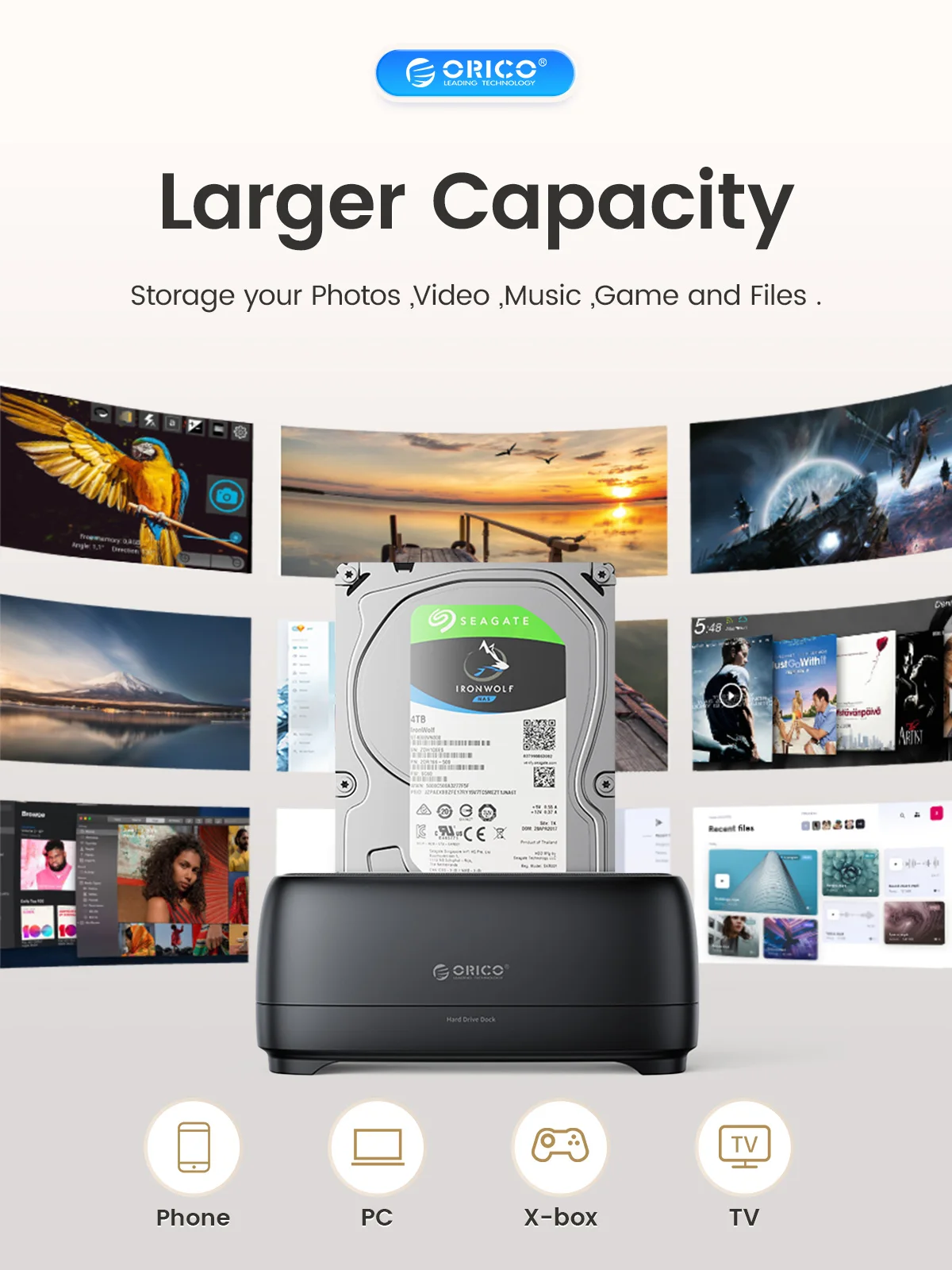
Larger Capacity
> Storage your Photos ,Video ,Music ,Game and Files.

Infinite Connectivity
> Used for pc, laptop, smart tv, smart router, PS5/4, and other devices

Support up to 18TB Max
>Strong smart chip , with 12V 2A power adapter can drive large hard drives easily

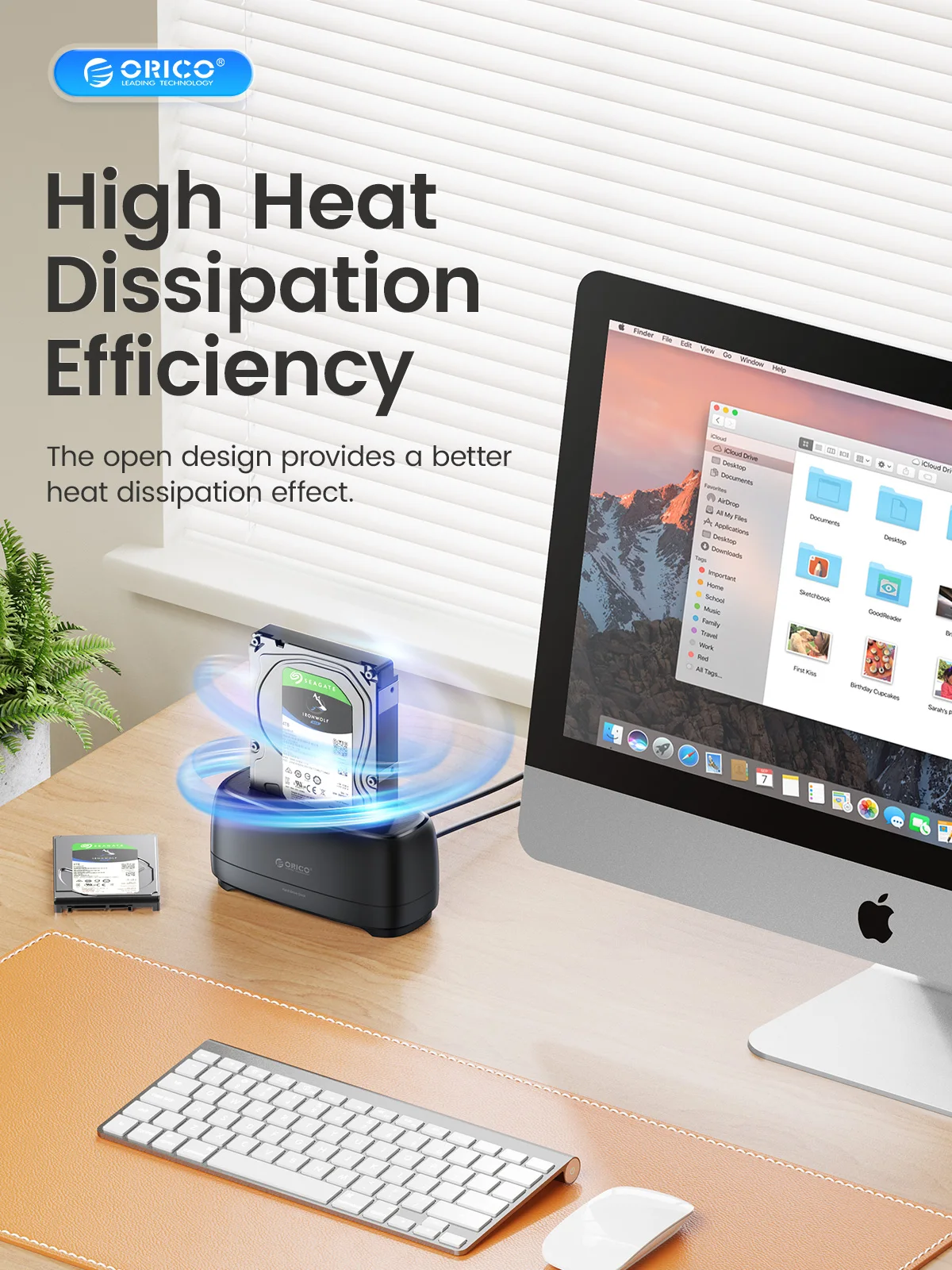
High Heat Dissipation Efficiency
> Flip board direct insertion dustproof design, more convenient to use ,provides a better heat dissipation effect.

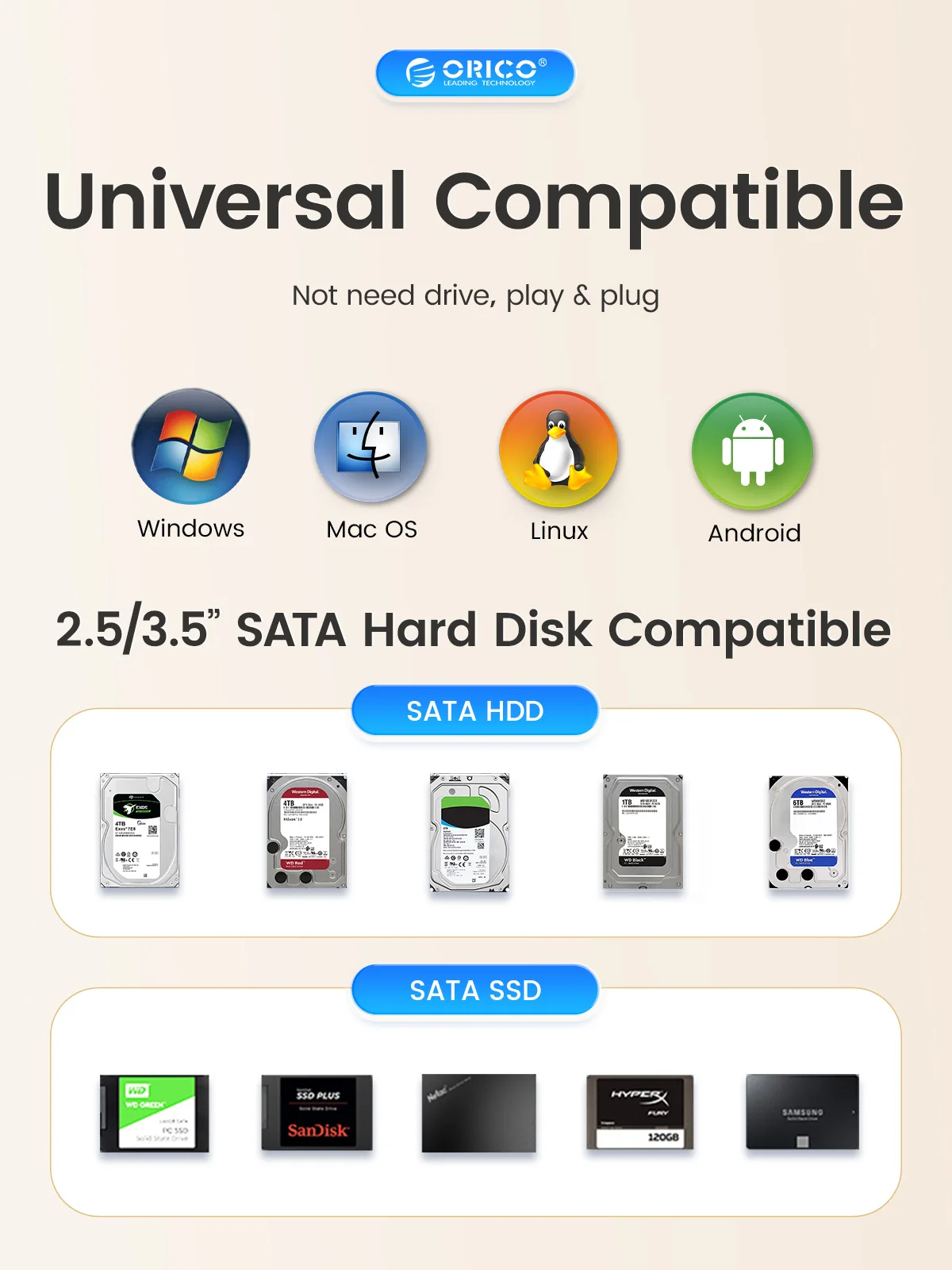
Universal Compatible
> Not need drive, play & plug
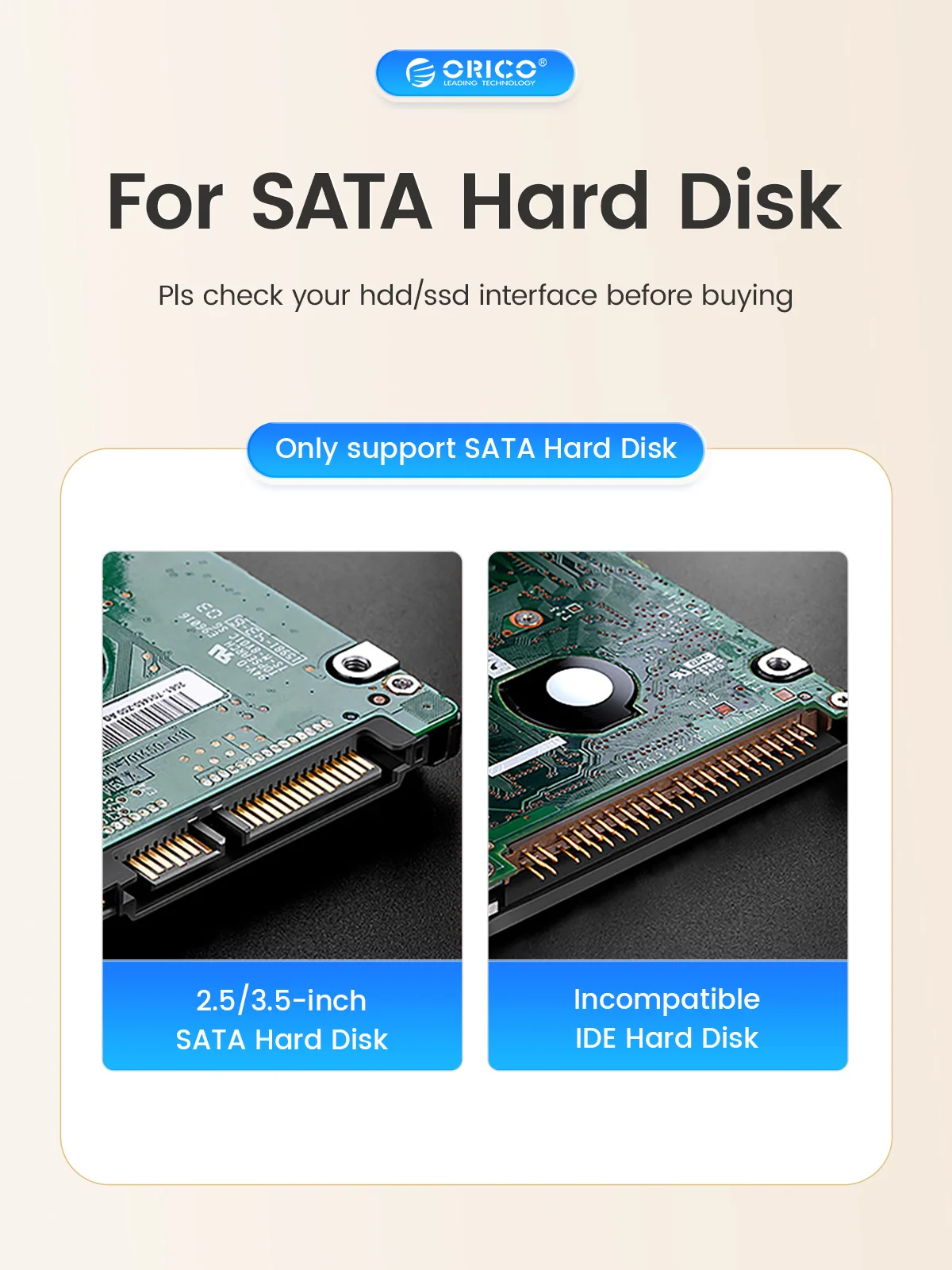
> for 2.5/3.5”SATA Hard Disk
> Support Windows /Mac /Linux/iPad OS/Android system.

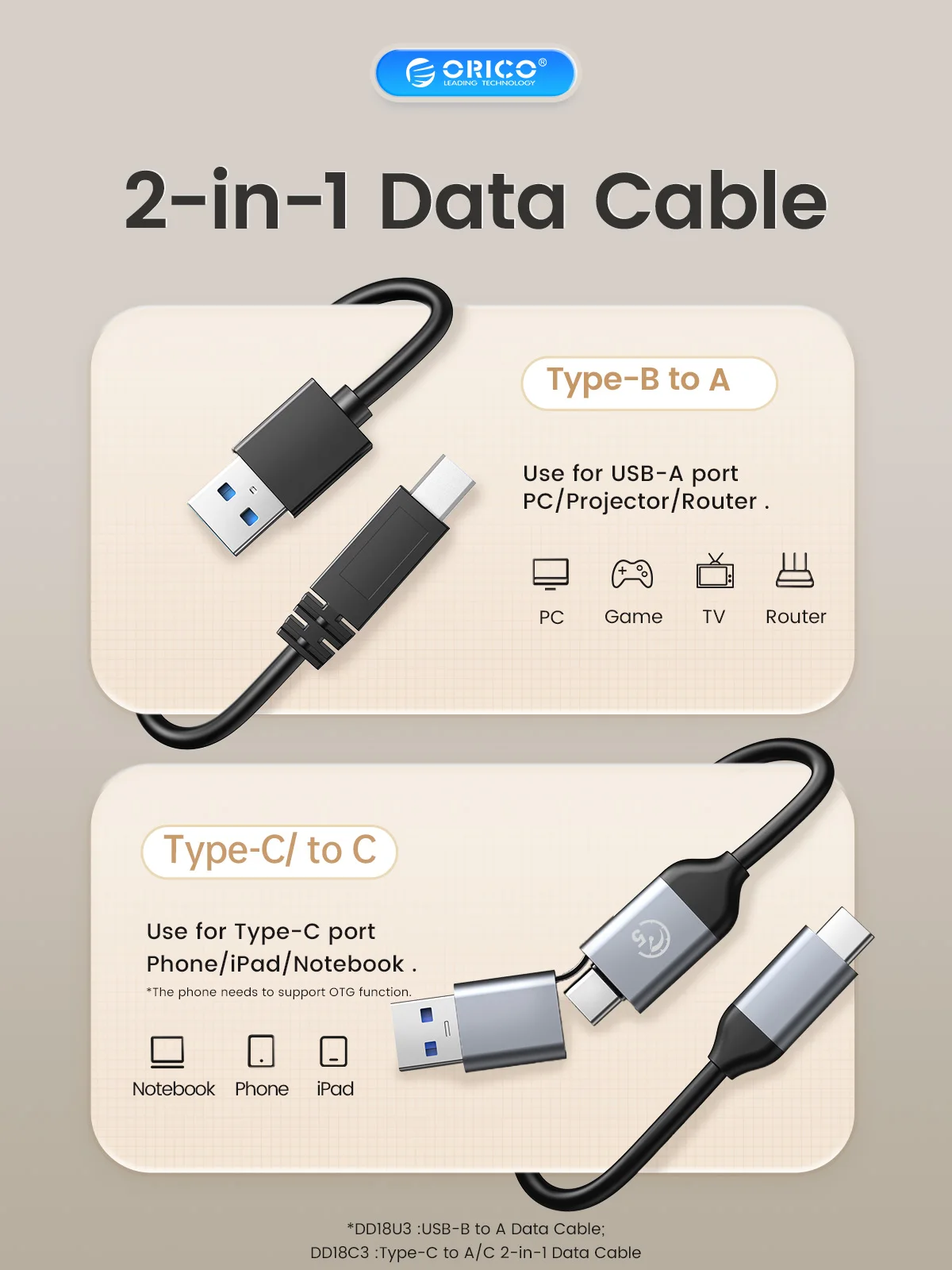
2-in-1 Data Cable
> USB Cable :USB-B to A Data Cable
> Type-C Cable :Type-C to A/C 2-in-1 Data Cable
> LED indicator monitoring, The blue light remains on when powered on, and the red light flashes when reading data


Q: Why the PC can't recognize HDD/SSD?
A: Check your hdd whether can work , and change to aother hdd , check again , if still can't work contact with customer service .
Q: Can't up to 10Gbps speed?
A: The 10Gbps is Ideal state,but the really speed is about 10Gbps.
Q:The Window / Mac OS/ Linux system whether can support ?
A :Yes , Backward compatible with windows 10/9/8 system.
Q: Use for which brand ssd/hdd ?
A: Seagate /Toshiba/Westem Digital /Samsung/Hitachi eg.
At last any problem contact with us , we will solve problem for you soon.
[ DATA ACCESSIBLE RELIABLE AMAZING HOSTING UNIVERSAL BUSINESS ]
It looks like ads are unavailable right now. Consider sponsoring us to help keep our site independent and running!
Become a Sponsor{"one"=>"Select 2 or 3 items to compare", "other"=>"{{ count }} of 3 items selected"}