Features:
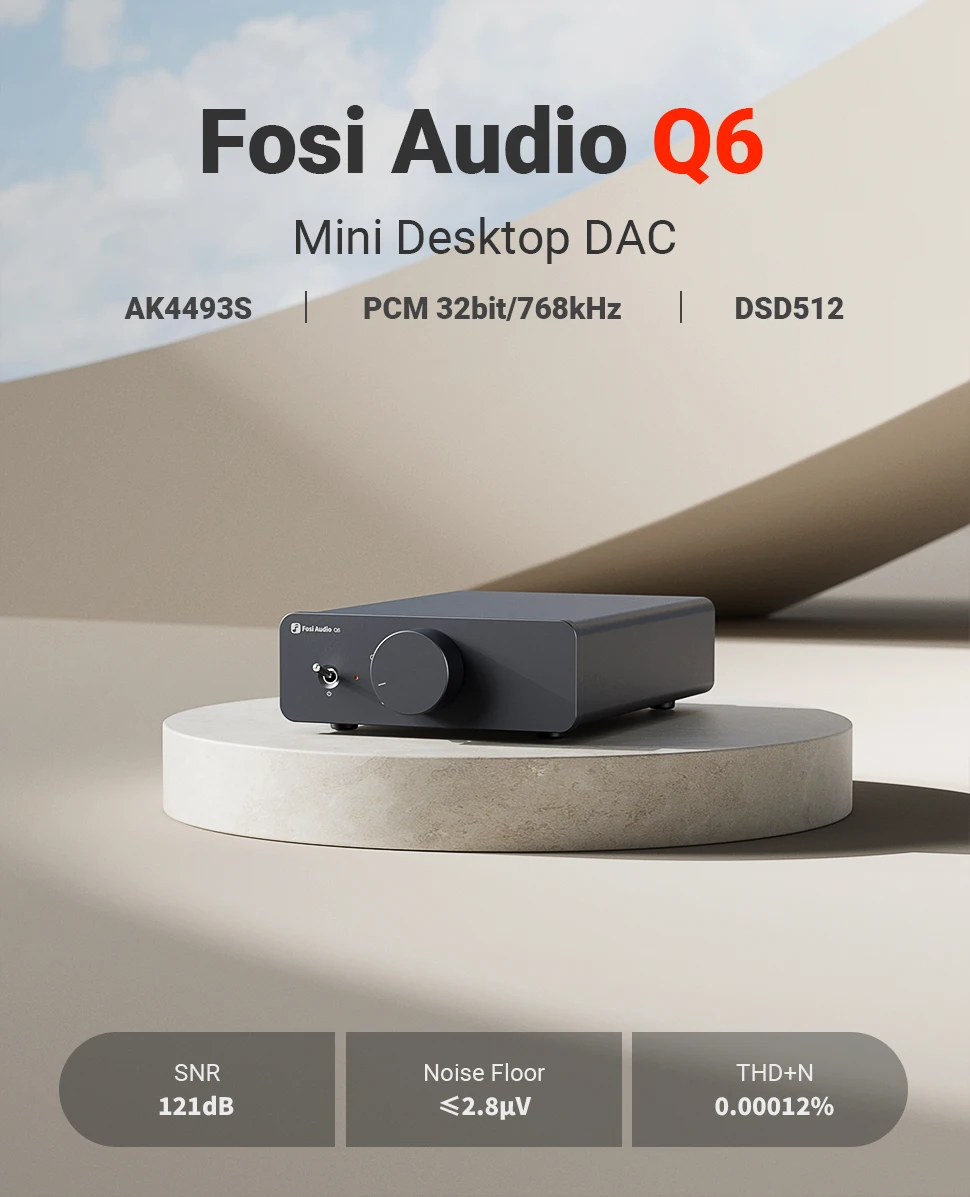
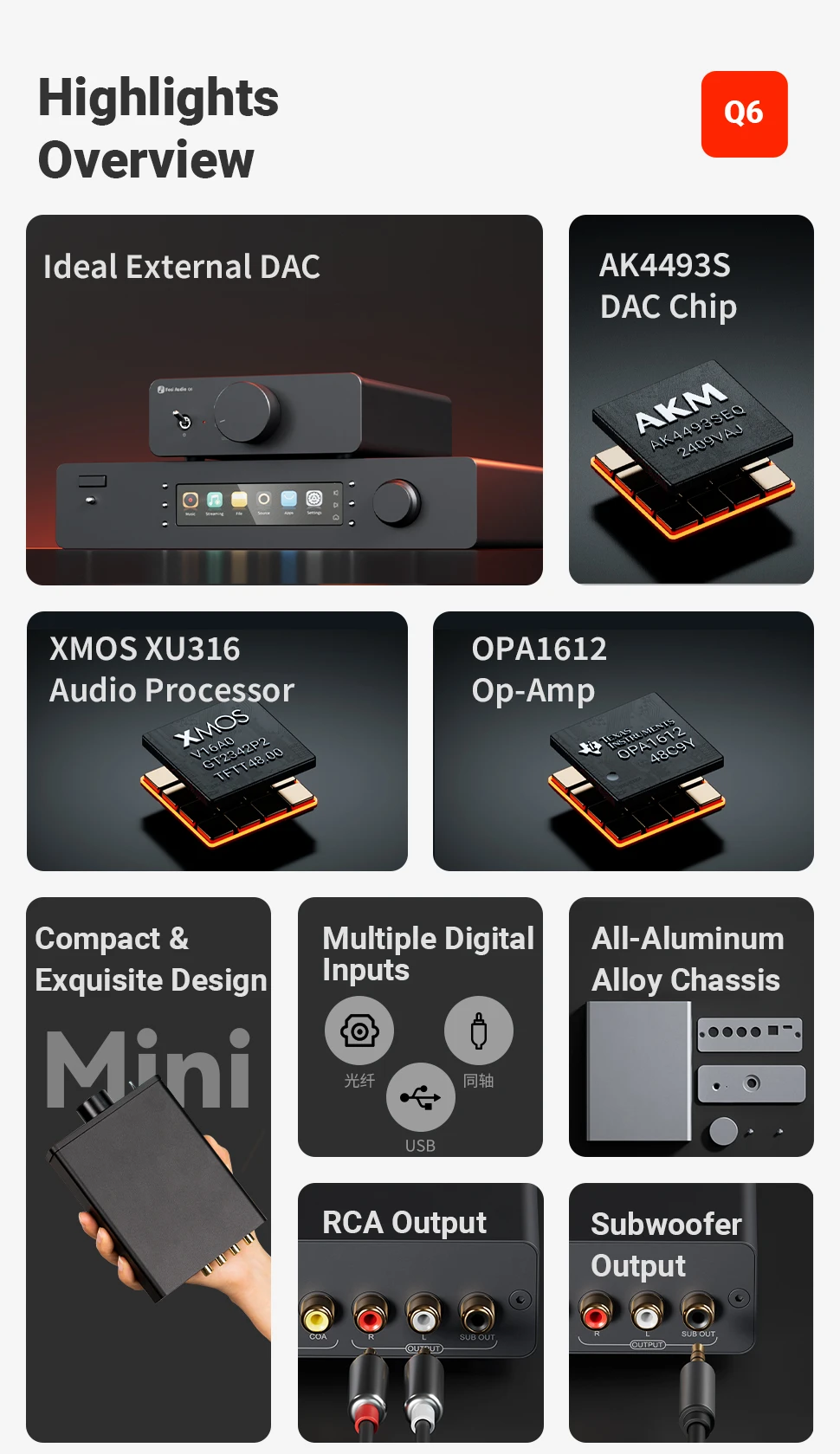
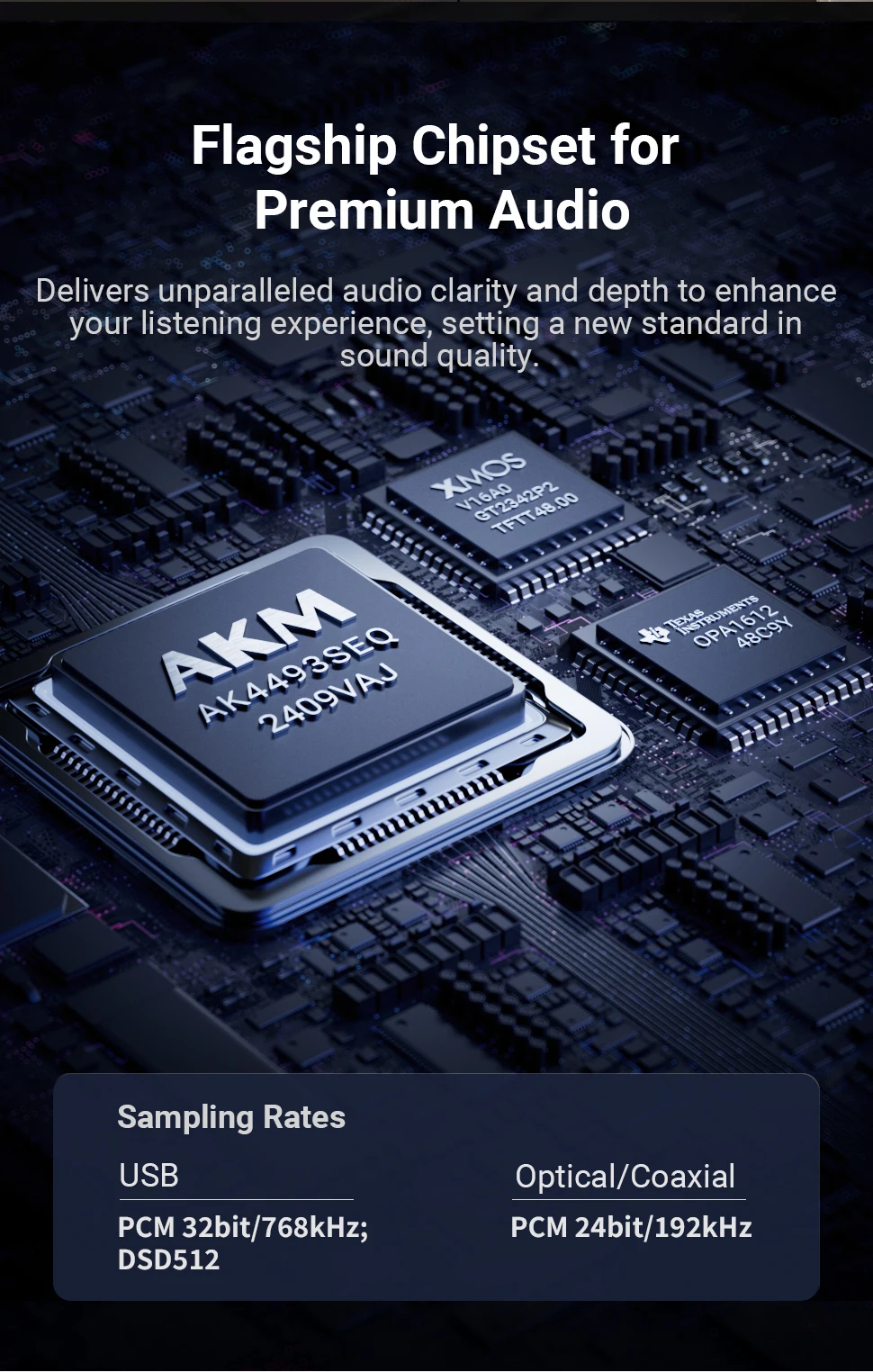
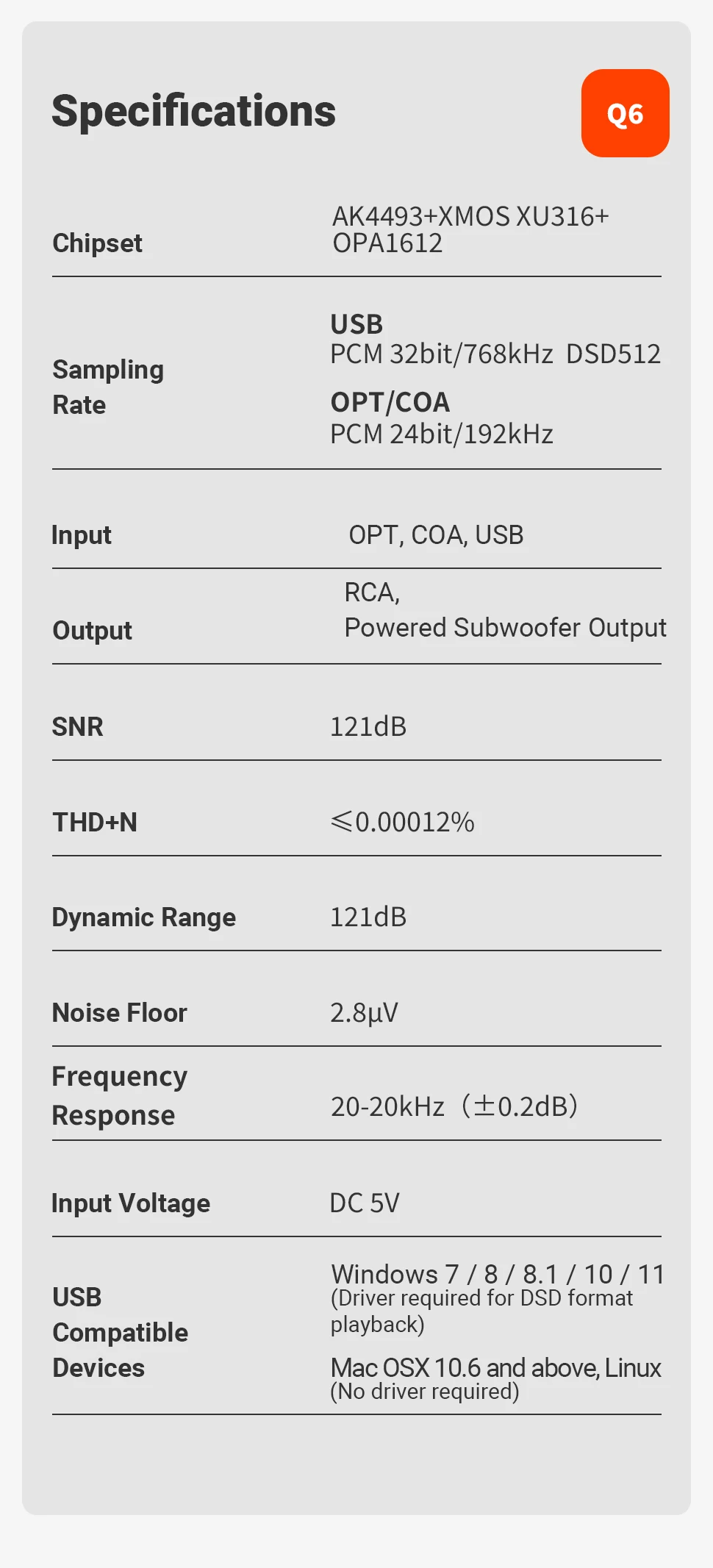
✅ Flagship Chipset for Superior Audio Processing – Equipped with the XMOS XU316 processor for precise digital signal handling and the AK4493S DAC for exceptional audio detail and accuracy. The OPA1612AIDR & NE5532DR op-amps enhance clarity and transient response for a high-fidelity listening experience.
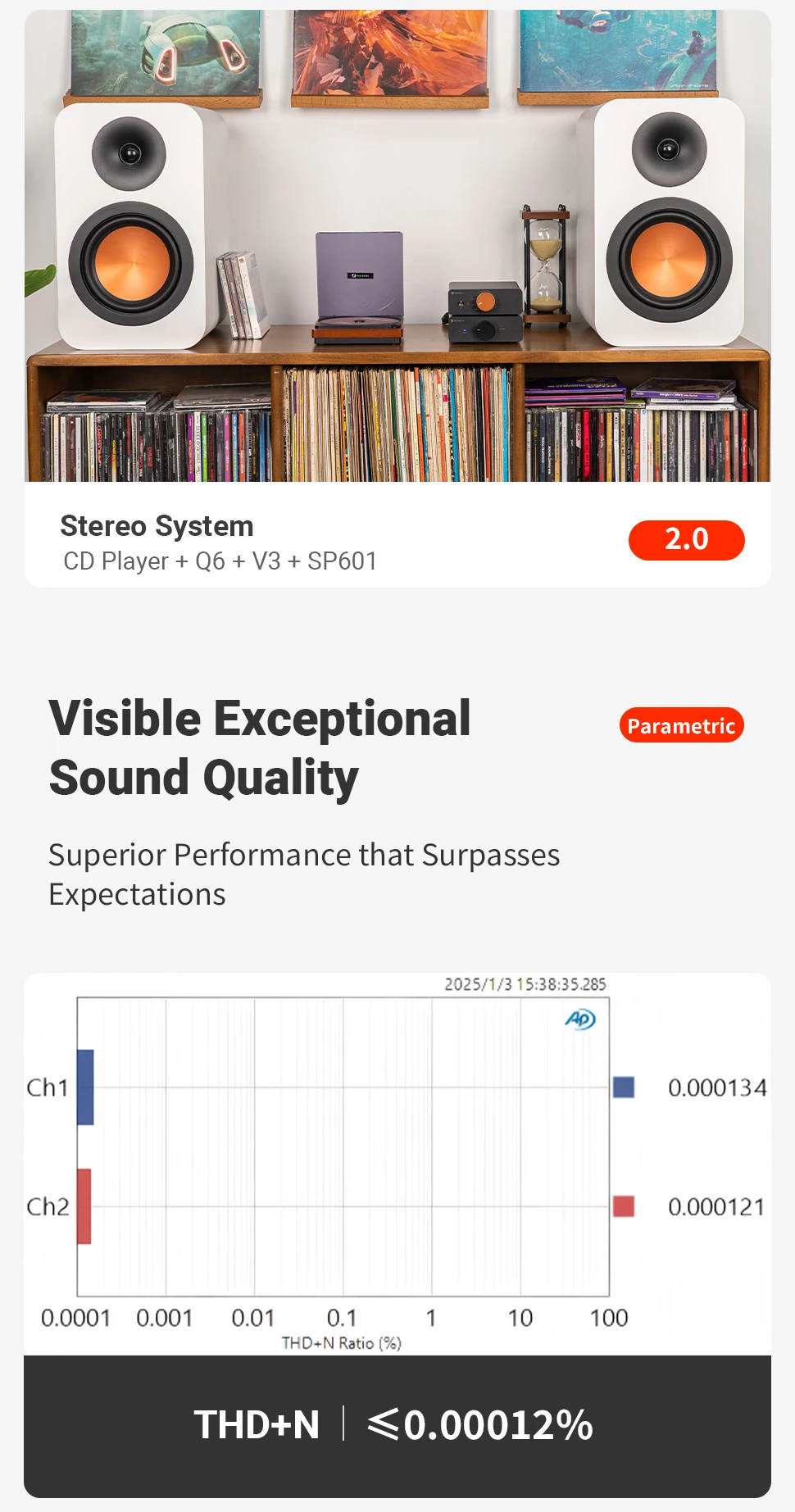
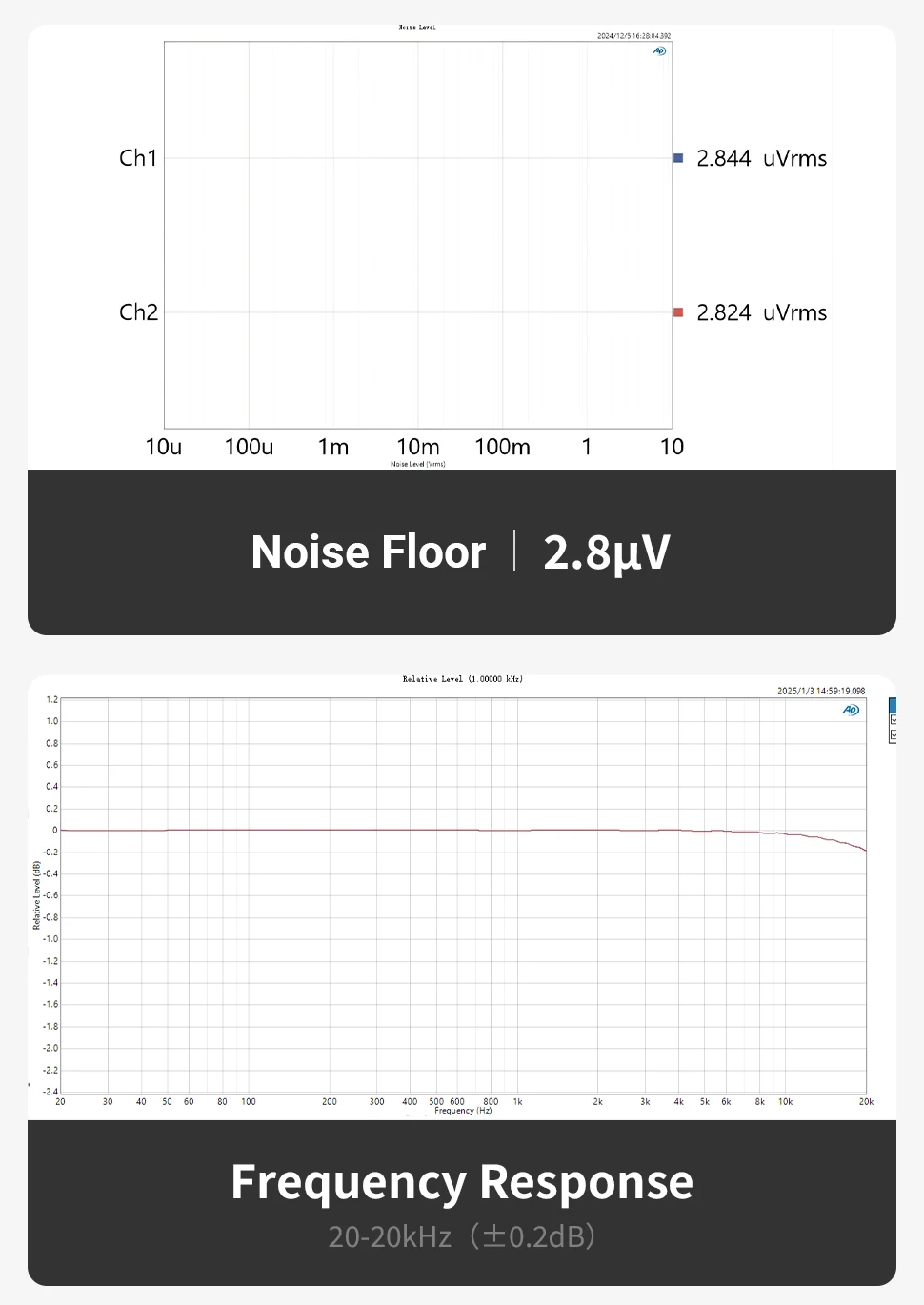
✅ Outstanding Audio Performance – Featuring an ultra-low 0.00012% distortion, a 121dB signal-to-noise ratio, and a 121dB dynamic range, Q6 ensures pure sound reproduction with remarkable depth and detail. Supports PCM up to 768kHz/32Bit and DSD512 for high-resolution music playback.
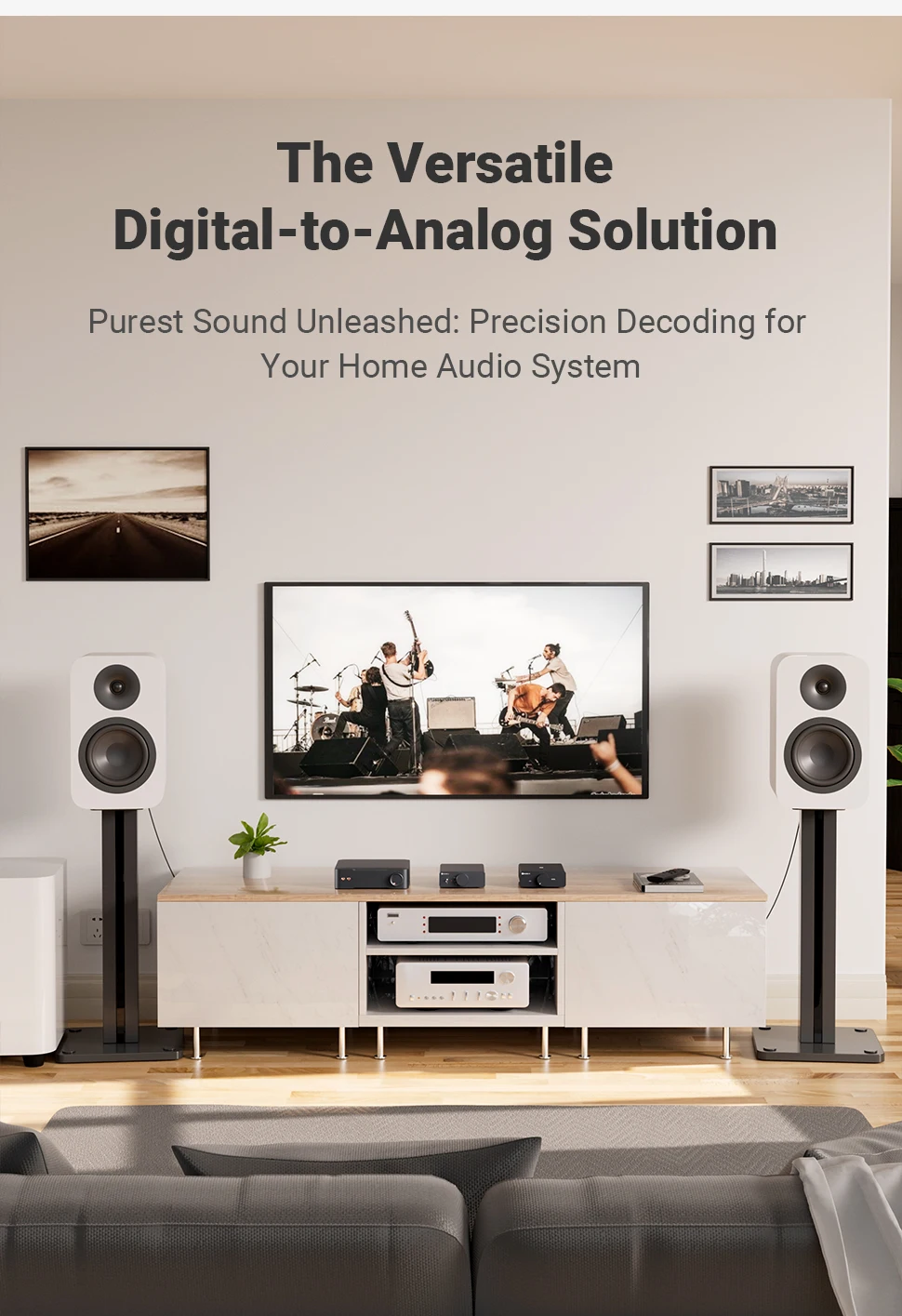
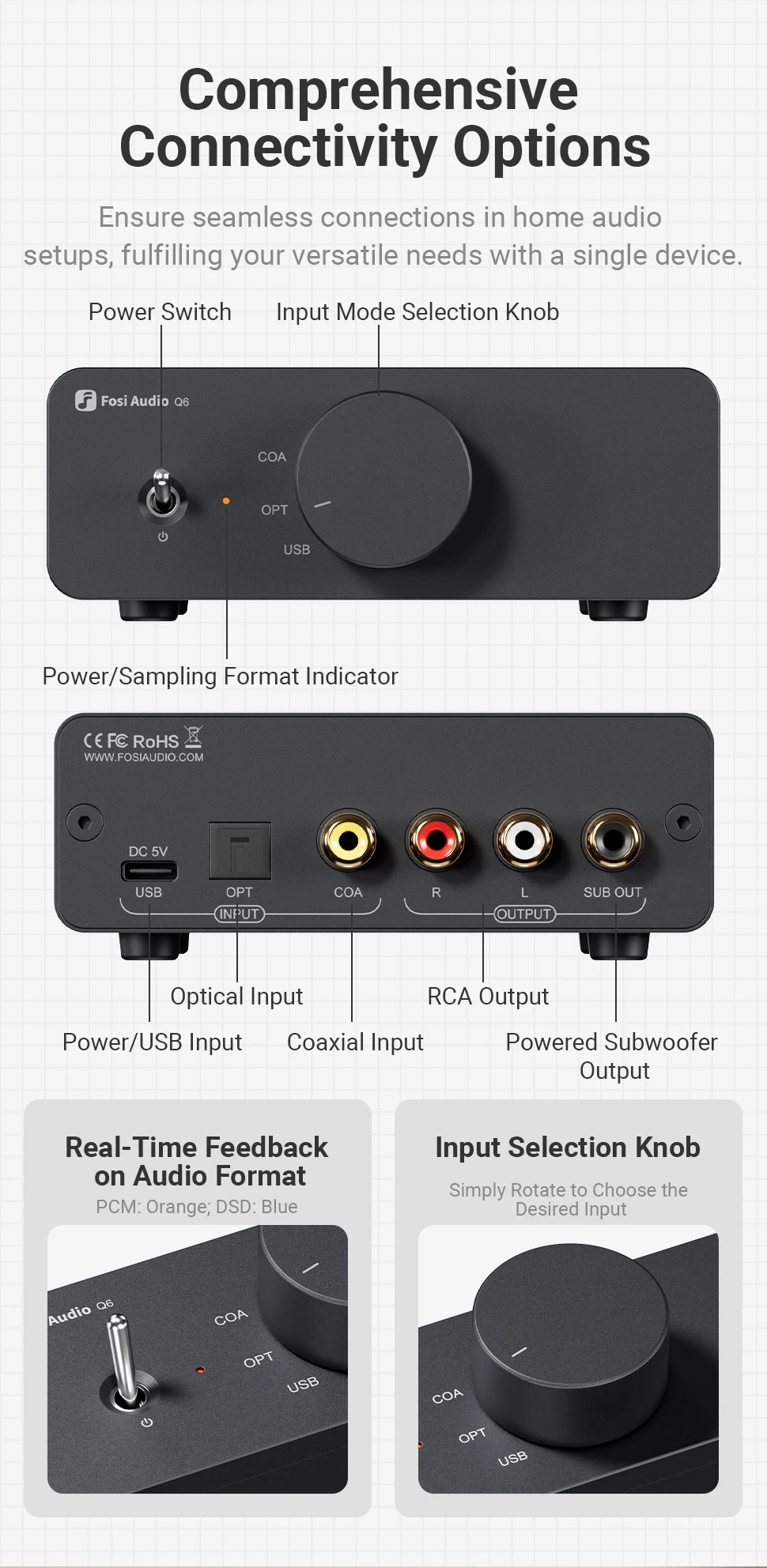
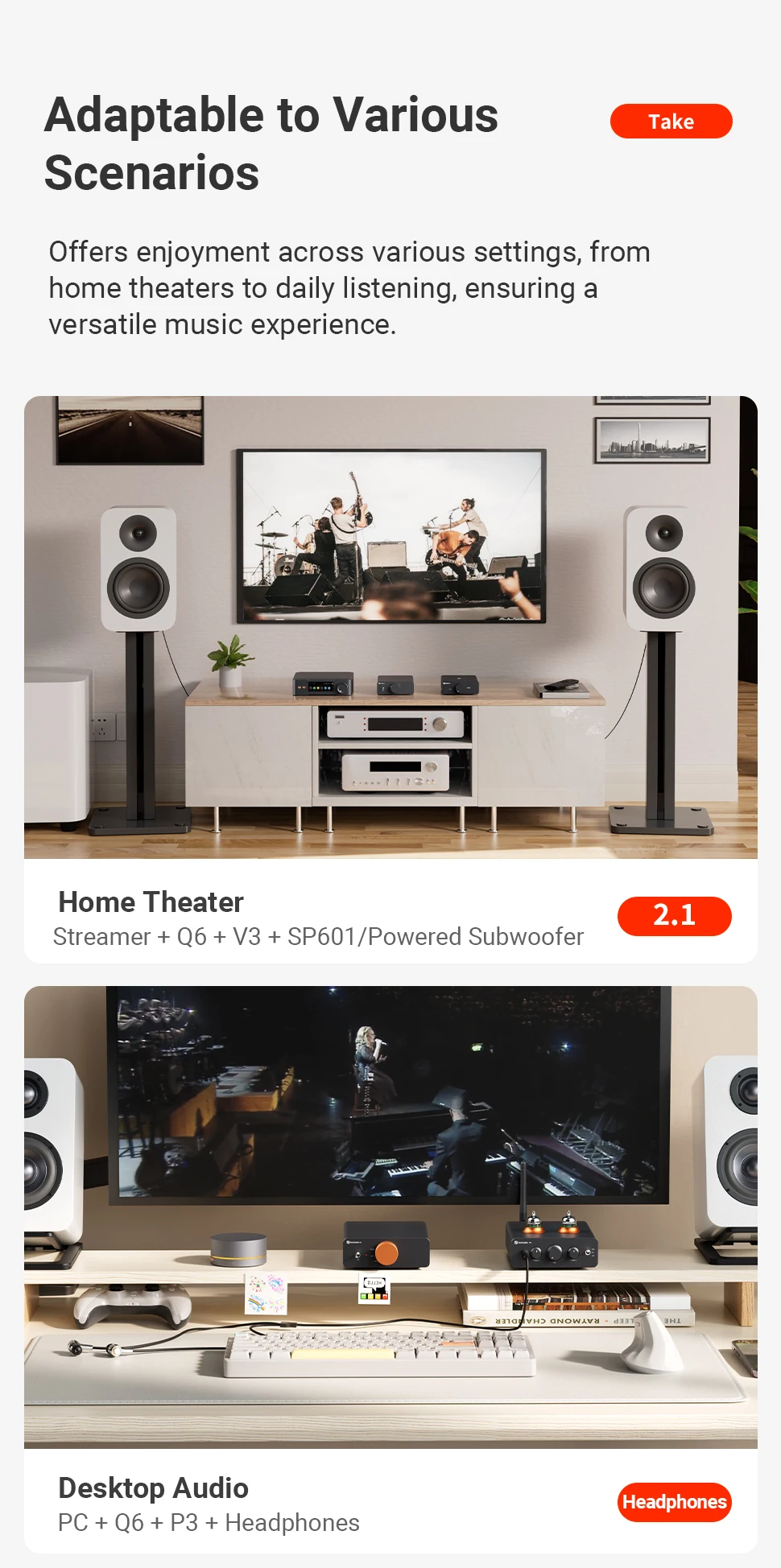
✅ Versatile Inputs & Outputs – Enjoy seamless switching between USB, optical, and coaxial inputs with a convenient front-panel rotary knob. Outputs include RCA and Subwoofer Out, allowing easy integration into 2.1 audio systems for immersive sound.
✅ Perfect Companion for Streamers – Effectively reduces jitter and noise in digital signal transmission, delivering cleaner, more accurate audio with enhanced clarity and micro-detail—ideal for high-end streaming setups.
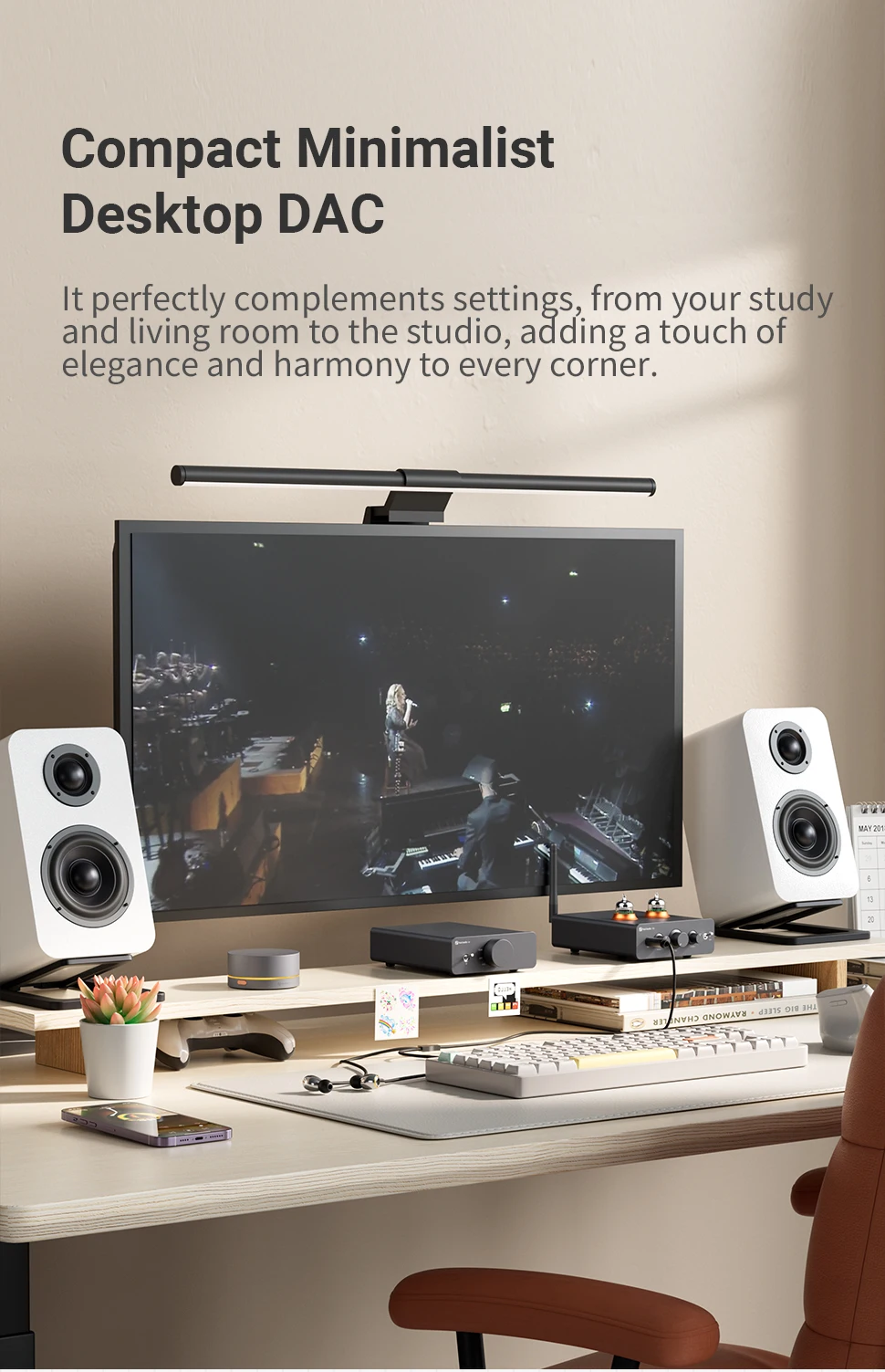
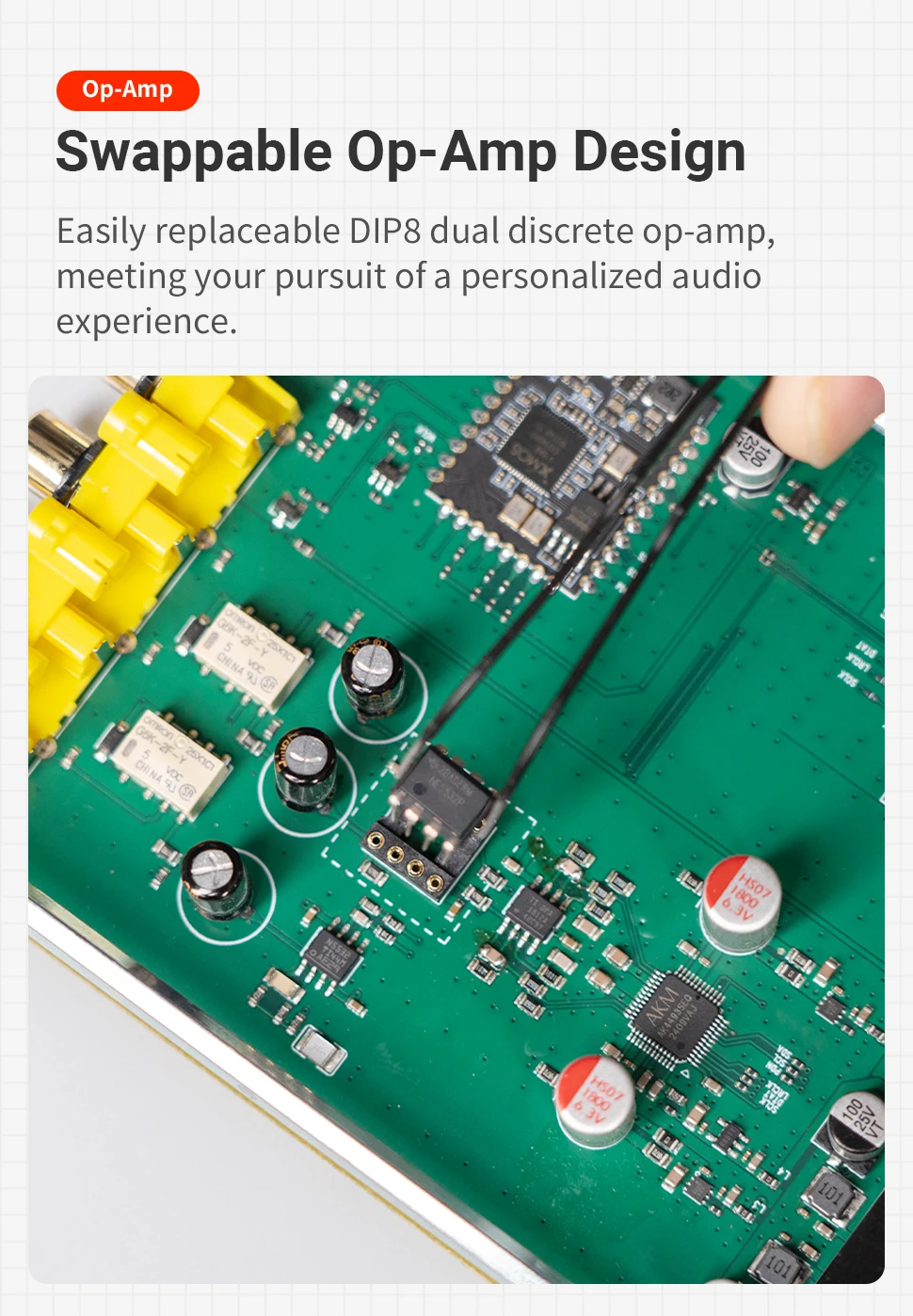
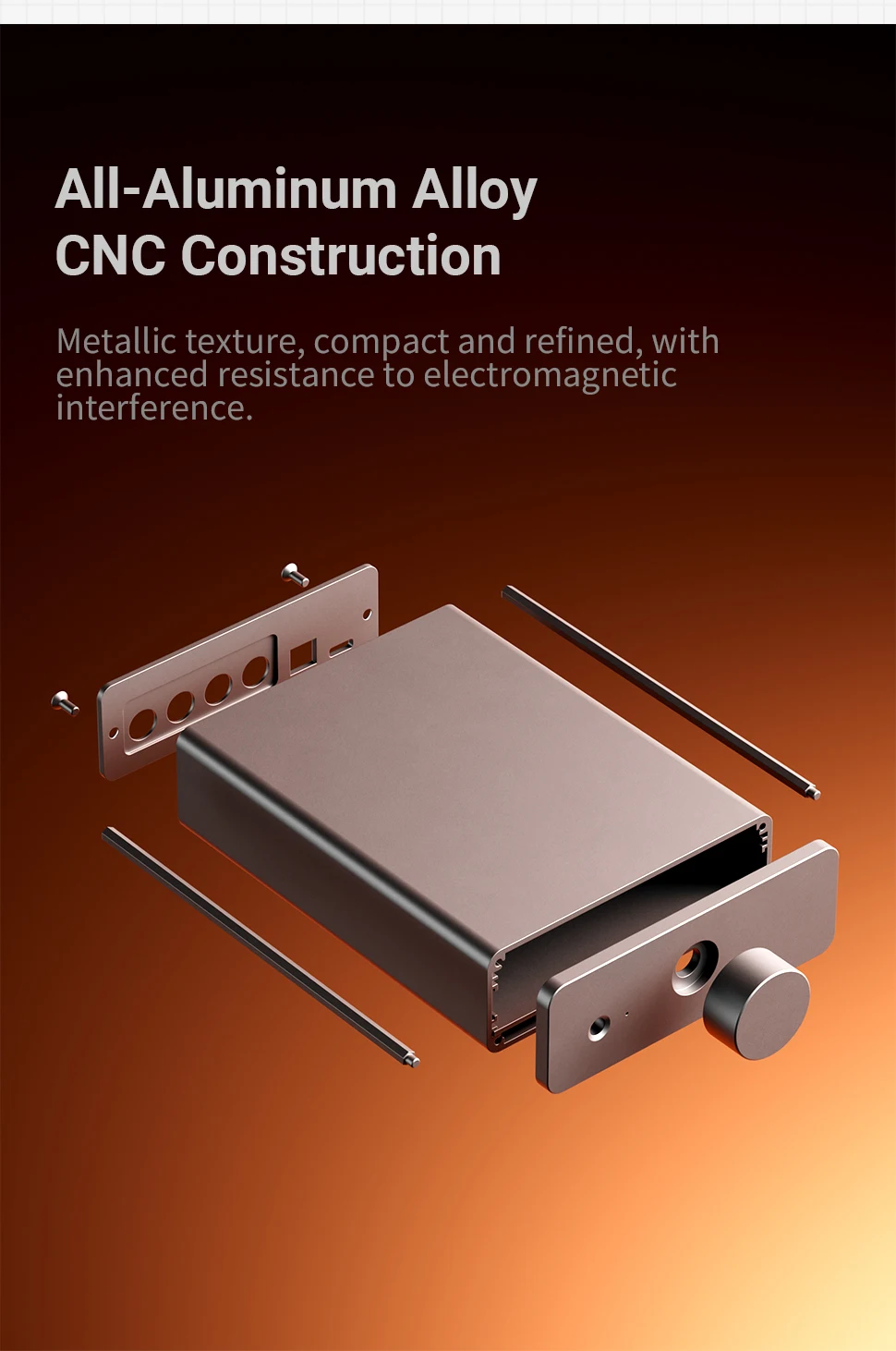
✅ Compact, Customizable & User-Friendly – Small and space-saving, keeping your desktop neat and stylish. Features swappable op-amps for personalized sound tuning. Matches the Fosi Audio V3 series design for a cohesive setup. Intuitive controls ensure an effortless user experience.
Highlight:
Model: Q6
Chipest: XMOS XU316 + AK4493S + OPA1612 + NE5532DR
Input : USB Type-C, Optical, Coaxial,
Output : RCA, Sub Out
PC-USB supports input sampling rate: Up to 32Bit/768kHz, DSD512
Optical/Coaxial supports input sampling rate: Up to 32Bit/192kHz
Powe Supply: 5V 2A
THD: <0.00012%
SNR: ≥121dB
PC-USB support operating system: XP/W7/W8/W10/MAC/linux
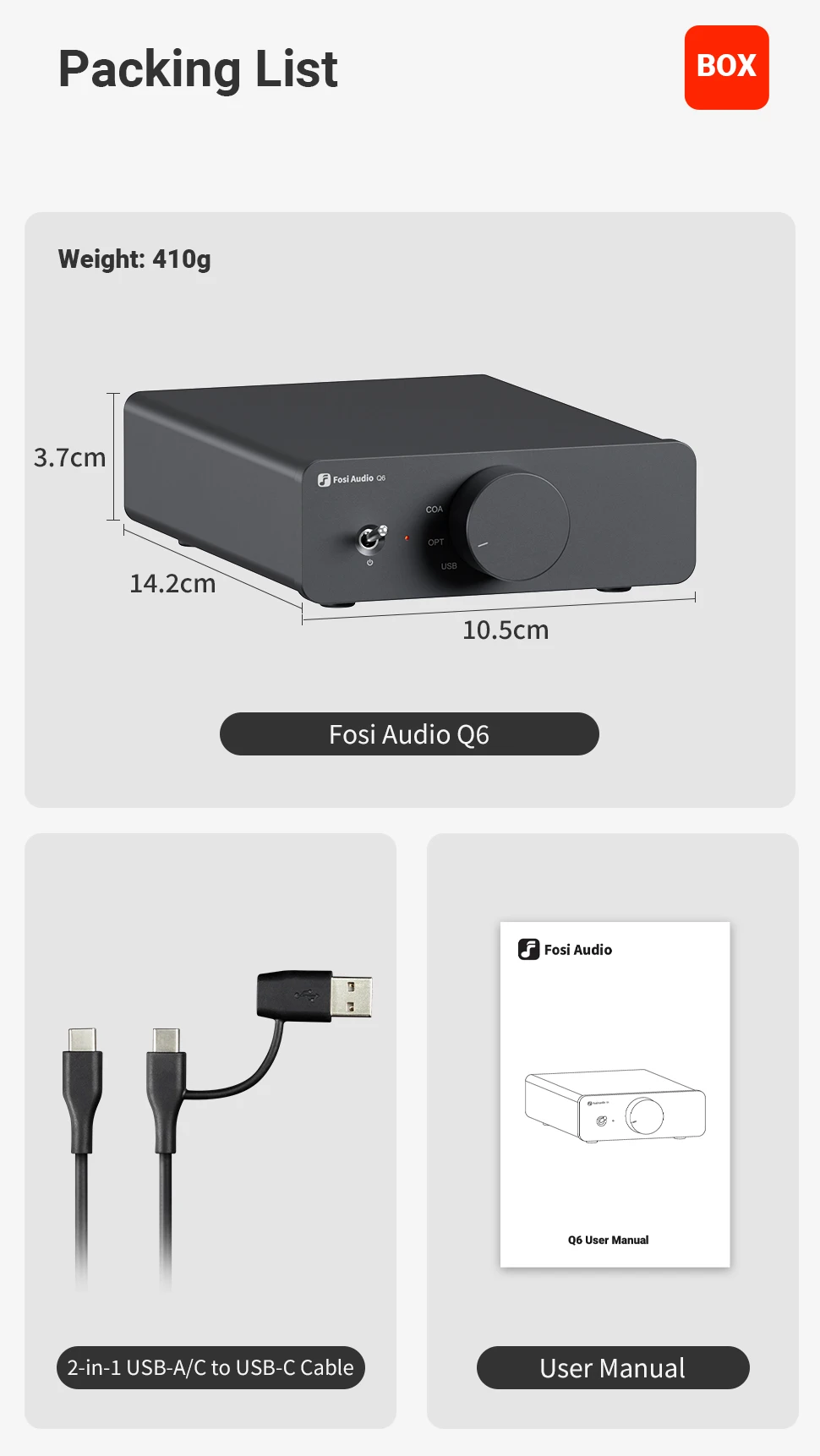
Package Include:
QA
Q1:Why isn't the USB recognized?
1. Improper USB connection or poor contact. Try a different USB cable and plug it in again.
2. Computer malfunction. Check the computer or connect to a different one.
3. Faulty USB port on the computer. Try another USB port.
4. Q6 hasn't switched input modes.
Q2: When is it necessary to download the Q6 driver?
A. When playing PCM 768kHz songs;
B. When playing DSD songs;
(Note: However, if you are using foobar and have installed its built-in WASAPI plugin to play DSD songs, no driver installation is required. You may download the Foobar installation guide from the official website.)
When encountering the above issues, visit the official website fosiaudio.com and download the driver via the following path: Support > Help Center > Specific FAQs > Q6. Follow the instructions to install and enable the USB DAC functionality."