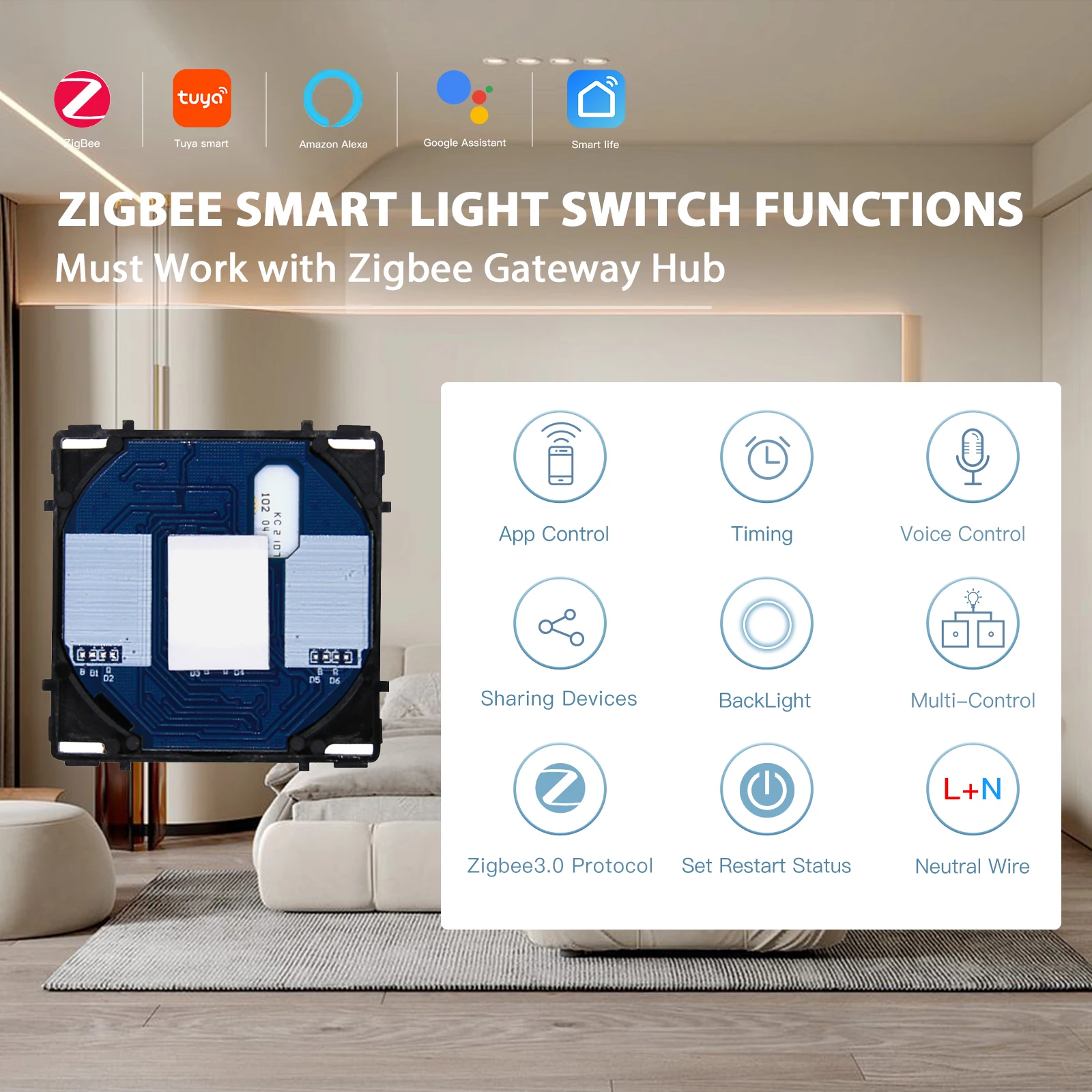
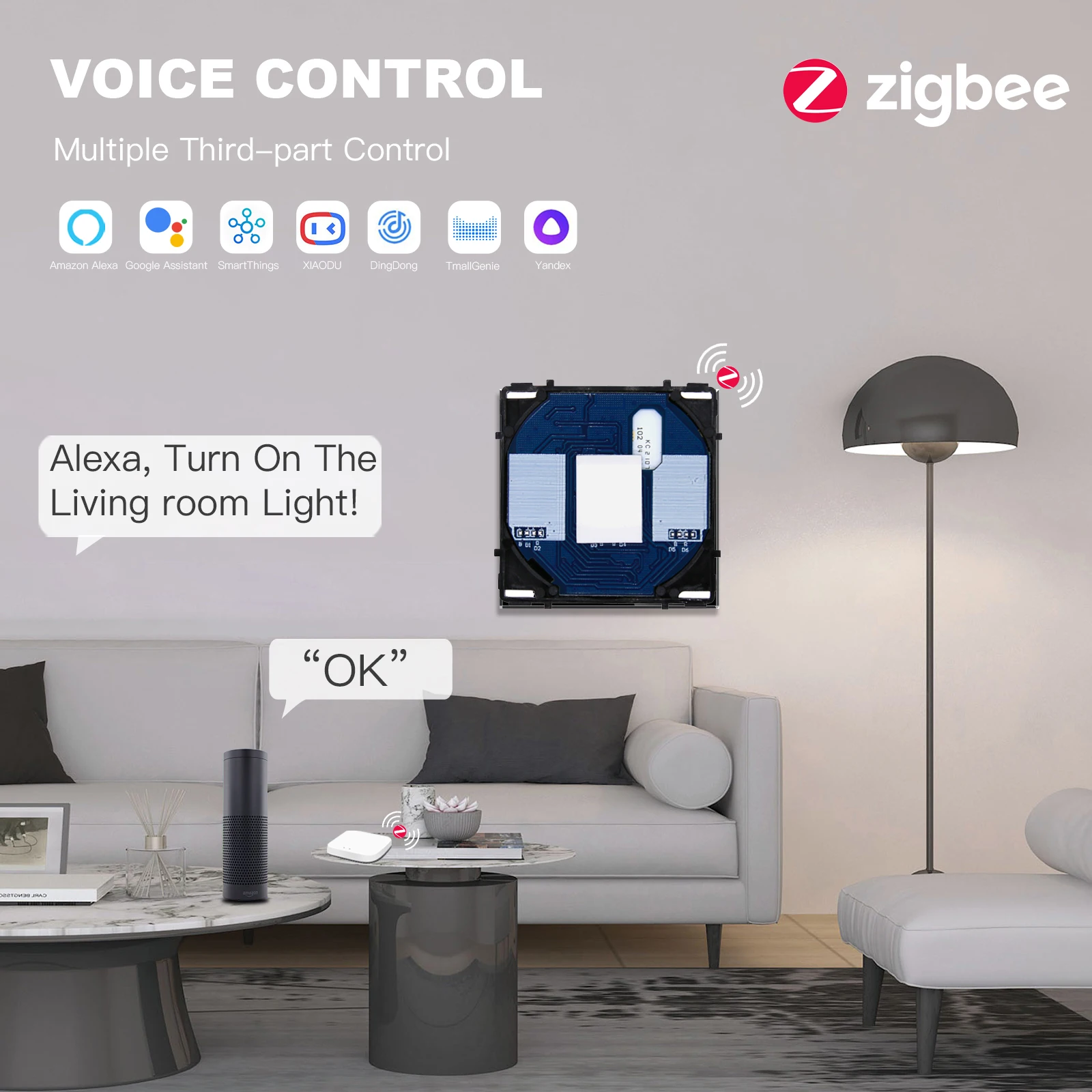
BSEED Zigbee Switch 1/2/3Gang Smart Dimmer Curtain Switch DIY Function Part Tuya Google Home App Wireless Control With Neutral
All prices exclude shipping and taxes. តម្លៃទាំងអស់មិនរួមបញ្ចូលថ្លៃដឹកជញ្ជូន និងពន្ធទេ។
Choose language
BackLight: ON-light Blue OFF-Weak Red
Brand Name: BSEED
Certification: CCC,ce,FCC,ROHS
Curtain Current: 5A
Dimmer Current: 10A
EU LVD Voltage: High voltage: Above 50Vac or 75Vdc
Features: Need Neutral Wire
High-concerned chemical: none
Item Type: SWITCHES
Material: Plastic,Plastic
Max. Voltage: 90-250V AC
Note: Must Connect To Gatway
Origin: Mainland China
Power: 1000W/Gang
Remote Distance: WIFI unlimited
Support APP: Smart Life/Tuya APP
Support Smart Device: Google Home/ Amazon Alexa/IFTTT
Switch Type: APP Control
Type: EU/UK/FR Zigbee Switch,Zigbee Neutral Switch Part
Working Temperature: -20℃~+70℃
BSEED Zigbee Switch 1/2/3Gang Smart Dimmer Curtain Switch DIY Function Part Tuya Google Home App Wireless Control With Neutral
Product Introduction:
Dimmer Max. Strom: 10A
Curtain Max. Strom: 5A
Load: 1000W/Gang
Wireless consumption: ≤0.2W
Max. Spannung: 90-250V(AC)
Relative Humidity:10% ~ 93%
Working Temperature: -30 ℃~+70℃
Certification:CE, BS, RoHS, GCC, FC
WiFi Frequency: IEEE802 15.4
WIFI Standard: Zigbee 2.4GHz b/g/n
APP: Tuya/Smart Life
Voice Control: Google Home, Amazon Alexa
Wire: Need Neutral Wire
Back Light: ON-light Blue OFF-Weak Blue
Note:
You have to cut off the power and during the installation.
App Installation:
Download The Tuya Or Smart Life App To Your Smartphone Or Tablet. The App Can Be Downloaded From Apple App Store or Google Play, Then Connect Your App With Amazon Alexa Or Goggle Home Which Enable You To Voice Control Your Lights And Appliances.
Answer: The new added device needs 1min to connect to Zigbee HUB. If it stays off line for a long time, please judge the problem by the Zigbee LED status:
Zigbee LED quickly blinks one time every second, device failed to connect to your Zigbee:
(1)Maybe you have entered wrong WiFi password.
(2)Device is too far away from your WiFi. Please take it closer.
If still failed, try to open a mobile hot spot and add again.
Zigbee LED quickly blinks twice every second: Device has connected to Zigbee but failed to connect to server. Please check your network connectivity.
FAQ:
Q: Does your Wifi Zigbee touch sensor light switch need a neutral wire to install?
A:Yes, it does need a neutral wire to install.
Q: Does your Wifi touch light switch can work with Zigbee?
A:Yes, Our item can work with it.
Q: Does your Wifi light switch can work with Smart Life Tuya or Google Alexa?
A:Yes, it can work with them.
Q: Does your Wifi touch light switch have a backlight?
A:The blue backlight will be on when the wiring is successful. Allowing you to notice Our touch switch clearly in the dark.


[ DATA ACCESSIBLE RELIABLE AMAZING HOSTING UNIVERSAL BUSINESS ]
It looks like ads are unavailable right now. Consider sponsoring us to help keep our site independent and running!
Become a Sponsor{"one"=>"Select 2 or 3 items to compare", "other"=>"{{ count }} of 3 items selected"}