


ORICO 40Gbps M.2 NVMe SSD Enclosure with Cooling Fan USB4 PCIe3.0 Aluminum Compatible Thunderbolt 3/4 Tool Free 8TB for Mac
DARAHUB Store
SPECIFICATIONS
Brand Name: Orico
Case Material: aluminum
Compatibility: For Thunderbolt 3/4 USB3.2/3.1/3.0
Data Cable: 2 in 1 USB C to C/A Cable (30cm)
High-concerned chemical: None
Item: USB4 M.2 NVMe SSD Enclosure
Max Capacity: 8TB
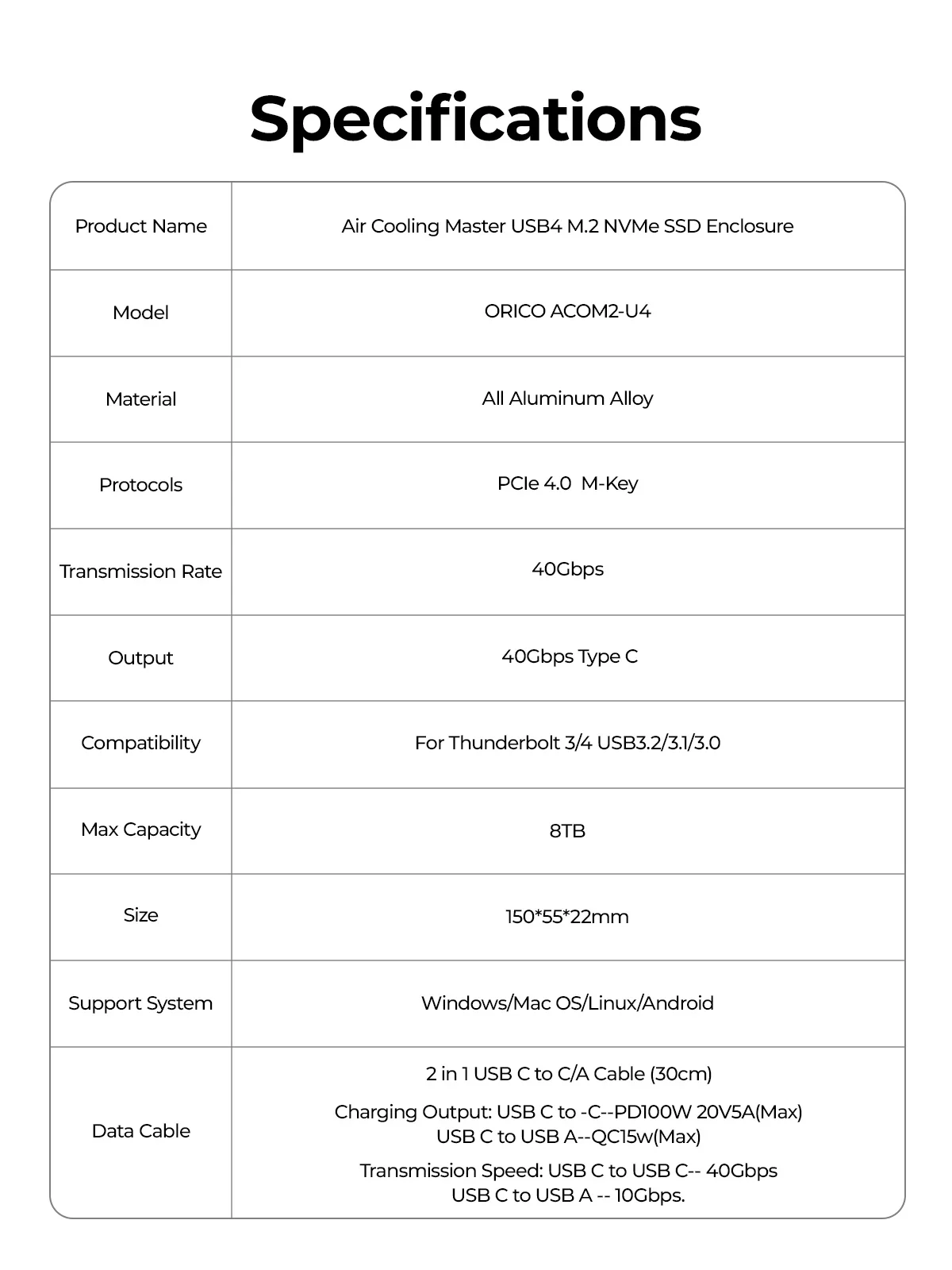
Model Number: ORICO ACOM2-U4
Origin: Mainland China
Output: 40Gbps Type C
Package: Yes
Protocols: PCIe 4.0 M-Key
Size: 1.8",150*55*22mm
Support System: Windows/Mac OS/Linux/Android
Supporting Hard Drive Capacity: 8TB
Transmission Rate: 40Gbps
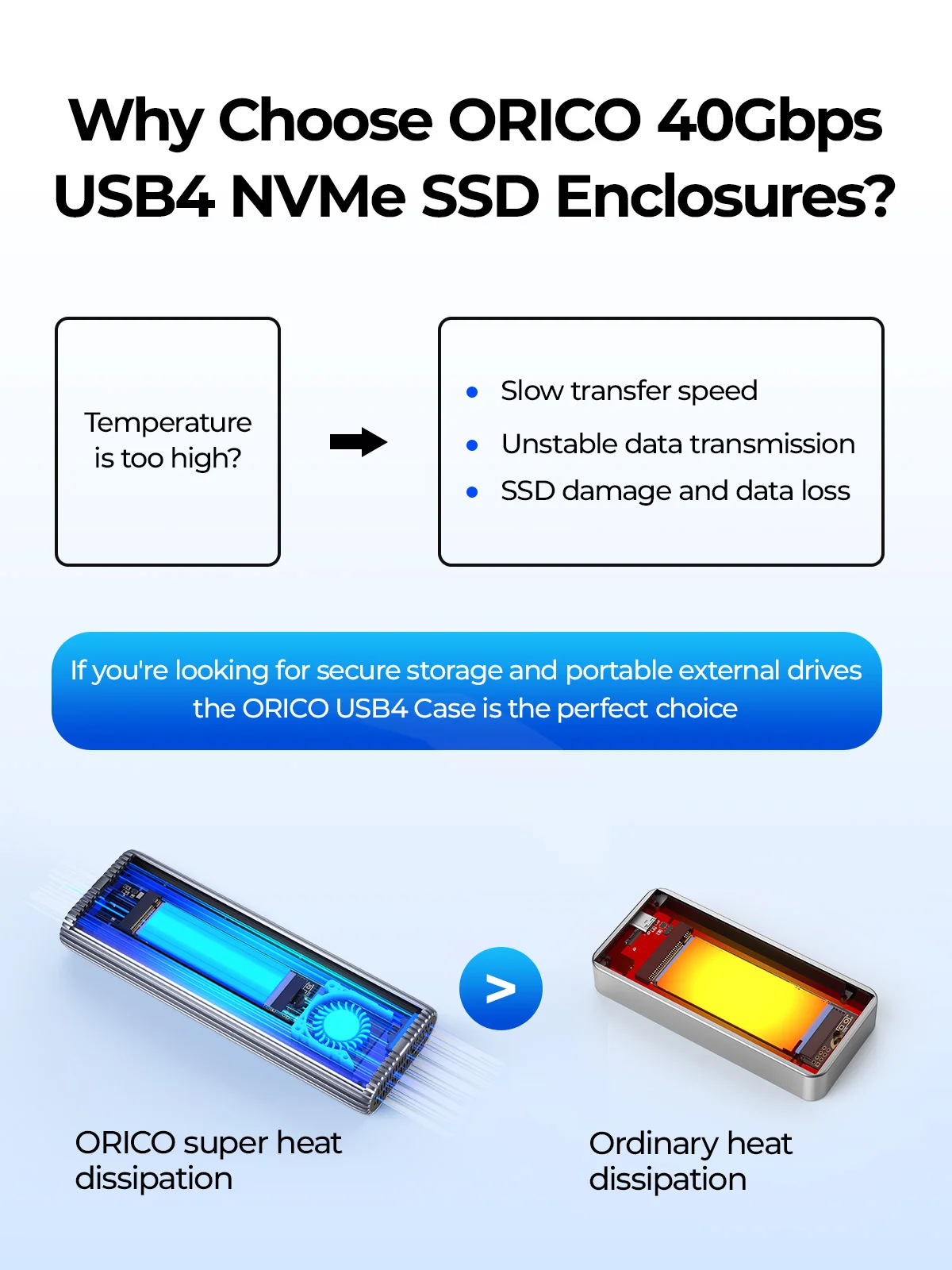
Why Choose ORICO 40Gbps USB4 NVMe SSD Enclosures?
With USB4 technology, this SSD case provides lightning-fast data transfer speeds of up to 40Gbps.making file transfers and backups quick and efficient.
Tool-free,easy to assemble.plug and play.compatible with Thunderbolt 4/3.
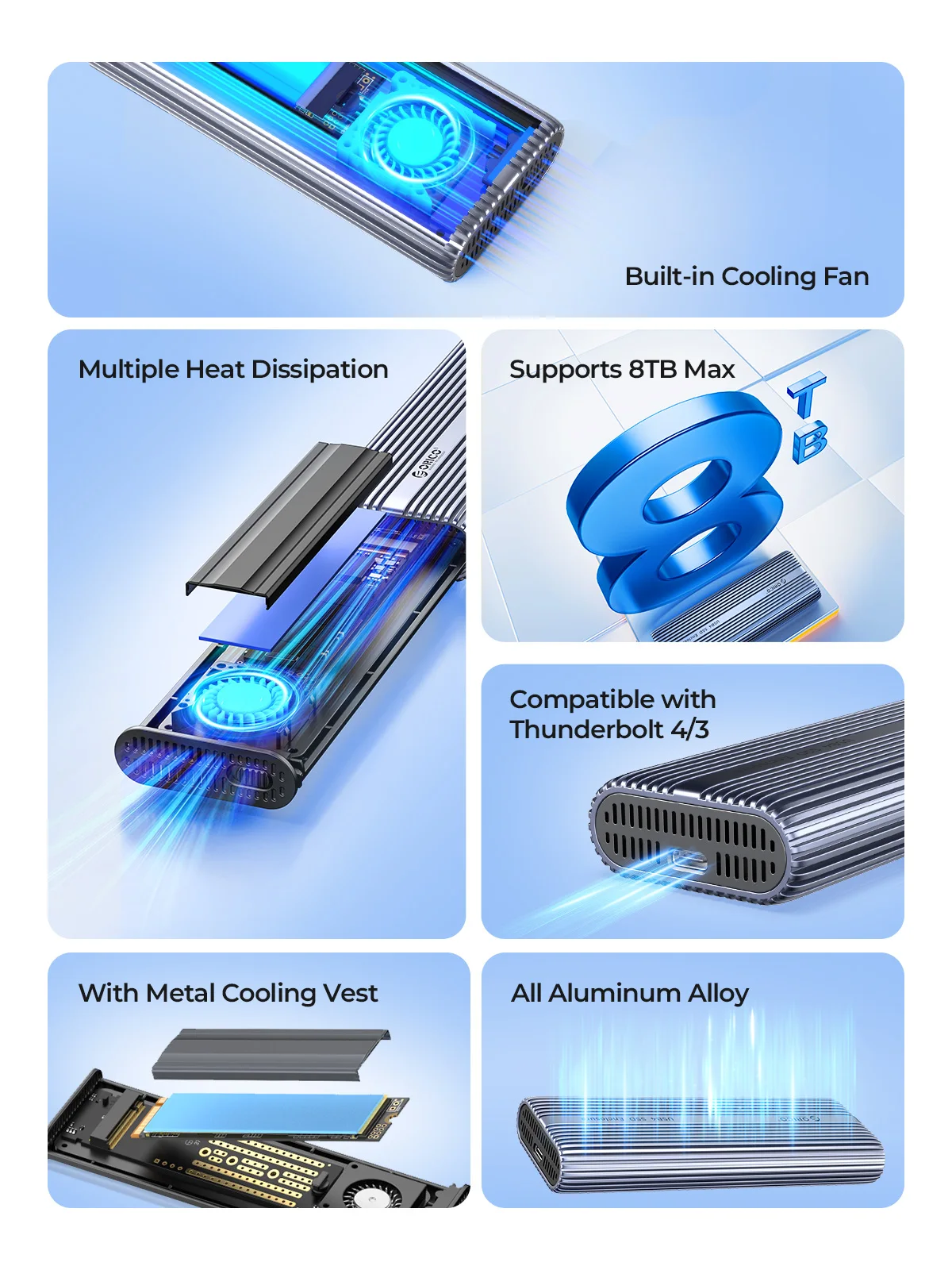
Built-in cooling fan,silicone thermal Pad,and all aluminum alloy,heat dissipation is fast.
Support M.2 SSD with size of 2230/2242/2260/2280mm up to 8TB.
Portable and durable, LED Indicator.
Upgraded 2-in-1 Cable,USB C to C (40Gbps / PD100W) and USB C to A (10Gbps / QC15w) .
Support UASP, TRIM, supportWindows, Mac OS, Linux, Android.
If you're looking for secure storage and portable external drives, this ORICO USB4 Case is the perfect choice

40Gbps Ultra Speed
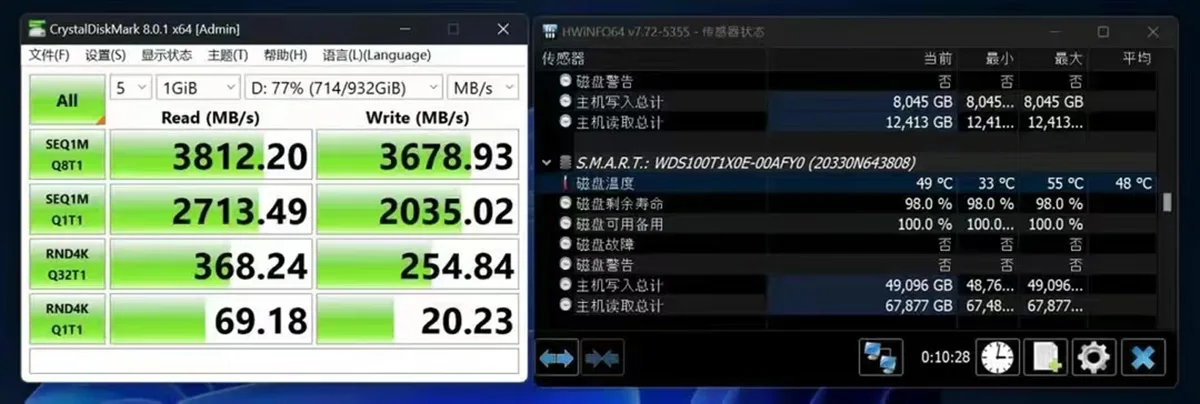
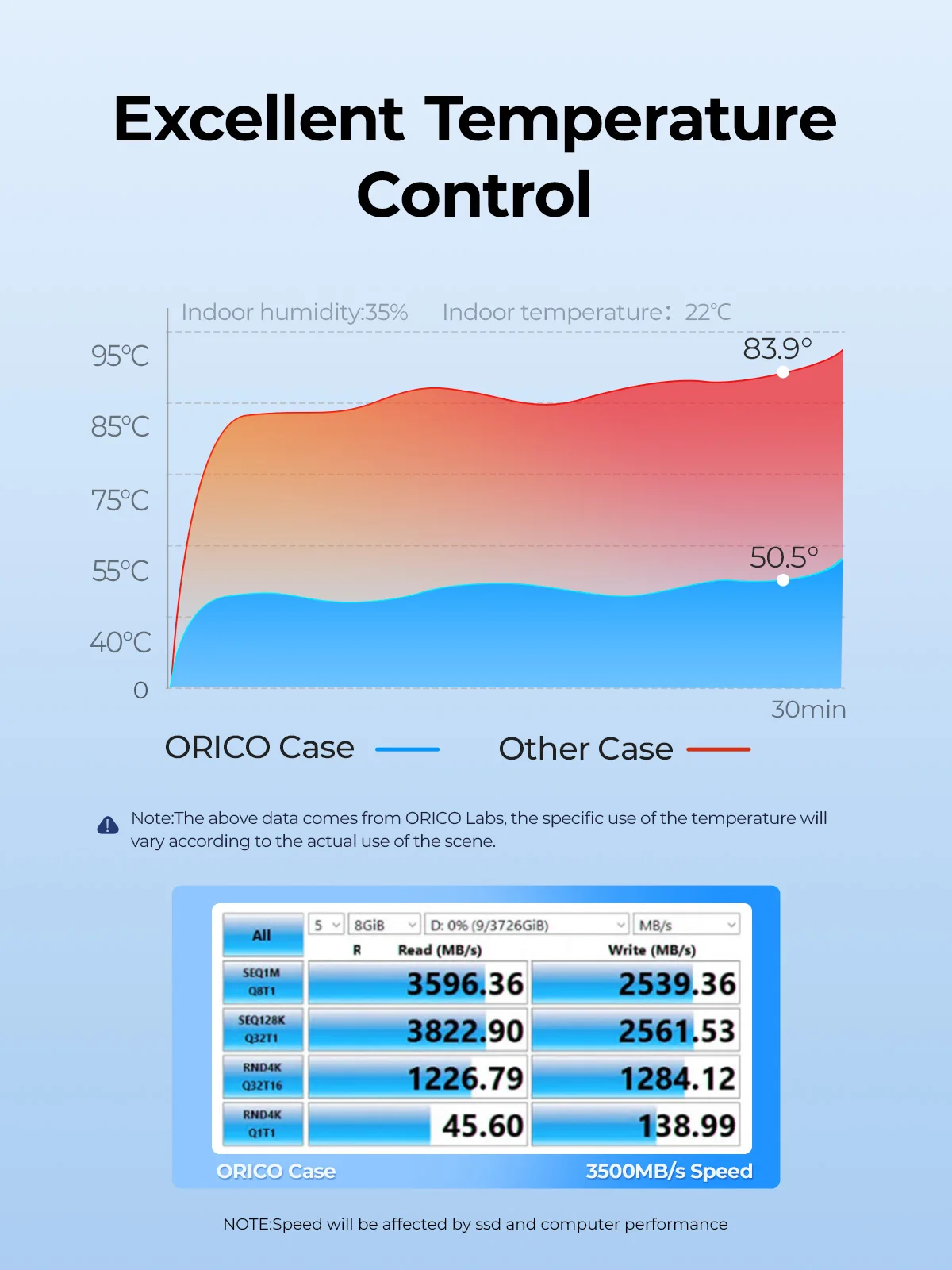
With USB4 Type C output interface, it supports the maximum transmission speed up to 40Gbps. The measured maximum continuous read speed can reach 3700MB/s, and the continuous write can reach 3100MB/s.(Choose SSD O7000.NOTE: Speed will be affected by ssd and computer performance) Buyer's Real Show
The speed charts and packaging images feedback from customers to us.
 Multiple Heat Dissipation
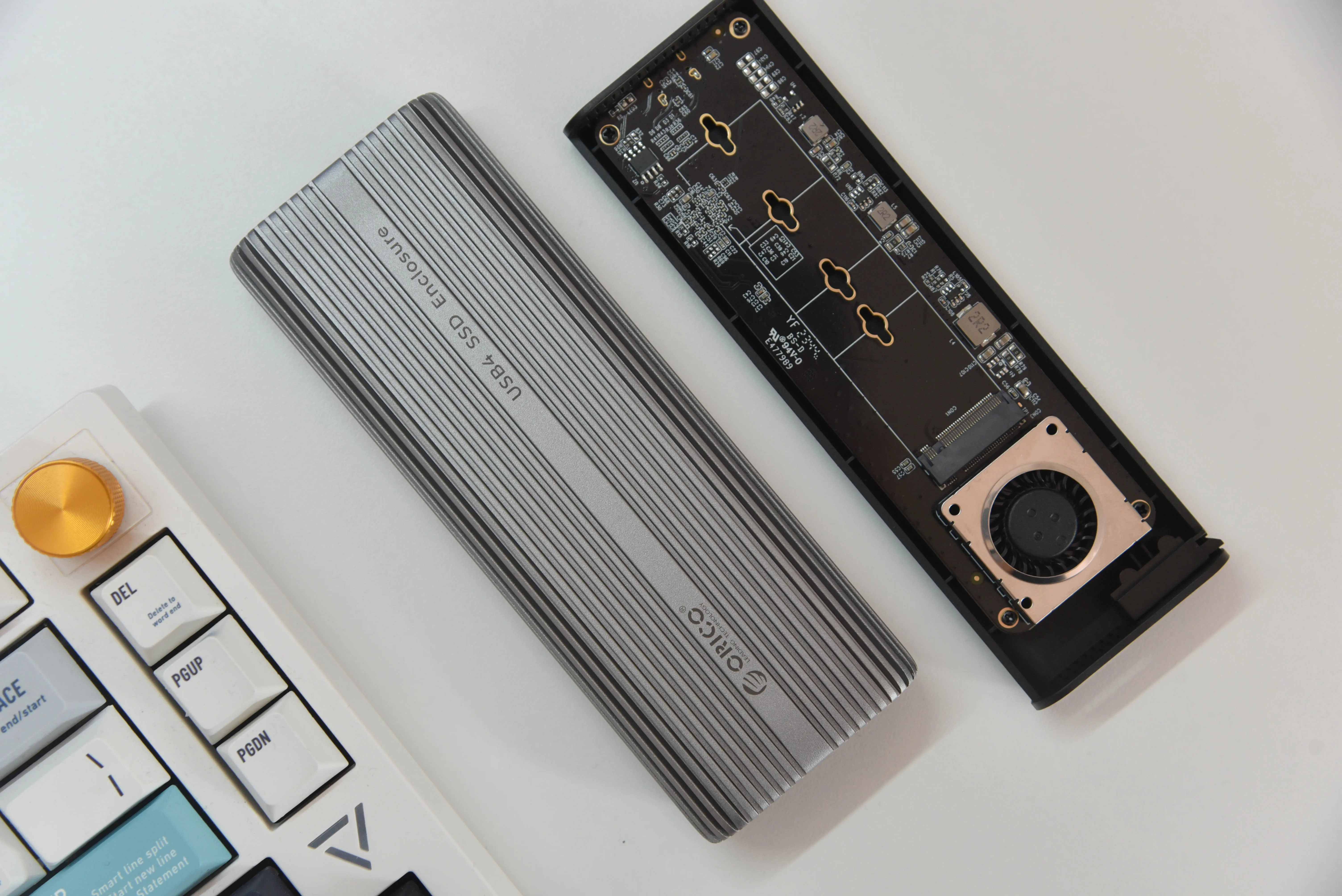
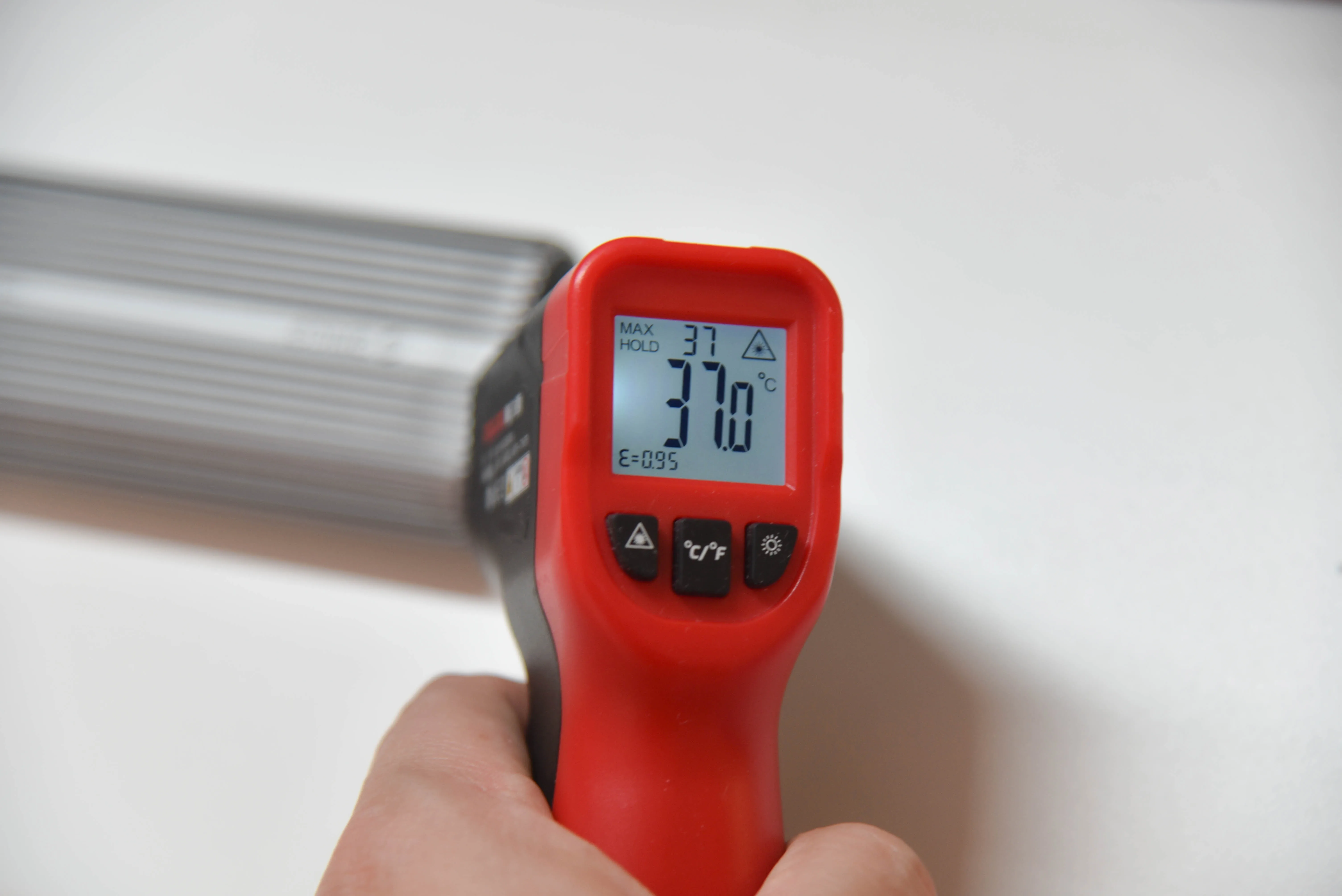
Built-in metal cooling vest and built-in fan,silicone thermal pad and all aluminium design , heat dissipation is fast.(NOTE:The fan is a 7000-rpm with an actual measured decibel of 40-60. The sound produced is about the same as a laptop cooling fan and will not affect your work.)
Tool Free Installation,Easy to assemble
Convenient and quick, easy to operate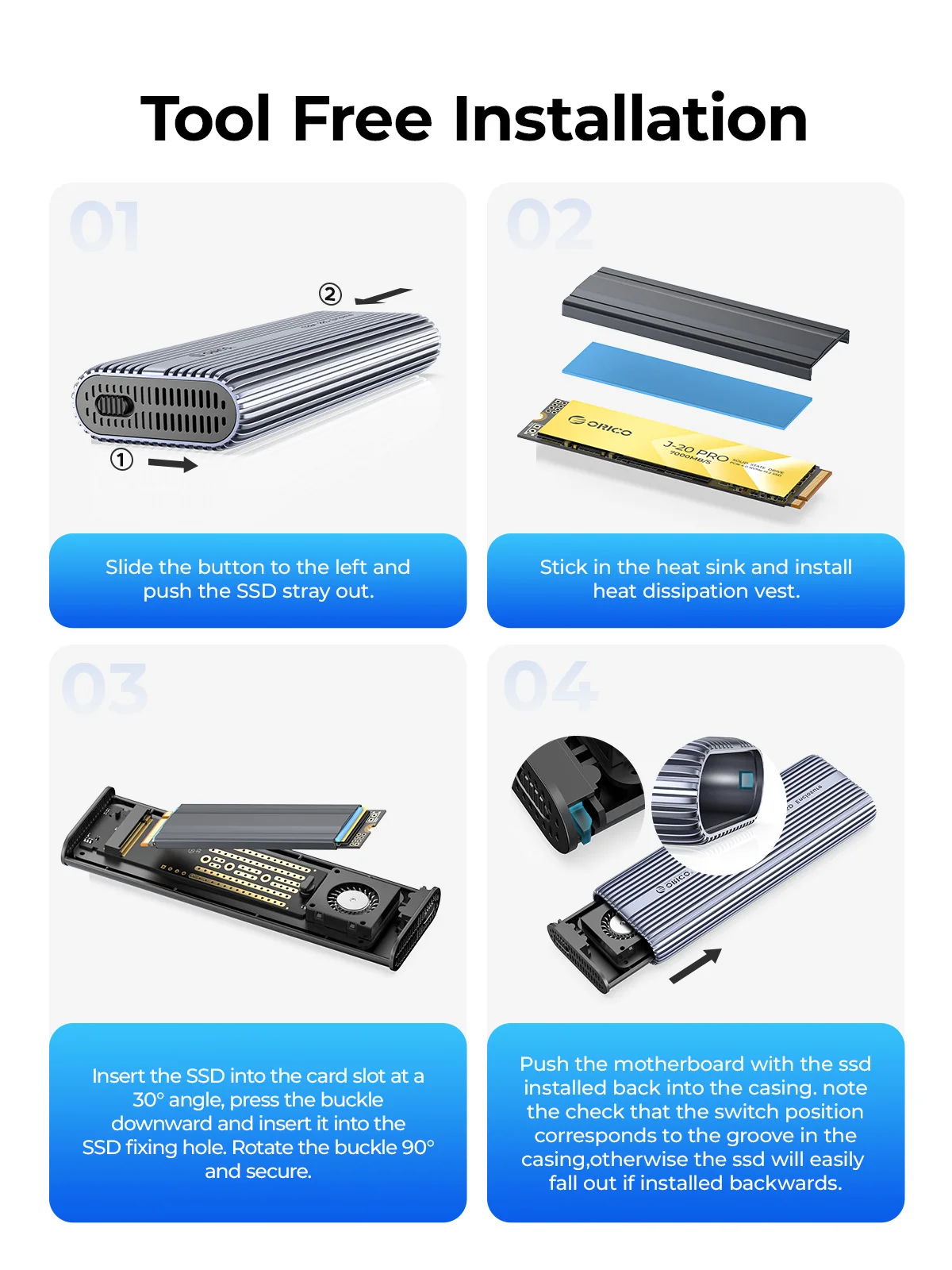 Supports 8TB Max
Small size,large capacity
If You Want a Portable SSD, Please Click on The Image: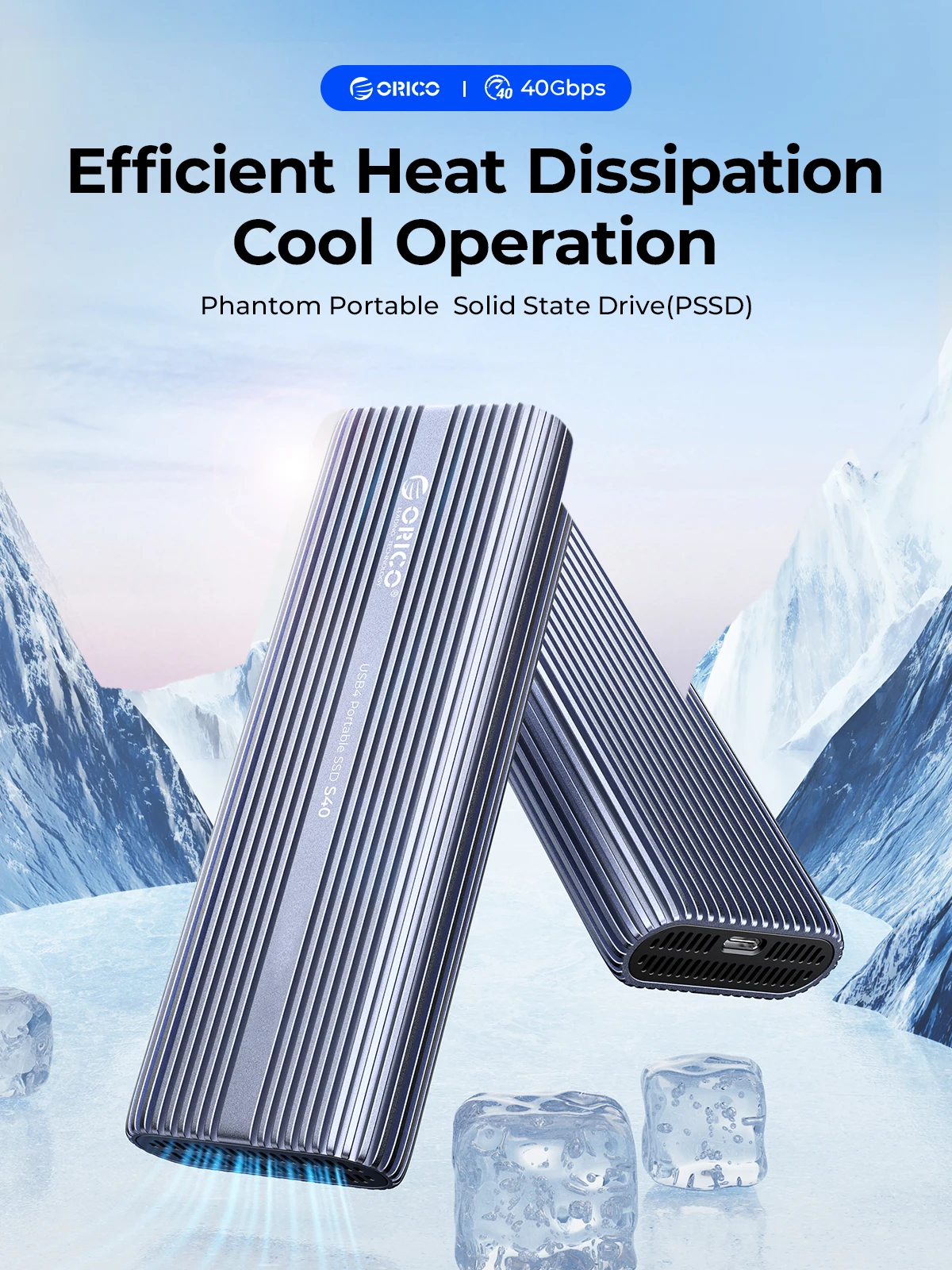
Plug and Play
Compatible with NVMe SSD in sizes 2230/2242/2260/2280.such as M.2 NVMe M Key Key SSD.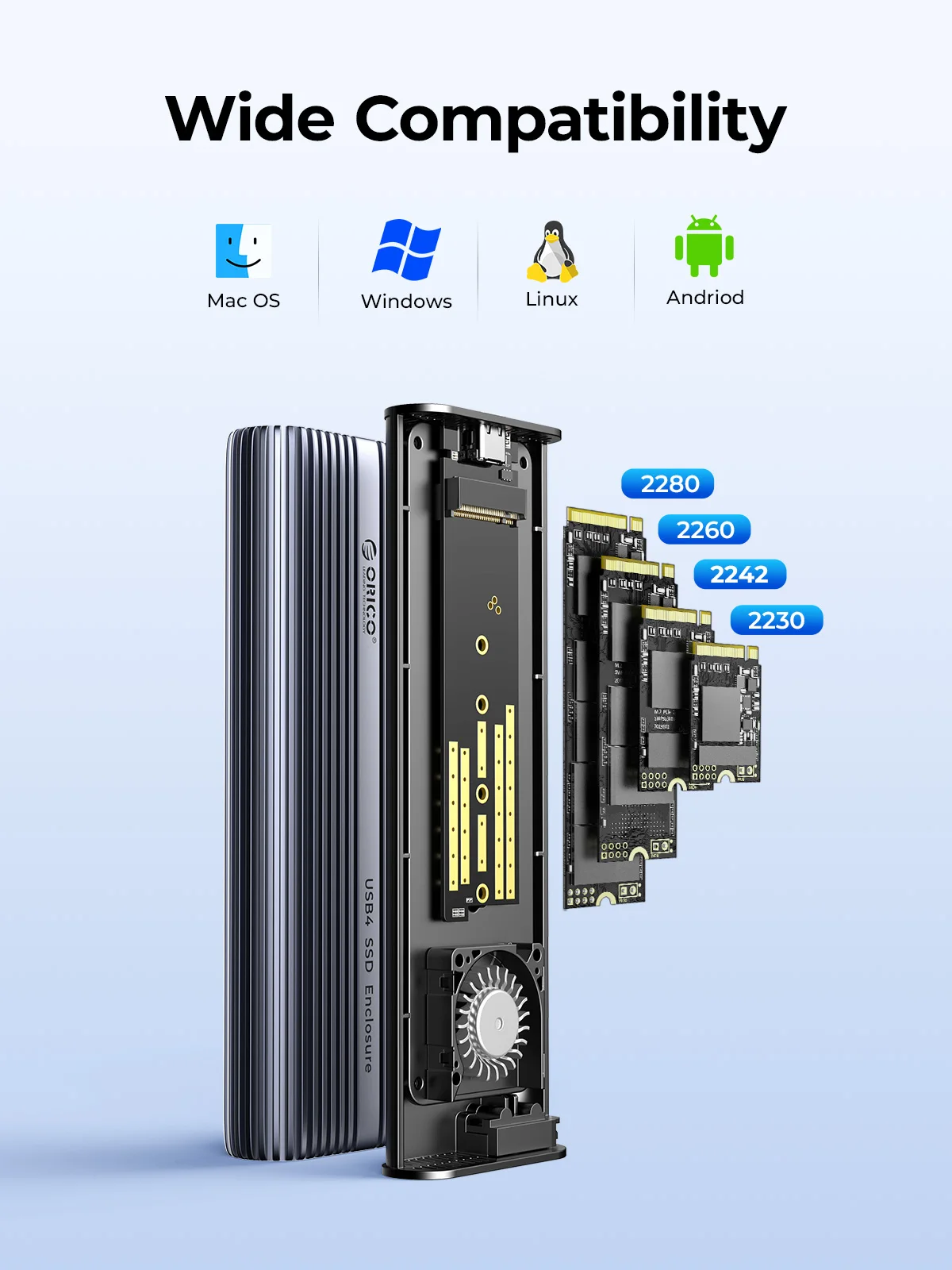
Acceleration Protection
Compatible most Thunderbolt 3/4 USB3.2/3.1/3.0 device,support UASP/Trim.
Suitable for Gaming, Video Editing, Research, Design,Mac
Providing more capacity for backup for PC ,Mac mini and laptop, but also for smart TV, smart router and PS4 etc.
2 In 1 USB Cable
40Gbps data transmission and PD100w fast charging.NOTE:The included USB cable has 2 output ports, USB C to A (10Gbps/QC15W) and USB C to C (40Gbps/PD100W)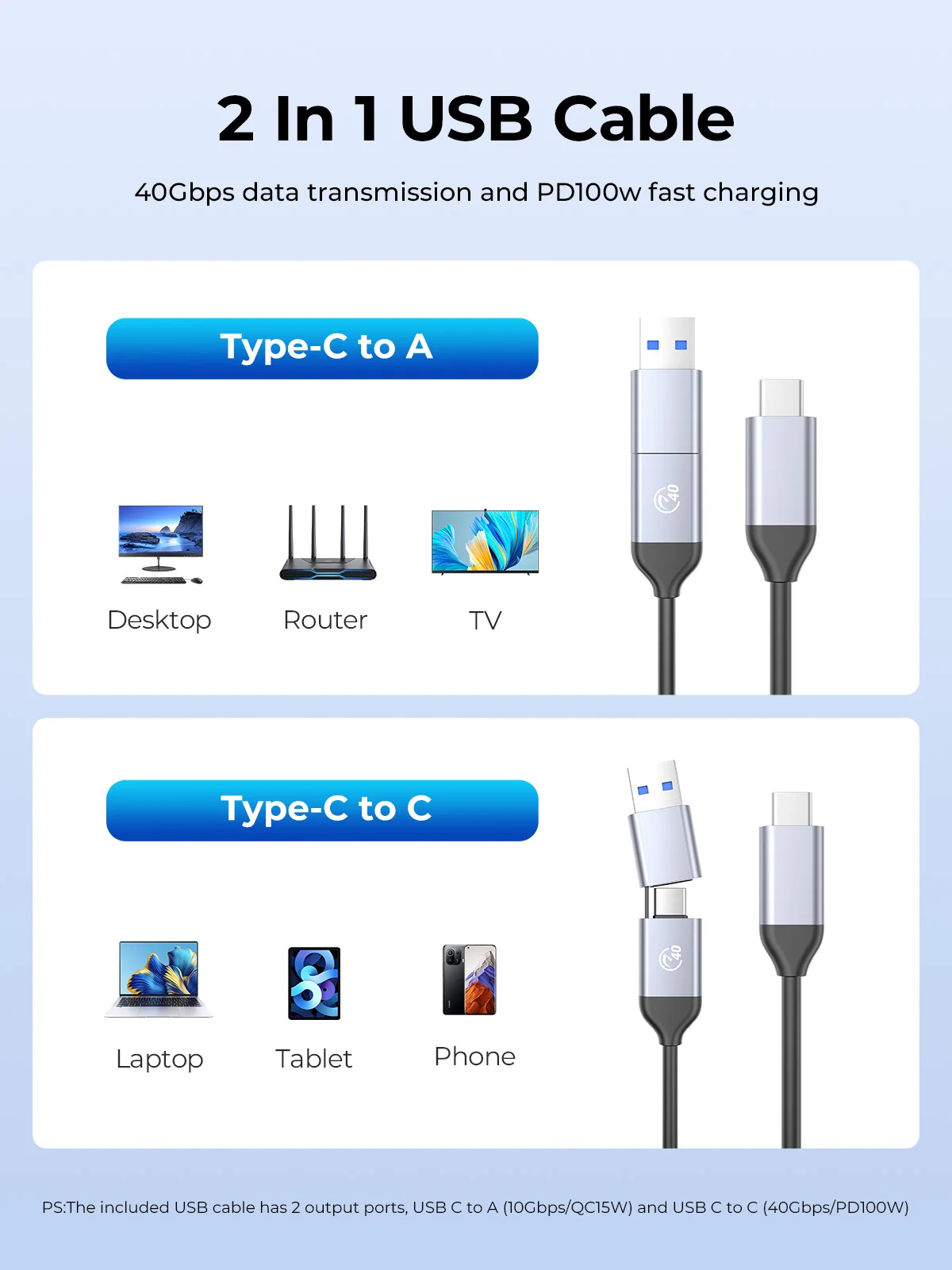
Package Included:
1.USB4 NVMe Enclosure
2.Silicone Thermal Pad
3.Metal Cooling Vest
4.Rubber Buckle
5.2 in 1 Cable(30cm)
6.User Manual 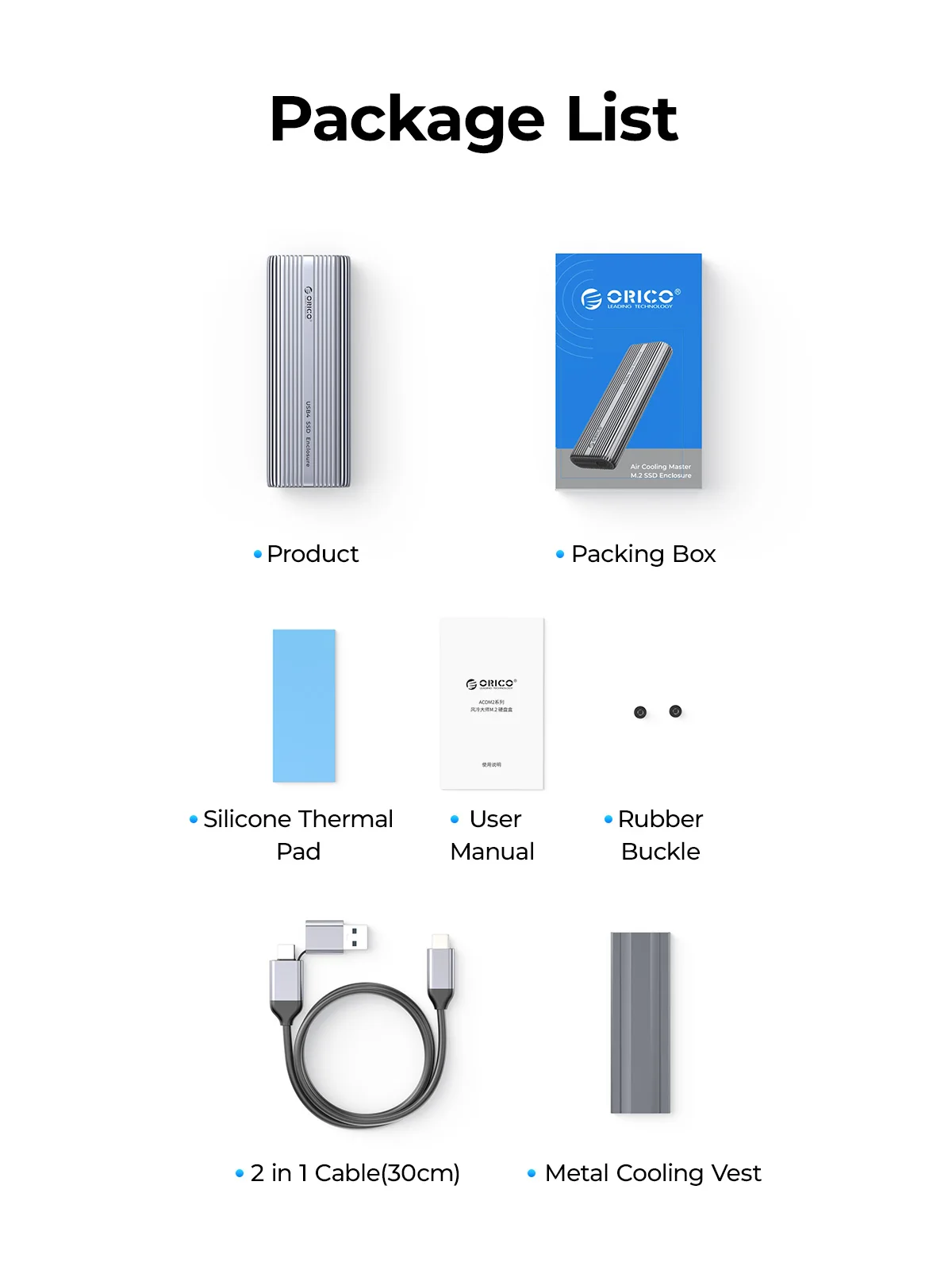
Question: What are the normal temperature and the sound level of the cooling fan?
Answer: The normal operating temperature range of the M.2 solid-state drive is 0-70°C. To ensure good heat dissipation, the product is equipped with a high-speed fan that rotates at 7000 RPM, with a measured sound level of 40-60 decibels. The generated sound is similar in size to the cooling fans in your laptop and desktop computer.
Question: Why are there prompts when using a Mac?
Note: Whenever a Mac system unplugs the hard drive enclosure while the computer is on, it is considered forcibly unplugging a device from the PCIE port, which leads to the increase in the unsafe shutdown count prompt. To avoid this issue, only unplug the device after shutting down the computer. Windows systems do not encounter this situation.
Question: Why is the device using Thunderbolt not recognized?
Question: Unable to fit the heat pad with the top cover?
Question:Why is the speed not as fast as advertised?
1. Use PCI-E 3.0 or PCI-E 4.0 NVMe SSD.
2. Make sure your input device's USB-C port is USB4 or Thunderbolt 4.
3. Make sure all of them support USB4 or Thunderbolt 4 if you use intermediate devices and cables.
Question: How to format an SSD?


