

Niimbot D110 Mini Portable Thermal Printer Smart Pocket Self-adhesive Label Printer Bluetooth Price Label Sticker Maker For Home
DARAHUB Store
SPECIFICATIONS
After-sale Service: Shop's Three Guarantees
Applicable industries: Home - living room, kitchen, bedroom storage, etc.
Application: For Home Use
Battery Included: Yes
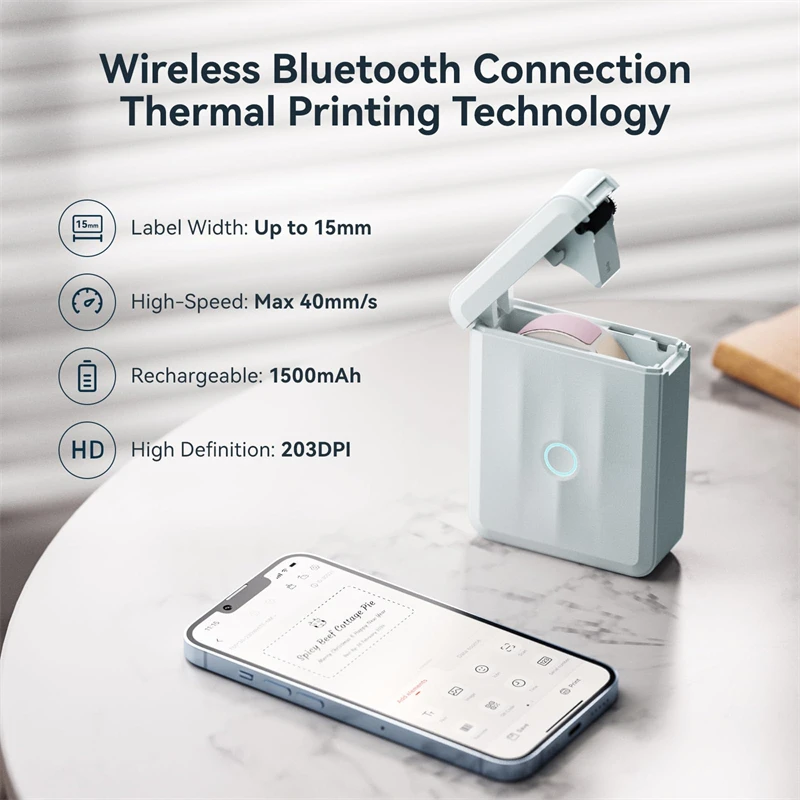
Battery-capacity: 1500mAh
Black Print Speed: max 40mm/s
Brand Name: NiiMbot
Certification: CE,FCC,RoHS,KC,weee
Charging time: 3-4 hours
Color: White, Green, Blue
Color Print Speed: No
Consumable Type: Thermal Paper
Dot Matrix Printer Type: Universal ticket printer
Double-sided Printing: No
High-concerned chemical: None
Interface Type: Bluetooth
Internal Memory: None
Material: ABS
Max Paper Size: A0
Max. Resolution: 203dpi
Net weight: 149g
NiiMbot Model: D110M
Operating temperature: 5~45℃
Origin: Mainland China
Paper Feed Mode: Roll Feed
Print Speed: 20ppm
Print Width: 12-15mm
Printing Speed: max 40mm/s
Printing Technology: Thermal portable printer
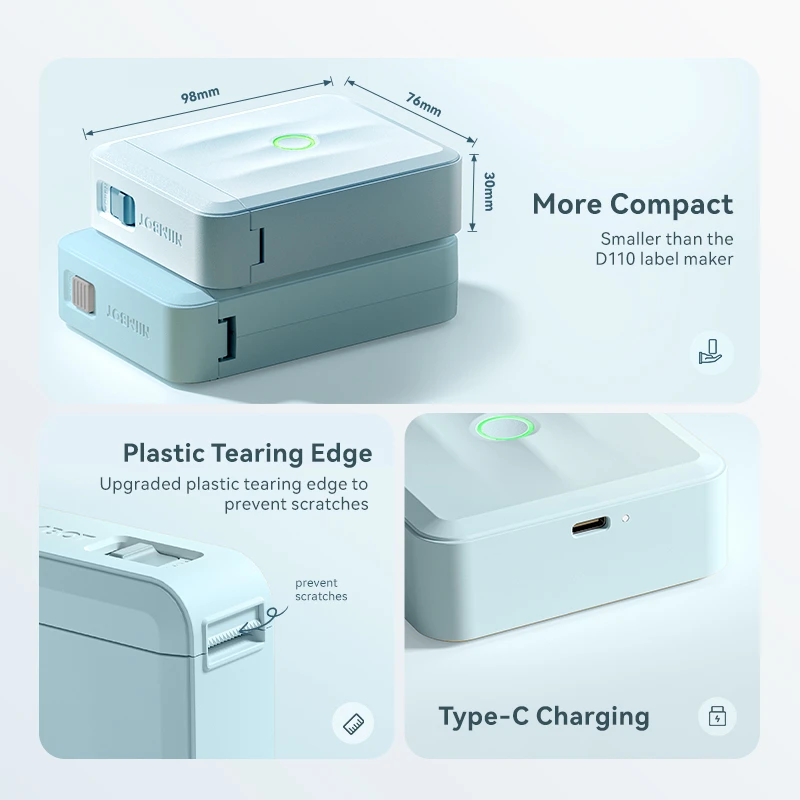
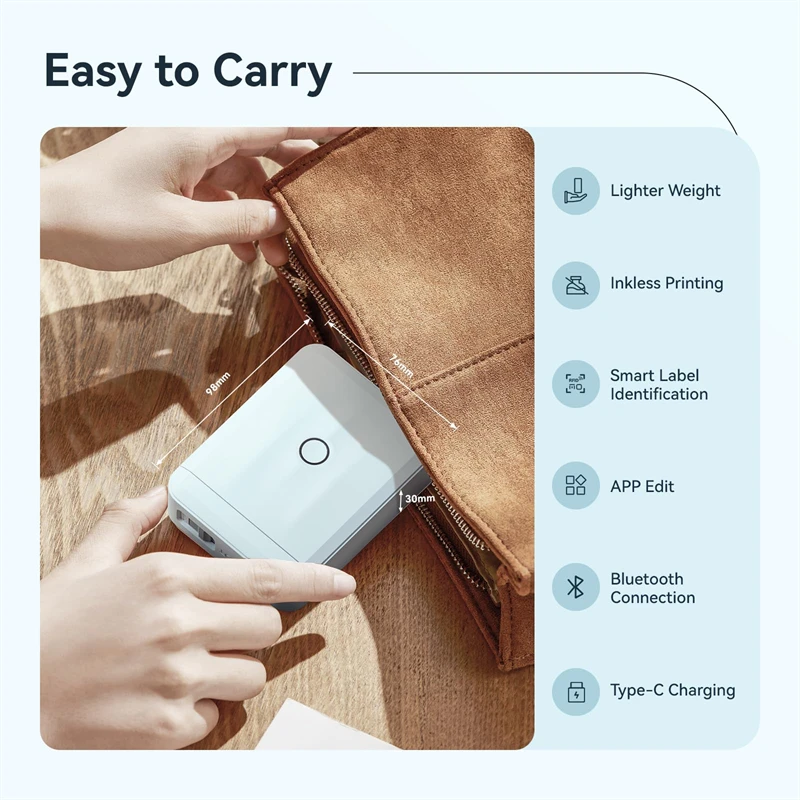
Product Size: 98*76*30mm
Signal Connection Type: Bluetooth
Size: 98*76*30mm
Supports Network Printing: No
Type: Thermal Printer
Use: Label Maker
Voltage: 100-240V
Weight: 1.5kg

 Niimbot D110 Mini Portable Thermal Printer Smart Pocket Self-adhesive Label Printer Bluetooth Price Label Sticker Maker For Home
*Product size: 98*76*30mm
*Product net weight: 149g
*Resolution: 203dpi
*Printing speed: max 40mm/s
*Print Width: 12-15mm
*Printing Technology: Thermal
*Operating temperature: 5~45℃
*Battery-capacity: 1500mAh
*Charging interface: Type-C
*Charging time: 3-4 hours
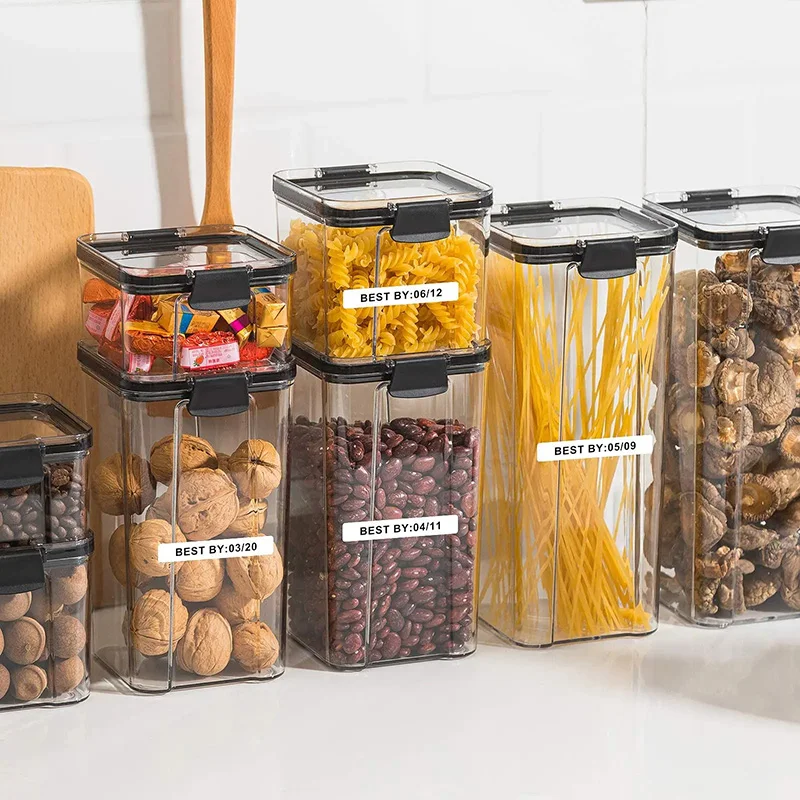
*Applicable industries: Home - living room, kitchen, bedroom storage, etc.
【New Upgrade】
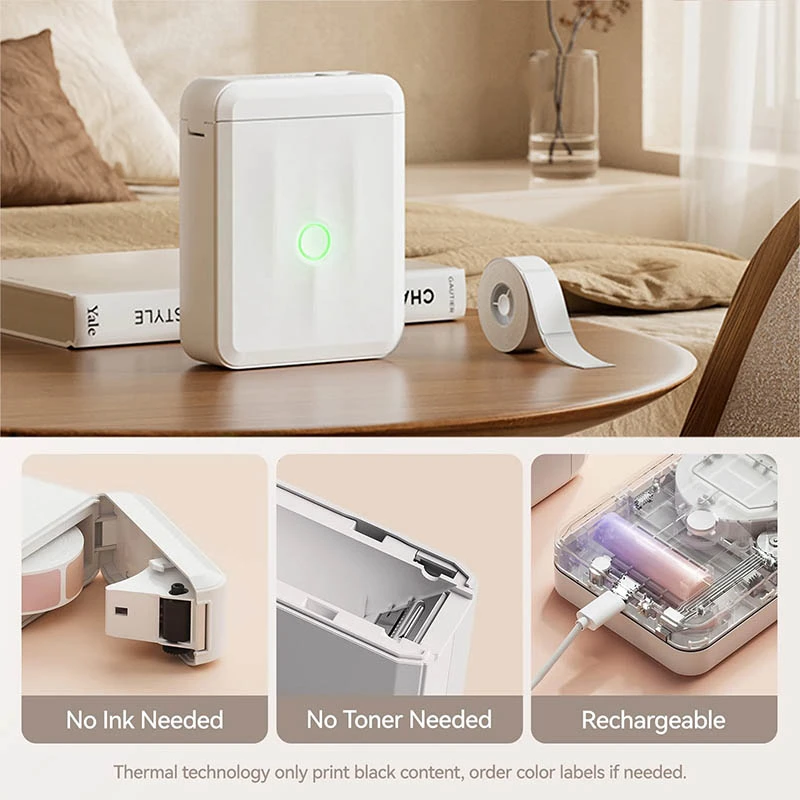
NIIMBOT D110 Upgraded Version mini bluetooth labeler measuring just 149g.
Smaller and smarter than the D110 label maker, experience true and portable mini!
Wireless Bluetooth label maker can slip into your pocket.
【High-quality Printing】
Label maker without BPA direct thermal technology equipped with 203DPI resolution print head, you can enjoy high-definition without relying on ink or toner.
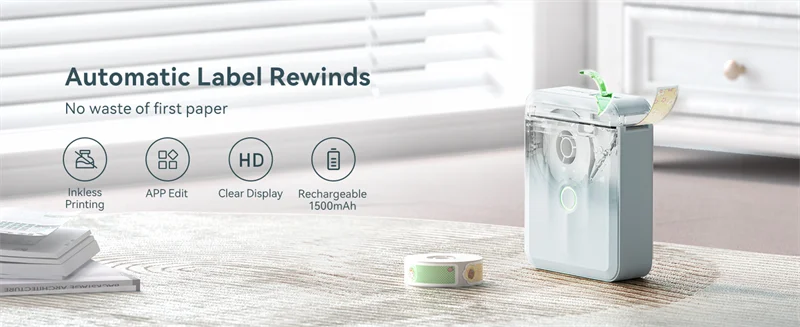
【Smart Label Rewinds】
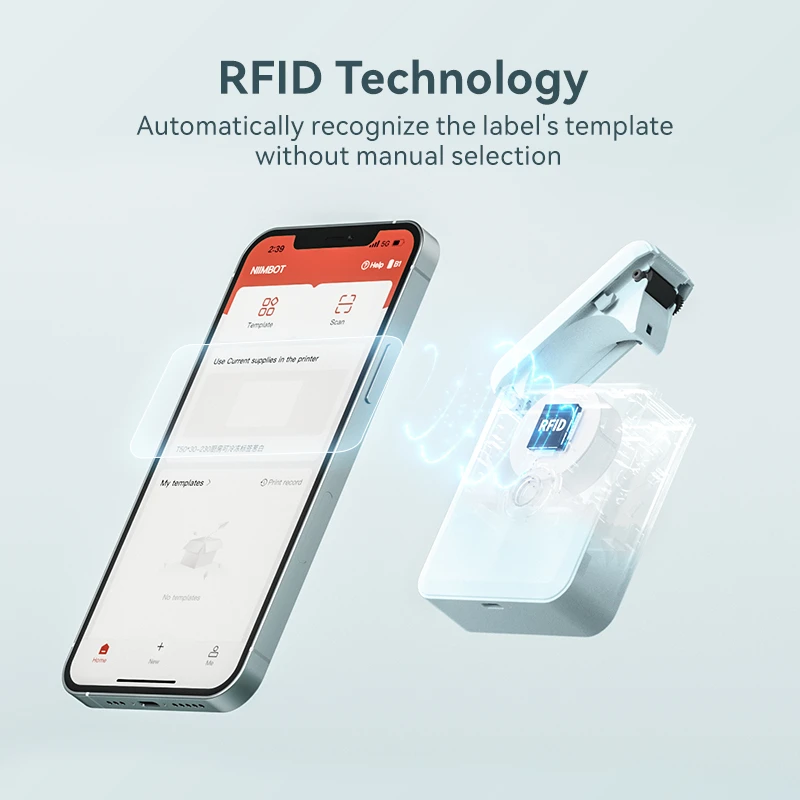
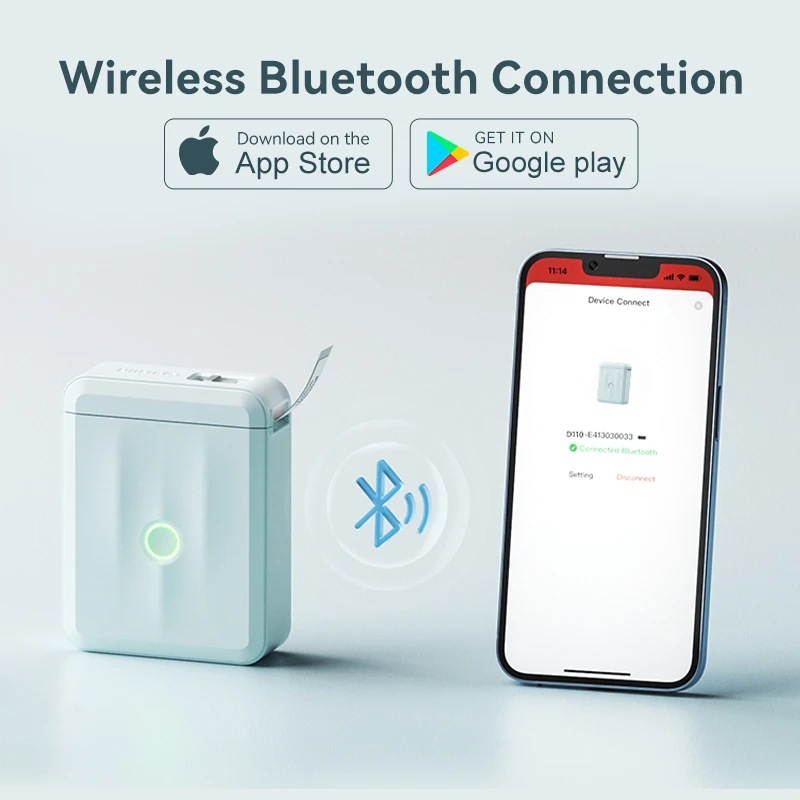
Wireless design, supports long distance printing with bluetooth. Support automatic recognition of label paper.
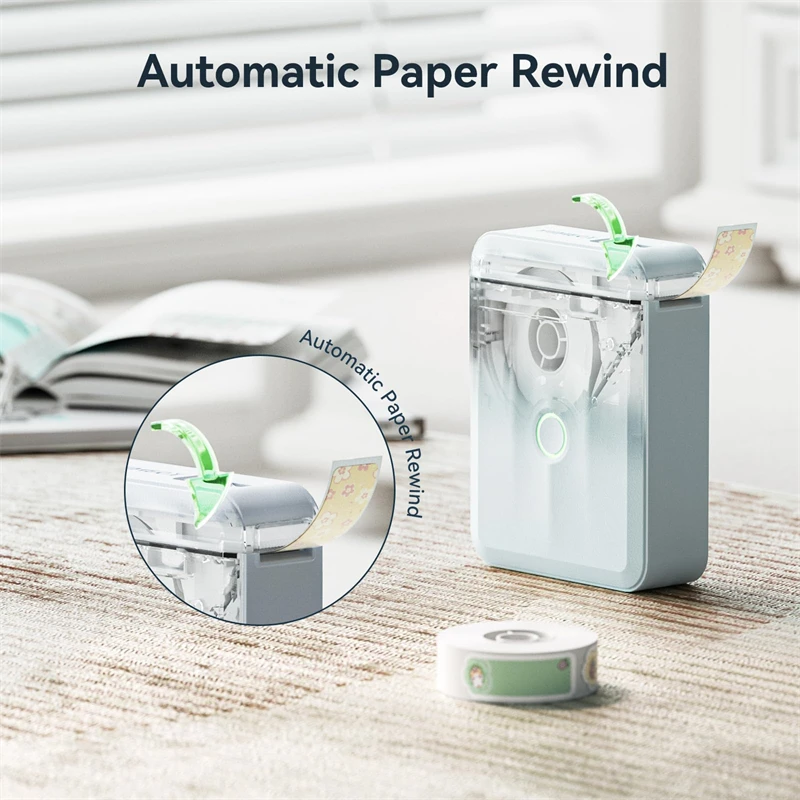
Upgraded the automatic paper return positioning function, and the position of the first label is automatically calibrated when the label maker is turned on. Effectively avoids printing offset problems and does not waste the first paper and automatic label recognition.
【Rechargeable 】
Built-in rechargeable battery with 1500mAh large capacity can work for a long time.
【Powerful NIIMBOT APP】
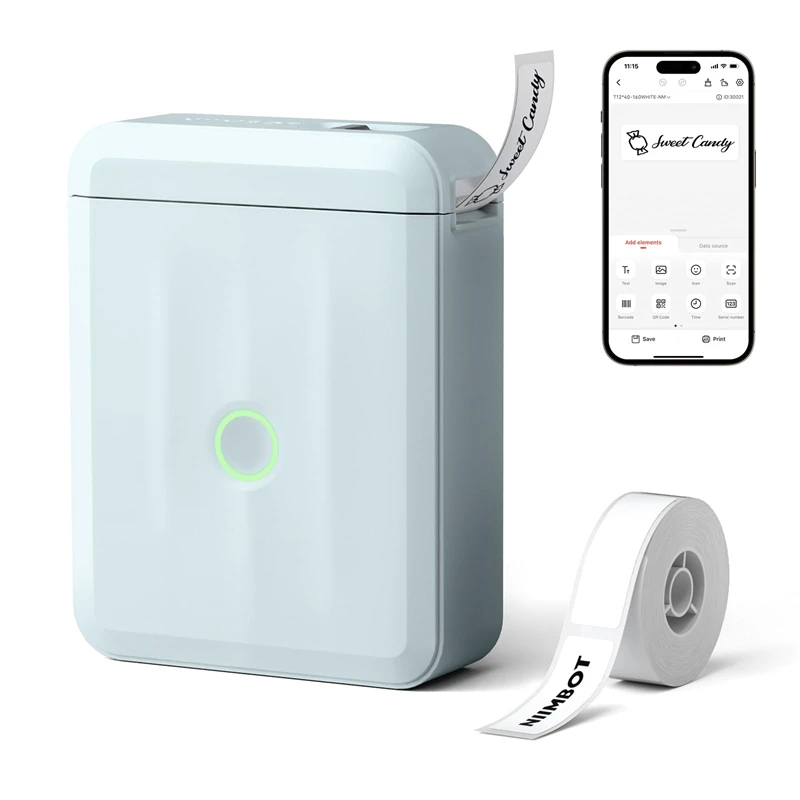
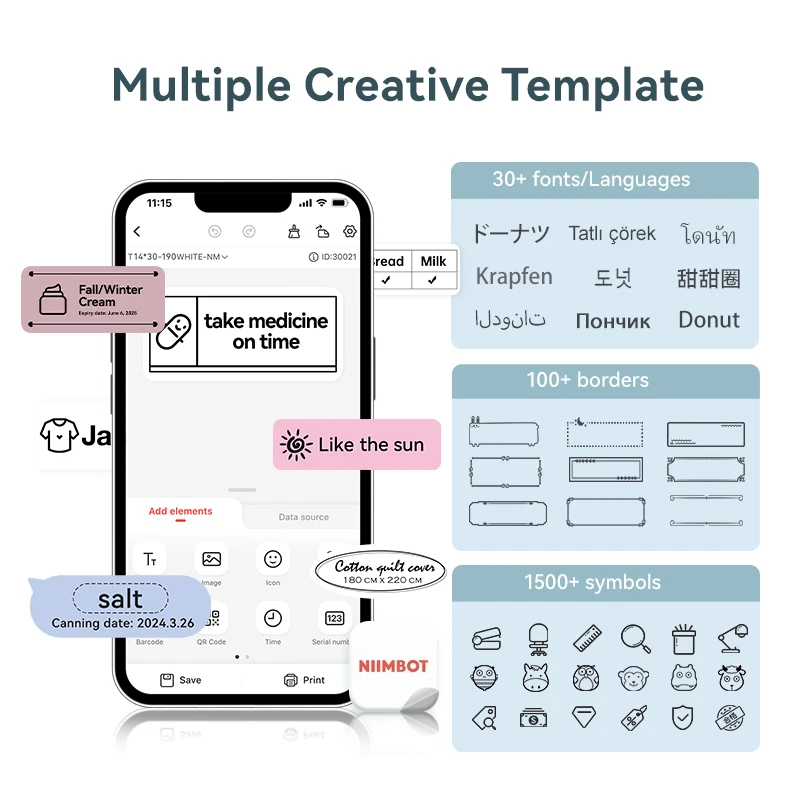
Our free NIIMBOT APP have functions like automatic templates matching, scan, image recognition, batch printing, serial number are offered, 20+ fonts, 1000+ icons, 100+ borders are provided for custom label designs.
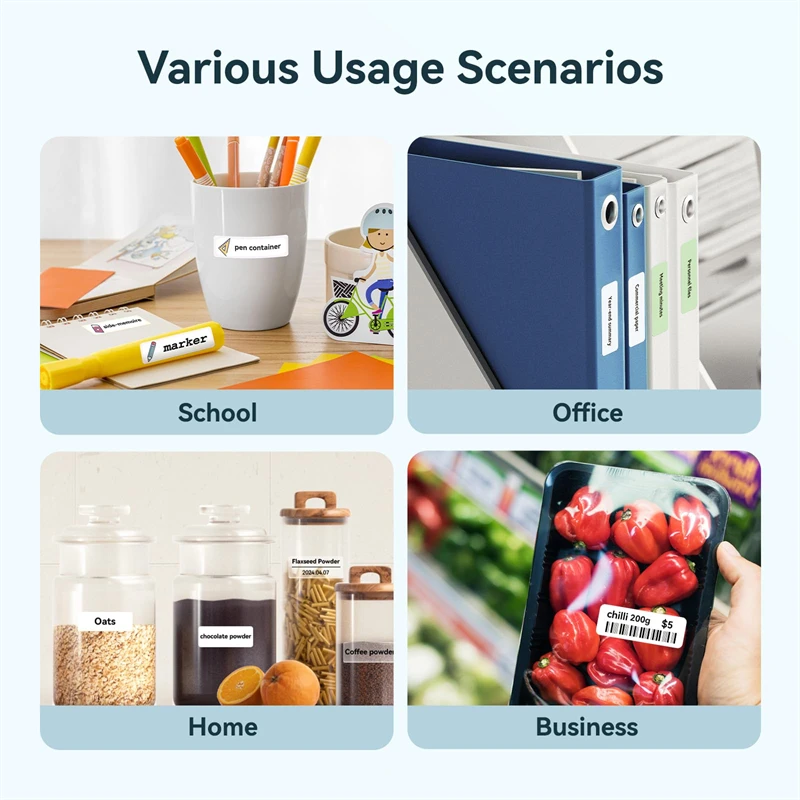
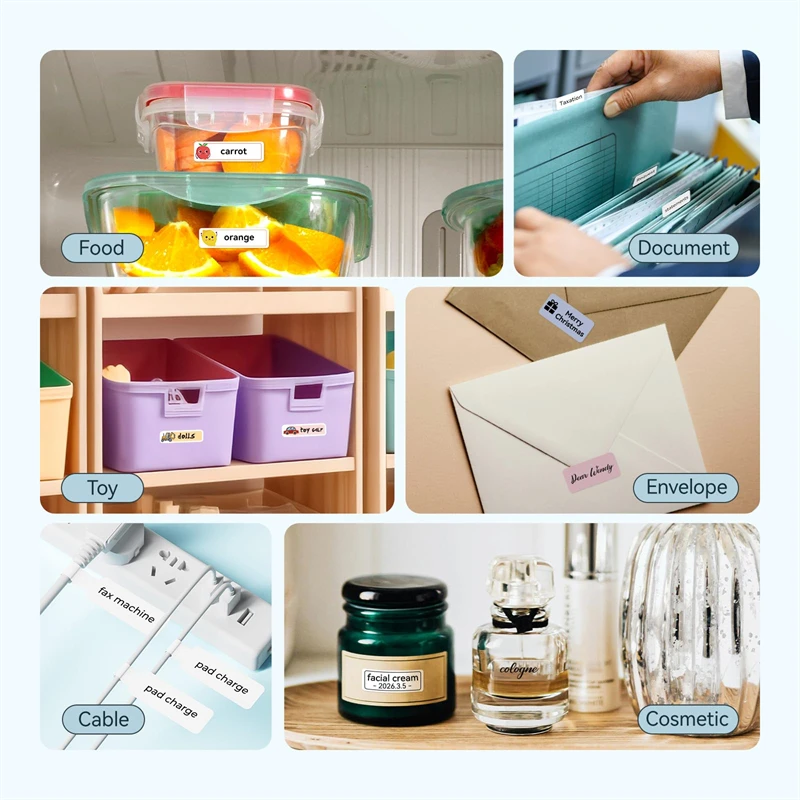
You can print product labels, address labels, ingredient labels, price labels, clothing labels, jewelry labels, etc. using functions such as text, pictures, QR codes, and barcodes.
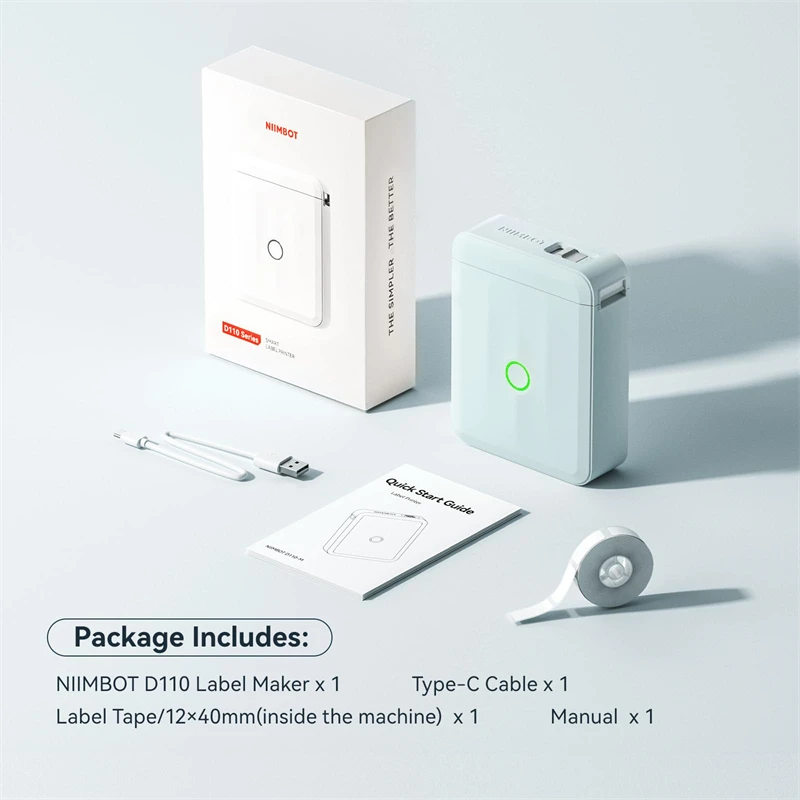
*User Manual
*Type-C Cable
*Gift: 1 roll of white label paper (Inside the printer)
【High quality label paper】
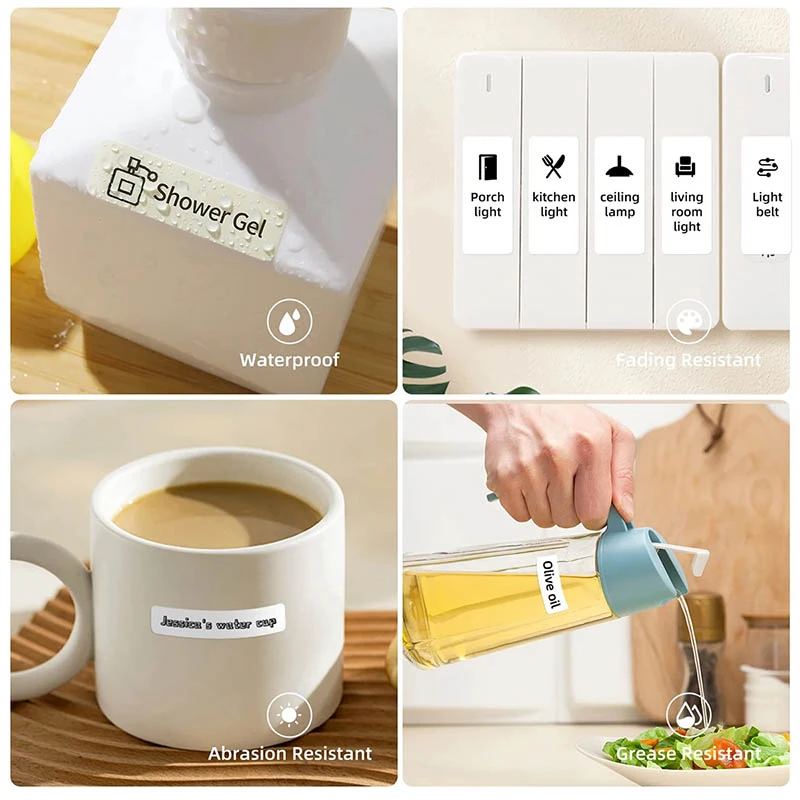
NIIMBOT label is long-lasting, waterproof, wipeable, tear-resistant, self-adhesive, abrasion resistant and BPA free.
Variety styles of thermal label tapes, such as white, color, cable cord labels and rare transparent labels.
【Usage steps】
Our service agreement is very safe, please rest assured to download the APP. Please follow these installation steps,Once you start using it, you will like it very much.
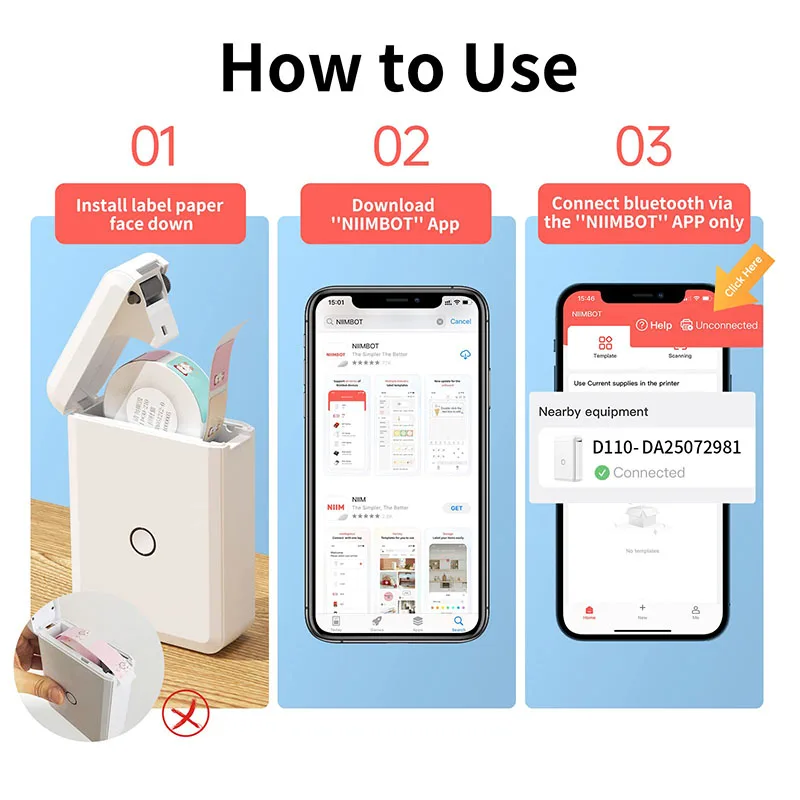
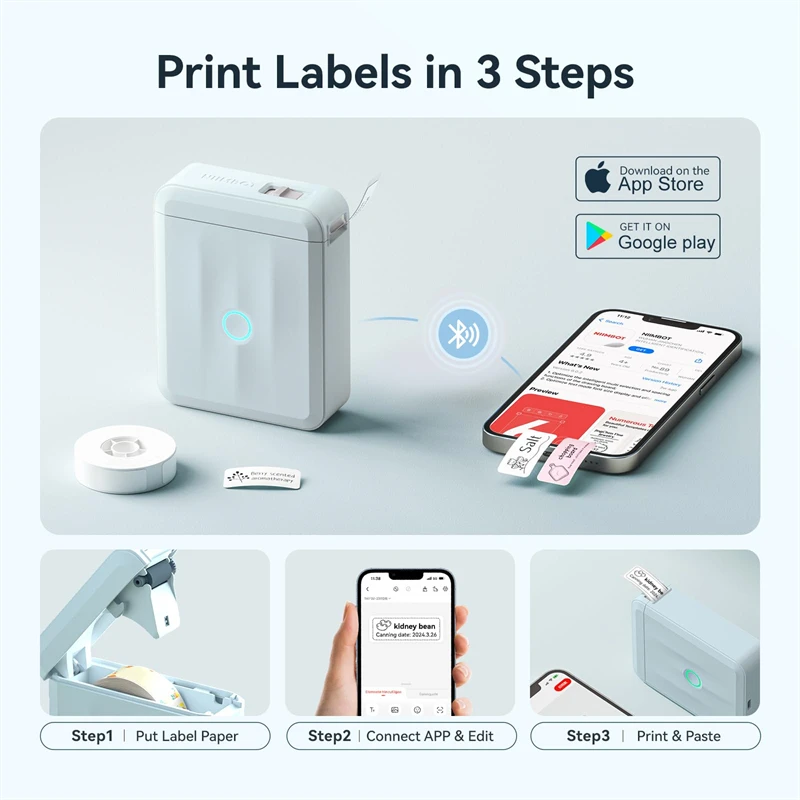
1, Download the App "NIIMBOT" from Apple Store/Google Play.
2, Turn on Bluetooth, open the “NIIMBOT” App and connect to the B21 printers.
3, Click on the automatically recognized template and edit it.
4, When printing, please ensure that the printed content is within the red print box, otherwise the complete content will not be printed.
 【Installation Steps】Our service agreement is very safe. Please rest assured to download. Please follow these installation steps,Once you start using it, you will like it very much.
 1.Download the App "NIIMBOT" from Apple Store/Google Play.
2.Open the App and choose the D110 Series Printer.
3.Connect D110 printer in “NIIMBOT” App,not in system settings.
4.When loading the paper, please make sure the sticker side facing down.
5.When printing, please ensure that the printed content is within the red print box, otherwise the complete content will not be printed.