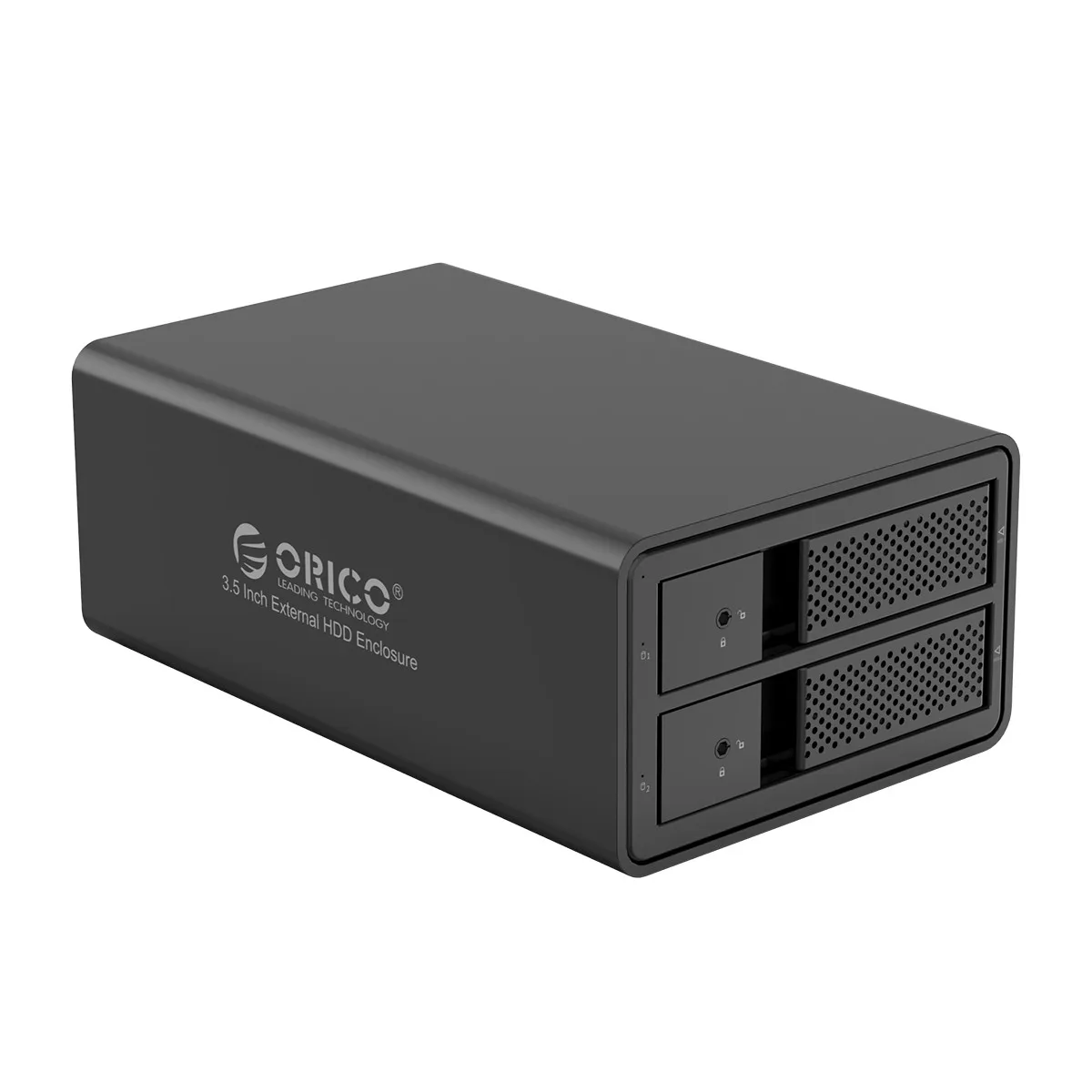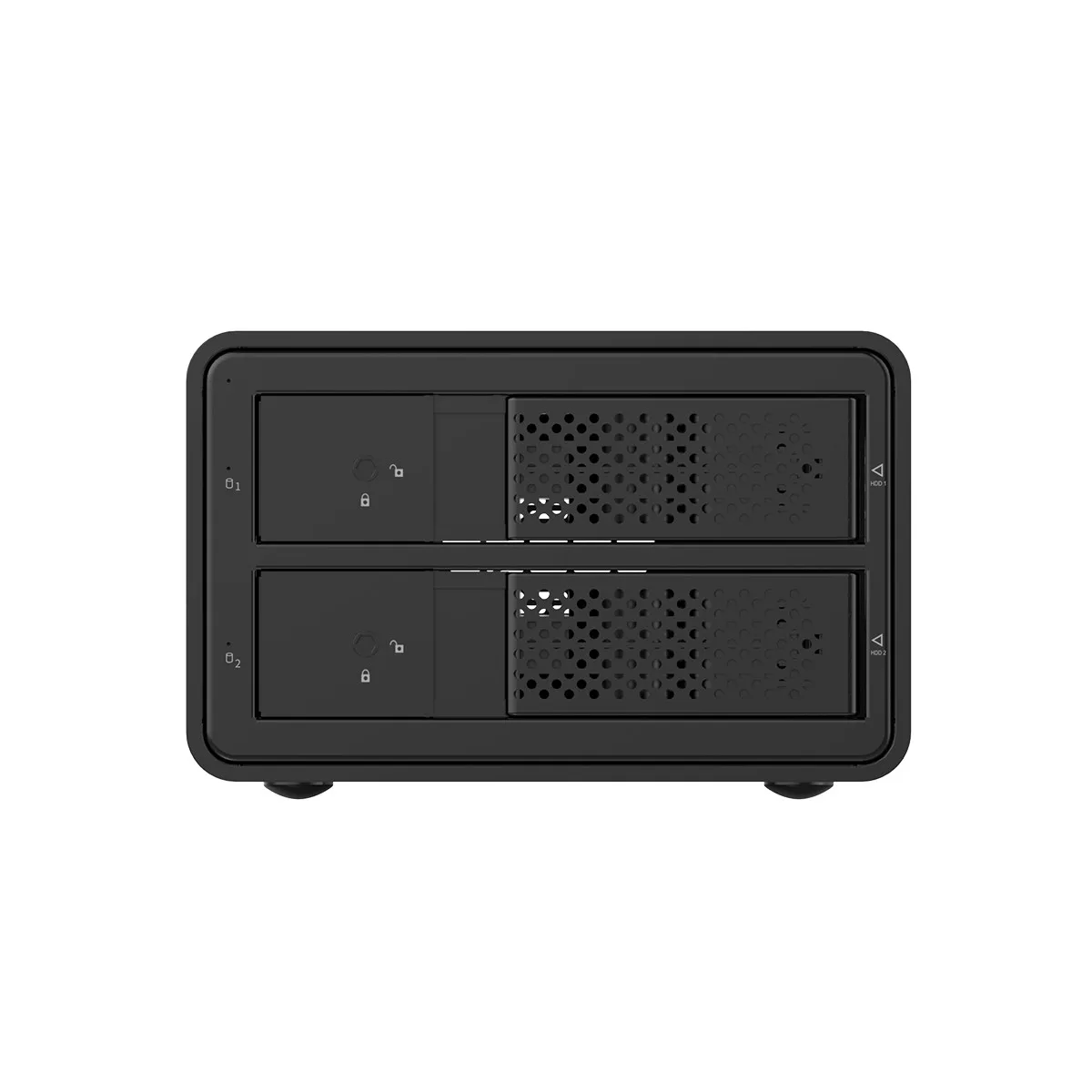


ORICO 95 Series 2 bay 3.5'' USB3.0 to SATA With RAID HDD Docking Station Aluminum HDD Enclosure 36W Power Adapter HDD Case
DARAHUB Store
SPECIFICATIONS
Brand Name: Orico
Case Material: aluminum
Color: Black
External Interface: USB
Function: Tool free/Hot-swap
Function 1: HDD Raid Enclosure
Function 2: HDD Docking Station
Function 3: HDD Raid Enclosure
Function 4: Raid HDD Case
Function 5: With Fan
High-concerned chemical: None
Interface: USB3.0 SATA 3.0
Internal Interface: SATA
Item: Dual bay HDD Enclosure With Raid
Material: Aluminum
Model Number: 9528RU3
Origin: Mainland China
Package: Yes
Size: 2.5",3.5"
Support Raid: Normal/large/RAID 0/1/3/5/10
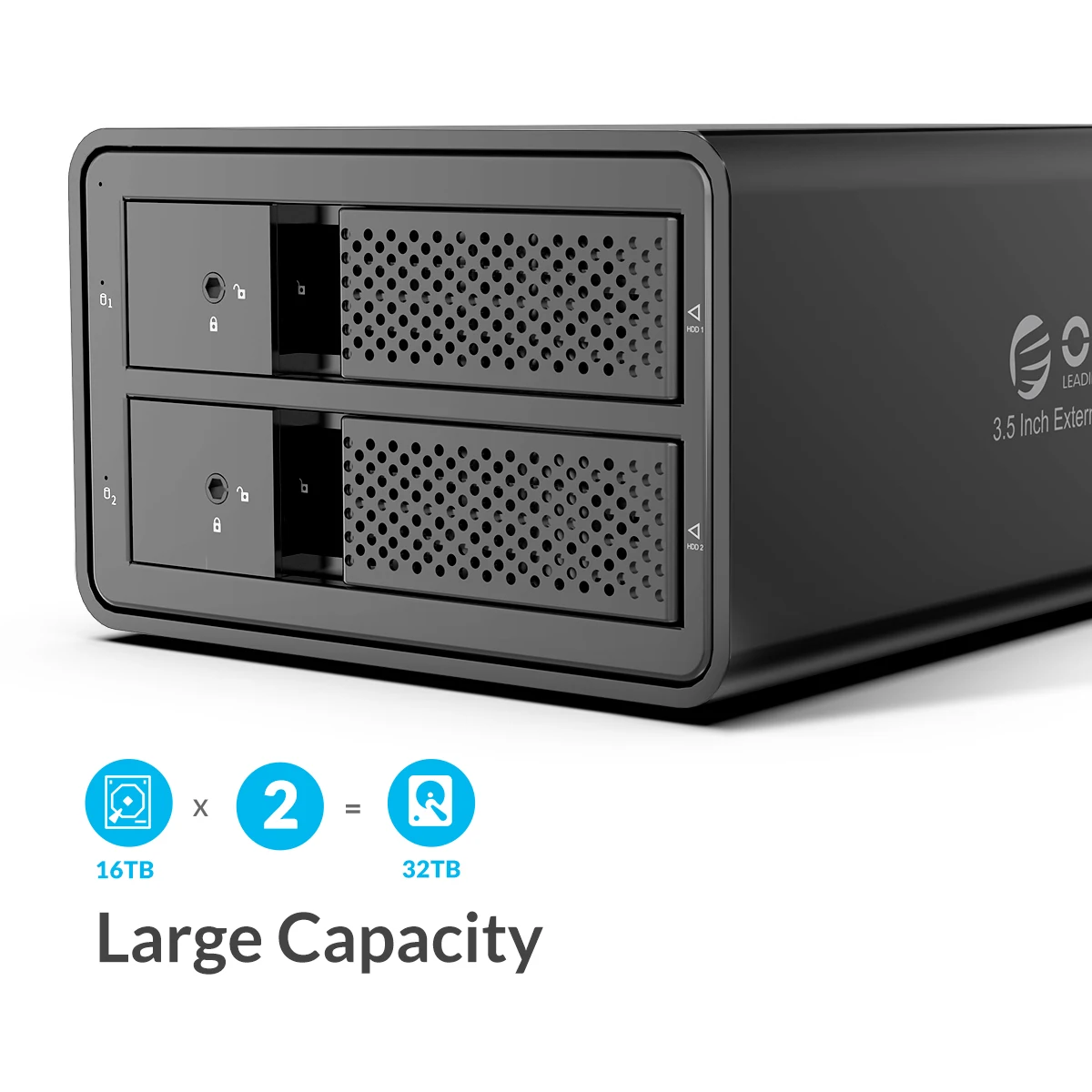
Supporting Hard Drive Capacity: 32TB(2*16TB)
95 Series
2 Bay USB 3.0 to SATA 3.5 inch External Hard Drive Enclosure With Raid Support 32TB (2 x 16TB) Aluminum Alloy HDD Enclosure with UASP, Have Disk Data Storage
Flexible Data Backup Storage Solution
Are you worried lost your data? The 95 series is designed for 4K Video Editing, photographer and professional users that want to protect their valuable data. Suitable for storage capacity, redundancy or backups, such as video editing, photos backup, storage media files or even expand the capacity for Computer/Mac Pro, it’s time to get serious about data.
2 Bay HDD Enclosure with 32TB Capacity
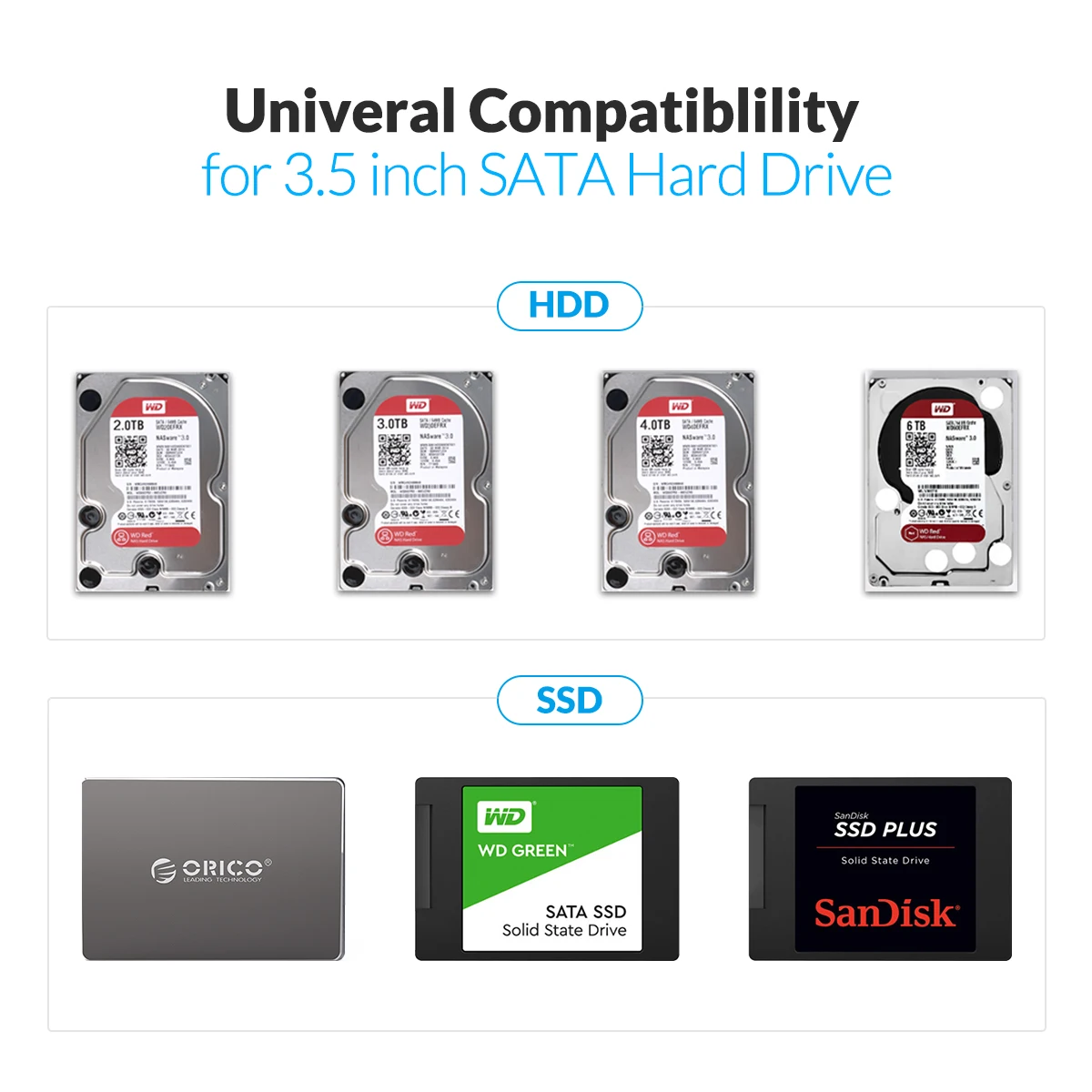
2 Bay External Hard Drive Enclosure, Compatible 3.5" SATA (I / II / III) hard drives, Total Capacity up to 32TB (2 x 16TB hard drive), Built-in JMS567+JMB575 SATA3.0 Dual-Core chip to ensure the Data storage and Transferring's Safety and Stability
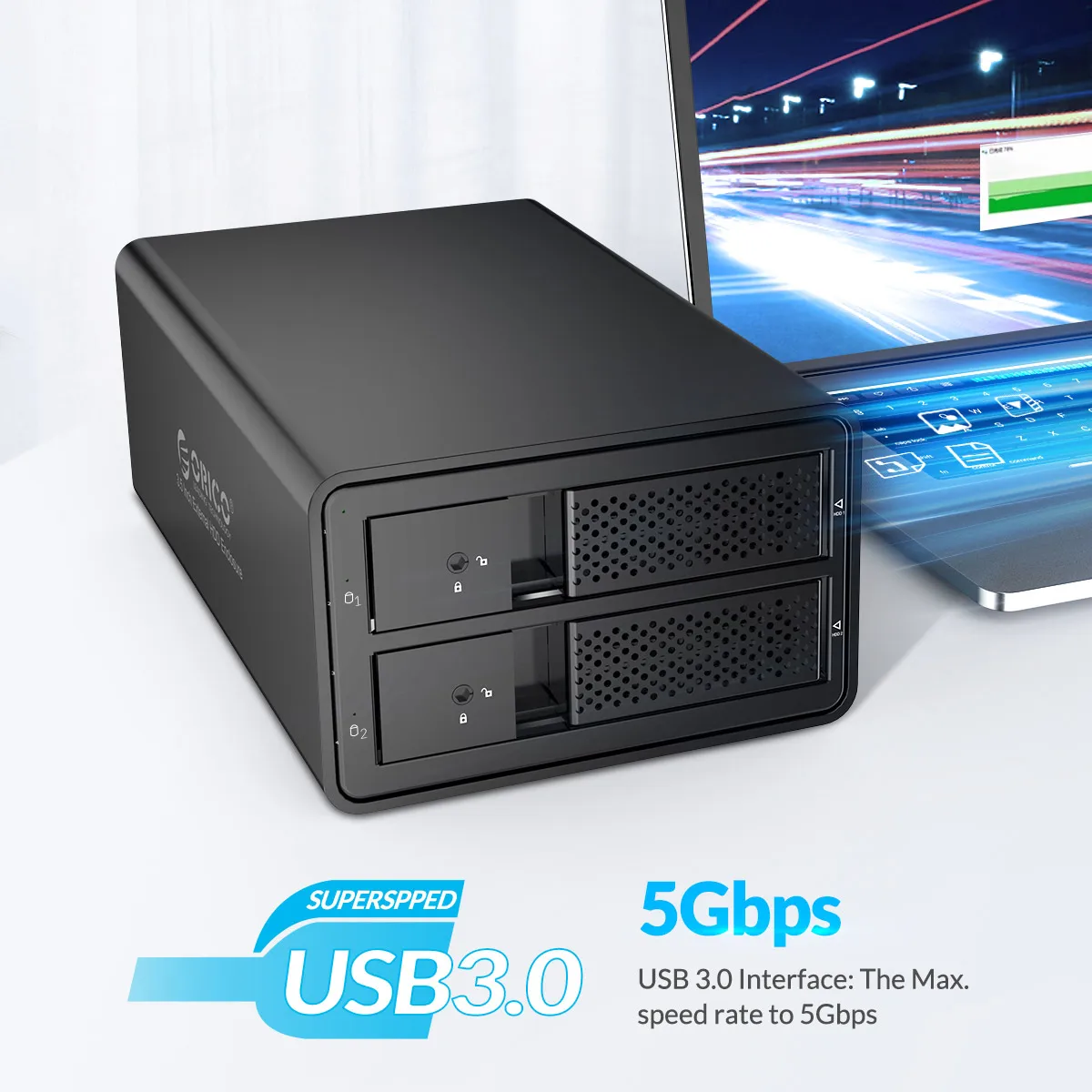
USB3.0 Transfer Speed up to 5Gbps
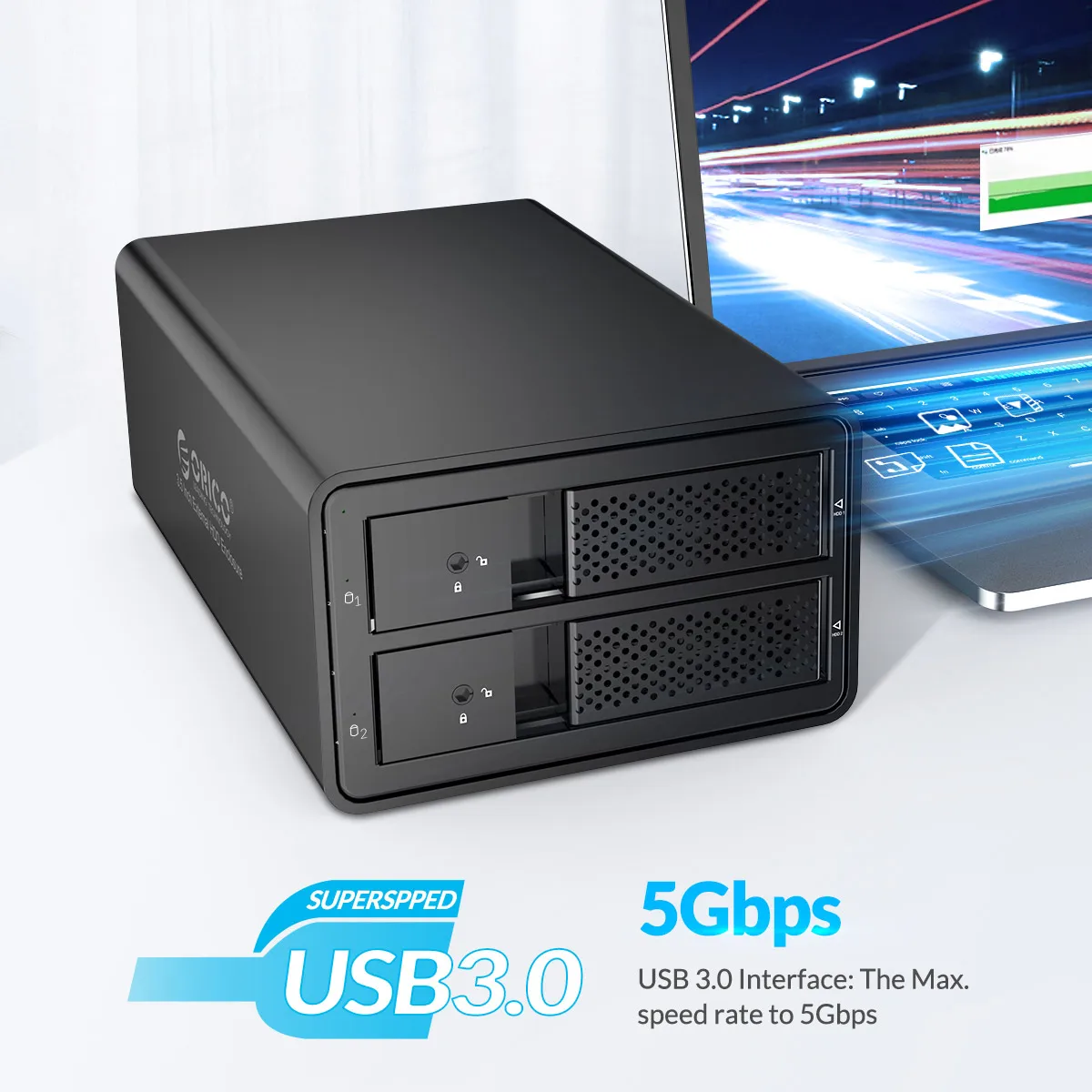
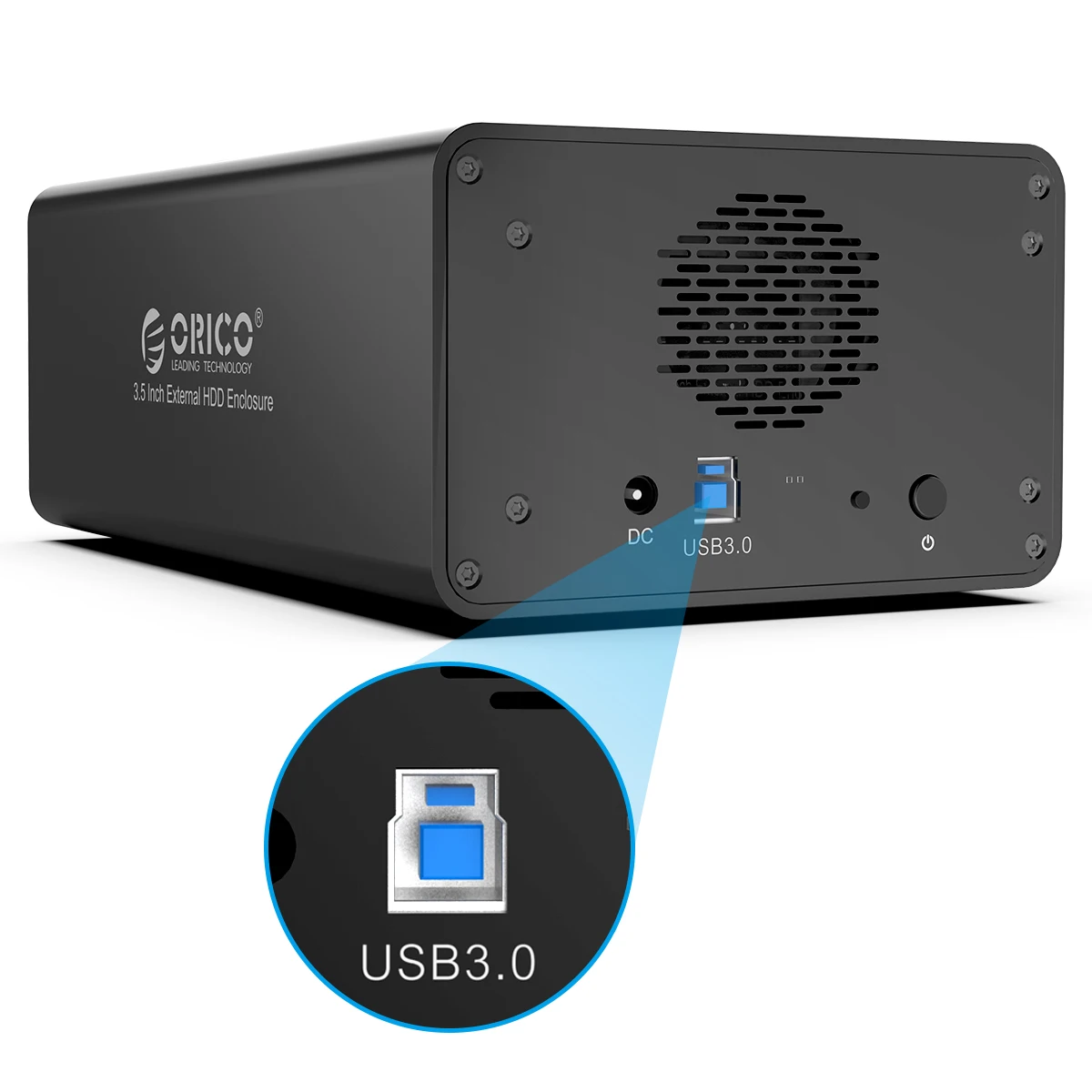
This 2 bay hard drive docking station supports all 3.5" SATA hard disks, USB3.0 to SATA3.0 high-speed transmission, Speed up to 5Gb/s, backward compatible with USB 2.0 / 1.1, Activity LED indicator disk access status.
Dissipates Heat Efficiently
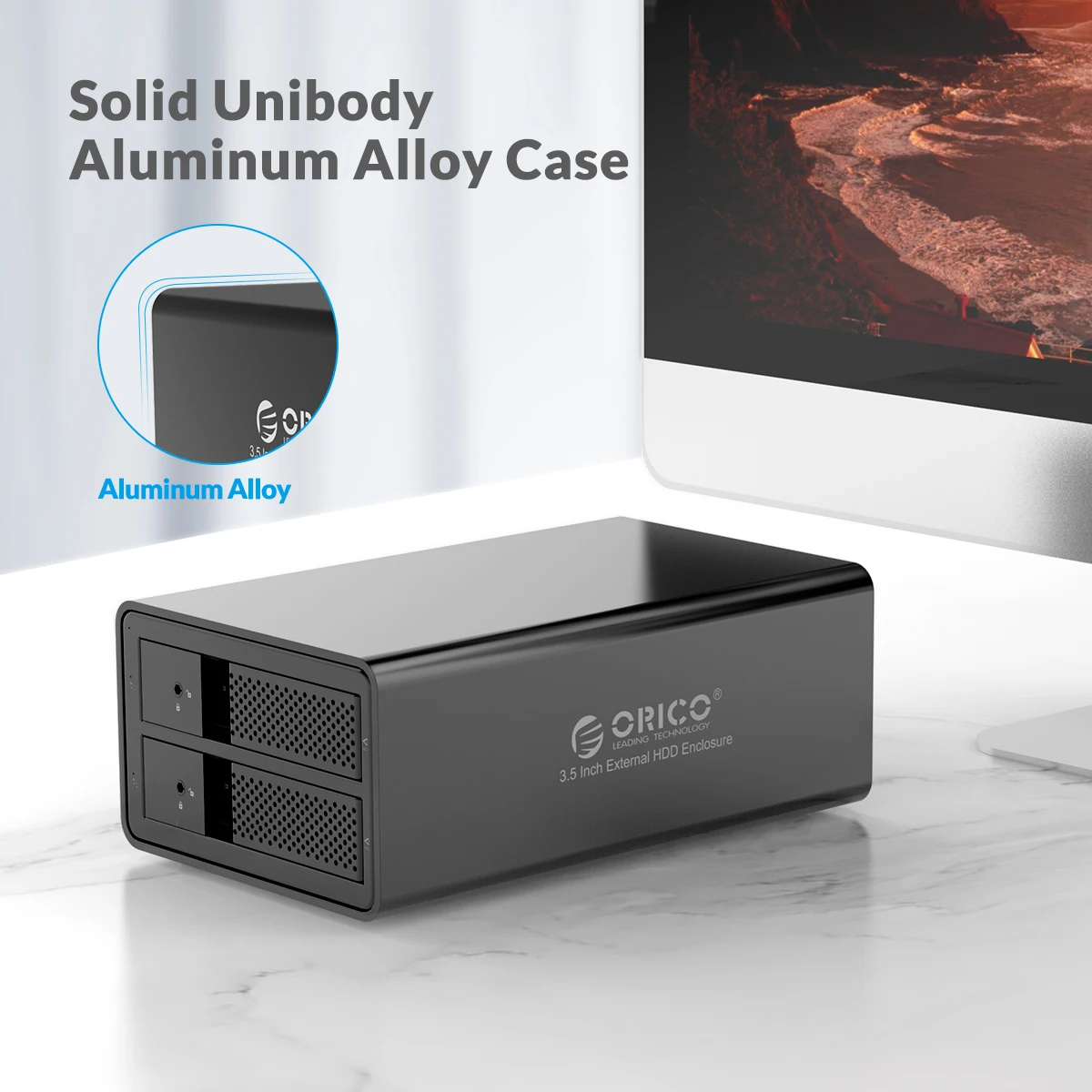
The 2 Bay HDD Enclosure Features an Unibody Aluminum-Alloy Shell, good in heat dissipation, up to 4mm thickness which is firm and reliable, Designed with ventilation holes helps speed up the air circulation and heat ventilation to effectively cool the drive and whole system for stable operation and an extended lifespan.
PLUG and PLAY, HOT SWAP
Tool Free design mounts drives without tools and screws in seconds, hot-swapping supported, plug and play. The 3.5 inch HDD enclosure Compatible with Windows XP/ VISTA/ Windows 7/ 8 /8.1/ 10/ Linux/ Mac 9.1/10.2 or higher computer and laptop.



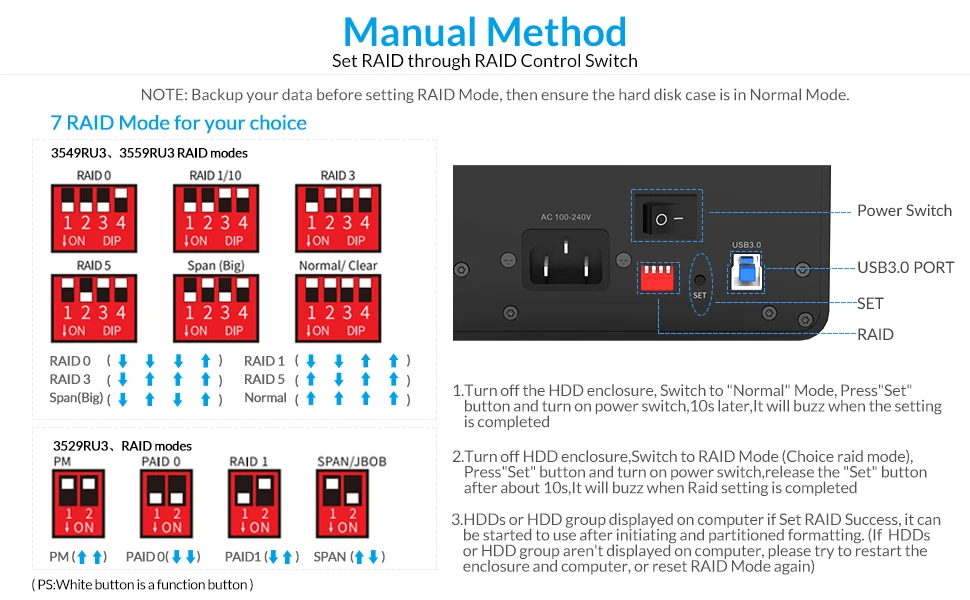
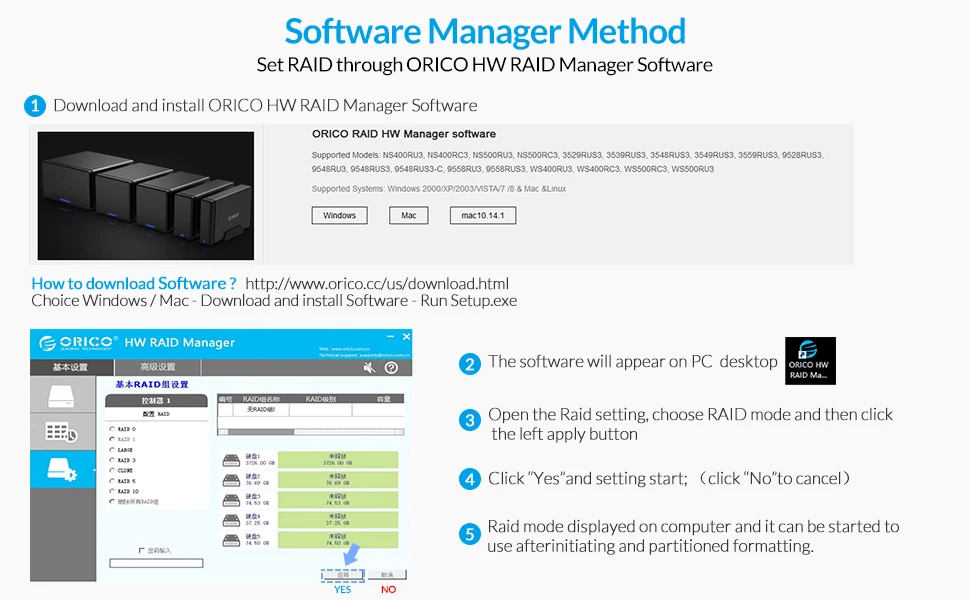
Methods to Set RAID Mode
Manual Method or Software Manager Method
Tips
When using the array lever on the back of the dual-bay array model to perform group array operations, the device will not emit a beep. This does not affect normal use of the product and setup of the array. Be sure to double-check the lever settings to confirm that the array is configured correctly.
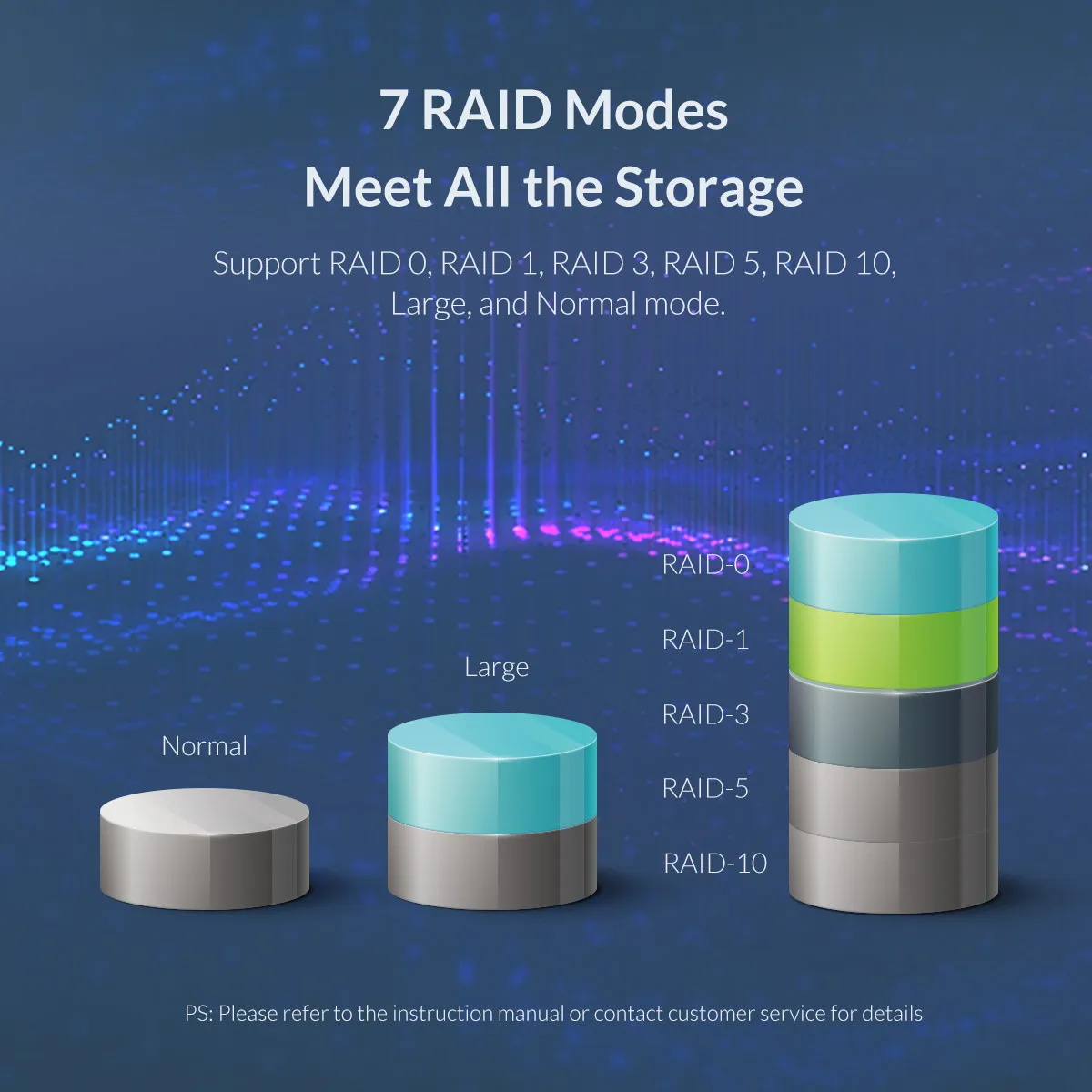
7 RAID Modes for your choice
RAID 0: Merge all HDD's capacity in the HDD enclosure and upgrade it's performance (reading and writting speed)
RAID 1: Two HDD's in the HDD enclosure can backup each other, cannot upgrade it's performance(reading and writing speed), and it can support self restoration function (RAID 0 and SPAN modes cannot support this function), which makes files can be restored when mistaks and faults occur.
PS: RAID 1 can only support 2 HDDs
RAID 3 and RAID 5 require 3 or more hard drives, one of which will be used for backup data, and the remaining hard drives will be combined for your use.
RAID 3 or RAID 5 not only ensures data security, but also provides certain performance improvements, it's the most economical RAID solution and is suitable for most users
RAID 10 = RAID 0 + RAID 1
Big/JBOD: Merge all HDD's capacity in the HDD enclosure to make it easy to manage but can not upgrade it's performance
Normal : means normal state, all HDDs in the HDD enclosure work independently without forming any RAID modes
Note:
RAID mode needs 2 or more HDDs
Please backup all files before setting or changing RAID mode
Please don't move HDD when it's in RAID mode.
Please in Normal mode before setting or changing RAID mode
More details please see in User Manual.


Black Color