


ORICO M.2 NVMe SATA SSD Enclosure Adapter Tool-Free USB C 3.2 Gen 2 10Gbps NVMe 5Gbps NGFF SATA PCIe with Metal Heat Sink
DARAHUB Store
SPECIFICATIONS
Brand Name: Orico
Case Material: aluminum
Compatible SSD Size: 2230/2242/2260/2280mm
External Interface: USB
Feature: Tool Free Installation
High-concerned chemical: None
Item: M.2 NVMe SATA SSD Enclosure
Model Number: ORICO PWDM2-G2
Origin: Mainland China
Package: Yes
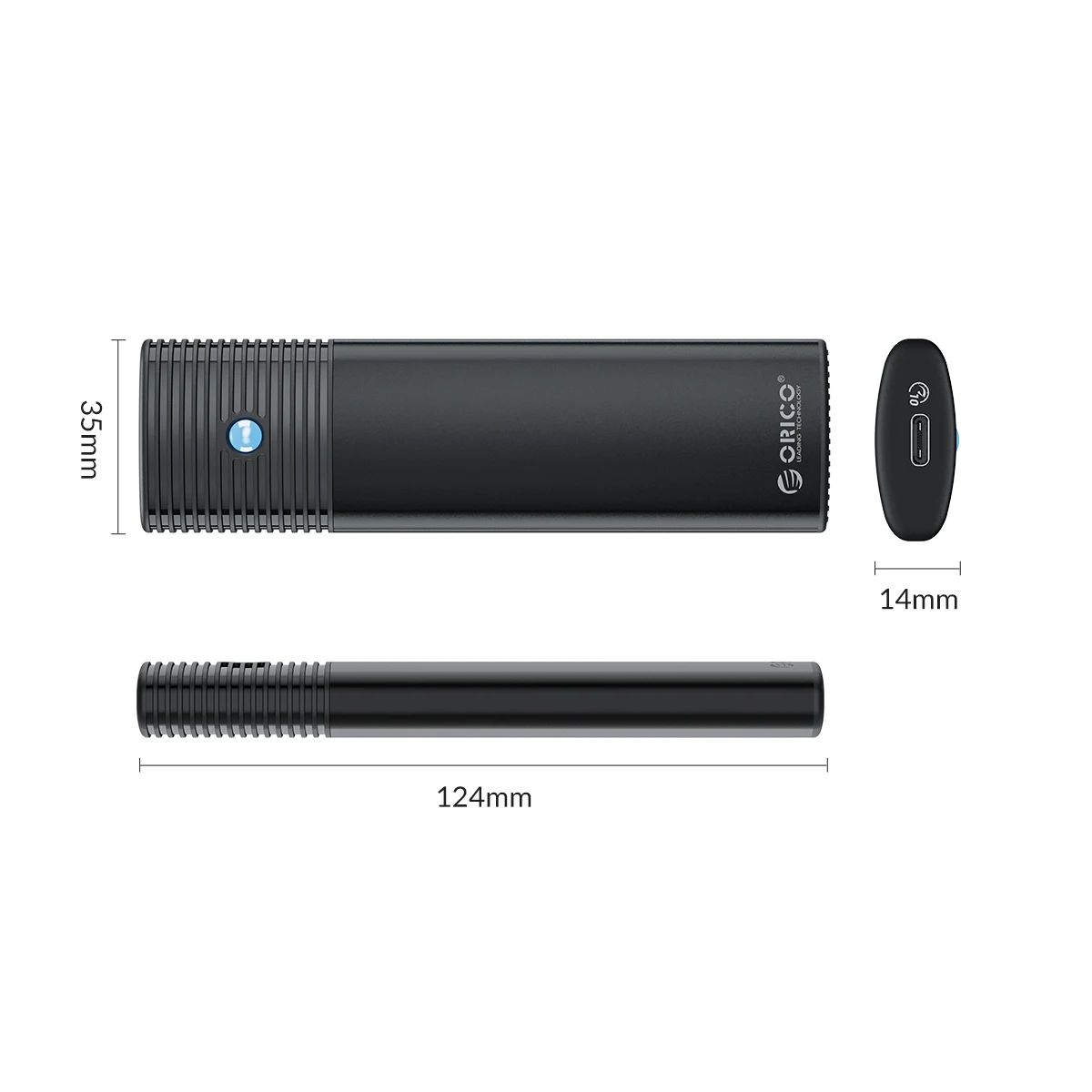
Size: 1.8",124*35*14mm
Supporting Hard Drive Capacity: 4TB

Why choose ORICO M.2 SSD enclosures?
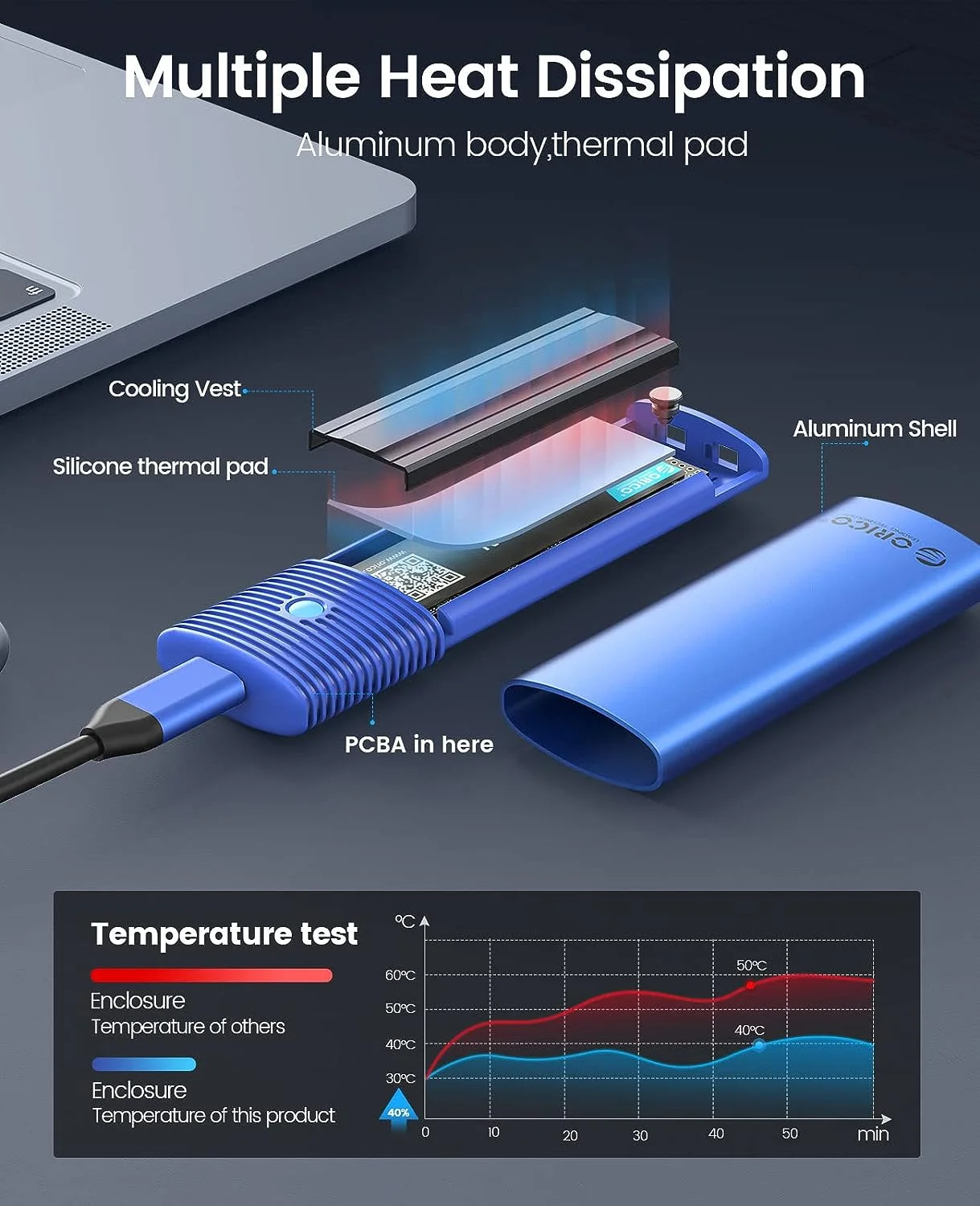
Built-in Metal cooling vest,silicone thermal pad and aluminium body, heat dissipation is fast.
Tool-free,Easy to assemble.Open and lock the case with one click to prevent SSD from slipping out.
Portable and durable, which is very suitable for driving. Internal SSD is firmly using rubber fastener, and it is not easy to pop up at will.
Support UASP, TRIM, SMART, 70% faster than conventional USB 3.1 read speed, 40% faster write speed, automatically identify errors, ensure file data security.
Compatibility SSD size:2230/2242/2260/2280. Compatible with multiple operating systems: Windows, Mac OS, Linux, Android.
If you're looking to transfer your computer's OS and/or files to a new M.2, you definitely need to consider using ORICO's M.2 NVMe SATA SSD Enclosure to get the job done quickly and smoothly.

Improve Heat Dissipation
Built-in Metal cooling vest,silicone thermal pad and aluminium body, heat dissipation is fast. (SATA 5Gbps Model is not included cooling vest).
USB3.2 Super Speed
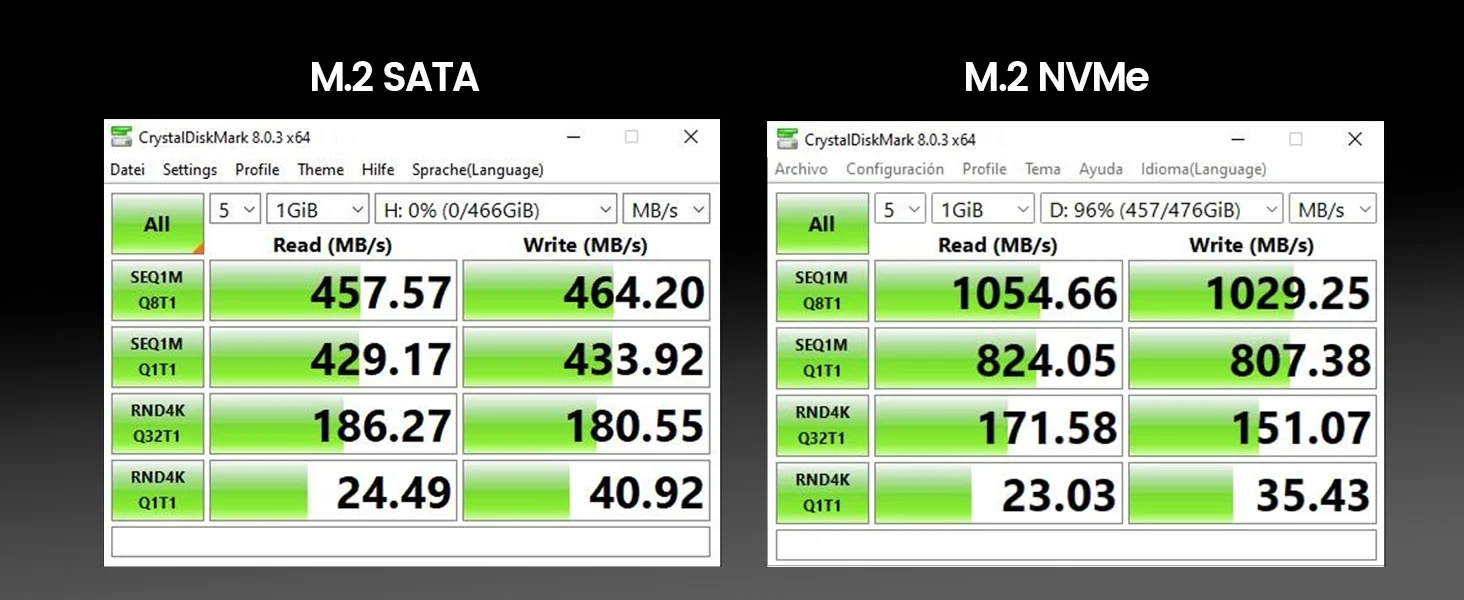
When using NVMe SSD, the transmission rate is 10Gbps and the read and write speed is 1000MB/s. When using M.2 SATA SSD, the transmission rate is 5Gbps, and the reading and writing speed is 450MB/s.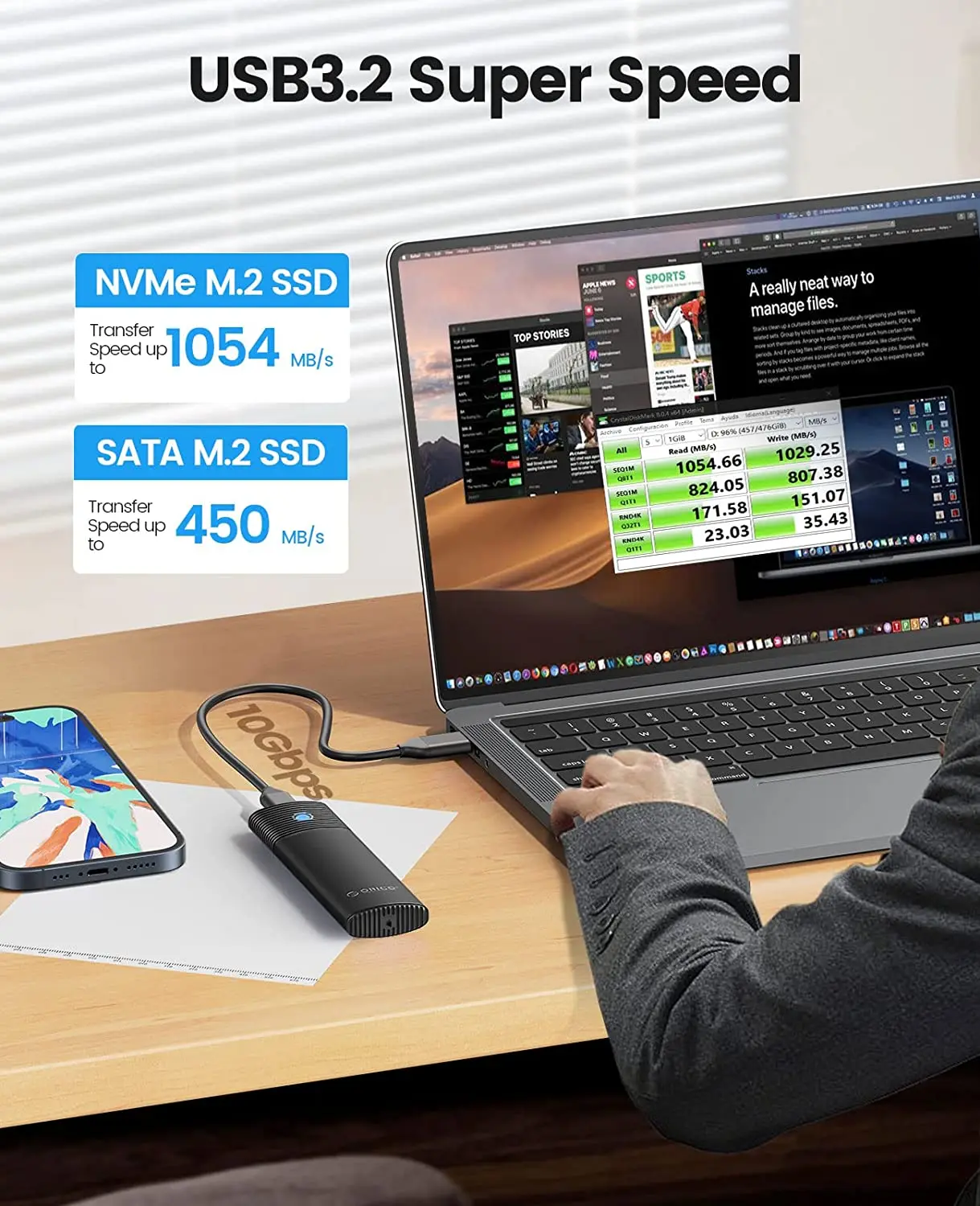
 Acceleration Protection
Support UASP, TRIM, SMART, 70% faster than conventional USB 3.1 read speed, 40% faster write speed, automatically identify errors, ensure file data security.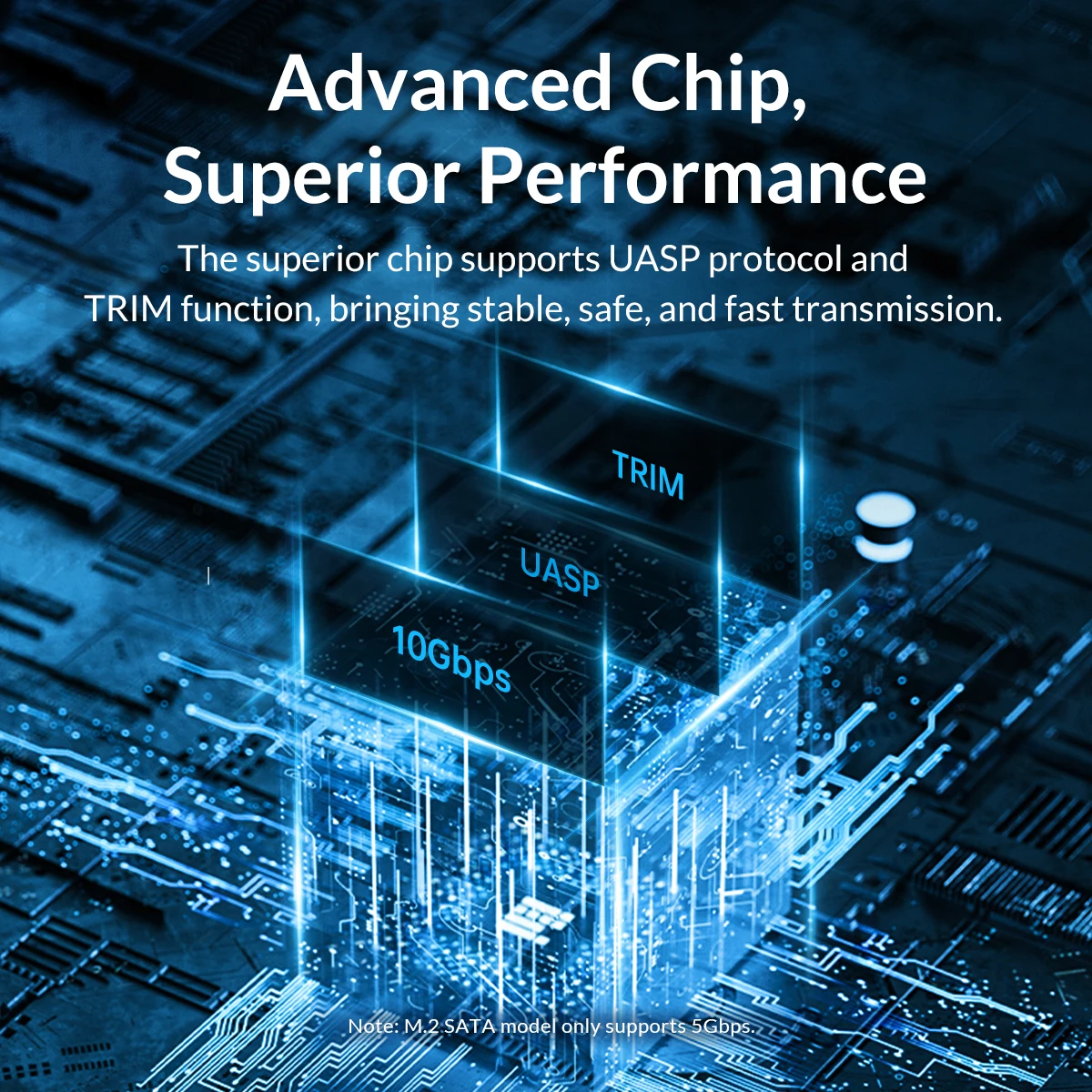
Tool-free,Easy to assemble
Use a little rubber plug, No tools required,Slide the endcap to unlock.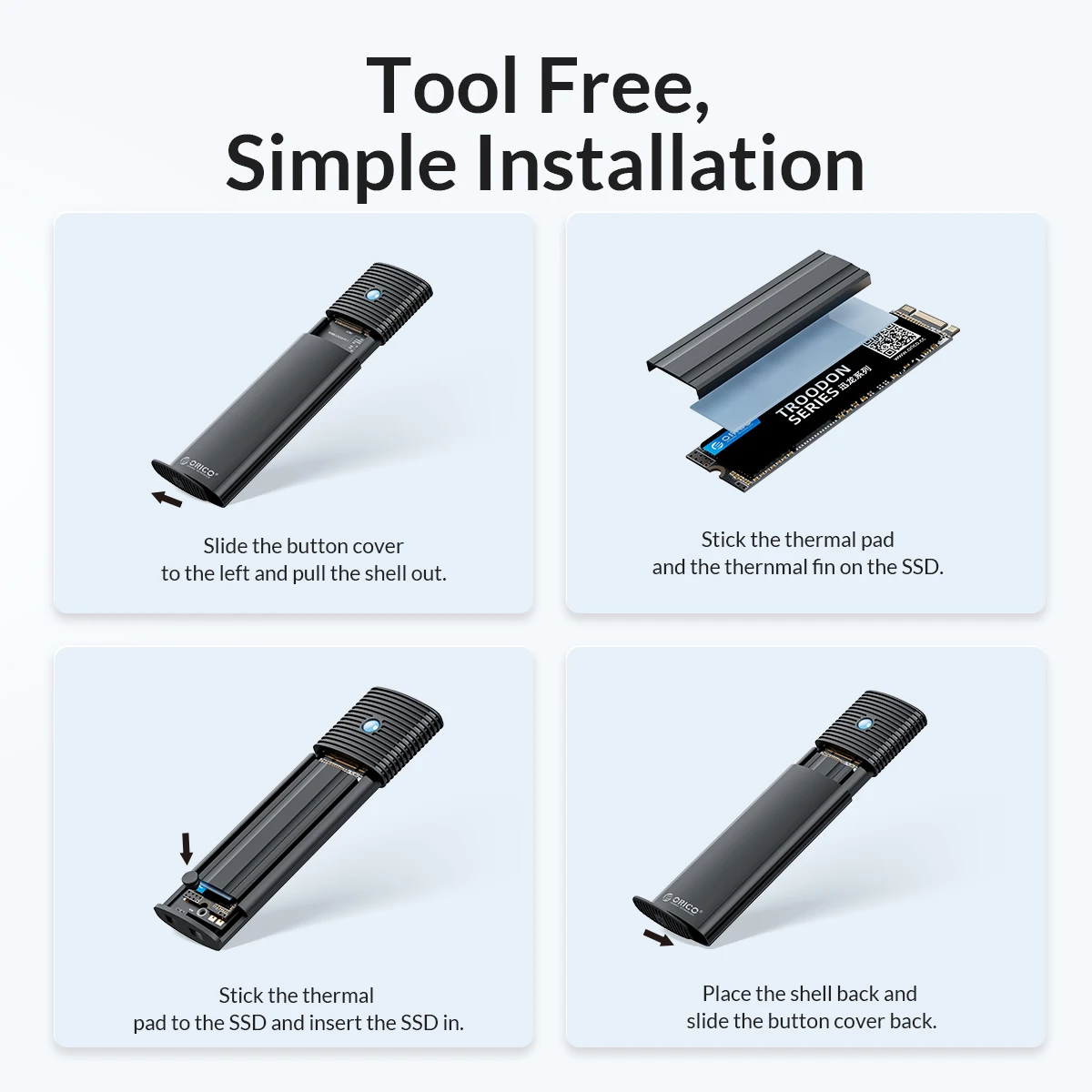
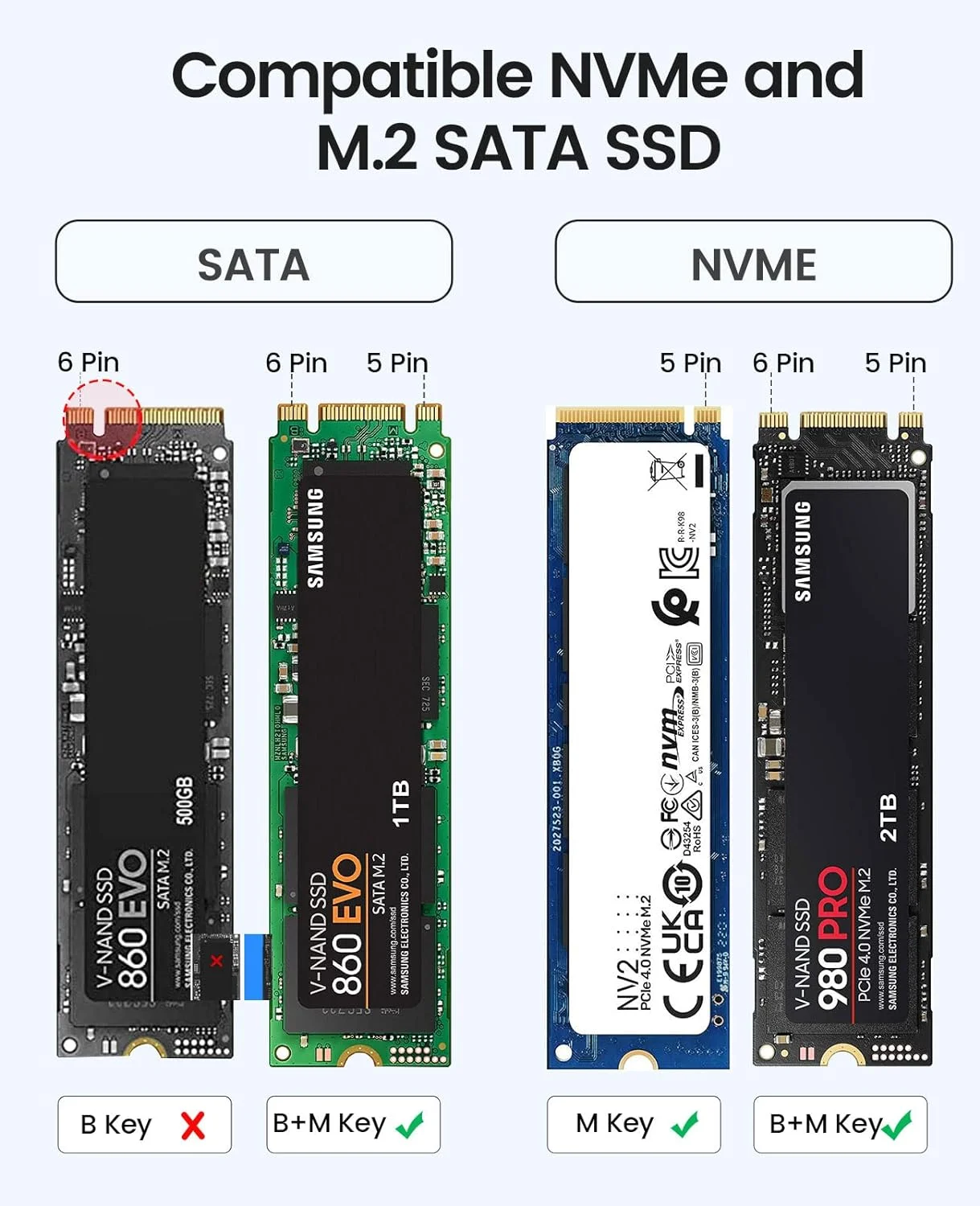
Compatible With Different SSDs
Compatibility SSD size:2230/2242/2260/2280.

Compatible with multiple operating systems
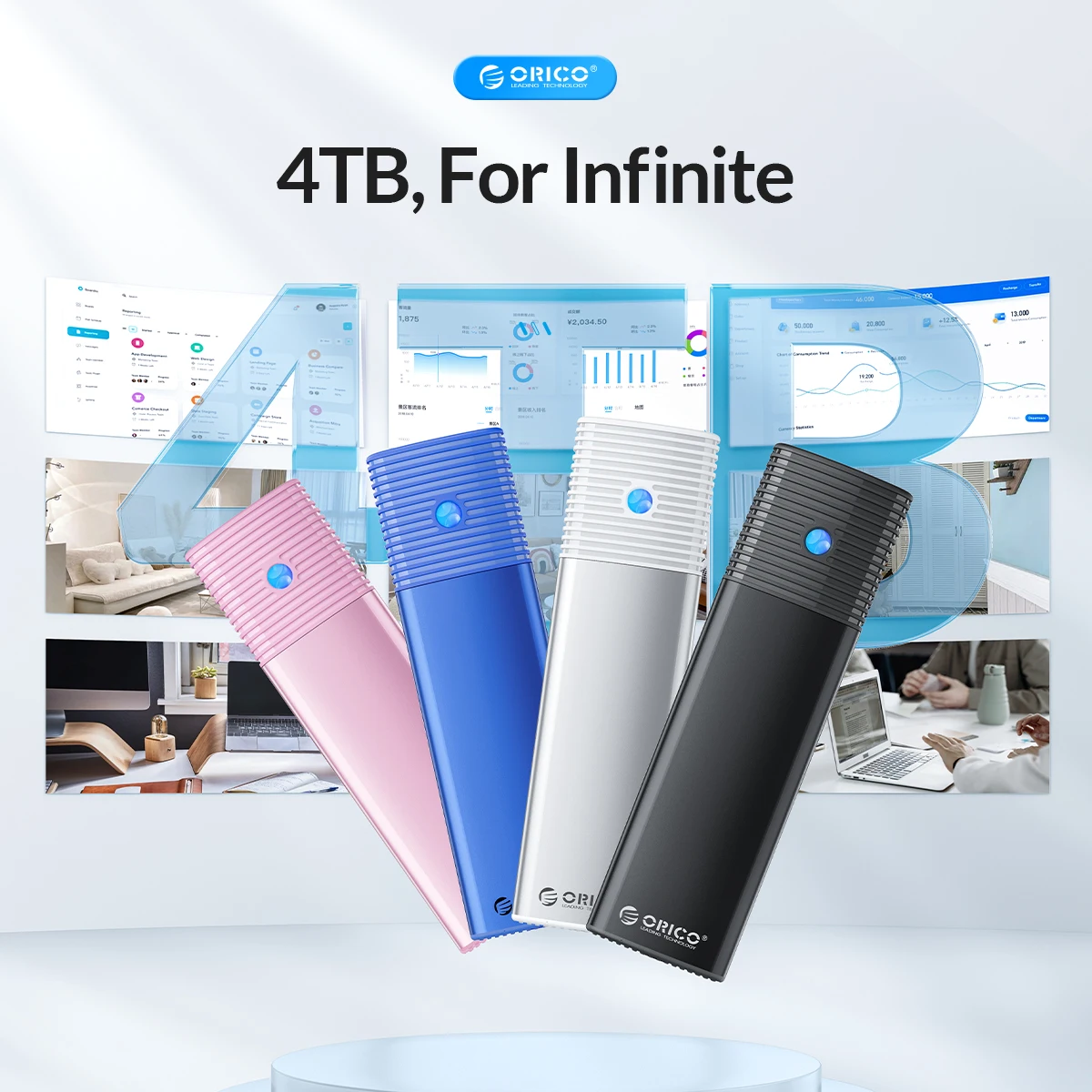
Windows, Mac OS, Linux, Android. Supports up to 4TB,Multi-color optional
Compact and Portable
This ultra-compact NVMe SATA case is both portable and durable, which is very suitable for driving. Internal SSD is firmly using rubber fastener, and it is not easy to pop up at will.

LED Indicator & 10Min Auto Sleep
With the auto indicator, you can get to know that the ssd enclosure is in working mode.(Light Always on: Standby/Sleep Mode.Light Flashing: Data transmitting)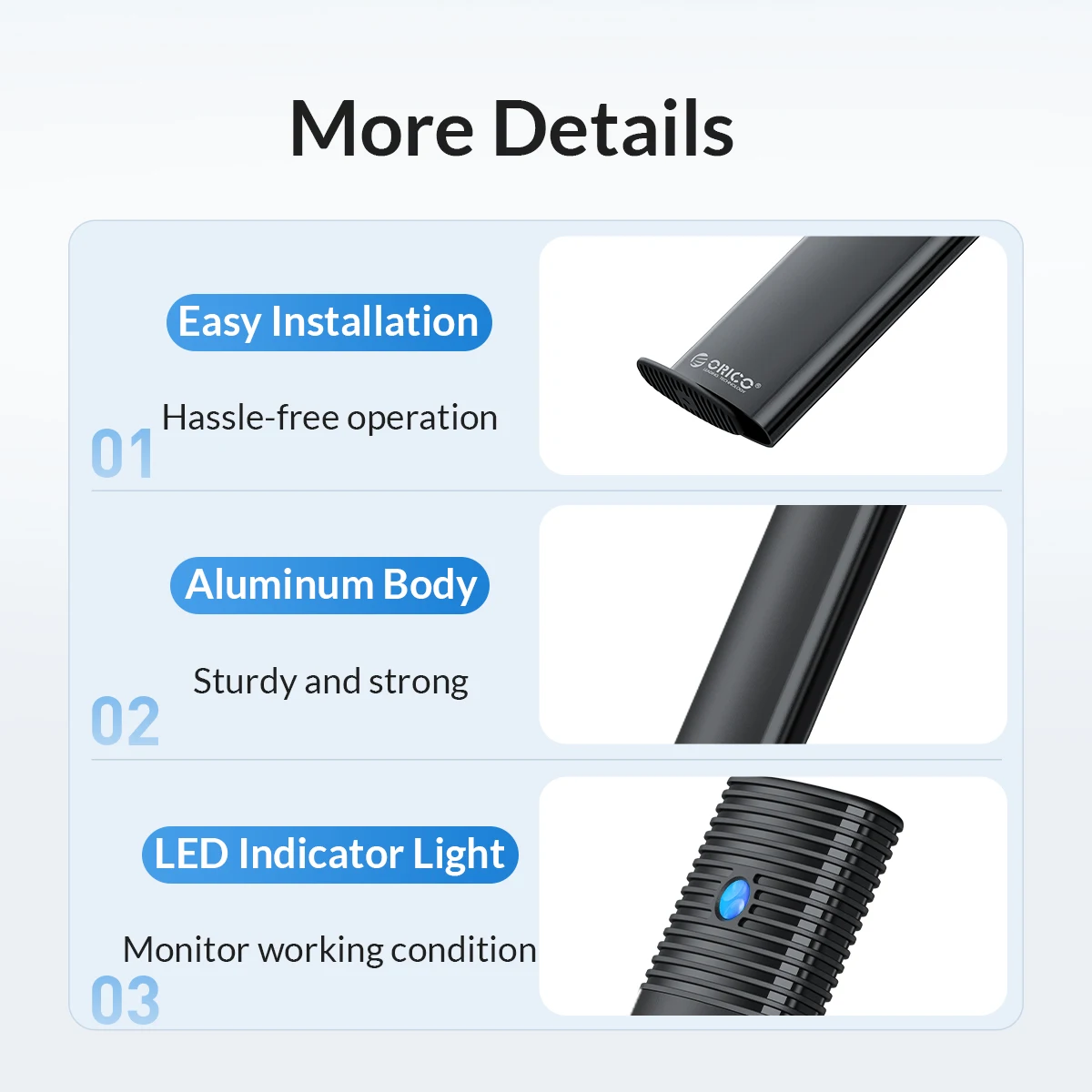
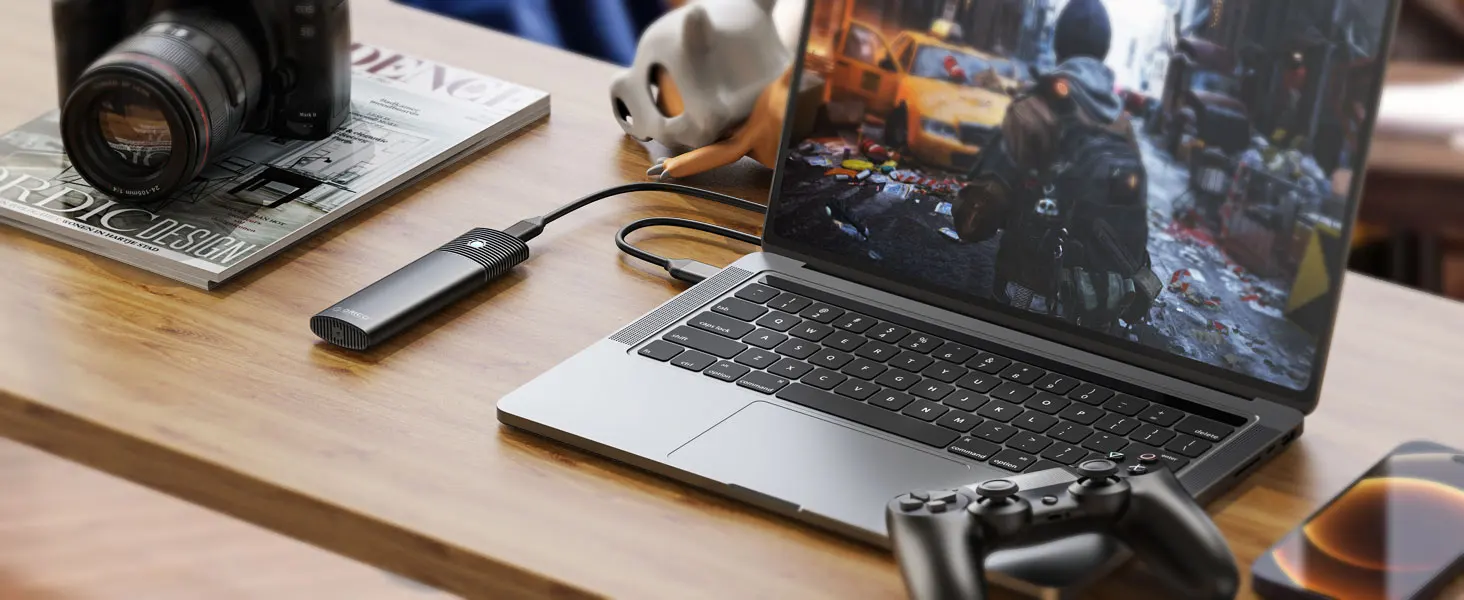
Suitable for Gaming
Back up Data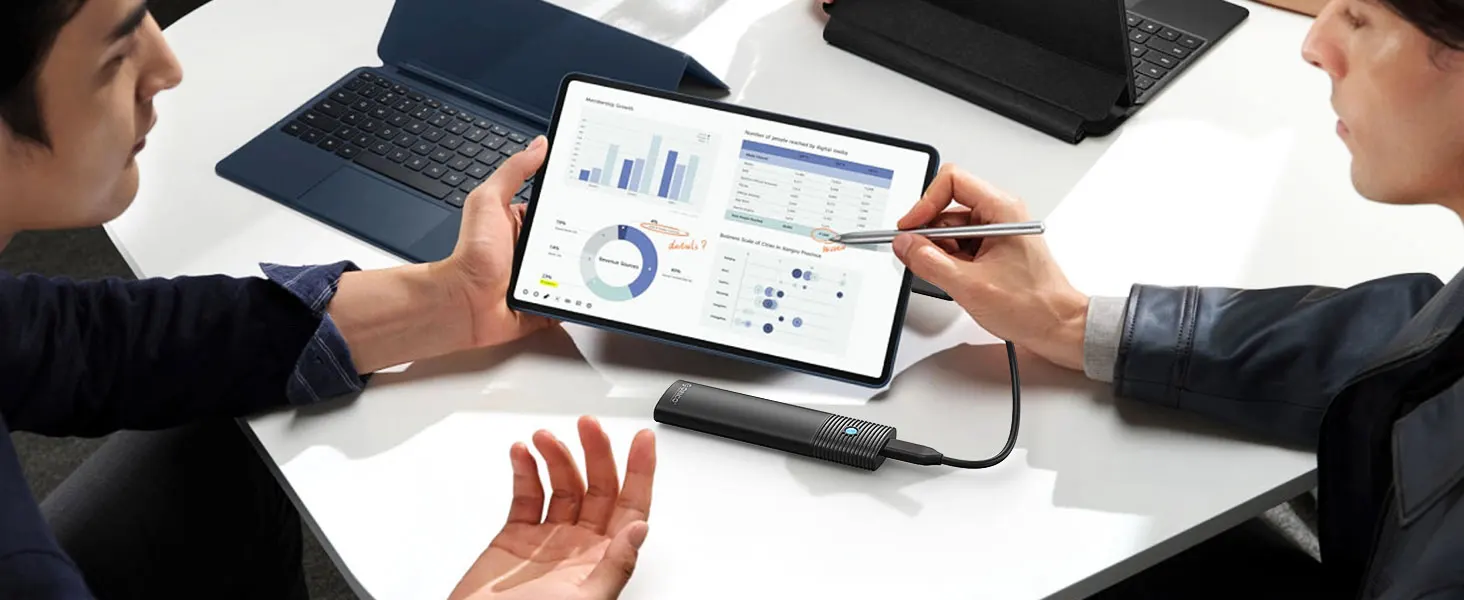
Your External Database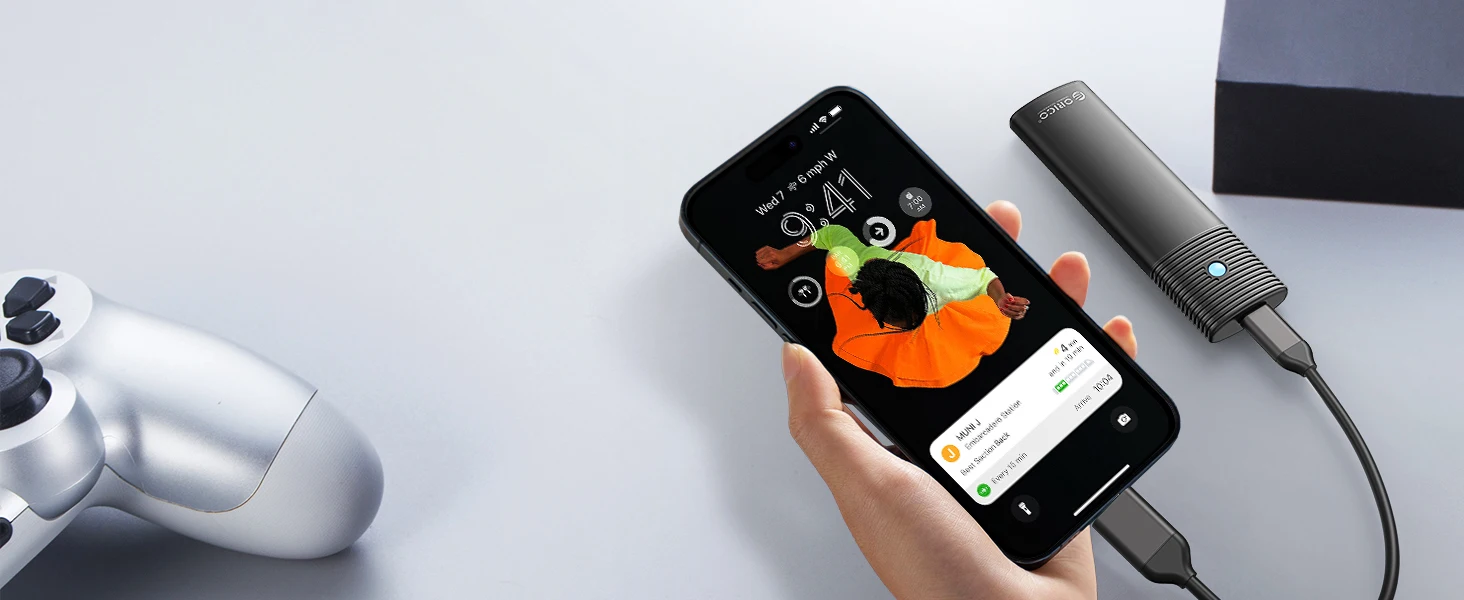

 Please Ntoe:
When you need to take out the SSD, please perform a safe removal operation on the device before disconnecting it from the device. Do not remove the NVMe M.2 enclosure and SSD forcibly to avoid data loss and hard drive damage.
When this SSD enclosure M.2 NVMe is copying data, do not forcibly disconnect the device to avoid file loss and hard drive damage.
Q:After installing SSD, the computer is not read by the enclosure?
A:1.Confirm whether the connection between the data cable and the product and equipment is in good contact, and whether the SSD is installed correctly.
2.The new SSD needs to be partitioned and formatted for the first use, otherwise the device cannot recognize the SSD.
3.Confirm whether the system supports large-capacity hard drives, WinXP 32-bit systems do not support hard drives above 2T.
4.Confirm whether the hard disk format is consistent with the SSD format supported by the system. If not, please format the SSD into a hard disk format supported by the system.
Q:Why can't it write in Mac OS? But it can read and write normally under Windows.
A:Please confirm the format of your M.2 SSD. And Mac OS has to install NTFS reading software to read M.2 SSDs in NTFS format.
Q:Is there a sleep setting? Are there any interruptions in data transmission during sleep?
A:The M.2 enclosure will automatically hibernate after 10 minutes of computer inactivity. Once your computer has read them, it will not automatically sleep.
Q:Why is the speed not as fast as advertised?
A:The operating speed of the product is determined by the notebook, host performance,M.2 SSD performance, USB port type and so on. For the fastest read and write speeds, an NVMeSSD should be used, and the external enclosure for the M.2 SSD should be connected to a USB 3.1 GEN2 10G port.
Q:Why does it generate heat?
A:SSDs generate heat as they read and write at high speeds. The aluminum case of this product effectively transfers heat throughout the case, quickly releasing the high temperatures generated by NVMe SSDs when they are operating.
Q:What formats of disks do different systems support?
A:Hello. Windows:FAT32, exFAT, NTFS. MacOS:HFS+, APFS. Linux:EXT2, EXT3, EXT4, XFS, Btrfs. Android:FAT32, exFAT, NTFS, ext3, ext4(Requires a third-party application). iOS:APFS, FAT32


